
Code Module: IFV1_Sound_System (Runtime Module)
Number of Blueprints: 6
Number of C++ Classes: 6
Network Replicated: Yes
Supported Development Platforms: Windows
Supported Target Build Platforms: Windows
HOW TO USE IT WITH OUR READY-MADE SCENE: VIDEO
HOW TO USE IT FOR MULTIPLAYER: VIDEO
- Enable “IFV1_Sound_System” and “ChaosVehiclesPlugin” from “Edit > Plugins“. Restart UE
- Adjust the audio settings of the project as shown in the ‘How to Use‘ video
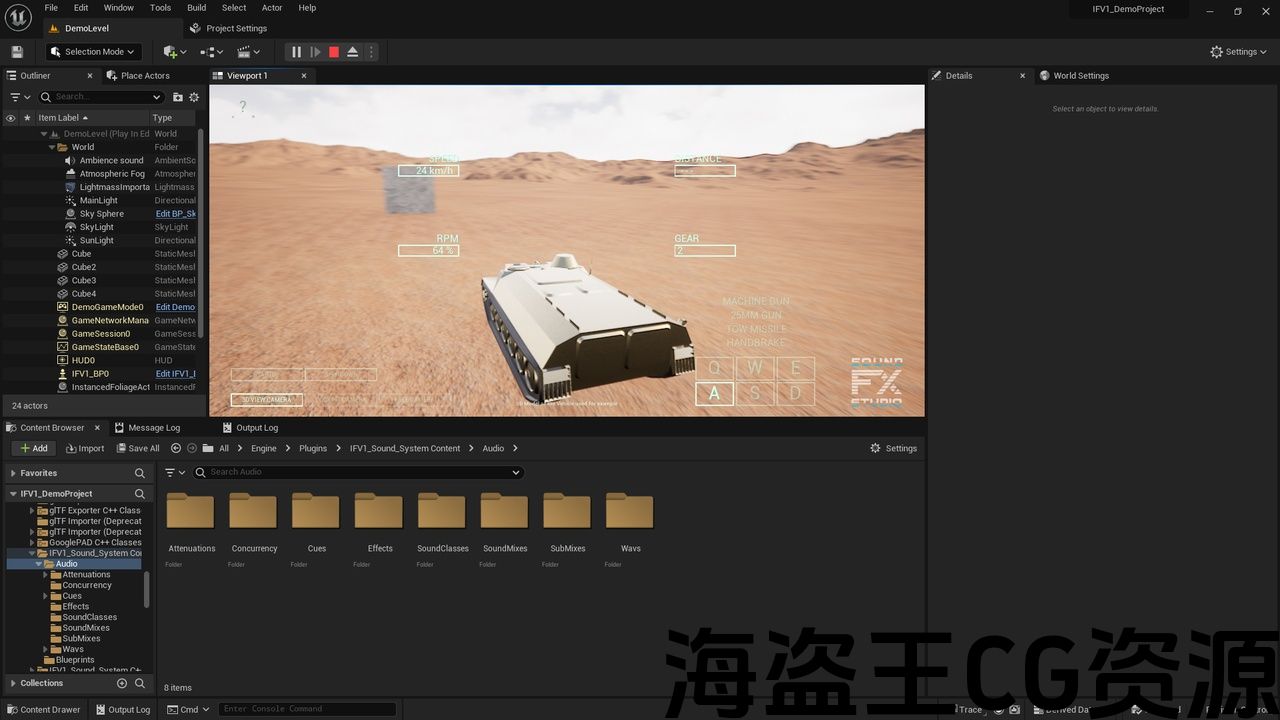
- Open ‘DemoLevel‘ from ‘/Engine/Plugins/IFV1_Sound_System Content/DemoLevel/DemoLevel.umap‘. For UE 5.3 and below you need to download it.
- DRIVE!!!
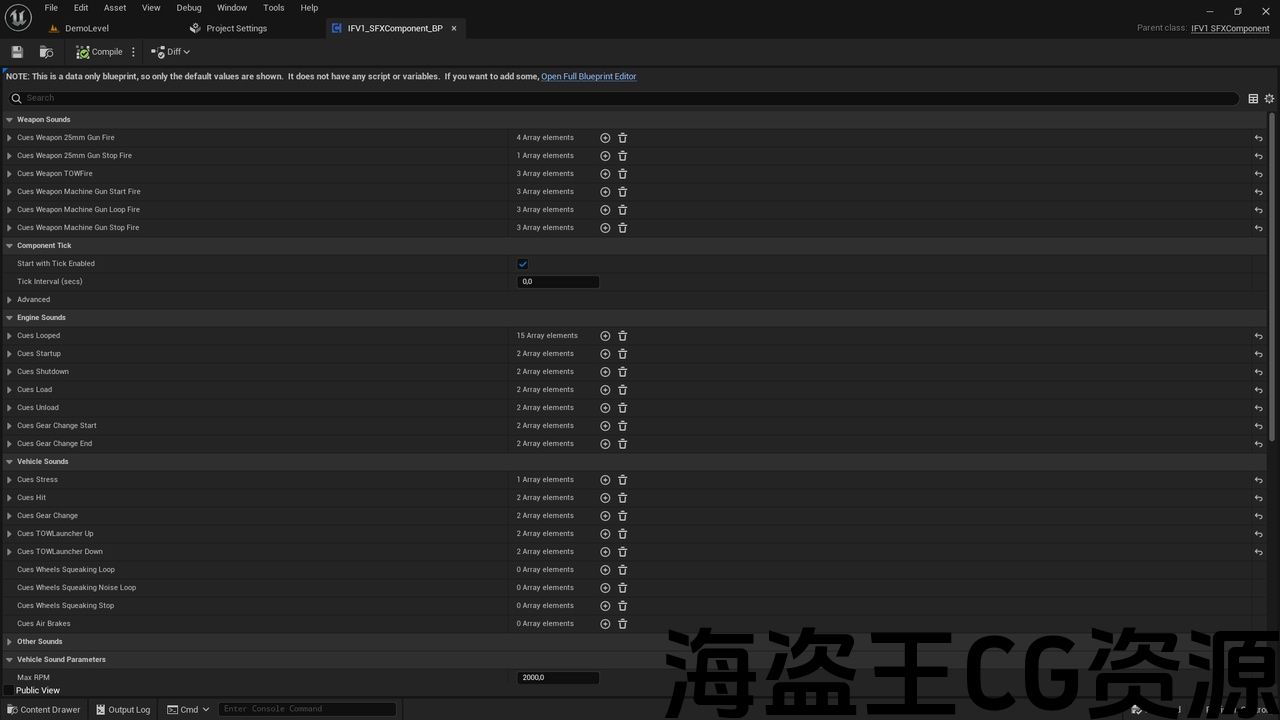
Check IFV1_SFXComponent_BP to adjust any IVF’s sound settings.
Support: info@soundfx.studio
Discord: https://discord.gg/HzVuvSuCHr
代码模块:IFV1_Sound_System(运行时模块)
蓝图数量:6
C++ 类数量:6
网络复制:是
支持的开发平台:Windows
支持的目标构建平台:Windows
如何使用它我们现成的场景:视频
如何将其用于多人游戏:视频
- 从“编辑 > 插件”启用“IFV1_Sound_System”和“ChaosVehiclesPlugin”。重新启动 UE
- 按照“如何使用”视频中所示调整项目的音频设置
- 从以下位置打开“DemoLevel” ‘/Engine/Plugins/IFV1_Sound_System Content/DemoLevel/DemoLevel.umap‘。对于 UE 5.3 及更低版本,您需要下载它。
- 驾驶!!!
检查IFV1_SFXComponent_BP 以调整任何 IVF 的声音设置。
Discord: https://discord.gg/HzVuvSuCHr
VIDEO PREVIEW | HOW TO USE VIDEO | HOW TO USE IT FOR MULTIPLAYER
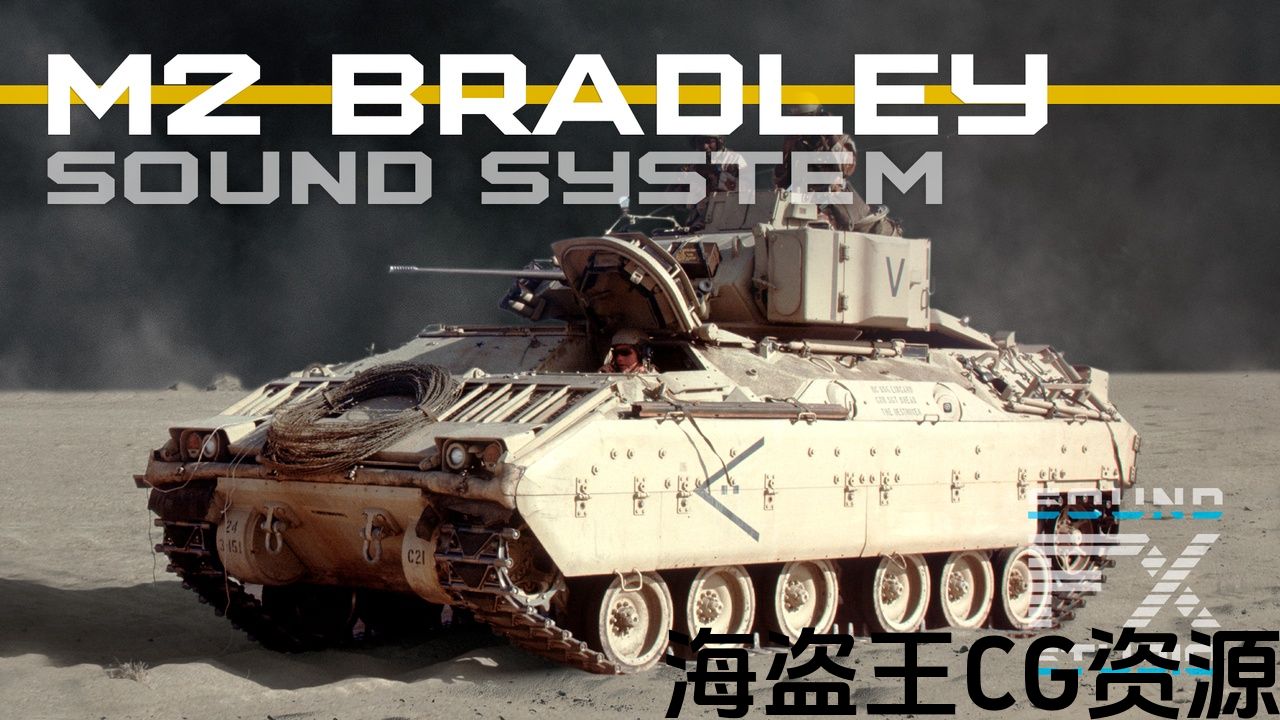
Infantry Fighting Vehicle – 1 : Sound System is an all-encompassing audio solution designed specifically for the iconic M2 Bradley Infantry Fighting Vehicle. More than just a sound library, this product is a fully prepared package complete with the necessary code for seamless integration into the Unreal Engine, allowing you to effortlessly incorporate realistic audio into your projects.
-
Fully controllable 3d-model
-
The most realistic engine sounds
-
Different sounds from different RPMs, speed, gear and other vehicle’s parameters
-
Weapon sounds from the weapons used by this vehicle in real life
-
Different sounds from different distance
-
Startup and Shutdown sounds
-
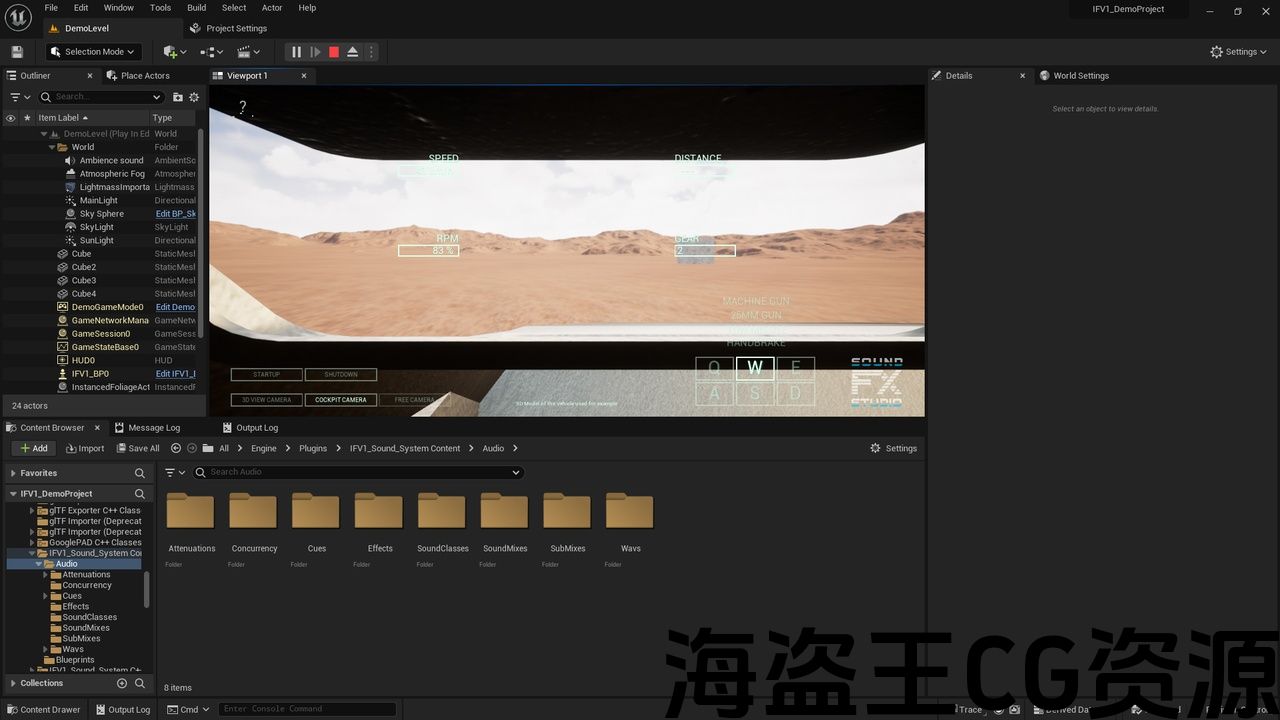
Cockpit sounds
-
Multiplayer Replication
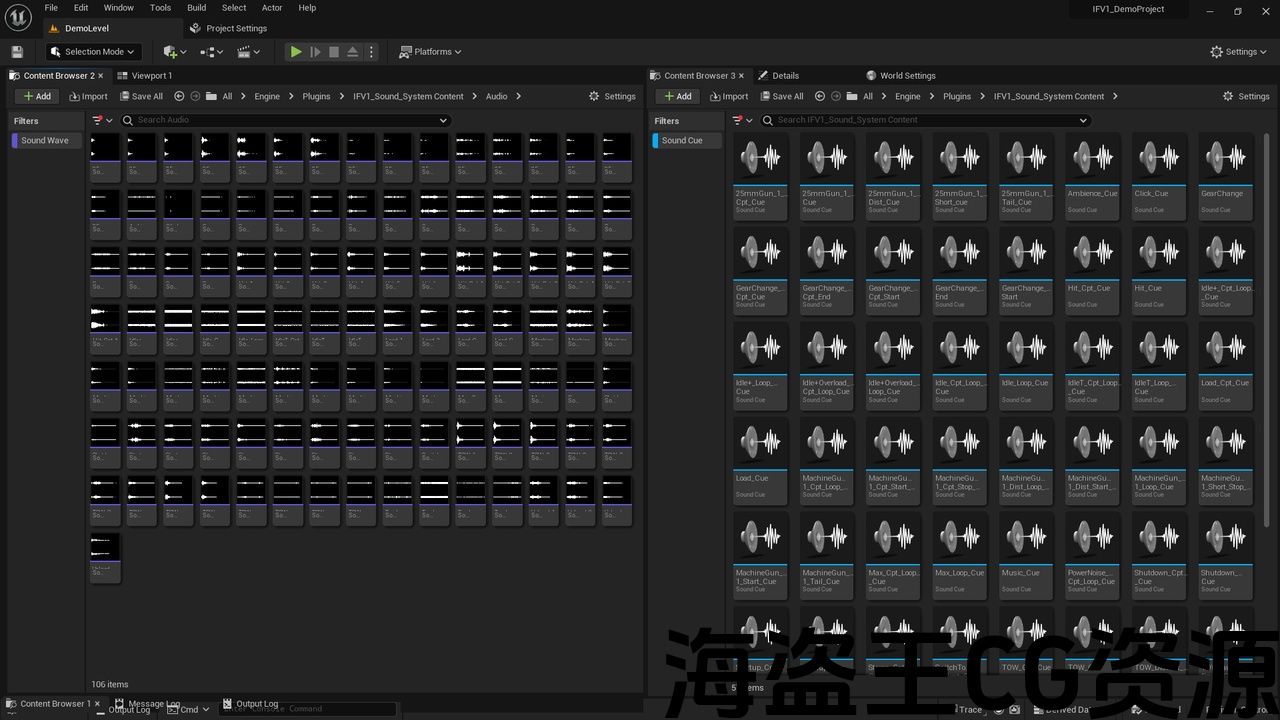
The Infantry Fighting Vehicle – 1 : Sound System for M2 brings together a meticulously crafted collection of more than 60 engine sounds and 40 weapon sounds for Coaxial Machine Gun, 25mm Chain Gun and Missile Launcher, encompassing both exterior and interior perspectives. Experience the rumble of the engine as if you were right there on the battlefield, whether you’re viewing the vehicle from the outside or seated within the cabin. Our comprehensive solution includes advanced code that dynamically adjusts sound parameters based on in-game variables such as distance from objects, vehicle speed, engine RPMs, and more not only for single-player, but also for multiplayer. This level of detail and authenticity immerses you in the world of armored combat like never before.
For UE version 5.3 and below, you can download the demo scene from here. For UE 5.4 and above, the demo scene is already included in the plugin. You just need to adjust the audio settings of the project as shown in the ‘How to Use‘ video.
视频预览 | 如何使用视频 | 如何将其用于多人游戏
步兵战车 – 1:声音系统是专为标志性的 M2 Bradley 步兵战车设计的全方位音频解决方案车辆。该产品不仅仅是一个声音库,还是一个完全准备好的软件包,其中包含无缝集成到虚幻引擎中所需的代码,使您可以轻松地将逼真的音频融入到您的项目中。
-
完全可控的 3D 模型
-
最真实的引擎声音
-
来自不同 RPM、速度、齿轮和其他车辆的不同声音参数
-
来自现实生活中该车辆使用的武器的武器声音
-
不同距离的不同声音
-
启动和关闭声音
-
驾驶舱声音
-
多人复制
步兵战车 – 1:M2 声音系统汇集了精心制作的 60 多种发动机声音和 40 多种同轴机枪、25 毫米链炮和导弹发射器的武器声音,涵盖了外部和内部视角。无论您是从外部观看车辆还是坐在驾驶室内,都可以体验引擎的轰鸣声,就像您亲临战场一样。我们的综合解决方案包括先进的代码,可根据游戏中的变量(例如与物体的距离、车速、发动机转速等)动态调整声音参数,不仅适用于单人游戏,也适用于多人游戏。这种程度的细节和真实性让您以前所未有的方式沉浸在装甲战斗的世界中。
对于 UE 5.3 及更低版本,您可以从 这里。对于 UE 5.4 及更高版本,演示场景已包含在插件中。您只需按照“如何使用”视频中所示调整项目的音频设置。
评论(0)