
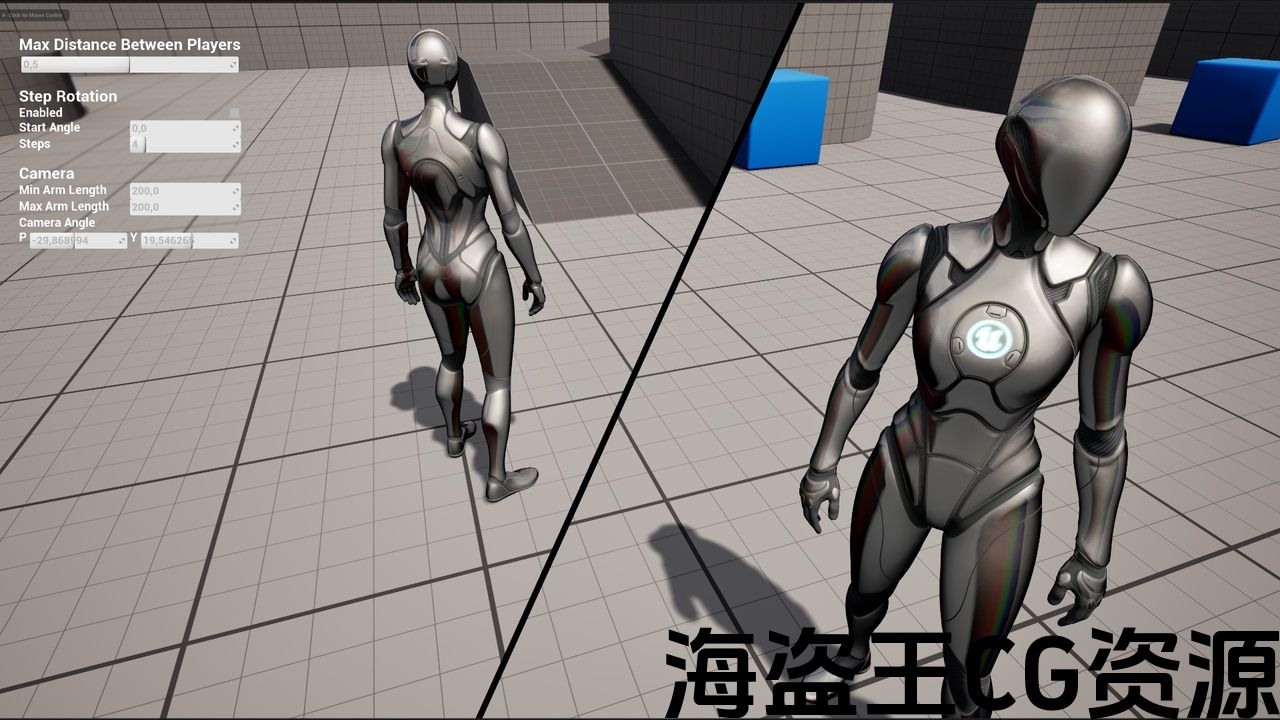
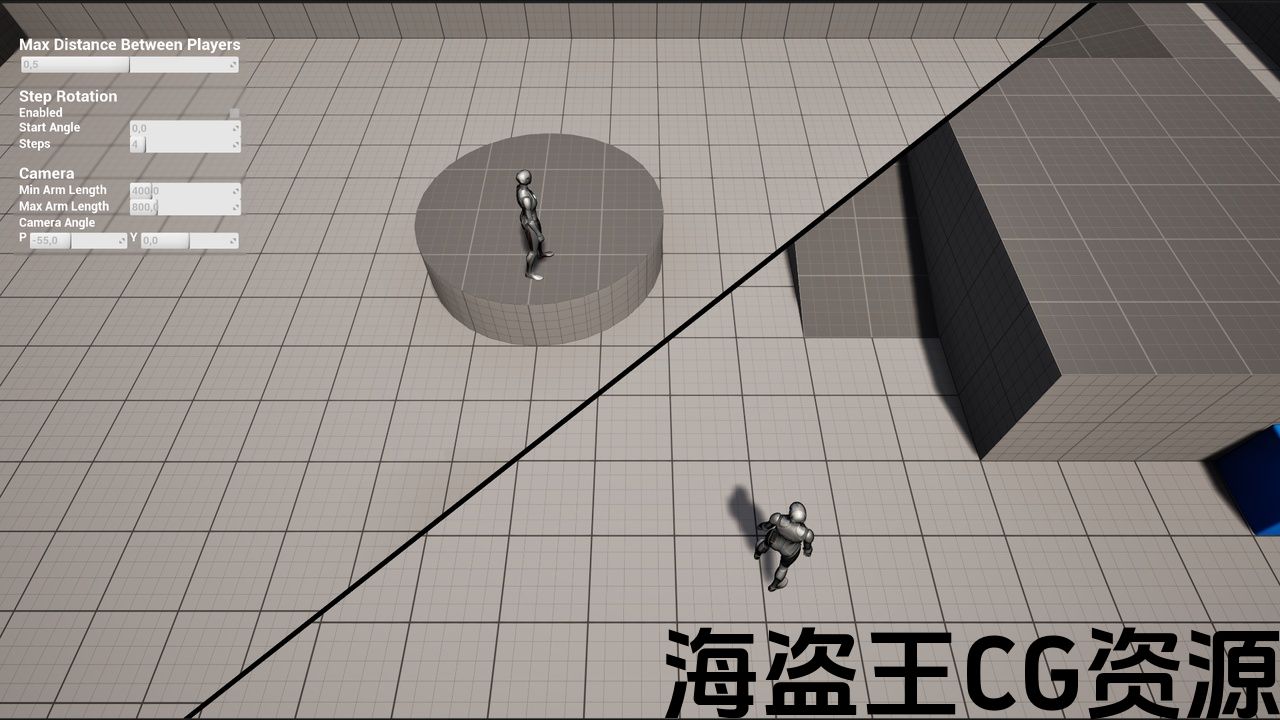
Features:
- Track two players on screen, with a dynamic zoom and a dynamic split view
- Debug widget to play around with the settings
- Demo map to play around
Number of Blueprints: 4 blueprints + 3 materials/functions
Input: Default keyboard and controller mapping, Look is not present in the CoopCharacter
Network Replicated: Yes
Supported Development Platforms:
Windows: Yes
Mac: Yes
特征:
- 跟踪屏幕上的两个玩家,动态缩放和动态分割视图
- 调试小部件来玩弄设置
- 演示地图玩
蓝图数目: 4蓝图+3材料/功能
输入: 默认键盘和控制器映射,CoopCharacter中不存在Look
网络复制: 是的
支持的开发平台:
Windows:是的
Mac:是的
Overview Trailer | Documentation
Orbital Market Link (for old Reviews/Questions)
What is it?
The Split Screen Camera system allows an easy jumpstart for any shared screen game!
The camera tracks the two players keeping them on screen while zooming in and out as needed, and when the max zoom level is reached splitting the screen dynamically to allow relative position between the players to be always easily understood by the players.
Every part of the project is clean and documented to allow easy learning and expanding of the system.
How does it work?
The player characters have an optimized scene capture attached instead of a regular camera, and the two views are combined together with a post-processing material. The players are tracked on screen and their settings adjusted to allow for seamless transition in all situations.
Local or Online Coop
The system works even for online coop, giving each player the complete view. Just remember to change/remove the BeginPlay event in the CoopGameMode which spawns the second local player and everything will work correctly.
Input
Input on the Character might require adjusting for completely side and top views, by default movement is based dynamically on the camera direction.
Performance
From my tests the performance is virtually the same as the standard splitscreen mode.
Project Settings (if migrating to another project)
-
Disable Use Splitscreen
-
Change Anti-Aliasing Method to something that’s not TSR (it doesn’t work with Scene Captures)
-
Enable Support global clip plane for Planar Reflections
—————————-
Update 1.1 – 22 March 2025
—————————-
Fixed: in some situations a thin line appeared between players even when close
Fixed: some issues with reflections and water shaders when the players are close
Code changes:
-
Added an if node at the last step of PP_Splitscreen
-
Disabled “Capture on movement” in the Scene Capture Component of BP_SplitScreenCharacter
-
Added some logic at the end of the function UpdatePlayerCapture in BP_SplitScreenCamera
這是什麼啊?
分屏相机系统允许一个简单的启动任何共享屏幕游戏!
摄像机跟踪两个玩家保持在屏幕上,同时根据需要放大和缩小,当达到最大缩放级别时,动态地分割屏幕,以便玩家始终容易理解玩家之间的相对位置。
项目的每个部分都是干净的和记录的,以便于学习和扩展系统。
它是如何工作的?
玩家角色有一个优化的场景捕捉附加,而不是一个普通的相机,两个视图结合在一起后处理材料。 玩家在屏幕上被跟踪和他们的设置调整,以允许无缝过渡在所有情况。
本地或网上合作
该系统甚至适用于在线coop,为每个玩家提供完整的视图。 只要记住更改/删除CoopGameMode中的BeginPlay事件,它会产生第二个本地玩家,一切都可以正常工作。
输入
角色的输入可能需要调整完全的侧视图和顶视图,默认情况下,移动是动态基于相机方向。
工作表现
从我的测试中,性能几乎与标准分屏模式相同。
项目设置(如果迁移到其他项目)
-
禁用使用分屏
-
将抗锯齿方法更改为不是TSR的东西(它不适用于场景捕获)
-
为平面反射启用支持全局剪辑平面
—————————-
更新1.1-2025年3月22日
—————————-
修正:在某些情况下,即使在接近时,玩家之间也会出现一条细线
修正:玩家靠近时反射和水着色器的一些问题
代码更改:
-
在PP_Splitscreen的最后一步添加了if节点
-
在BP_SplitScreenCharacter的场景捕获组件中禁用了”移动时捕获”
-
在bp_splitscreencamera中的函数UpdatePlayerCapture末尾添加了一些逻辑
评论(0)