
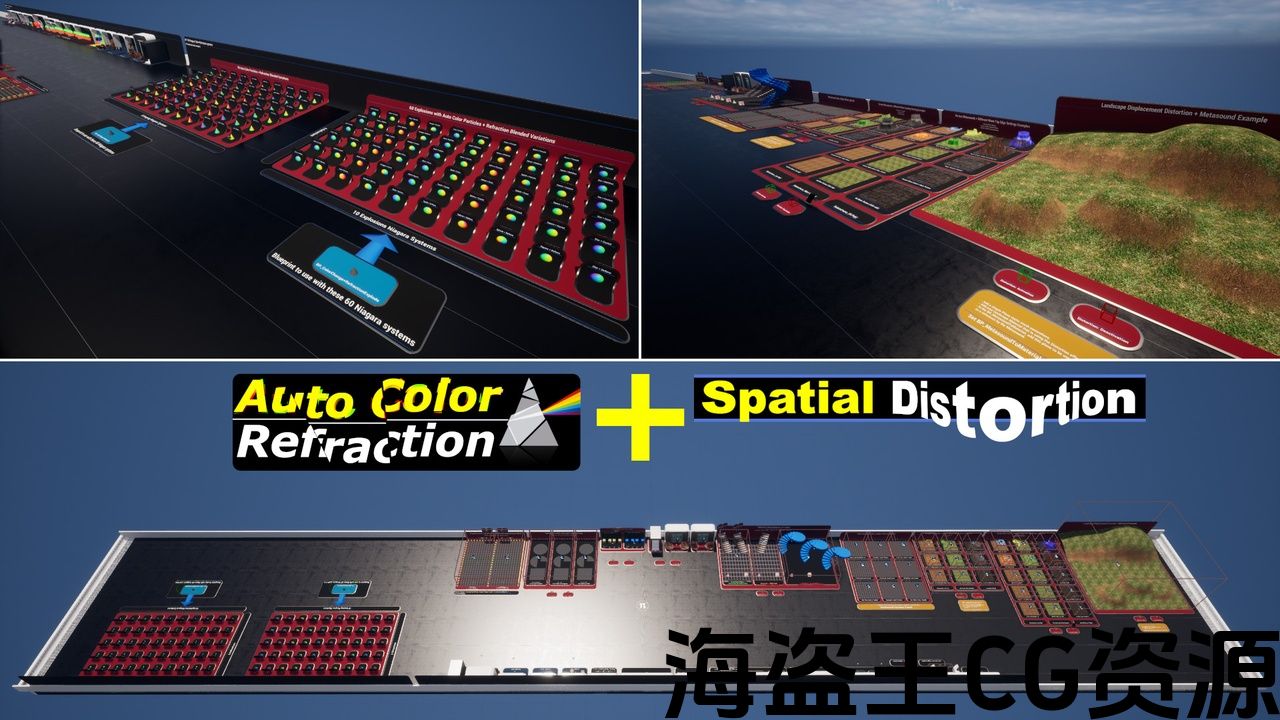
120 Niagara systems (GPU)
38 wave sounds
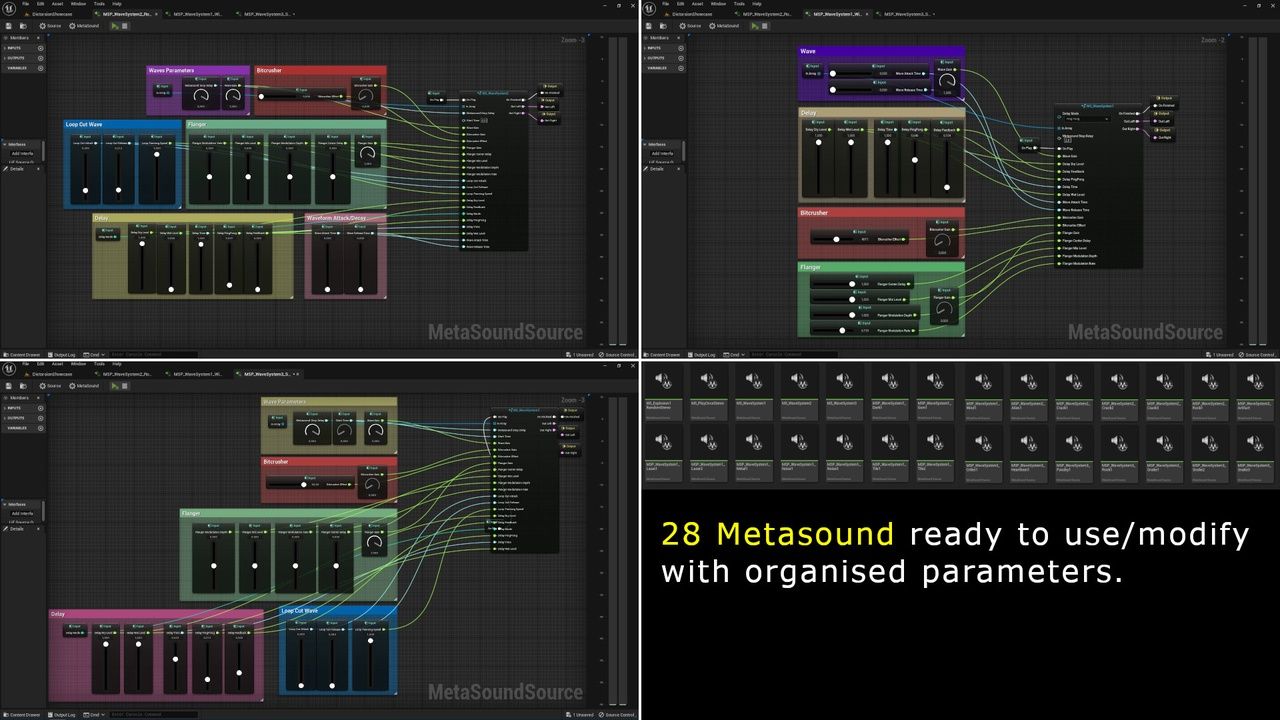
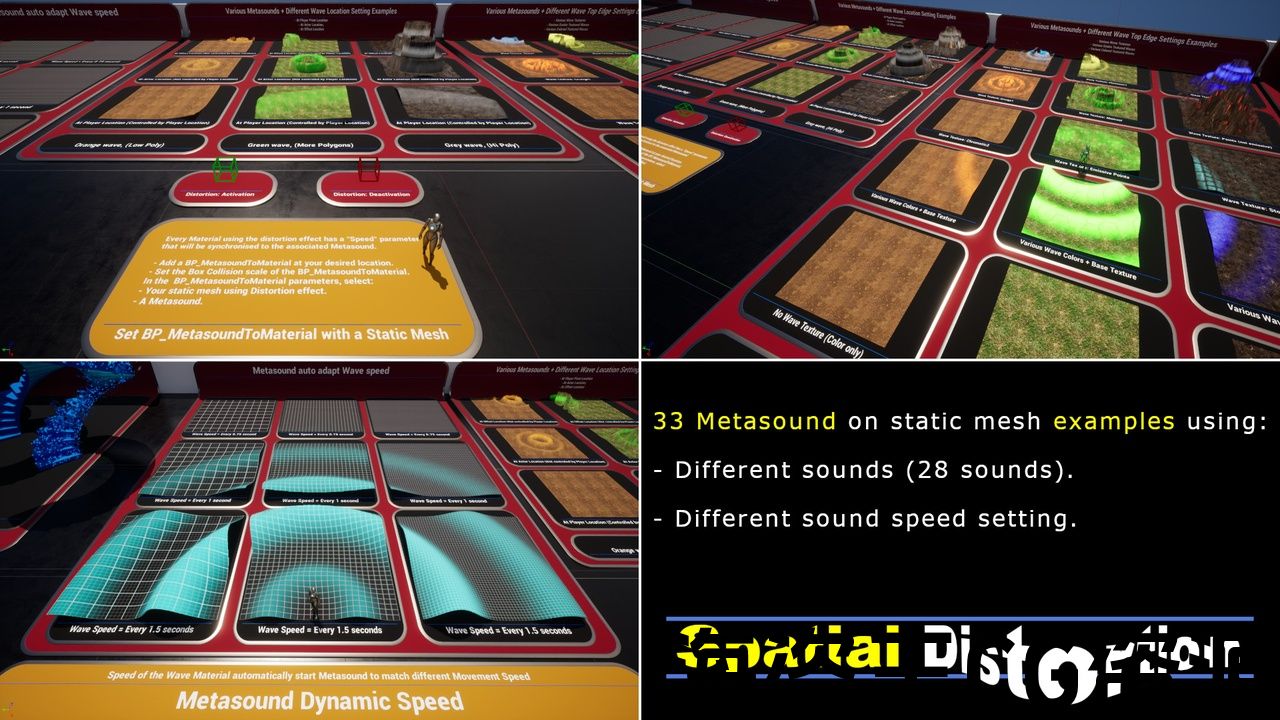
28 Metasound systems
1 Sound Attenuation
17 Static meshes
77 Material Instances
15 Materials
44 Wave edge texture
7 Blueprints
2 Camera Shake
1 Landscape
Supported Development Platforms: Windows, Mac: Yes
120 个 Niagara 系统 (GPU)
38 个波浪声音
28 个 Metasound 系统
1 个声音衰减
17 个静态网格物体
77 个材质实例
15 个材质
44 个波浪边缘纹理
7蓝图
2 个相机抖动
1 个横向
支持的开发平台:Windows、Mac:是
Video showcase A: Link (Distortions + Metasounds + Niagaras)
Video showcase B: Link (Third person Template distortion)
Documentation PDF: Link (Spatial Distortion)
Documentation PDF: Link (Auto Color Refraction)
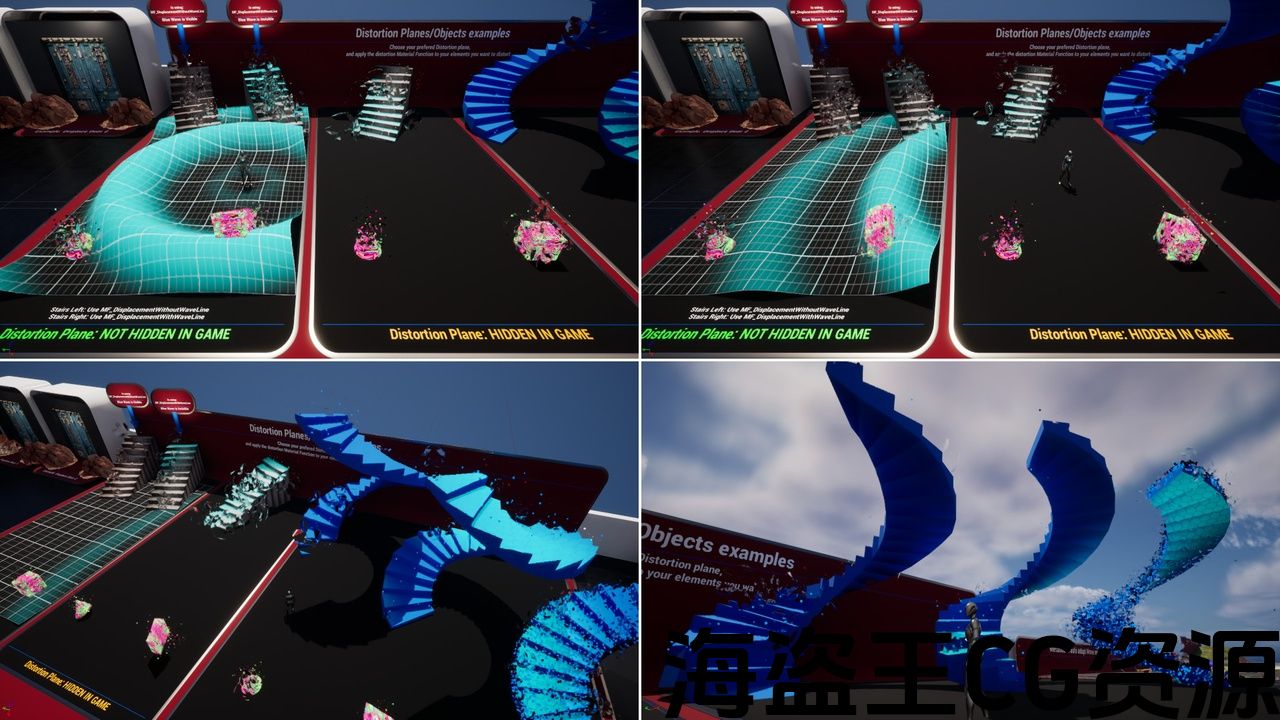
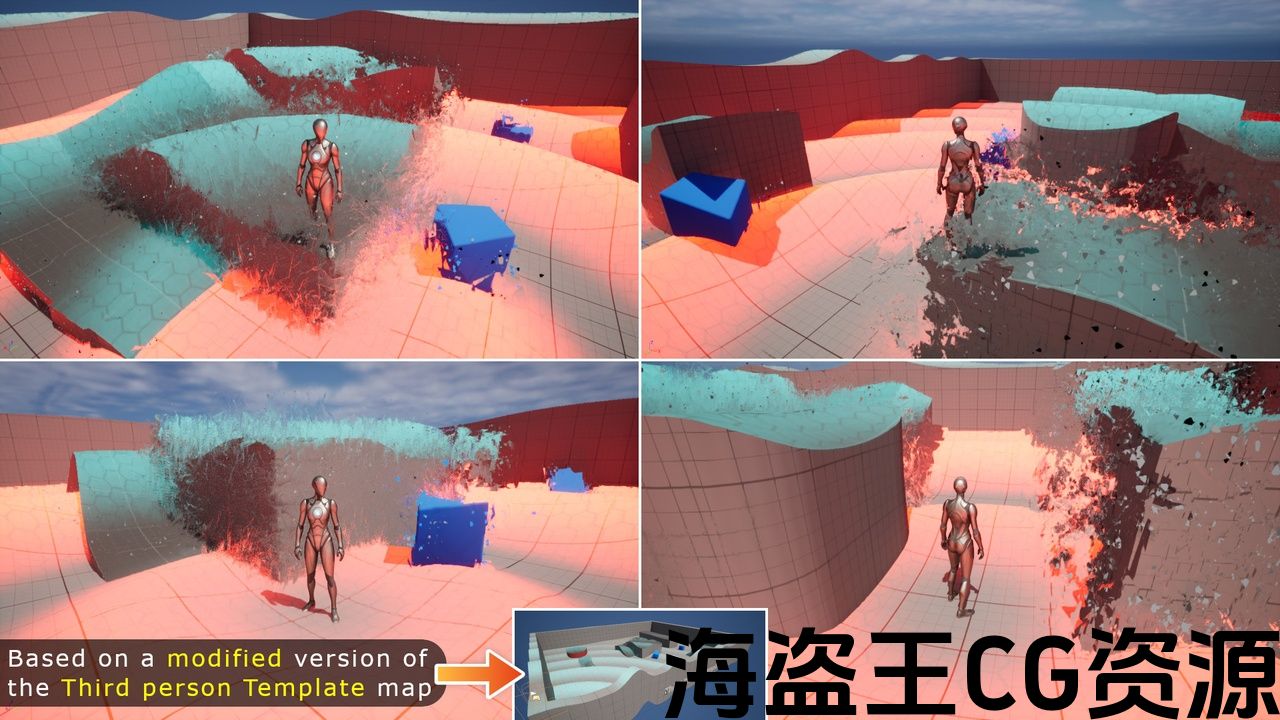
Spatial Distortion will distort any static meshes or landscape around your player.
Works better on static mesh with more vertices (perfect on Nanite objects).
Spatial Distortion includes “Auto Color Refraction” Niagara system: Marketplace Link
Easy to use, simply add one of the Distortion functions inside the material of the object to distort, that’s all. A lot of “Distortion” parameters will appears in your Materials/Materials Instances, enjoy to play with them and experience various distortion effects!
Enhance your Spatial Distortion using one of the 120 Niagara system, and one of the 28 Metasound system included.
视频展示 A:链接(Distortions + Metasounds + Niagaras)
视频展示 B:链接(第三人称)模板变形)
文档 PDF:链接(空间变形)
文档 PDF:链接(自动颜色折射)
空间扭曲会扭曲播放器周围的任何静态网格物体或景观。
在静态网格物体上效果更好具有更多顶点(在 Nanite 物体上完美)。
空间扭曲包括“自动颜色折射”Niagara 系统:市场链接
易于访问使用时,只需在物体的材质内部添加一个扭曲函数来扭曲即可。许多“扭曲”参数将出现在您的材质/材质实例中,尽情使用它们并体验各种扭曲效果!
使用 120 Niagara 系统之一和随附的 28 Metasound 系统之一增强您的空间扭曲。
评论(0)