
Features: (Please include a full, comprehensive list of the features of the product)
- Two main blueprints
- Batch Render tool for queuing up many renders
- Controller to preview scenes
- Multiple premade graphic sequences
- Base scene with different mashes and materials
- A few simple teams with presets
Number of Blueprints: 2
Input: (If any, please include which methods of input are preconfigured (Gamepad, Keyboard, Mouse… etc.))
Network Replicated: (Yes/No)
Supported Development Platforms:
Windows: (Yes/No)
Mac: (Yes/No)
Documentation: https://docs.google.com/document/d/1XVOYKXOL6i21lUln1ofSxJoJSAuxS0dWlXphiyetSPc/edit?usp=sharing
Important/Additional Notes: Includes Sports Car from the built in engine preset for driving cars as mesh. PythonScriptPlugin, SequencerScripting,Takes, VirtualProductionUtilities, LiveLink, Composure, MediaFrameworkUtilities, MediaIOFramework, nDisplay, PixelStreaming, AppleProResMedia, MovieRenderPipeline, and Text3D plugins are enabled and turning them off may cause crashes or content to have errors.
特点:(请包括一个完整的,全面的产品功能列表)
- 两个主要蓝图
- 批量渲染工具,用于排队许多渲染
- 控制器预览场景
- 多个预制图形序列
- 具有不同捣碎和材质的基础场景
- 几个简单的团队与预设
蓝图数目:2
输入:(如果有的话,请包括哪些输入方法是预先配置的(游戏手柄,键盘,鼠标。.. 等。))
网络复制:(是/否)
支持的开发平台:
窗户:(是的/否)
Mac:(是的/非也。)
文件:https://docs.google.com/document/d/1XVOYKXOL6i21lUln1ofSxJoJSAuxS0dWlXphiyetSPc/edit?usp=sharing
重要/附加说明:包括跑车从内置发动机预设驾驶汽车作为网格。 PythonScriptPlugin,SequencerScripting,Takes,VirtualProductionUtilities,LiveLink,Composure,MediaFrameworkUtilities,MediaIOFramework,nDisplay,PixelStreaming,AppleProResMedia,MovieRenderPipeline和Text3D插件已启用,关闭它们可能会导致崩溃或内容出现错误。
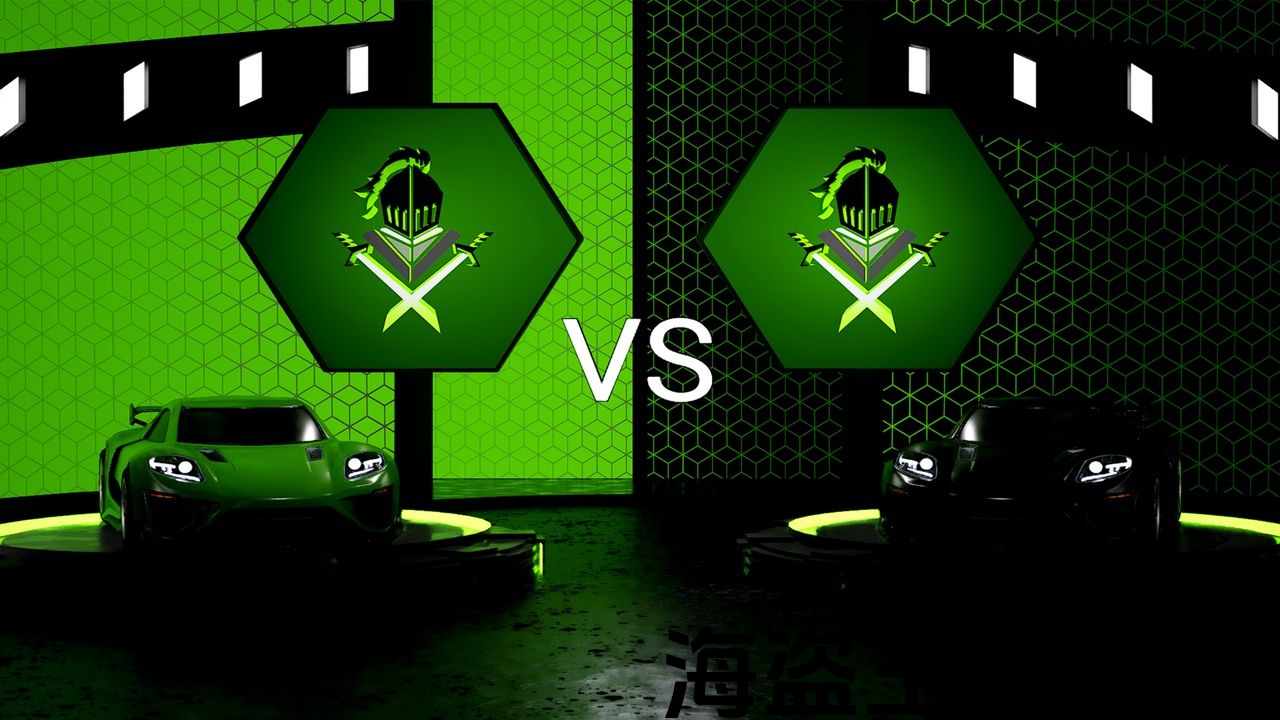
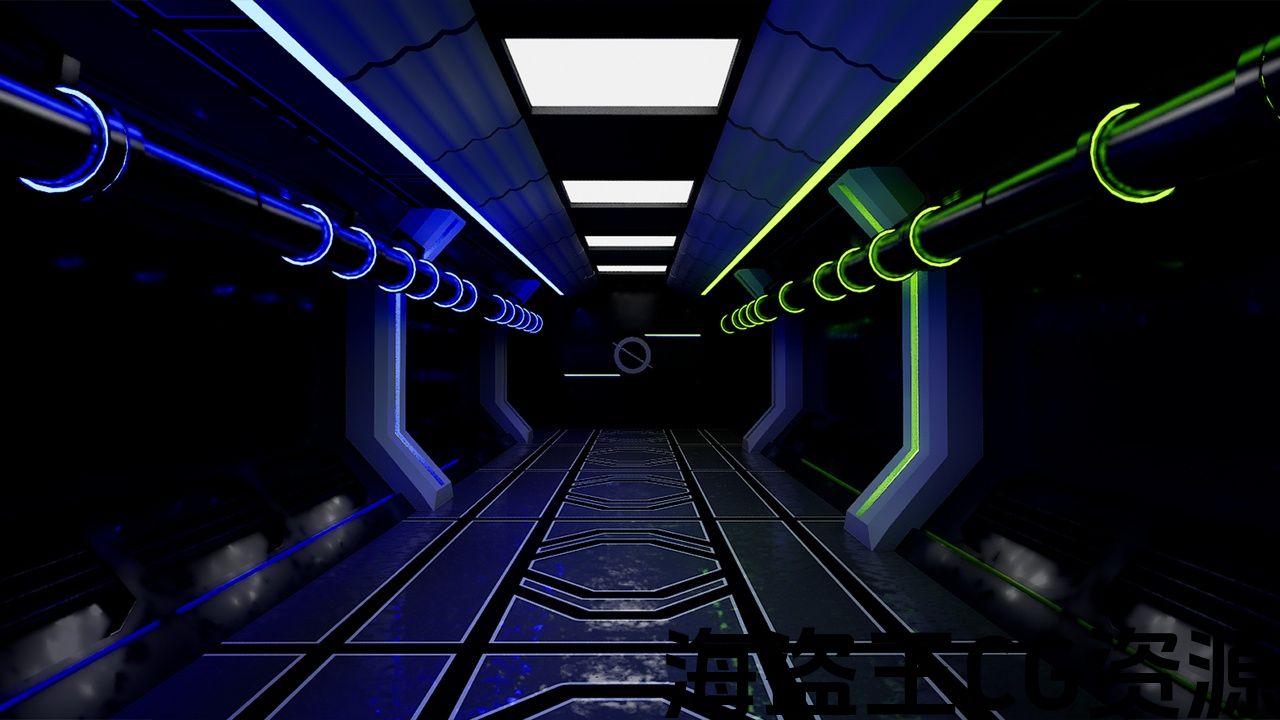
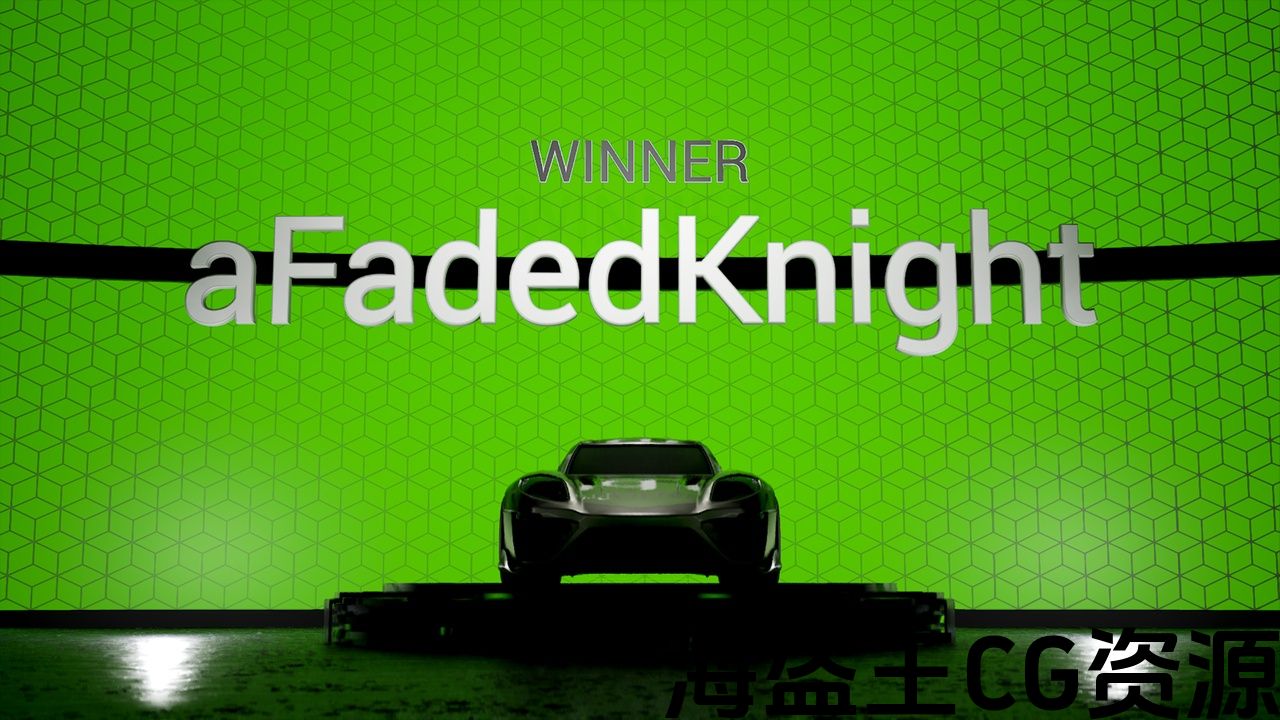
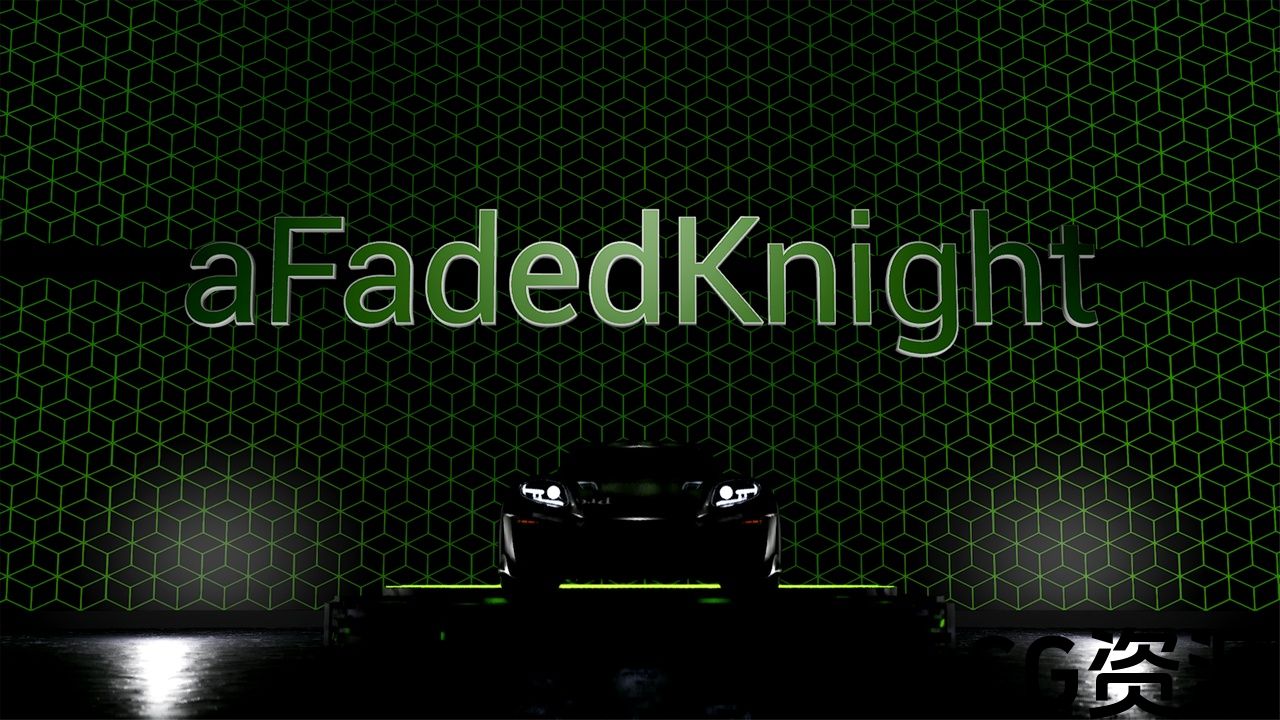
This project allows you to render up to 5 graphics per match, for games you may broadcast live, with very little setup. There is a data table that you create as many team presets as you want to easily match them up for graphics. You can easily preview these matchups using the controller blueprint placed in the scene.
For the matchup you can select different color schemes for the teams as well. It automatically changes the color scheme based on the teams’ primary and secondary colors set in the data table.
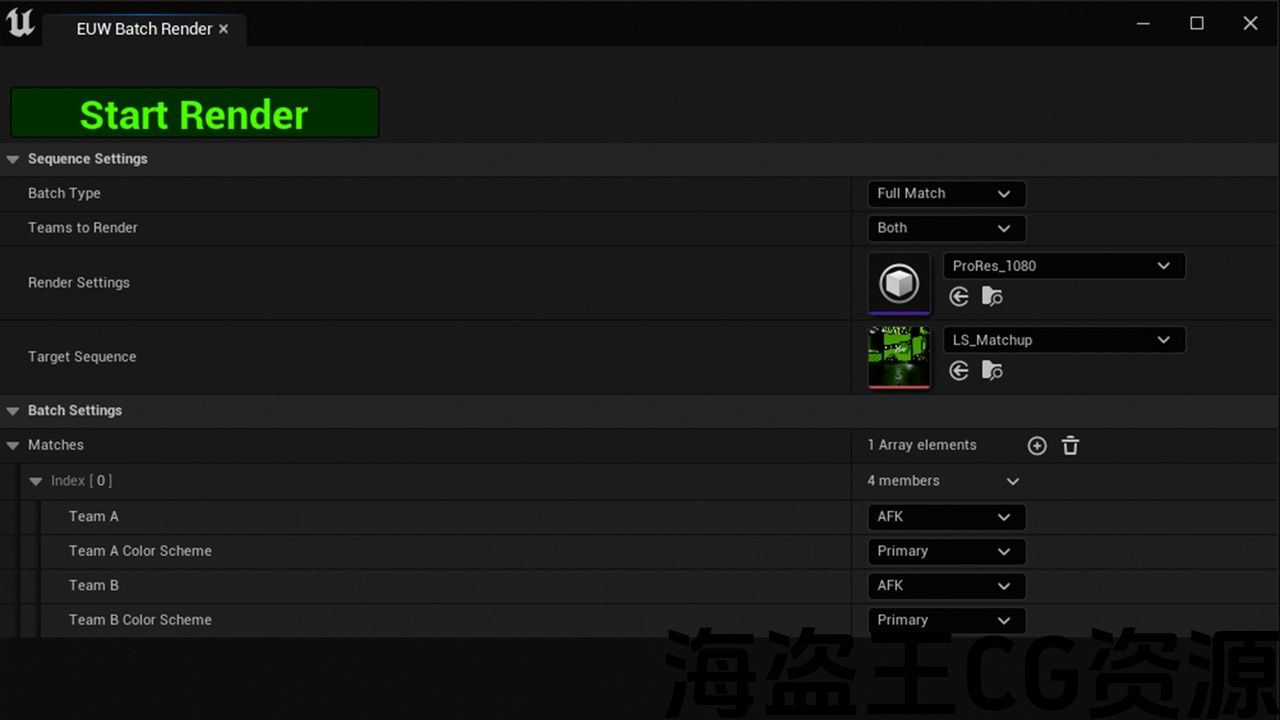
When you are ready to render out matches, you can queue up all of them in the included batch render tool made and select which graphics you want rendered. Once setup you press render once and the tool will automatically render out every graphic for each of the queued matches.
Any meshes can be easily be used in place of the default ones allowing it to be very easy to be used for any type of broadcast even more than just esports if that is wanted.
When creating the project it is recommended that you don’t keep the default project name since it is longer than 25 characters which may cause issues with the project.
这个项目允许您渲染多达5个图形每场比赛,为游戏您可能现场直播,与很少的设置。 有一个数据表,您可以创建尽可能多的团队预设,以便轻松地将它们匹配为图形。 您可以使用放置在场景中的控制器蓝图轻松预览这些匹配。
对于匹配,您也可以为团队选择不同的配色方案。 它会根据数据表中设置的团队的原色和副色自动更改配色方案。
当您准备渲染匹配时,您可以在包含的批处理渲染工具中对所有匹配进行排队,并选择要渲染的图形。 设置完成后,您按一次渲染,该工具将自动渲染出每个排队匹配的每个图形。
任何网格都可以很容易地用来代替默认的网格,允许它非常容易地用于任何类型的广播,甚至不仅仅是电子竞技,如果需要的话。
创建项目时,建议您不要保留默认项目名称,因为它超过25个字符,这可能会导致项目出现问题。
评论(0)