
Features:
-
Voip Manager for voice capture
-
Voip Audio for voice playback
-
Blueprint exposed voice related events (Started talking, stopped talking, Microphone volume etc.)
-
Uses normal VOIP Project Settings for configuration
-
Change capture device/microphone at runtime
Code Modules:
-
Runtime: EasyVoiceChat
Number of C++ Classes: 3
Network Replicated: No – Handle this yourself in Blueprints
Supported Development Platforms: Win64
Supported Target Build Platforms: Win64
特征:
-
语音捕获的Voip管理器
-
用于语音播放的Voip音频
-
蓝图暴露语音相关事件(开始说话,停止说话,麦克风音量等。)
-
使用正常的VOIP项目设置进行配置
-
在运行时更改捕获设备/麦克风
代码模块:
-
运行时:EasyVoiceChat
C++类数: 3
网络复制: 不-在蓝图中自己处理
支持的开发平台: Win64的
支持的目标构建平台: Win64的
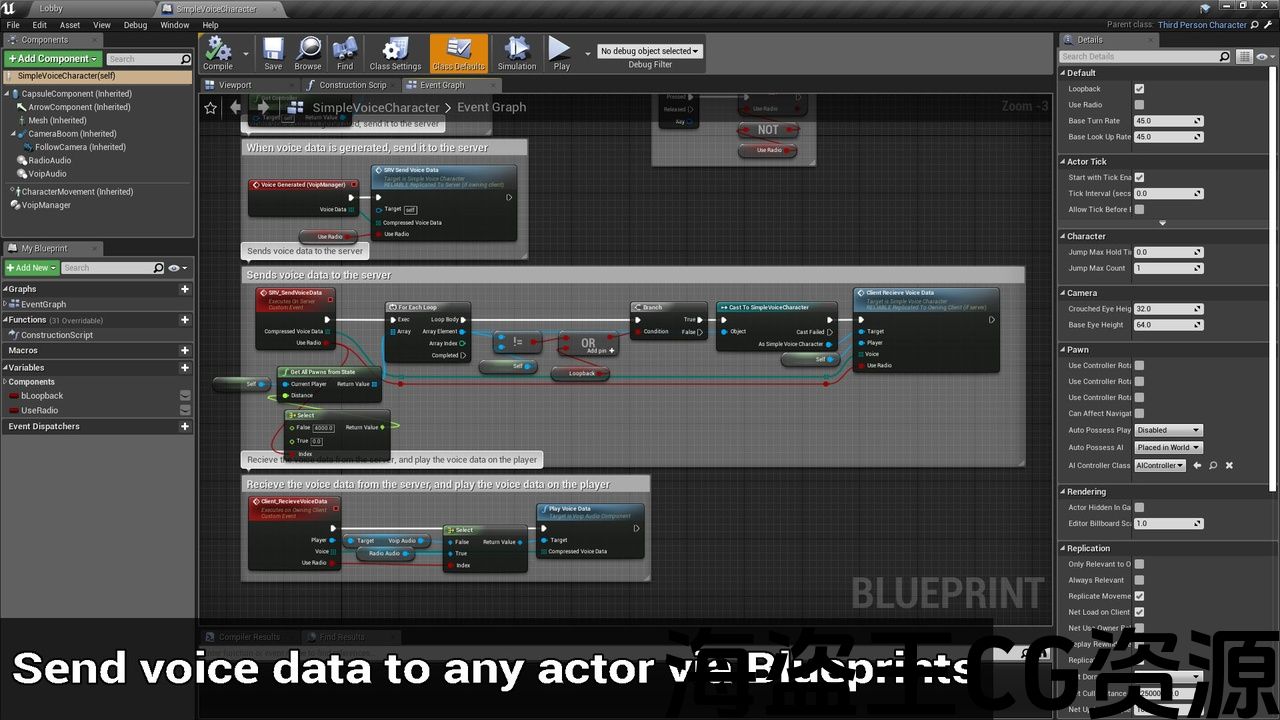
Easy Voice Chat lets you add custom voice communication to your game. Voice data is provided as a byte array which can then be sent over the network using RPCs. This means it is completely independent of the Online Sessions system, and so can work without having to create a session.
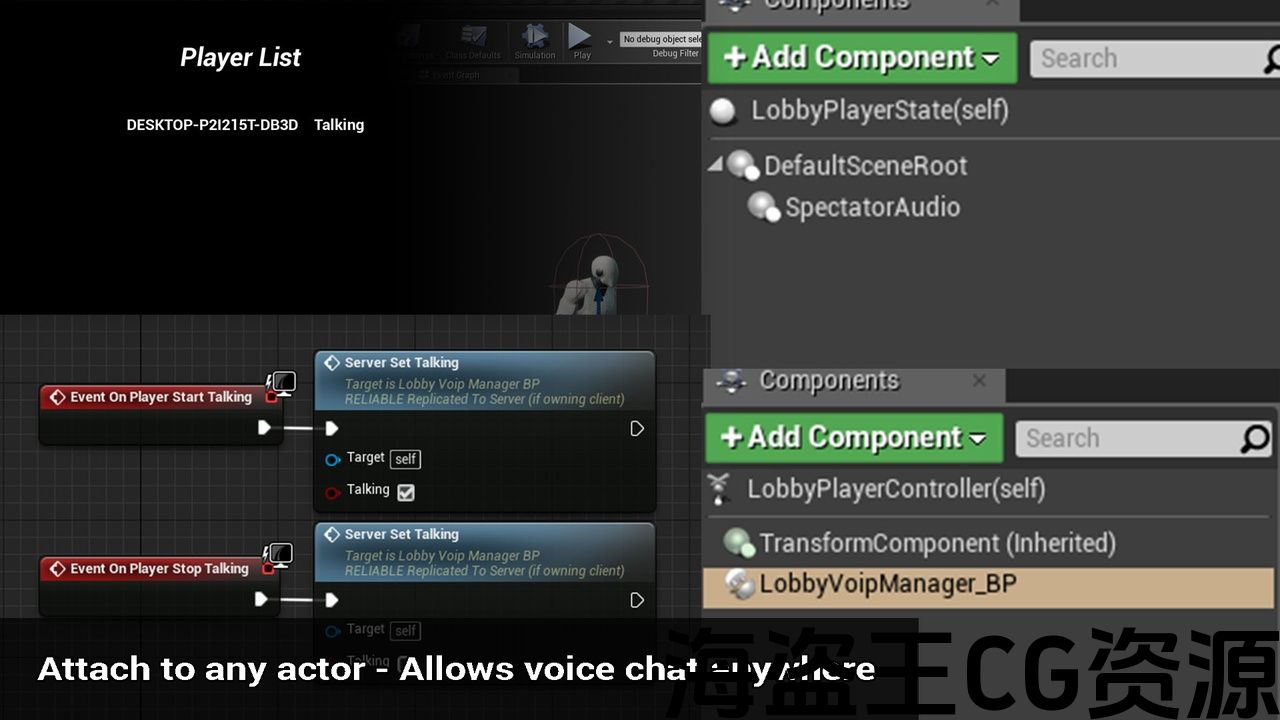
The Voip Manager component captures audio, and then passes it to blueprints via an event so you can choose how it is sent and played back. The Voip Audio component then plays compressed audio back. Both of these components can be attached to any actor, meaning that you can have audio not just for within a game, you can also have it within lobby’s or when spectating etc. The system is designed to give you as much flexibility as possible.
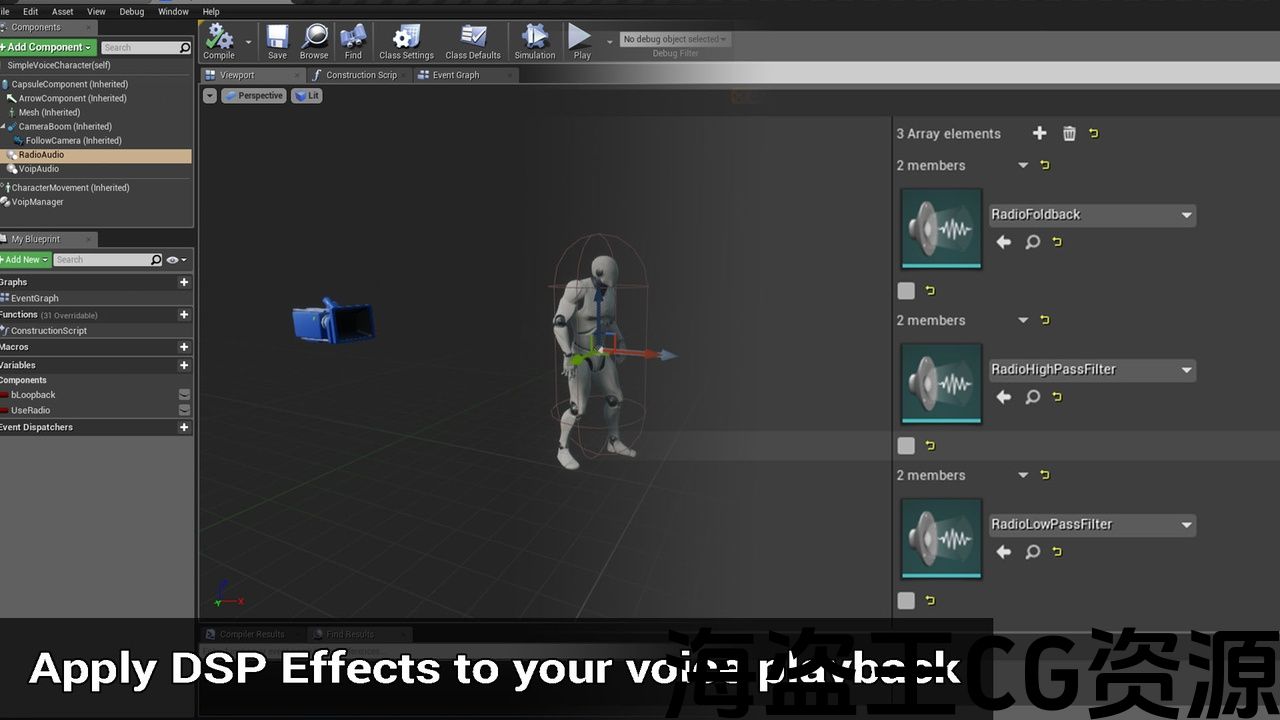
Uses SynthComponent for audio playback, which allows you to easily apply dynamic sound effects such as making it sound like a radio broadcast. This also lets you adjust settings such as attenuation so you can use the plugin for local/positional VOIP, or any other situation you want. Unlike the default implementation in the engine, you can also change the microphone at runtime if you want.
Please check the documentation to configure your project to be able to use the plugin, there are a few config changes required to get it working as intended.
Features:
-
Voip Manager for voice capture
-
Voip Audio for voice playback
-
Blueprint exposed voice related events (Started talking, stopped talking, Microphone volume etc.)
-
Uses VOIP Project Settings for configuration
-
Change capture device/microphone at runtime
Documentation: Link (Updated 21/06/2024)
Example Project: Link (4.21-4.24) Link (4.25) Link (4.26+) Link (5.3+)
Important/Additional Notes:
Make sure to enable the voice module for your project (see documentation to know how). Please read other aspects of the documentation such as increasing the bandwidth of your NetDriver.
简单的语音聊天让您添加自定义语音通信到您的游戏. 语音数据以字节数组的形式提供,然后可以使用Rpc通过网络发送。 这意味着它完全独立于在线会话系统,因此无需创建会话即可工作。
Voip Manager组件捕获音频,然后通过事件将其传递给蓝图,以便您可以选择如何发送和播放音频。 然后,Voip音频组件播放压缩音频。 这两个组件都可以连接到任何actor,这意味着您不仅可以在游戏中使用音频,还可以在大厅或观看时使用音频等。 该系统旨在为您提供尽可能多的灵活性。
使用SynthComponent进行音频播放,这使您可以轻松应用动态音效,例如使其听起来像无线电广播。 这还允许您调整衰减等设置,以便您可以将插件用于本地/位置VOIP或您想要的任何其他情况。 与引擎中的默认实现不同,如果需要,您还可以在运行时更改麦克风。
请检查文档以配置您的项目以能够使用插件,需要进行一些配置更改才能使其按预期工作。
特征:
-
语音捕获的Voip管理器
-
用于语音播放的Voip音频
-
蓝图暴露语音相关事件(开始说话,停止说话,麦克风音量等。)
-
使用VOIP项目设置进行配置
-
在运行时更改捕获设备/麦克风
文件: 连结 (更新21/06/2024)
示例项目: 连结 (4.21-4.24) 连结 (4.25) 连结 (4.26+) 连结 (5.3+)
重要/附加注意事项:
确保为您的项目启用语音模块(请参阅文档以了解如何)。 请阅读文档的其他方面,例如增加NetDriver的带宽。
评论(0)