
Features: (Please include a full, comprehensive list of the features of the product)
- easy to use (just drag and drop in an empty scene)
- smart and highly customizable materials (adjust up to 100 parameters in side the material instances, to give the storm and the sky a unique look)
- supports LUMEN (full dynamic global illumination)
- it comes with a custom material for the Skydome where you can adjust parameters like sky tint, background clouds speed and rotation, etc.
- game ready (although it is using Lumen and it is volumetric, everything is very well optimized and can be used for games without any significant performance drops)
Number of Unique Effects: 1
Number of Materials: 17 materials and material instances
Number of Textures: 15
Number of Blueprints: 1 blueprint
Number of Unique Meshes: 1
Supported Development Platforms:
Windows: Yes
Mac: Not tested
Documentation: Please read the description and watch the 6 Videos from the beginning of the description
Important/Additional Notes: When you open the example maps for the first time, because I am using World Partition, You will have to load the regions of the landscape from the World Partition Tab.
特点:(请包括一个完整的,全面的产品功能列表)
- 易于使用(只需在空场景中拖放即可)
- 智能和高度可定制的材质(在材质实例的侧面调整多达100个参数,使风暴和天空具有独特的外观)
- 支持流明(全动态全局照明)
- 它配备了Skydome的自定义材质,您可以在其中调整天空色调,背景云速度和旋转等参数。
- game ready(虽然它使用Lumen并且它是体积型的,但一切都经过了很好的优化,可以用于游戏而没有任何显着的性能下降)
独特效果数量:1
材质数量:17个材质和材质实例
纹理数量:15
蓝图数量:1蓝图
唯一网格数:1
支持的开发平台:
Windows:是的
Mac:未测试
文档:请阅读说明并观看说明开头的6个视频
重要/附加说明:当您第一次打开示例地图时,因为我使用的是世界分区,因此您必须从世界分区选项卡加载地形的区域。
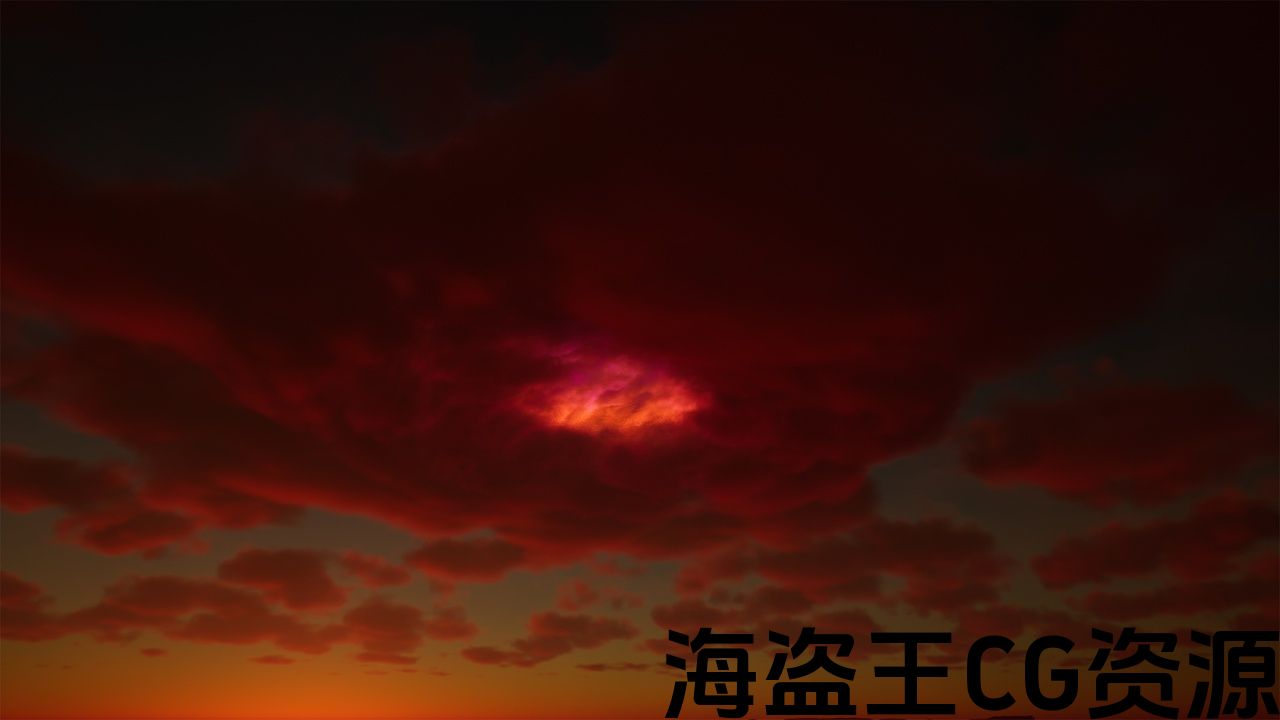
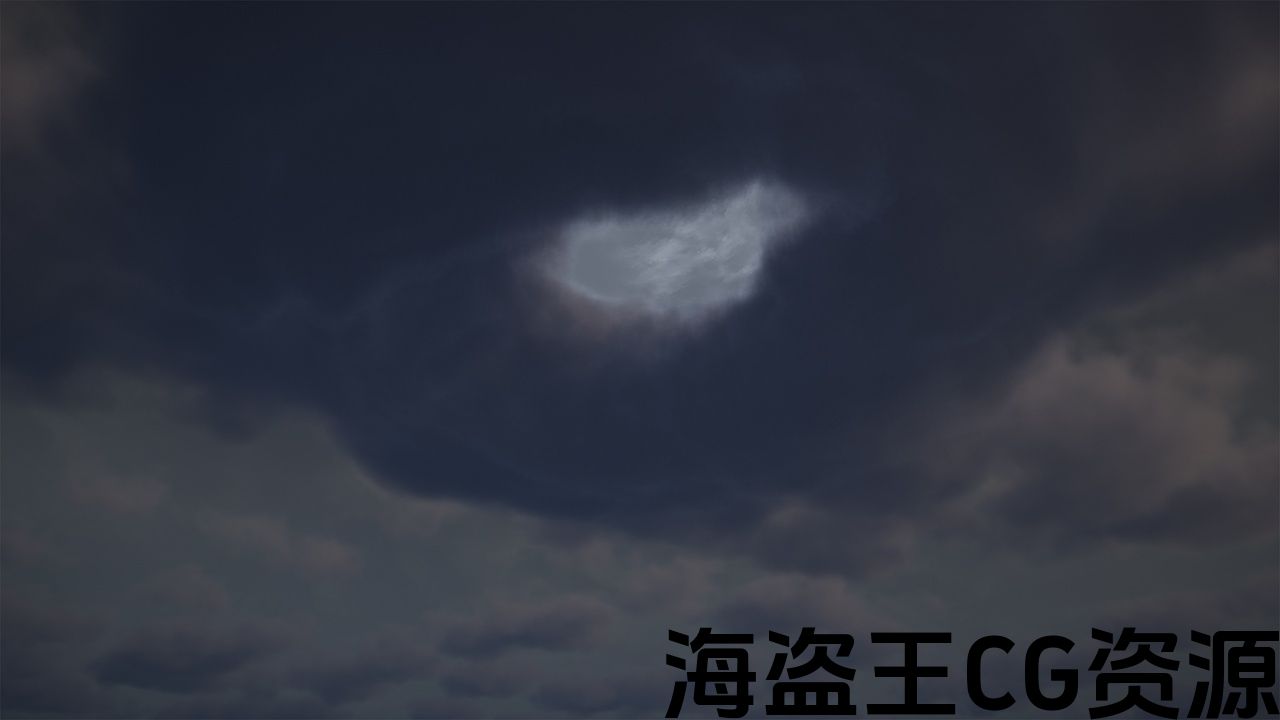
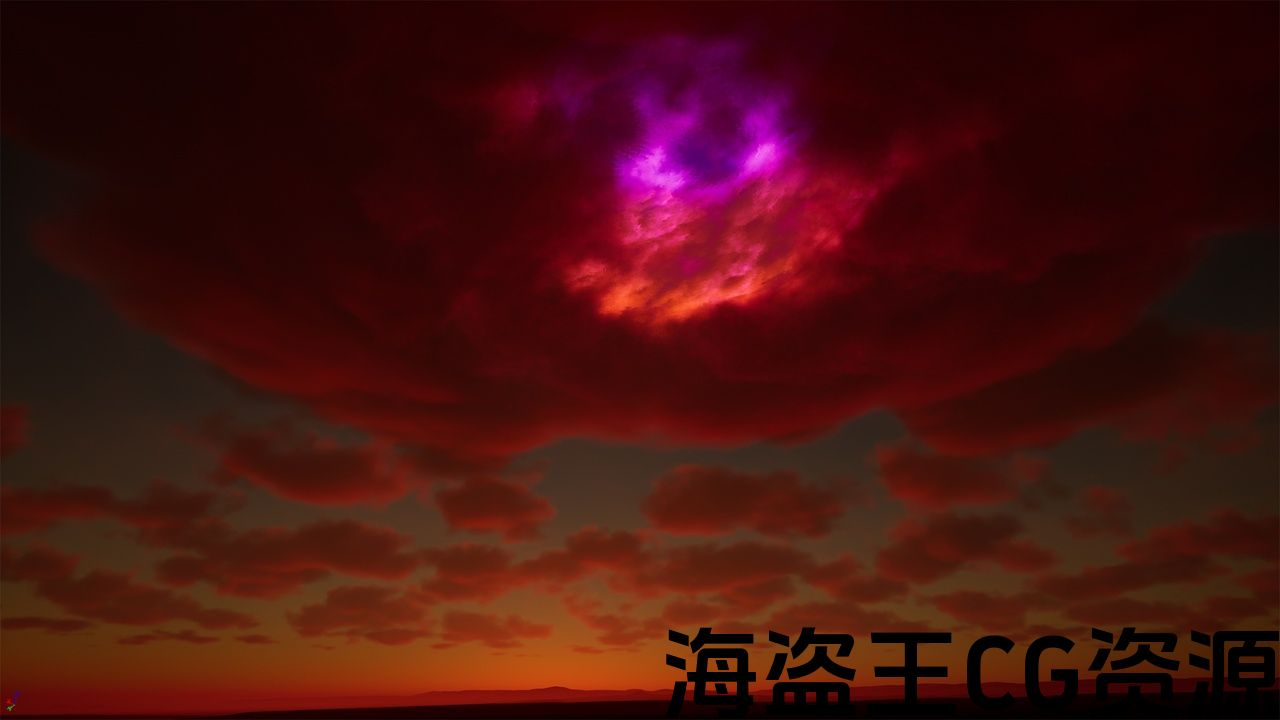
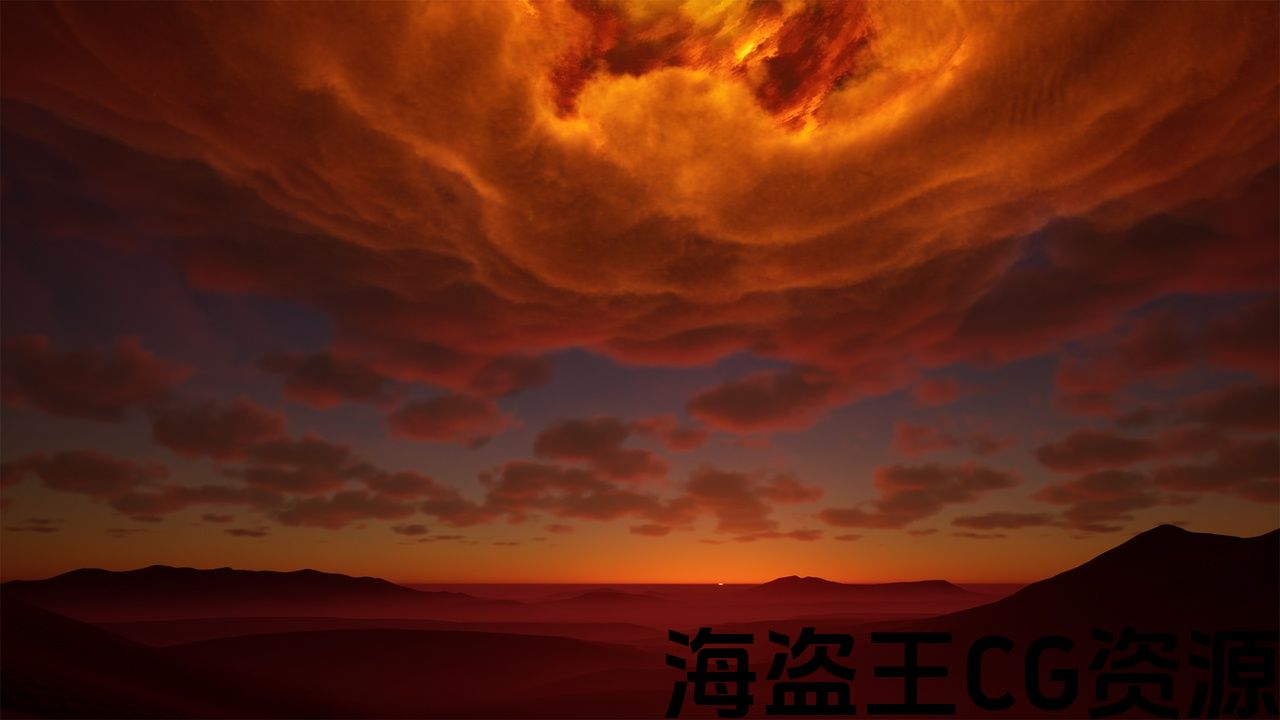
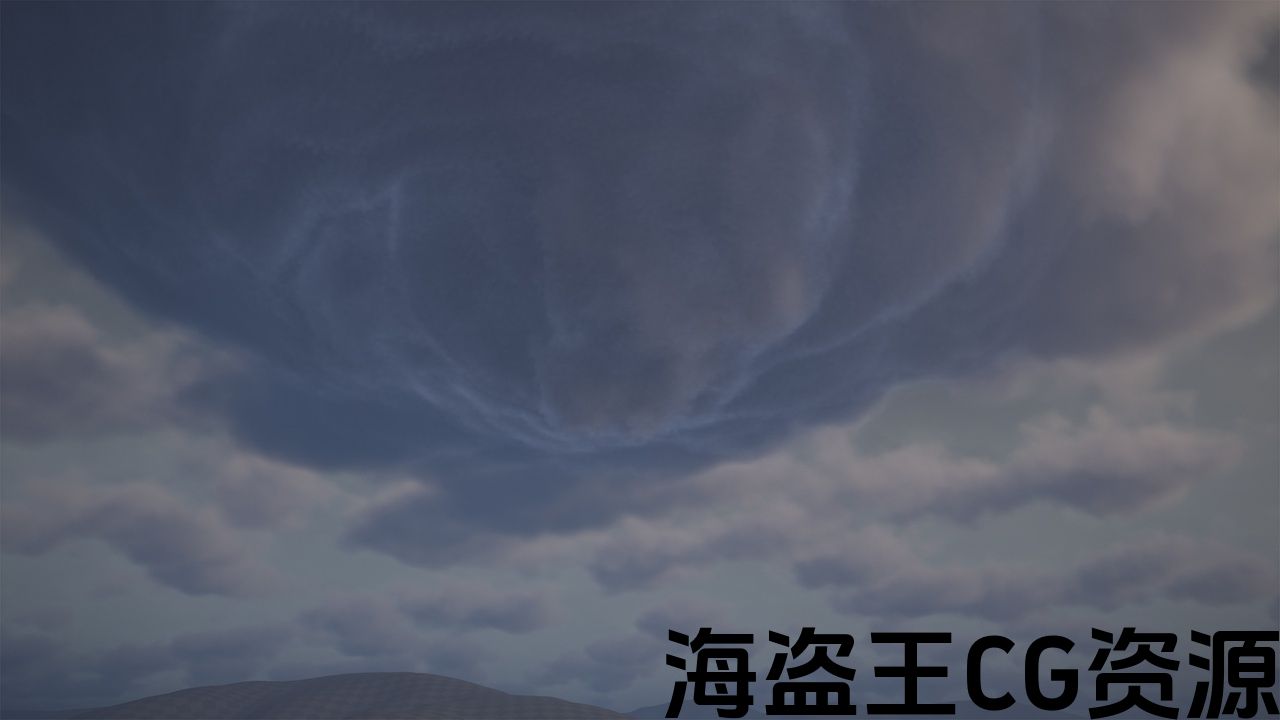
This is a pretty flexible and easy to use system which allows you to create in just a few clicks, huge volumetric clouds storm in the sky. Because it is highly customizable, it can easily be used to create realistic clouds storm but it can also be used to create alien volumetric skies and alien volumetric storms. The material instances of the clouds have more lots of parameters which will allow you to quickly change almost any aspect of the clouds storm, from color to shape, position, flowmaps, intensity and many others. Please watch the following videos to better understand how you can use this pack:
VIDEO STORM CENTER CUSTOMIZATION
The pack contains 8 demo levels, each one with a different lighting and storm setup. Beside this, the demo levels come with large real world heightmaps to give you a good starting point for your project. The heightmaps (landscapes) are created from DEM (Digital Elevation Models) and they are perfect copies of real terrains, preserving the real world scale and all characteristics.
To make it easier to use, I created a blueprint which contains everything you need to create a storm volumetric sky. The blueprint contains: Custom Volumetric Clouds (the volumetric storm itself), directional light, sky light, sky atmosphere, exponential height fog, skydome with a custom sky material and of course, the middle of the storm which is a different material. So all you have to do is to open a blank empty project and drag and drop this blueprint into your scene (as you can see in the third video above) and you immediately have a basic setup of the volumetric storm. From here, all you have to do is to start adjusting all the parameters, flowmaps and create you own unique volumetric storm. If you don't want to use my blueprint (maybe you want a more custom approach), you can still use this pack. (if this is the case, please watch the first 3 demo levels, where I created the volumetric storm without the blueprint). You can chose any workflow you want and the blueprint was created for those with very little experience in Unreal Engine because it allows them to create the volumetric storm with a single click and without having any experience in UE5.
Everything in this pack is optimized for open-word games and it is designed for speed and performance. This product supports dynamic lighting (full dynamic global illumination) and the storm clouds, naturally react to light changes
This product supports Lumen for Unreal Engine 5.1+. Check here Lumen documentation
Attention: This product is using World Partition to keep everything optimized. When you first open the demo map, the landscape regions will not be loaded and this is why you can not see the landscape and other actors inside the editor. In order to see the landscape and some other actors, you will have to go to the World Partition Tab and select all the regions, after that right click on the selection and press Load Regions from Selection. You have to do this only once per project. This is how Unreal Engine works…
If you like this pack, feel free to write a review and rate it. This will keep me motivated to create better and better assets. Thank you!
这是一个非常灵活和易于使用的系统,它允许您创建只需点击几下,巨大的体积云风暴在天空中。 因为它是高度可定制的,它可以很容易地用于创建逼真的云,但它也可以用于创建外星人的体积天空和外星人的体积风暴。 云的材质实例有更多的参数,这将允许您快速更改云风暴的几乎任何方面,从颜色到形状,位置,流程图,强度等等。 请观看以下视频,以更好地了解如何使用此包:
该包包含8个演示级别,每个级别都有不同的照明和风暴设置。 除此之外,演示关卡还带有大型真实世界高度图,为您的项目提供了一个良好的起点。 高度图(地形)是由DEM(数字高程模型)创建的,它们是真实地形的完美副本,保留了真实世界的规模和所有特征。
为了使其更易于使用,我创建了一个蓝图,其中包含创建storm volumetric sky所需的所有内容。 蓝图包含:自定义体积云(体积风暴本身),定向光,天空光,天空大气,指数高度雾,带有自定义天空材质的skydome,当然还有风暴的中间,这是一种不同的材质。 因此,您只需打开一个空白的空项目并将此蓝图拖放到场景中(如上方第三个视频所示),即可立即获得体积风暴的基本设置。 从这里开始,您所要做的就是开始调整所有参数,流程图并创建您自己独特的体积风暴。 如果你不想使用我的蓝图(也许你想要一个更自定义的方法),你仍然可以使用这个包。 (如果是这种情况,请观看前3个演示关卡,我在没有蓝图的情况下创建了体积风暴)。 您可以选择任何您想要的工作流,蓝图是为那些在虚幻引擎中经验很少的人创建的,因为它允许他们只需单击一下就可以创建体积风暴,而无需在UE5中有任何经验。
这个包中的所有内容都针对开放式文字游戏进行了优化,它专为速度和性能而设计。 本产品支持动态照明(全动态全局照明)和风暴云,对光线变化自然反应
本产品支持适用于虚幻引擎5.1+的Lumen。 检查一下 流明文档
注意:本产品使用世界分区,以保持一切优化. 当您第一次打开演示地图时,地形区域将不会被加载,这就是为什么您无法在编辑器中看到地形和其他actor的原因。 为了查看地形和其他一些actor,您必须转到世界分区选项卡并选择所有区域,然后右键单击选择并按从选择中加载区域。 每个项目只需执行一次此操作。 这就是虚幻引擎的工作原理。..
如果你喜欢这个包,随时写一个评论和评价它。 这将使我有动力创造更好更好的资产。 谢谢!
评论(0)