

Number of Unique Meshes: 18
Vertex Count: 170,347
Collision: Yes – Autogenerated
LODs: Nanite
Number of LODs: 0
Number of Materials: 19 + 71 MF
Number of Material Instances: 40
Number of Textures: 188
Texture Resolutions: 1k to 4k
Supported Development Platforms:
-
Windows: Yes
-
Mac: Yes
Documentation Link: https://youtu.be/j-PMh6OpopE
Important/Additional Notes: RVT will only work if Virtual Textures are turned on in the Project Settings. Nantie will only work in Unreal Engine 5.3 if you enable it via your Project “Engine.ini” File.Explanation of the Settings
-
r.Nanite.AllowTessellation=1 → Enables Nanite tessellation for displacement.
-
r.Nanite.MaxTessellationFactor=8 → Defines the maximum tessellation factor. Higher values give more detail but impact performance.
-
r.Nanite.TessellationScreenFraction=1.0 → Ensures that tessellation happens at full screen resolution.
-
r.Nanite.TessellationFalloff=0.5 → Controls the falloff of tessellation over distance. Lower values reduce tessellation further from the camera.
Restart Unreal Engine
After making these changes, restart Unreal Engine 5.3 for the settings to take effect.
唯一网格数:18
顶点数:170,347
碰撞:是-自动生成
Lod:纳米石
Lod数量:0
材料数量:19+71MF
材质实例数:40
纹理数量:188
纹理分辨率:1k至4k
支持的开发平台:
-
Windows:是的
-
Mac:是的
文档链接: https://youtu.be/j-PMh6OpopE
重要/附加说明:只有在项目设置中打开虚拟纹理时,RVT才会起作用。 只有通过项目”引擎启用Nantie,Nantie才能在虚幻引擎5.3中工作。ini”文件。设置说明
-
纳米石。AllowTessellation=1→启用纳米曲面细分以进行位移。
-
纳米石。MaxTessellationFactor=8→定义最大曲面细分因子。 较高的值提供更多细节,但会影响性能。
-
纳米石。TessellationScreenFraction=1.0→确保在全屏分辨率下进行曲面细分。
-
纳米石。TessellationFalloff=0.5→控制曲面细分在距离范围内的衰减。 较低的值会减少离相机更远的曲面细分。
重新启动虚幻引擎
进行这些更改后, 重新启动虚幻引擎5.3 供设置生效。
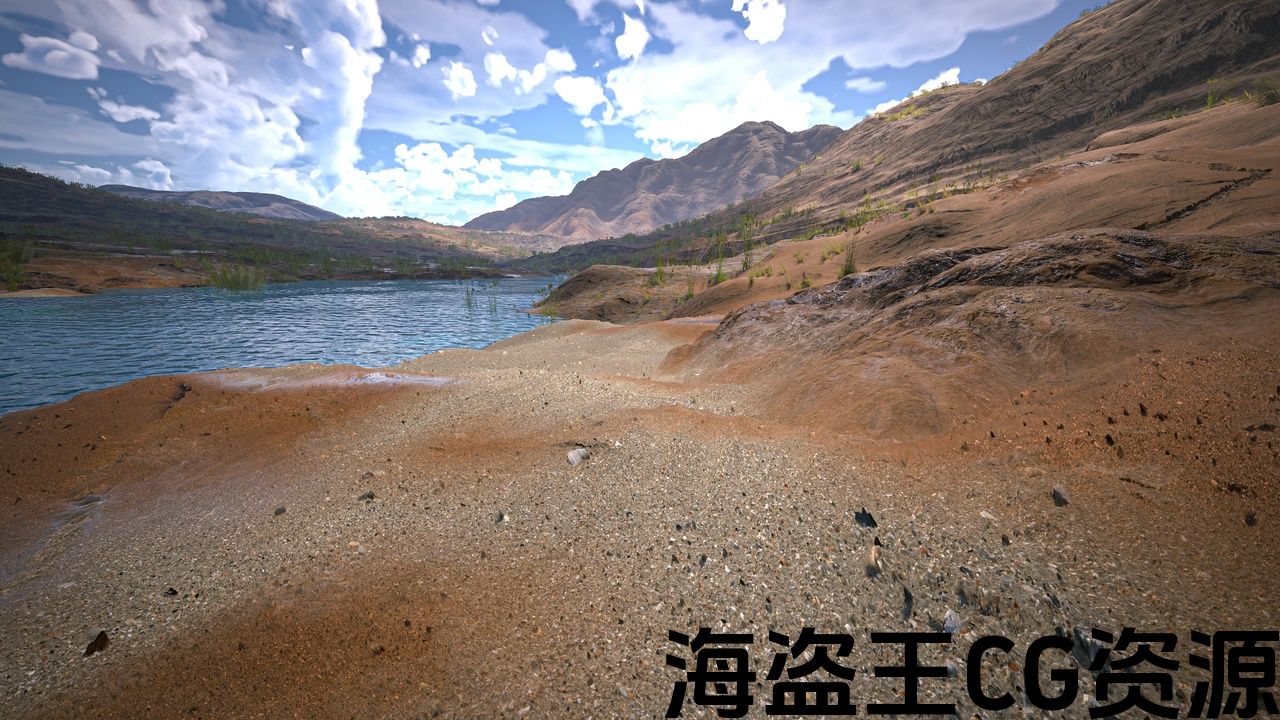
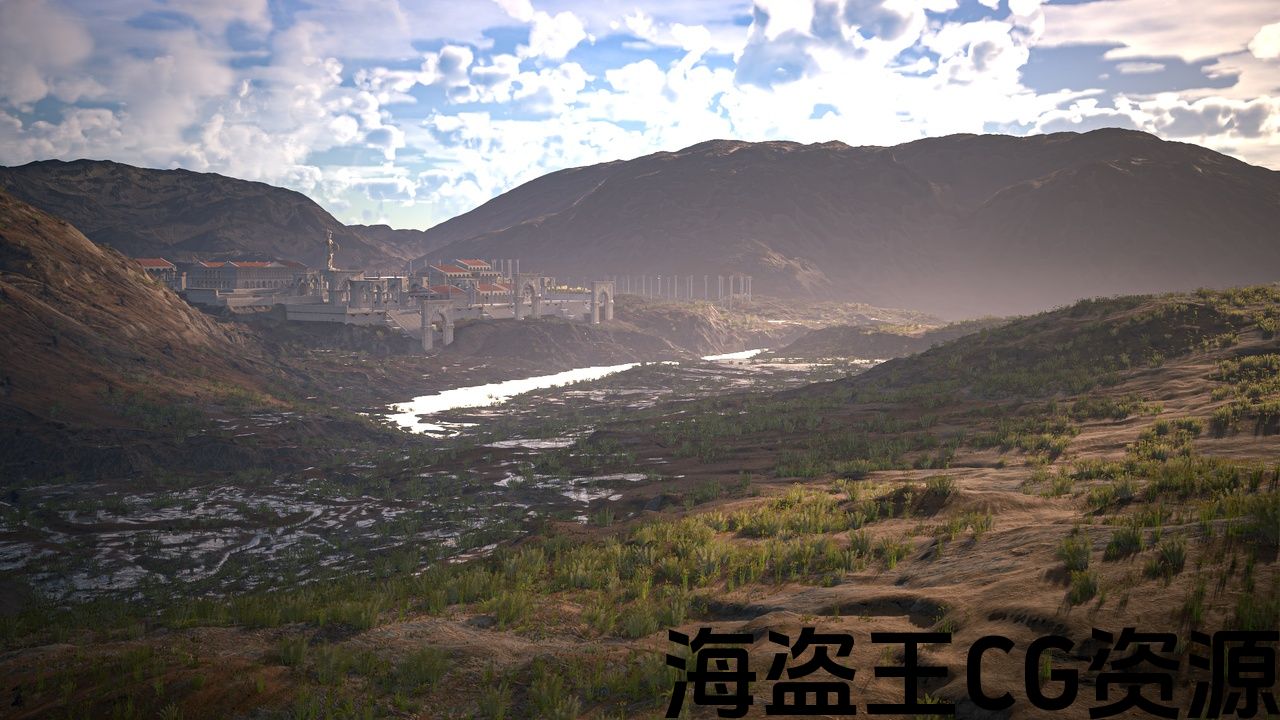
World Forge was made with cinematic quality and ease of use in mind. It is a Terrain Landscape Authoring Tool for use with ANY Unreal Engine landscape and utilizes the latest in tech to achieve production-ready results in a fraction of the time. Just load in a height-map from any source (Houdini, World Creator 2, World Machine, etc.), begin sculpting within the editor and let the AutoMaterial do it’s magic. The Shader is built from the ground up to utilize Nanite Displacement – thus an unparalleled level of detail can be achieved.The World Forge supports:
-
Full Nanite Displacement
-
Snow Layer at a push of a Button
-
Nanite Foliage
-
Full RVT Support
-
Wind Control
-
Custom Atmopshere Solution (Atmos Forge)
Included in the World Forge:
-
🔗Atmos Forge – Atmos Forge 1.0 – Complete Atmosphere Solution | Fab
-
🔗Rock Clusters – WF Rock Cluster Collection 01 – Unreal Engine 5.3 – 5.5 Nanite | Fab
-
🔗Nanite Foliage – Digital Herbarium – Nanite Foliage System Unreal Engine 5.3 – 5.5 | Fab
🔗Get the Cloud Forge for Ultra Realistic Local Clouds – Cloud Forge Complete – VDB Clouds 1.4.3 | Fab
🔧 Free support: DISCORD
🔗 MORE INFORMATION: ADDITIONAL CONTENTCurrent Features:
-
Advanced Terrain Automaterial
-
Runtime Virtual Texturing support – with easy setup
-
Terrain & Foliage support
-
Full Nanite Displacement Support
-
Nanite Foliage
-
Wind Control Blueprint
-
Reactive Foliage
-
4 Layers of Clouds
-
Advanced Interactive Grass, Weeds and Flowers
-
Advanced Water Shader for Large Bodies of Water
-
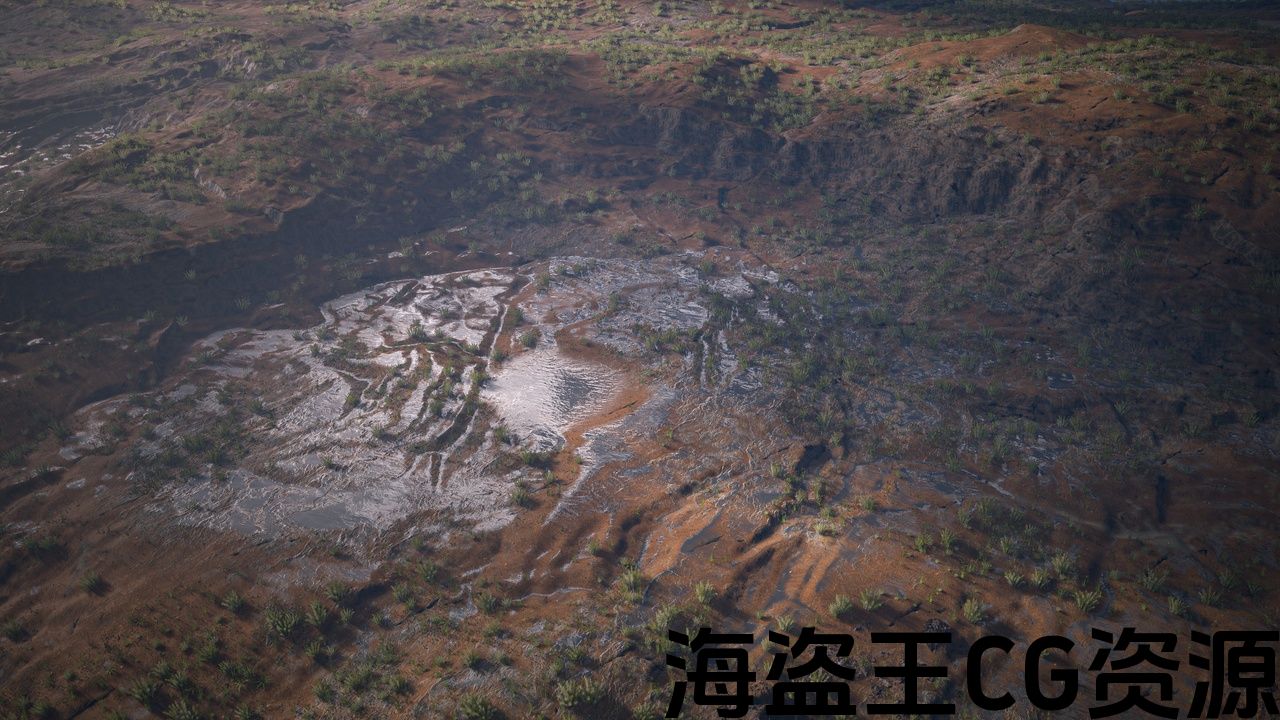
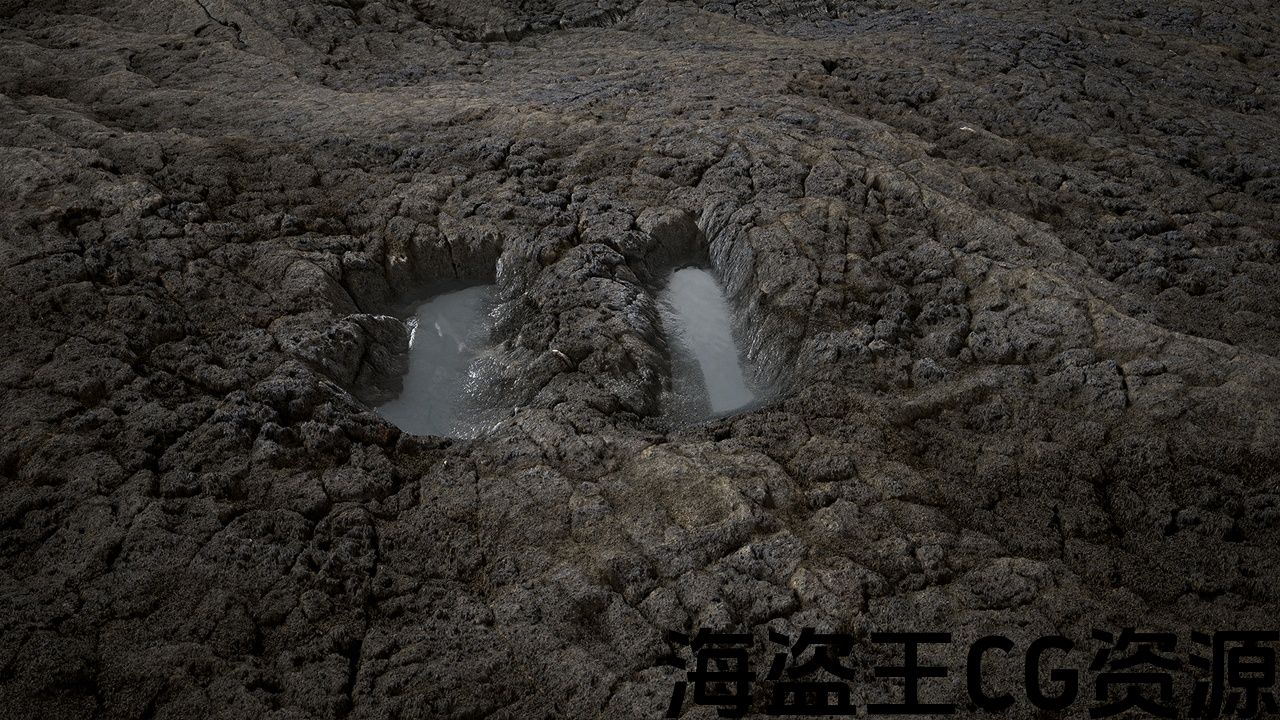
Landscape Puddle System
-
150+ Textures in total with a resolution of 1K to 4K
-
Multiple Showcase Maps
-
Procedural Placement Systems for Foliage – using Landscape Grass Type
-
Easy Texture Swapping via Material Instances – great for use with the Megascans library (ORDp texture support included)
-
Full Featured Materials with On/Off Switches – Tri & Bi Planar Projection, Far & Near Based Texturing Variations, Distance Based Displacement & Tessellation, Height & Normal Map Based Transition Blending, two types of Tiling Reduction settings (UV Breakup, Texture Cell Bombing)
[What’s new?]
Update 1.0
-
Release
💢 功能概述
💢 展览短片
💢 如何使用
世界锻造是用 电影品质 和 使用方便 记住。 它是一个Terrain景观创作工具 适用于 任何虚幻引擎景观 并利用最新的技术在很短的时间内实现生产准备的结果。 只需从任何来源加载高度图(胡迪尼,世界创造者2,世界机器 等。),开始在编辑器内雕刻,让自动材料做它的魔力。 着色器是从头开始构建的,以利用纳米位移-因此可以实现无与伦比的细节水平。世界锻造支持:
-
全纳米位移
-
按一下按钮就会有雪层
-
纳米植物
-
全面的RVT支持
-
风力控制
-
自定义Atmopshere解决方案(Atmos Forge)
包括在世界锻造:
-
🔗Atmos锻造 – Atmos锻造1.0-完整的气氛解决方案/Fab
-
▪纳米叶 – 数字植物标本室-纳米叶系统虚幻引擎5.3-5.5/Fab
🔗获取云锻造超现实的本地云 – 云锻造完整-VDB云1.4.3/Fab
🔧 免费支持: 不和谐
🔗 更多资料: 附加内容当前功能:
-
高级地形自动材料
-
运行时虚拟纹理 支持-易于设置
-
地形及树叶 支援服务
-
全纳米位移支撑
-
纳米植物
-
风控蓝图
-
活性植物
-
4层云
-
先进的互动草,杂草和花卉
-
适用于大型水体的高级水着色器
-
景观水坑系统
-
总共150+纹理,分辨率为1k至4K
-
多个展示地图
-
植物的程序放置系统-使用景观草类型
-
通过材质实例轻松交换纹理–非常适合与 巨无霸 库(包括ORDp纹理支持)
-
全功能材料与开关-三和双平面投影,远和近的纹理变化,基于距离的位移和曲面细分,高度和法线贴图的过渡混合,两种类型的平铺减少设置(紫外线分解,纹理细胞爆炸)
[有什么新消息?]
更新1.0
-
发行版
评论(0)