

Features:
-
2 types Spline.
-
Animation speed control into Blueprints
-
Displacement map in all textures
-
Scale individual points in splines
-
Presets set to all advanced lava shaders
-
Advanced shaders that blend together.
-
3 selectable shader blend shapes
-
Ready-to-use presets via Blueprints made easy.
-
Vertex Paint, custom mask or mix with distance field all optional.
-
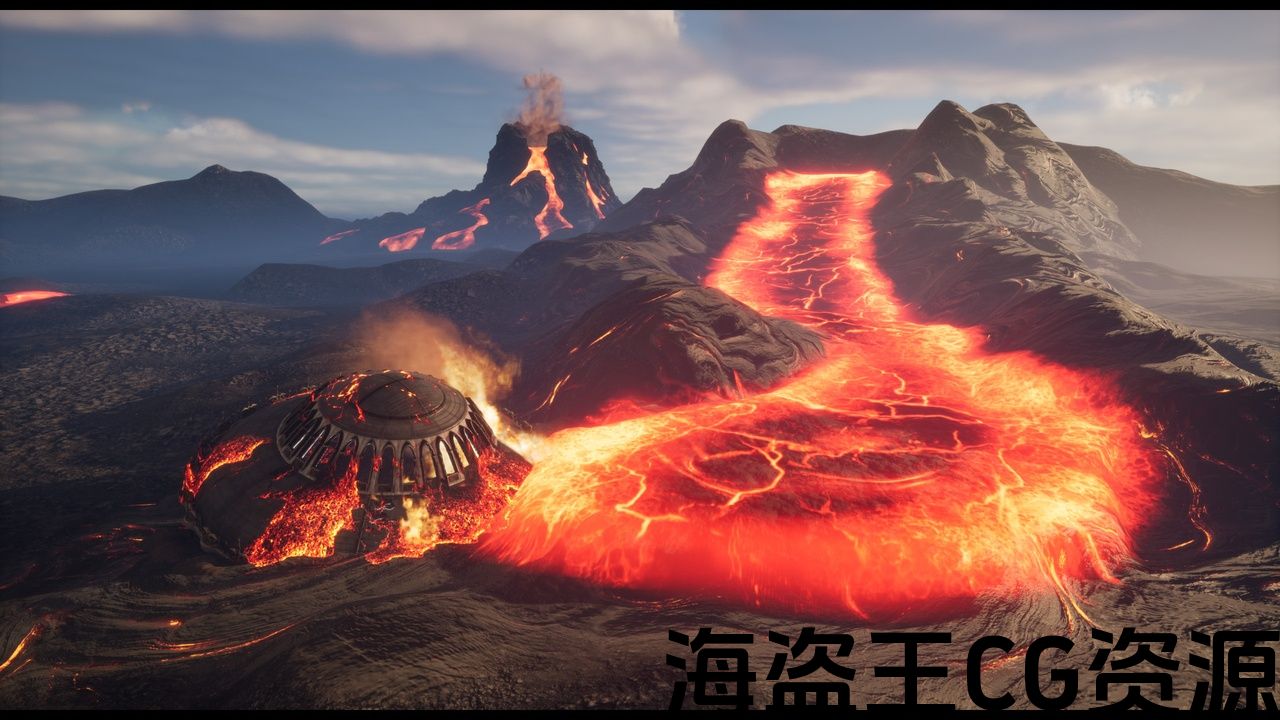
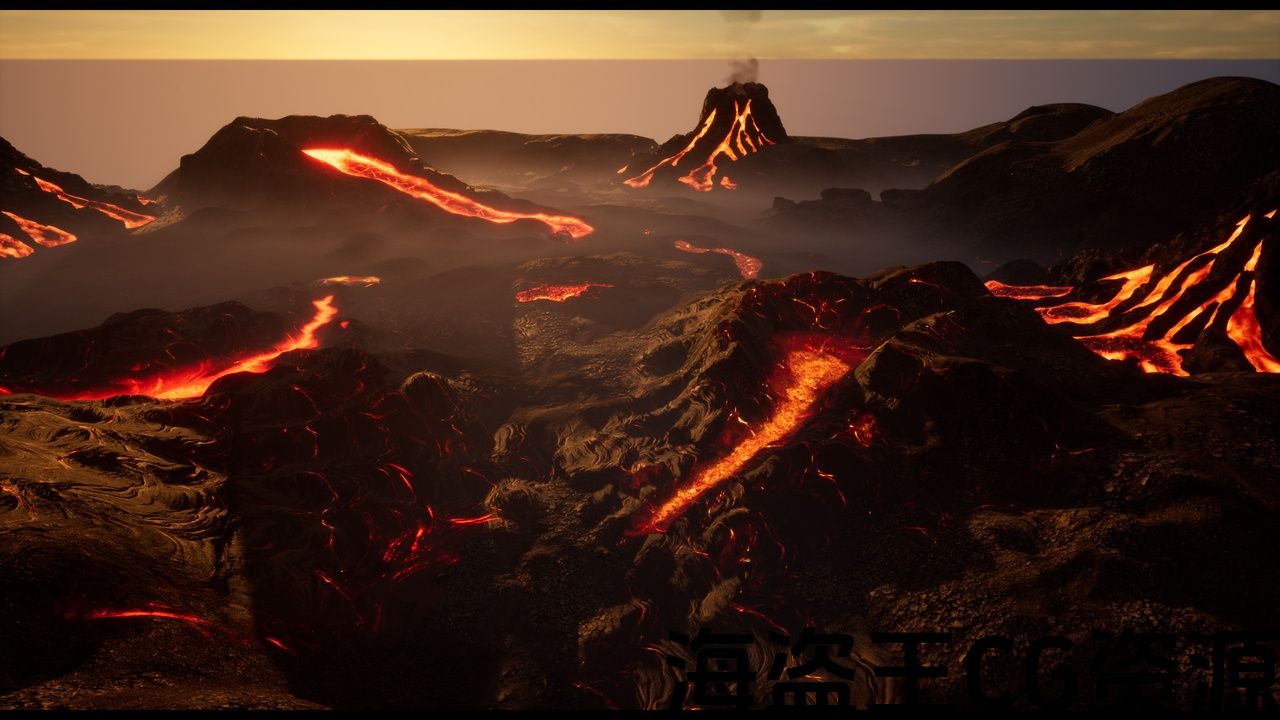
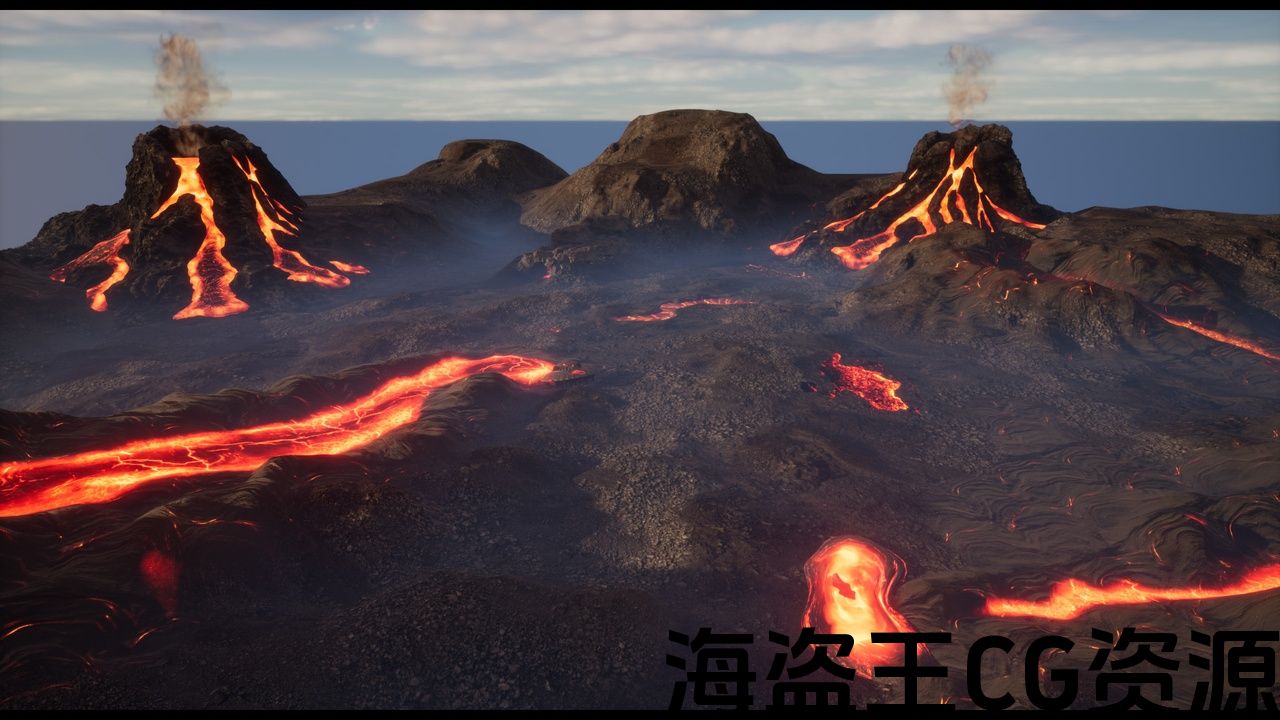
1 complete volcano for medium and long distances.
-
3 Decals
-
11 Blueprints to fully stage any scene with numerous pre-set presets.
-
1 Landscape Material with 16 Layers prepared to make rivers of lava to your liking.
-
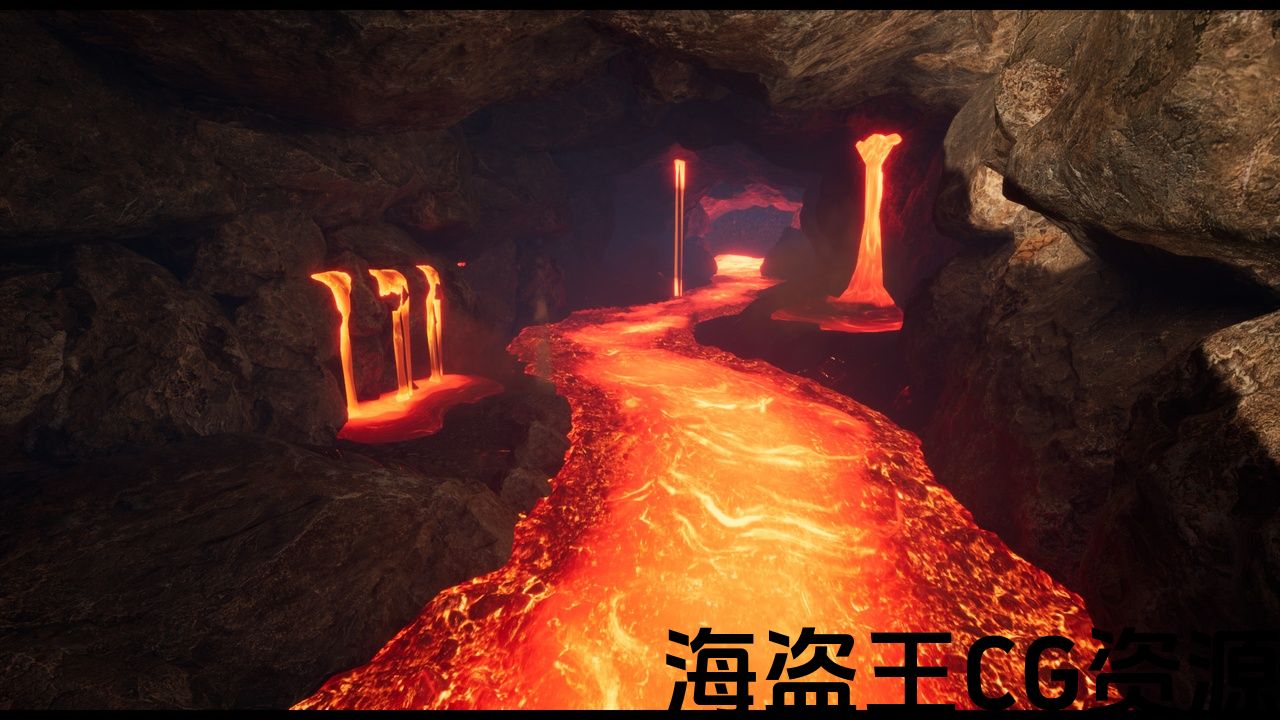
Lava Drips animations with their selectable shaders and presets ready in the Blueprints
Meshes: 13
FX: 3Fires, 2 smokes, 1 Splash lava and Volcano smoke
Skeleton: Yes, no UE skeleton . 5 LavaDrips
Animations: 5 LavaDrips
Collision: Yes,custom and automatically generated
Vertex Count: 20479 Tri
LODs: Yes, Custom settings
Materials: 12 Materials, 4 Functions and 1 Landscape Material
Material Instances: 105
Textures: 99
Texture Resolutions: 512 To 4096
Supported Development Platforms:
-Windows: Yex test
-Mac: No test
Support. studiodevis3d@gmail.com
功能:
-
2 种样条曲线。
-
蓝图中的动画速度控制
-
所有纹理中的置换贴图
-
缩放样条曲线中的各个点
-
预设设置为所有高级熔岩着色器
-
混合在一起的高级着色器。
-
3 种可选着色器混合形状
-
通过蓝图轻松使用预设。
-
顶点绘制、自定义蒙版或与距离场混合都是可选的。
-
1 个完整的中长期火山距离。
-
3 个贴花
-
11 个蓝图,可通过众多预设充分展现任何场景。
-
1 个 16 层的景观材质,可根据您的喜好制作熔岩河流。
-
熔岩滴落动画及其可选着色器和预设已在蓝图
网格:13
FX:3个火焰,2个烟雾,1个飞溅熔岩和火山烟雾
骨骼:是的,没有UE骨骼。 5 个 LavaDrips
动画:5 个 LavaDrips
碰撞:是,自定义且自动生成
顶点数:20479 Tri
LOD:是,自定义设置
材质:12 种材质、4 种功能和 1 种景观材质
材质实例: 105
纹理:99
纹理分辨率:512 至 4096
支持的开发平台:
-Windows:Yex 测试
-Mac:无测试
支持。 studiodevis3d@gmail.com
UPDATE V.2:
- Added control of the speed of animations in the blueprints.
- Several scenes included in the images were added,
- various arrangements
With this pack you will be able to create interactive volcanic and lava-filled worlds with the rest of the objects that make up a scene. Includes advanced lava shaders.
This pack It is included in its entirety in the Bridge Hell pack
(NANITE:This pack canuse Nanite and Lumen and does not use lightmaps. Given the nature of its meshes, it is not necessary use light maps on them because all the meshes are in continuous movement in terms of their textures)
The realistic look of the lava is achieved with the mixture of 2 very elaborate textures and advanced Shaders for this purpose.
VIDEO Lava Drips (with update animations control speed)
– 2 Advanced Shaders mixed together to get a realistic look. You select what interests you the most. All this with pre-set presets within the Blueprints and easily accessible.
– Use the lava spline with 2 selectable configurations: flat or lava blanket to create lava rivers. You can enlarge the tiled UVs along the entire spline without seams, thanks to the advanced settings.
– For lovers of painting in Landscape, a shader with 16 layers specially designed to control the emissivity, time and angle of lava travel in each layer is provided. Which means that the direction of the lava can be changed with the Angle control of each layer. Make groups of repeated layers to make different routes but use the spline presets if you want to work faster.
– The animated lavaDrips can also select various presets of their textures all from the blueprints.
————————————TIPS:
– Landscape: You can get the best finishes seen to date by copying and duplicating the layers and changing the time and angle as you draw the rivers of lava. It has up to 16 layers. You have an example on the map “LavaWorld_Level”.
-Spline Lava: For the hyper-realistic finish use the blueprint presets “inverse Lava Vertex Paint”. But be patient until Epic fixes the spline painting issue, as of today 5.2 is broken.
-Spline Lava: You can make rivers of infinite slopes that blend with the sculpted landscape. To top it off, mix these rivers up by painting the landscape with a landscape material with your custom layers. You have a small example in the pictures.
-For the fastest possible finishes use spline with the presets indicated as distance based indicated in the blueprint..
—————————————-
Attention:Several Vertex Paint presets are delivered. Please note that version 5.2 as of today has this feature inoperative pending Epic’s bug fix.
更新 V.2:
- 在蓝图中添加了对动画速度的控制。
- 添加了图像中包含的多个场景,
- 各种排列
使用此包,您将能够使用构成场景的其余对象创建交互式火山和熔岩填充世界。包括高级熔岩着色器。
此包完整包含在 Bridge Hell 包
(NANITE:此包可以使用 Nanite 和 Lumen,不使用鉴于其网格的性质,没有必要在其上使用光照贴图,因为所有网格都在其纹理方面连续移动)
熔岩的逼真外观是通过为此目的混合 2 个非常复杂的纹理和高级着色器来实现的。
– 2 个高级着色器混合在一起以获得逼真的外观。您选择您最感兴趣的。所有这些都在蓝图中进行了预设,并且易于访问。
– 使用具有 2 种可选配置的熔岩样条线:平坦或熔岩毯来创建熔岩河。借助高级设置,您可以沿着整个样条线无缝地放大平铺的 UV。
– 对于风景绘画爱好者,提供了一个 16 层的着色器,专门用于控制每层熔岩传播的发射率、时间和角度。这意味着熔岩的方向可以通过每层的角度控制来改变。制作重复图层组以制作不同的路线,但如果您想更快地工作,请使用样条线预设。
– 动画 lavaDrips 还可以从蓝图中选择其纹理的各种预设。
————————————提示:
– 风景:通过复制图层并更改时间和角度,您可以获得迄今为止看到的最佳效果当你画熔岩河时。它最多有16层。您在地图“LavaWorld_Level”上有一个示例。
-Spline Lava:要获得超现实的效果,请使用蓝图预设“inverse Lava Vertex Paint”。但请耐心等待,直到 Epic 修复样条线绘制问题为止,从今天起 5.2 已被破坏。
-Spline Lava:您可以制作无限斜坡的河流,与雕刻的景观融为一体。最重要的是,通过使用带有自定义图层的景观材质绘制景观来混合这些河流。图片中有一个小示例。
-为了尽可能快地完成,请使用样条线,并使用蓝图中指示的基于距离的预设。
—————————————————-
注意:提供了几个顶点绘制预设。请注意,截至今天的 5.2 版本,此功能在 Epic 的错误修复之前无法使用。
评论(0)