
Features:
- supports images or videos (also scene captures)
- plays video sound
- multi-projector blending
- dynamic light functions
- volumetric light and shadow
- automatic volumetric light color
- customizable appearance
- custom resolution
- keystone correction
- vertical and horizontal lens shift
- image flipping when upside down
- custom text overlay
- actual date and time overlay
- turn off screen
- lamp warm up
- network replicated example map
- VR ready (For windows platform – tested on Rift and Vive)
- includes a Kite Demo image, a streamable video link and 3rd person character for demo purpose
Number of Blueprints: 1
Input: No
Network Replicated: Yes (In the example map only. You need to write your own logic in your project)
Supported Development Platforms: Windows
Supported Target Build Platforms: Windows
Documentation: Video
Important/Additional Notes:
For demo purpose the example project uses Blueprint interface and a few extra functions on the character for the interactions. Feel free to use your own logic. You can replace “Event Interact” with whatever suits you.
If you experience any problems or need help with something please write me an email and I will gladly fix it.
And please don’t forget to rate the product.
特征:
- 支持图像或视频(也是场景捕获)
- 播放视频声音
- 多投影机混合
- 动态光功能
- 体积光与影
- 自动体积光色
- 可定制的外观
- 自定义分辨率
- 梯形校正
- 垂直和水平镜头移位
- 颠倒时图像翻转
- 自定义文本叠加
- 实际日期和时间叠加
- 关闭屏幕
- 灯具预热
- 网络复制示例地图
- VR就绪(适用于Windows平台-在Rift和Vive上测试)
- 包括一个风筝演示图像,一个可流的视频链接和第三人称角色的演示目的
蓝图数目: 1
输入:没有
网络复制: 是(仅在示例地图中。 你需要在你的项目中编写自己的逻辑)
支持的开发平台:窗户
支持的目标构建平台: 窗户
文件: 短片
重要/附加注意事项:
出于演示目的,示例项目使用蓝图接口和角色上的一些额外函数进行交互。 随意使用自己的逻辑。 您可以将”事件交互”替换为任何适合您的内容。
如果您遇到任何问题或需要帮助的东西,请给我写一封电子邮件,我会很乐意解决它。
请不要忘记评价产品。
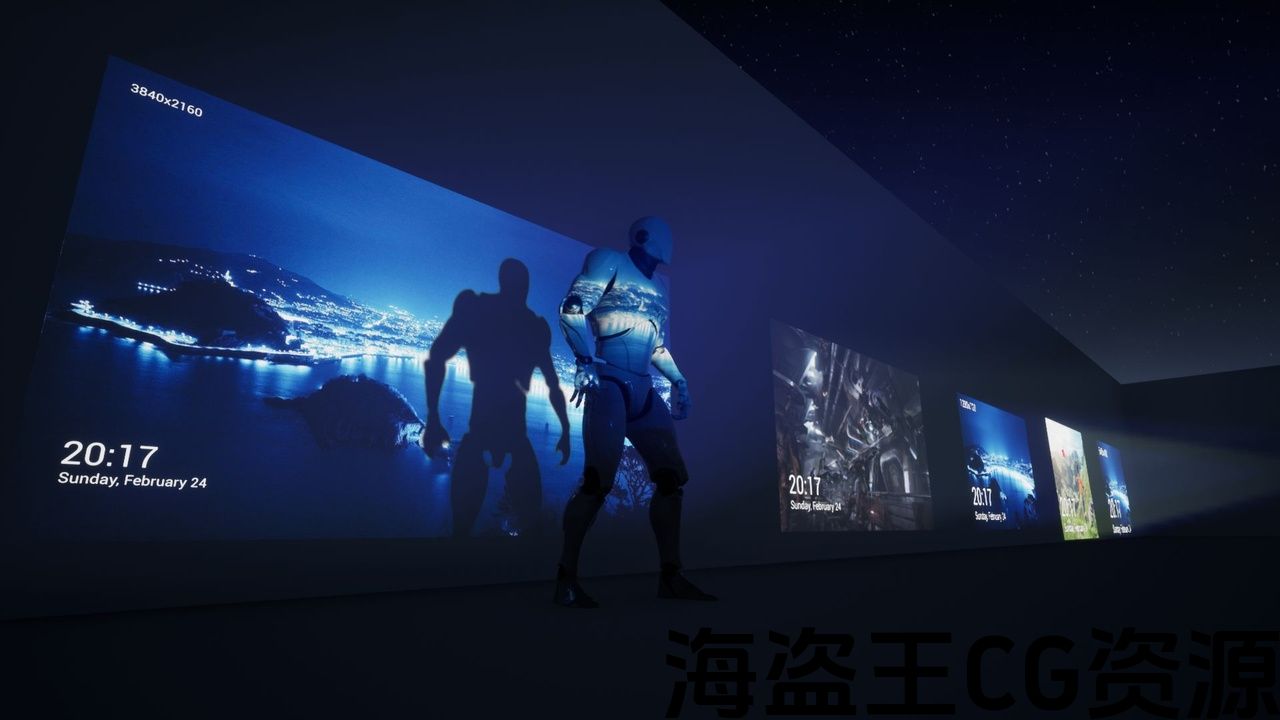
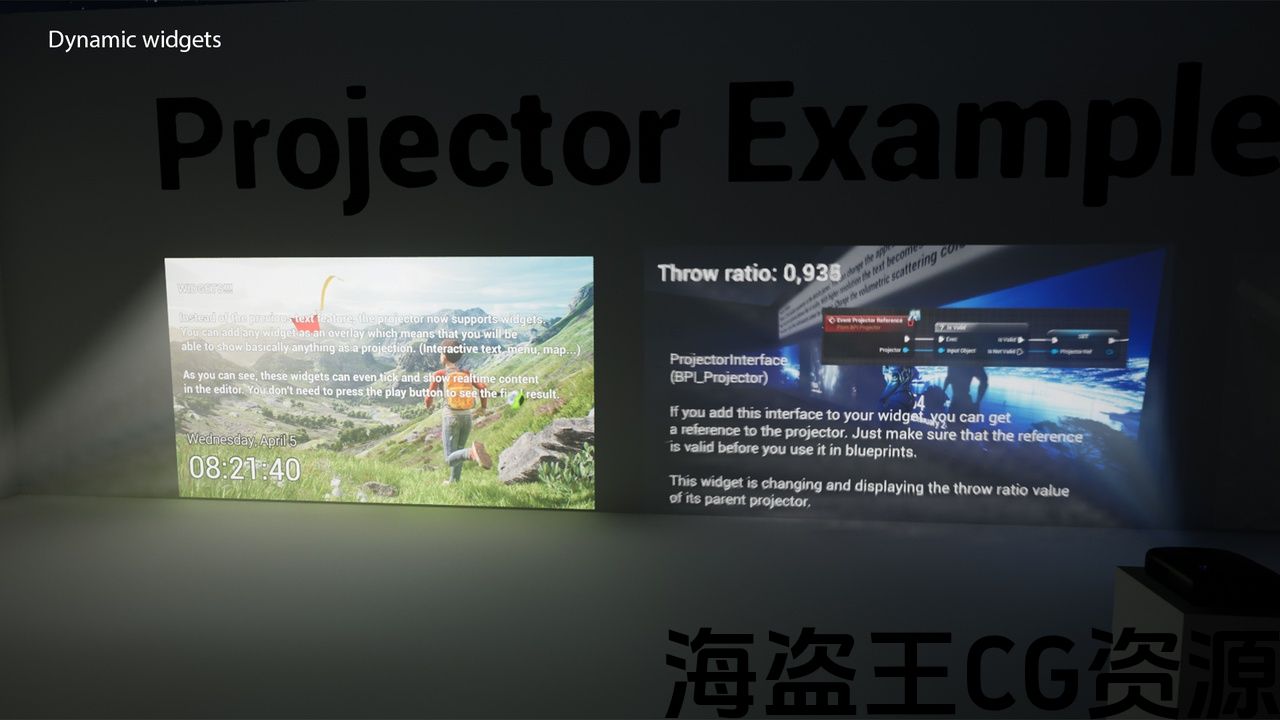
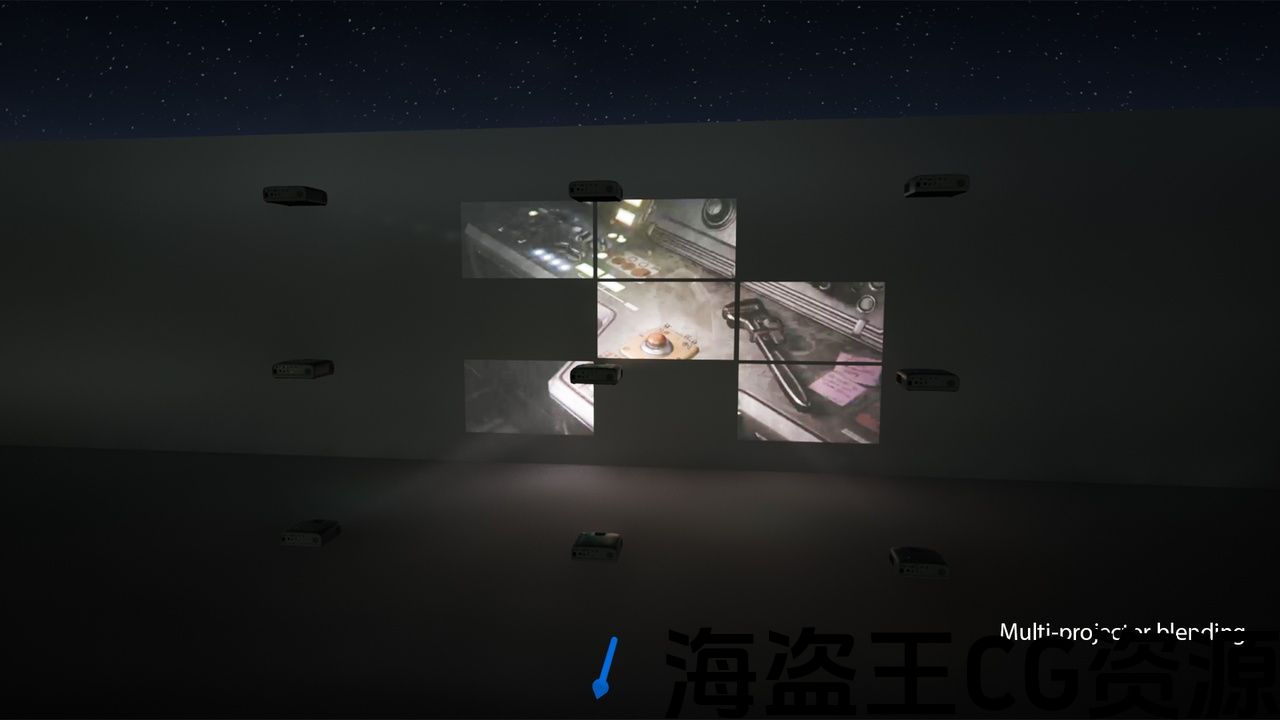
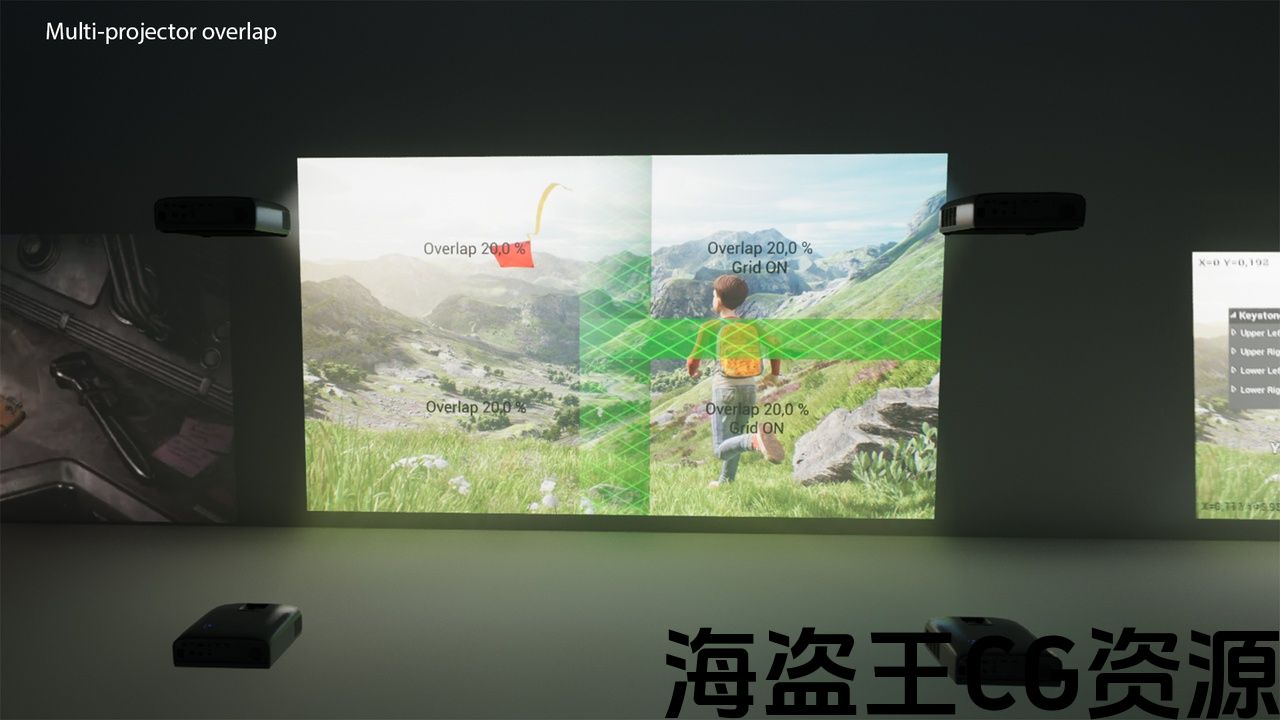
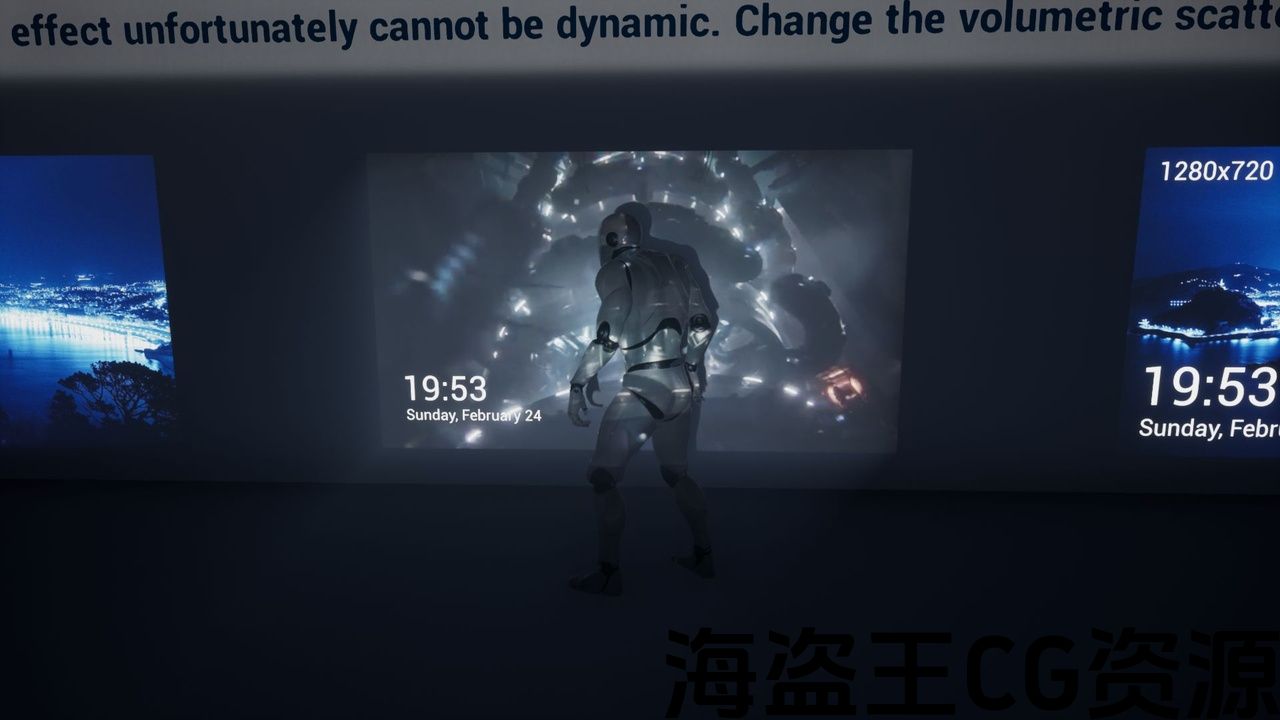
With this Blueprint you can easily bring life to your projects. Project images or videos with sound in your game or archviz. Project contains an example setup of replicated interaction with the third person character.
A NEW UPDATE IS HERE!!!
Update #9: (5.1 and higher)
- Version 2 of the projector based of MediaPlate
- all functionalities of MediaPlate actor
- much easier sequencer integration (identical to MediaPlate)
- more reliable media control
- posibility to show a different media when the video is not playing
Update #8: (5.1 and higher)
- Completely new volumetric light effect
- Shows light streaks matching the image color and intensity
- Controllable volumetric shadows
- Improved sequencer functionality with an example map
- projection info tool
- reflections work with Lumen, raytracing, pathtracing
Update #7: (23 and higher)
- Widgets – you can add any widget on top of the projected image which adds tons of new possibilities. These widgets are shown in realtime even in the editor!
- Media controls – video can be played and paused directly in the editor from the details panel.
- Sequencer – it is much easier to use the projector in sequencer by using media tracks. This way you have a realtime preview even in the editor + the playback speed is always correct when rendering a sequence
- A lot of small fixes and optimizations
KNOWN ISSUES
- Media player does not work on DX12 in UE5.0 – this is an engine bug – you can use DX11 to play a video
or enable Electra Player plugin instead of WMF Media Player plugin
UE5.1 – issue has been fixed
- Forward shading – projector cannot overlap any other shadow casting movable light
Update #6:
Edge blending feature added.
Improved text features.
Media with alpha channel are now supported.
Update #5:
A lot of code was refactored to optimize the performance. Every projector can now be linked to a different projector which acts as a media source.
This allows to have a big multi-projection made of many projectors while using the same amount of CPU power as if there was only one.
New events were added to control the media independently from the projector state.
Update #4:
Horizontal lens shift added
Warm Up time variable added
Multi-projector blending added – you can now use multiple projectors to project a single image.
Update #3: (4.22 and higher)
The whole code was refactored. No shipping/edit mode anymore – it will just package as it should :)
Throw ratio is being used to control the image size.
You can choose light units in the details panel.
Text positions are defined as a percentage of the screen instead of direct values.
Refresh rate has been added. This means you can control how often the image updates. For static images
you can set the value to 1 to save computing power.
Update #2:
added a vertical lens shift to project up or down from the forward axis (the distortion has to be corrected with the keystone correction)
the Turn Off screen is now optional
the example map now includes a “Live cam” using a scene capture
Update #1:
Keystone correction to project image on an angled surface
Automatic flipping of the image when the projector is upside down
Automatic color of the volumetric light effect
Important (old version only):
If you are packaging via File > Package Project then all projectors in all levels have to be set to shipping.
That’s because this command packages every level in your project regardless if it is being used or not. So set them to shipping also in the example map or you can delete that map if you want.
A better and proper way is to package via Window > Project Launcher where you can make a packaging profile and select only specific levels to package.
有了这个蓝图,你可以很容易地给你的项目带来生命。 项目图像或视频与声音在您的游戏或archviz。 项目包含与第三人称角色的复制交互的示例设置。
一个新的更新在这里!!!
更新#9:(5.1及更高版本)
- 基于MediaPlate的投影机版本2
- MediaPlate actor的所有功能
- 更容易的音序器集成(与Mediapplate相同)
- 更可靠的媒体控制
- 当视频不播放时,显示不同媒体的位置
更新#8:(5.1及更高版本)
- 全新的体积光效果
- 显示与图像颜色和强度匹配的光条纹
- 可控体积阴影
- 使用示例地图改进了sequencer功能
- 投影信息工具
- 反射与流明、光线追踪、路径追踪一起工作
更新#7:(23及更高版本)
- 小部件-您可以在投影图像的顶部添加任何小部件,这增加了大量新的可能性。 即使在编辑器中,这些小部件也会实时显示!
- 媒体控制-视频可以播放和暂停直接在编辑器从细节面板.
- Sequencer-通过使用媒体轨道,在sequencer中使用投影仪要容易得多。 这样,即使在编辑器中,您也可以获得实时预览+渲染序列时,播放速度始终是正确的
- 很多小的修复和优化
已知问题
- 媒体播放器在DX12上不起作用 UE5.0 -这是一个引擎错误-您可以使用DX11播放视频
或启用 伊莱克特拉播放器 插件而不是 WMF媒体播放器 插件
UE5.1 -问题已修复
- 前向阴影-投影机不能重叠任何其他阴影投射可移动光
更新#6:
添加边缘混合功能。
改进的文本功能。
现在支持带alpha通道的媒体。
更新#5:
为了优化性能,重构了大量代码。 现在,每台投影机都可以连接到作为媒体源的不同投影机。
这允许有一个大的多投影由许多投影机,同时使用相同数量的CPU功率,好像只有一个。
新的事件被添加到控制媒体独立于放映机状态.
更新#4:
增加了水平镜头移位
添加预热时间变量
多投影机混合 添加-您现在可以使用多个投影仪投影单个图像。
更新#3:(4.22及更高版本)
整个代码被重构。 没有运输/编辑模式了-它将只是包装,因为它应该:)
投掷比 正用于控制图像大小。
你可以选择 轻型单位 在详细信息面板中。
文本位置定义为 百分比 的屏幕而不是直接值。
刷新率 已被添加。 这意味着您可以控制图像更新的频率。 对于静态图像
您可以将值设置为1以节省计算能力。
更新#2:
增加了一个垂直镜头移位,从正轴向上或向下投影(失真必须用梯形校正来校正)
关闭屏幕现在是可选的
示例地图现在包括一个使用场景捕获的”实时凸轮”
更新#1:
梯形校正以在有角度的表面上投影图像
投影机倒置时图像的自动翻转
体积光效果的自动颜色
重要(仅限旧版):
如果您正在包装通过 文件>包项目 然后 所有投影机 在 所有级别 必须设置为 航运。
这是因为这个命令打包了项目中的每个级别,不管它是否被使用。 因此,在示例地图中也将它们设置为shipping,或者如果需要,可以删除该地图。
一个更好和正确的方法是通过打包 窗口>项目启动器 您可以在其中创建打包配置文件并仅选择要打包的特定级别。
评论(2)
boss , update 5.7
I didn’t own it, a friend own it, I’ll try.