
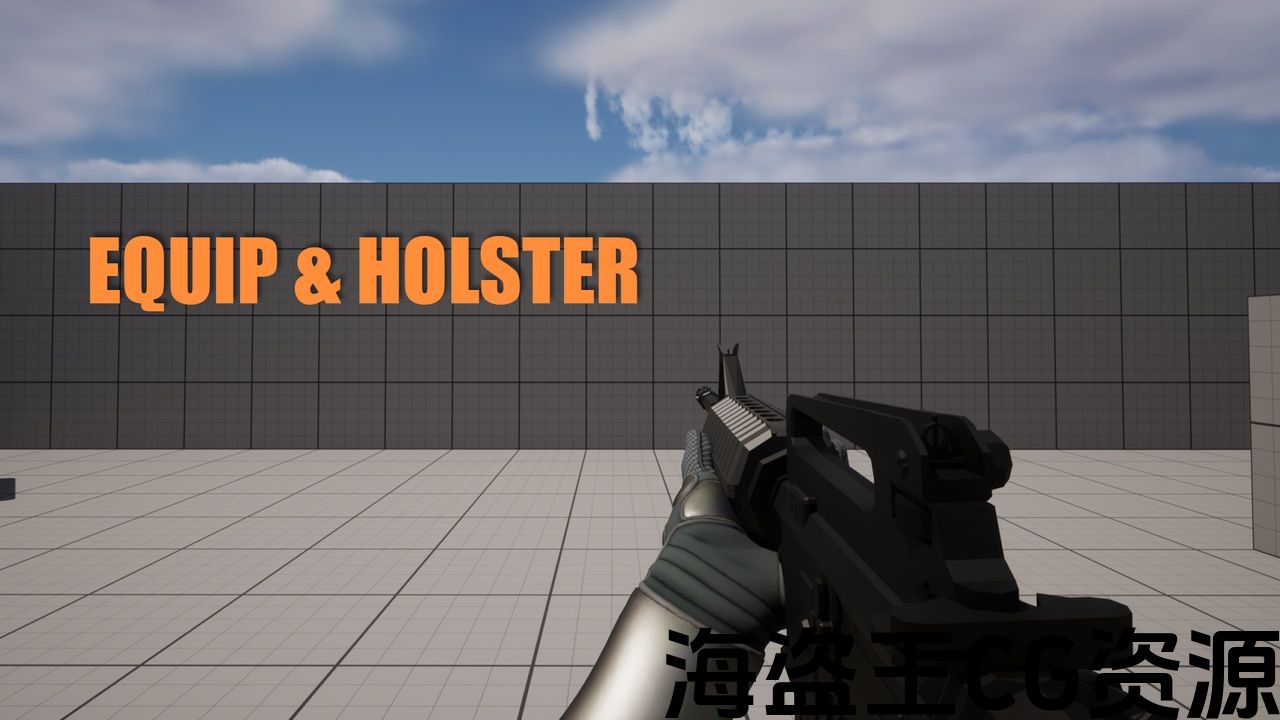
Features:
-
100% procedural weapon animation
-
Smart left-hand IK with elbow solver and right hand IK
-
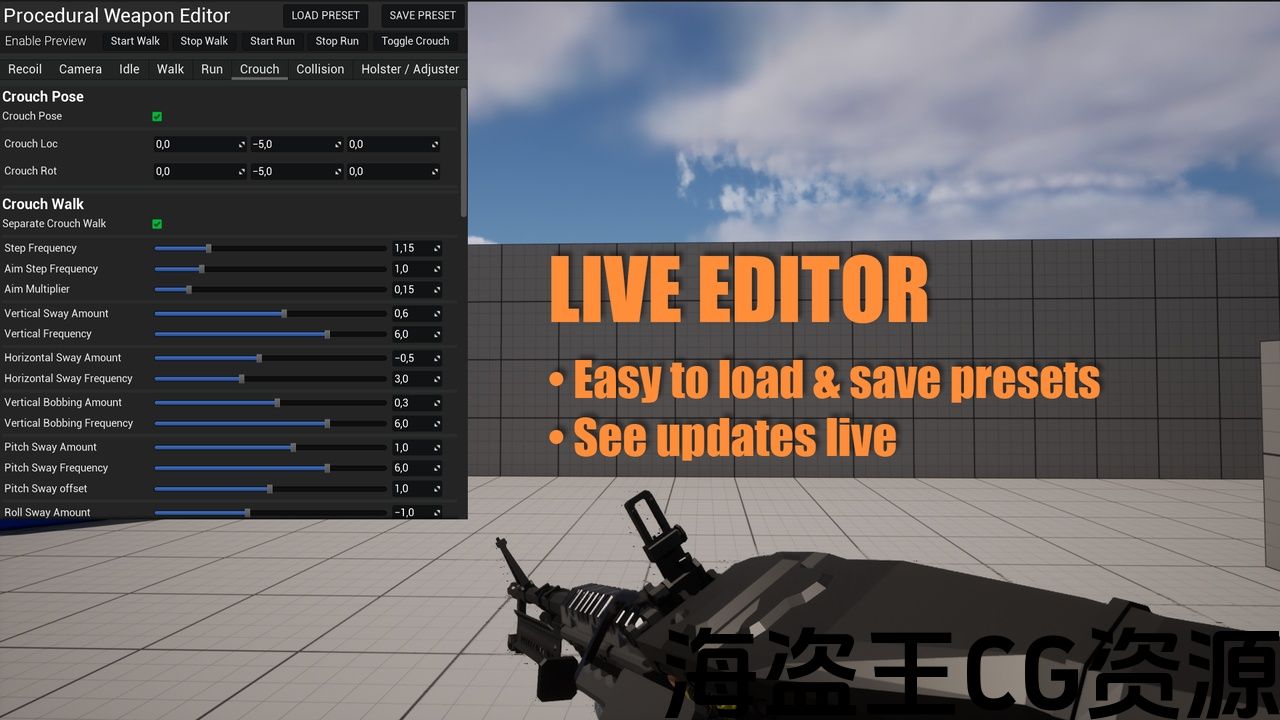
Real-time preset editor for tuning weapon feel
-
Fully modular Blueprint architecture
-
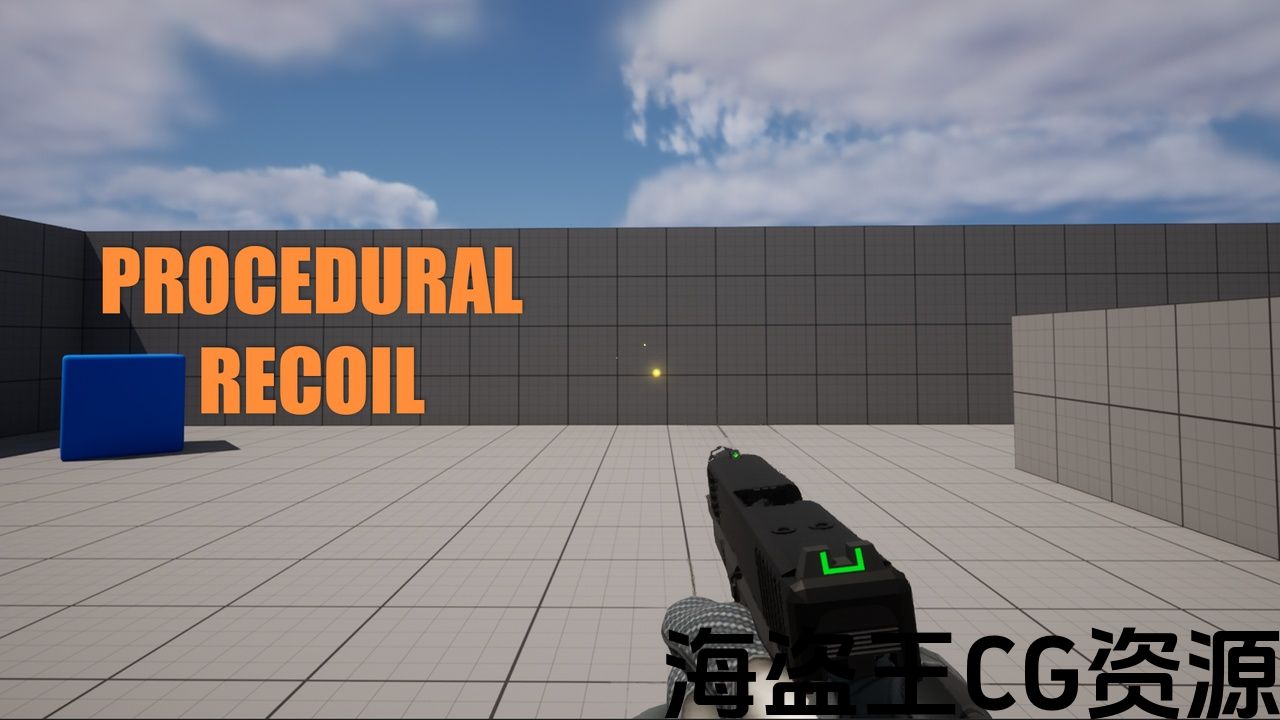
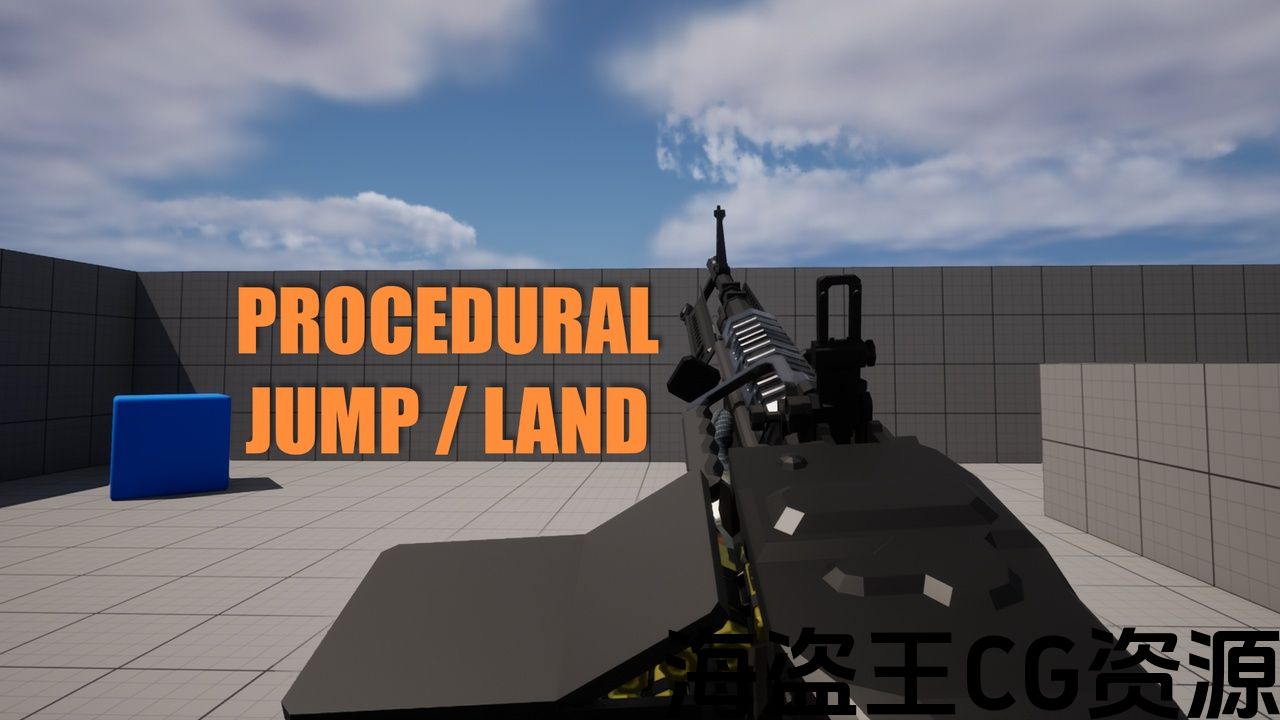
Procedural recoil, sway, ADS, holster, jump, weapon collision and movement
-
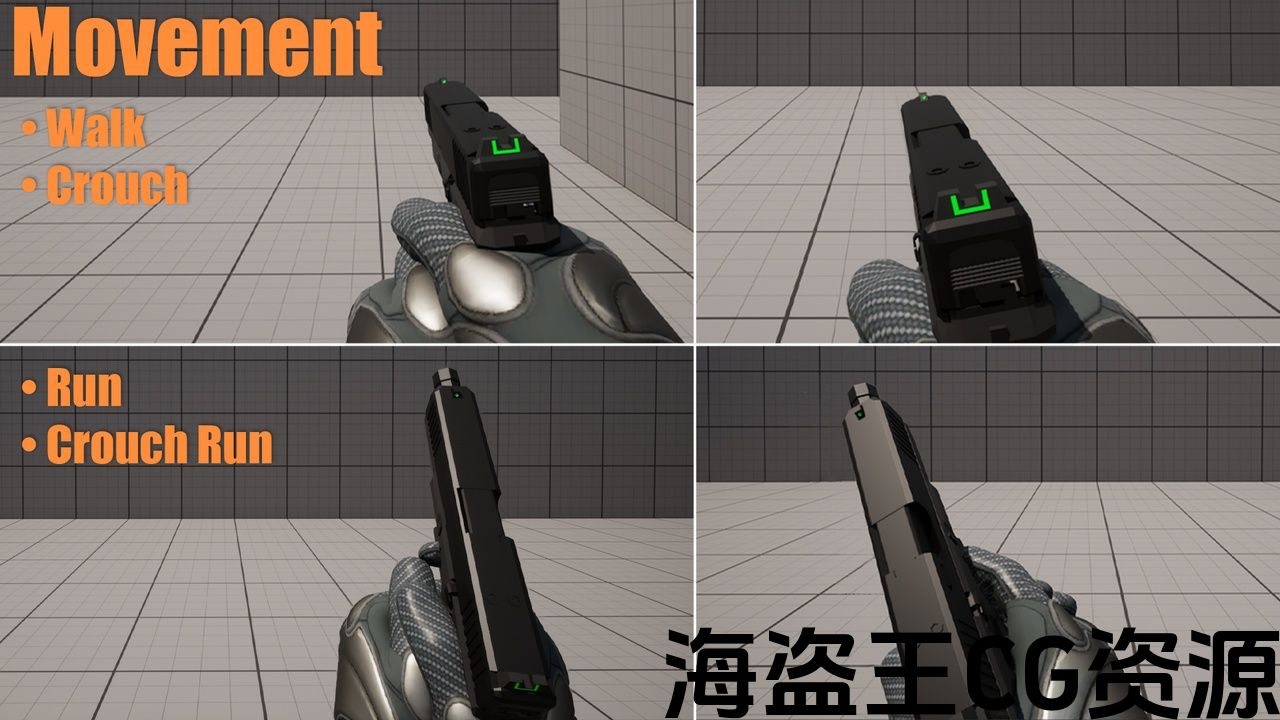
Walk/run/crouch pose dynamics
-
Separate values for walk, run, crouch and run crouch
-
Camera kick & screen shake for recoil
-
Per-weapon preset system
-
300+ editable parameters
Number of Blueprints: 22
Input: Keyboard, Mouse
Network Replicated: No (Pretty easy to setup, just replicate the variables from the function output. Then use those replicated variables in the AnimBP)
Supported Development Platforms:
-
Windows: Yes
Documentation Link: Document
Important/Additional Notes:
-
The live preset editor is an editor-only tool used for authoring and tuning presets.
It is not included in packaged builds. -
Always back up your project before updating the plugin in case new logic affects existing presets.
-
Decrease Near Clip Plane inside Project Settings. 0.01 is a good value, this is to prevent weapon clipping when the models are close to the camera.
功能:
-
100% 程序武器动画
-
智能左手 IK,带肘部解算器和右手 IK
-
用于调整武器感觉的实时预设编辑器
-
完全模块化的蓝图架构
-
程序后坐力、摇摆、 ADS、皮套、跳跃、武器碰撞和移动
-
步行/跑步/蹲伏姿势动态
-
步行、跑步、蹲伏和跑蹲的单独值
-
反冲的镜头踢动和屏幕抖动
-
每武器预设系统
-
300+可编辑参数
蓝图数量:22
输入:键盘、鼠标
网络复制:否(设置非常简单,只需复制函数输出中的变量即可。然后在 AnimBP 中使用这些复制的变量)
支持开发平台:
-
Windows:是
文档链接:文档
重要/附加说明:
-
实时预设编辑器是一个仅供编辑的工具,用于创作和调整预设。
它不包含在打包版本中。 -
在更新插件之前务必备份您的项目以防新逻辑影响现有预设。
-
减少项目设置内的近剪辑平面。 0.01是一个很好的值,这是为了防止模型靠近相机时武器被剪裁。
Demo Without Editing Widget
Trello – See for future updates (everything I create)
Community Discord – WIP’s for upcoming V2.
Join to share setups, presets, tips, and get updates.
The Procedural Weapon Animation System (PWAS) is a complete Blueprint-driven solution for generating high-quality first-person weapon animations without any traditional animation assets.
Every effect—recoil, sway, ADS offsets, movement cycles, breathing, IK alignment, camera kick, pose offsets, weapon collision, and more, is computed procedurally in real-time and can be tuned live through an in-editor procedural preset widget (including loading + saving presets).
PWAS is designed for indie developers, technical artists, prototypes, and studios who want AAA-quality weapon feel with minimal setup.
Weapon Compatibility ✔ Works with weapons attached to ik_hand_gun ✔ Also works for setups where weapons are usually attached to hand_r
Both workflows include:
-
Full left-hand IK support
-
Customizable hand_r offsets
-
Weapon pose tuning (location + rotation)
-
Elbow placement adjustments
PWAS ships with fully set-up examples for each workflow.
Core System
-
Procedural Weapon Animation Component
-
Preset-based system for recoil, sway, ADS, stance, and movement behavior
-
300+ editable parameters
-
Left Hand IK system (Two-Bone + FABRIK)
-
Reload while aiming
Tools
-
Live in-editor Preset Editing Widget (Editor-only)
-
Save / load custom presets instantly
Examples
-
Weapon Blueprints (Pistol, Rifle, SMG, LMG, Shotgun, Sniper)
-
Animation Blueprints
-
Demo maps showing real gameplay usage
-
Prefab preset library for common weapon classes
Perfect For
-
First-person shooters
-
Horror shooters
-
Extraction shooters
-
Tactical / realistic FPS
-
Sci-fi / fantasy weapon systems
-
Rapid prototyping & iteration workflows
Quick Start Guide
-
Add the Procedural Weapon Component to your player character.
-
Set up the included animation blueprint example.
-
In your weapon BP, add a variable of type DA_WeaponProceduralPreset and assign (duplicate before modifying) a preset.
-
Attach your weapon to ik_hand_gun.
-
Adjust weapon pose offsets and hand positions as needed.
-
Ensure your weapon mesh contains:
-
LeftHandIK socket (for off-hand IK)
-
Muzzle socket (for collision & optional example bullets)
-
After this, the weapon becomes fully procedural and ready to use.
Notes
-
This pack will receive updates and content, price may increase depending on content added.
-
The live preset editor is an editor-only tool used for authoring and tuning presets.
It is not included in packaged builds. -
Always back up your project before updating the plugin in case new logic affects existing presets.
-
Decrease Near Clip Plane inside Project Settings. 0.01 is a good value, this is to prevent weapon clipping when the models are close to the camera.
Models made by D_U
演示无需编辑小部件
Trello – 查看未来的更新(我的所有内容)创建)
社区 Discord – 即将推出的 V2 尚未完成。
加入分享设置、预设、提示并获取更新。
程序化武器动画系统 (PWAS) 是一个完整的蓝图驱动解决方案,用于生成高质量的第一人称武器动画无需任何传统动画资源。
每个效果 –后坐力、摇摆、ADS 偏移、移动周期、呼吸、IK 对齐、相机踢动、姿势偏移、武器碰撞等均按程序计算实时,并且可以通过编辑器内程序预设小部件进行实时调整(包括加载和保存预设)。
PWAS 专为想要通过最少的设置获得 AAA 品质武器感觉的独立开发者、技术美术师、原型和工作室而设计。
武器兼容性 ✔ 可与附加的武器配合使用ik_hand_gun ✔ 也适用于武器通常连接到 hand_r 的设置
两个工作流程包括:
-
完整的左手 IK 支持
-
可自定义 hand_r 偏移
-
武器姿势调整(位置 +旋转)
-
肘部位置调整
PWAS 附带了每个工作流程的完整设置示例。
核心系统
-
程序武器动画组件
-
基于预设的系统,用于反冲、摇摆、ADS、姿态和运动行为
-
300多个可编辑参数
-
左手IK系统(双骨+FABRIK)
-
瞄准时重新加载
工具
-
实时编辑器内预设编辑小部件(仅限编辑器)
-
立即保存/加载自定义预设
示例
-
武器蓝图(手枪、步枪、冲锋枪、轻机枪、霰弹枪、狙击手)
-
动画蓝图
-
展示真实游戏使用情况的演示地图
-
常见武器类别的预制预设库
完美适合
-
第一人称射击游戏
-
恐怖射击游戏
-
撤离射击游戏
-
战术/现实第一人称射击游戏
-
科幻/奇幻武器系统
-
快速原型设计和迭代工作流程
快速入门指南
-
将程序武器组件添加到您的玩家角色。
-
设置附带的动画蓝图示例。
-
在您的武器BP中,添加类型变量DA_WeaponProceduralPreset 并分配(修改前复制)预设。
-
将武器连接到 ik_hand_gun。
-
根据需要调整武器姿势偏移和手部位置。
-
确保武器网格包含:
-
LeftHandIK插槽(用于副手IK)
-
枪口插槽(用于碰撞和可选示例子弹)
-
此后,武器变得完全程序化并准备好使用。
注释
-
此包将收到更新和内容,价格可能会根据添加的内容而上涨。
注释
-
此包将收到更新和内容,价格可能会根据添加的内容而上涨。
实时预设编辑器是一个仅供编辑的工具,用于创作和调整预设。
它不包含在打包中构建。 -
在更新插件之前务必备份项目,以防新逻辑影响现有预设。
-
减少项目设置内的近剪辑平面。 0.01是一个很好的值,这是为了防止模型靠近相机时武器被剪裁。
制作的模型
声明:本站所有资源都是由站长从网络上收集而来,如若本站内容侵犯了原著者的合法权益,可联系站长删除。 -
评论(0)