
Features:
Type of Emitters: (CPU,)
Number of Unique Effects: 34 Niagara Fx
Number of Niagara Emitter : 9
Number of Materials: 20 Master
Number of Material Function : 3
Number of Instance: 40
Number of Textures: 122
Number of Unique Meshes: 4
Number of Sounds : 3 Dash Fx Sound And Clue
Number of Blueprint : 2
Number of Widget Blueprint : 2
Supported Development Platforms:
Windows: (Yes)
Mac: (Yes)
Documentation
Demo Video : https://youtu.be/cNBnIiCaZbE
特征:
发射器类型:(CPU,)
独特效果数量:34尼亚加拉Fx
尼亚加拉发射器数量:9
材料数量:20个
材料功能数量:3
实例数:40
纹理数量:122
唯一网格数:4
声音数量:3Dash Fx声音和线索
蓝图数目:2
控件蓝图数量:2
支持的开发平台:
视窗:(是)
Mac:(是)
文件
演示视频 : https://youtu.be/cNBnIiCaZbE
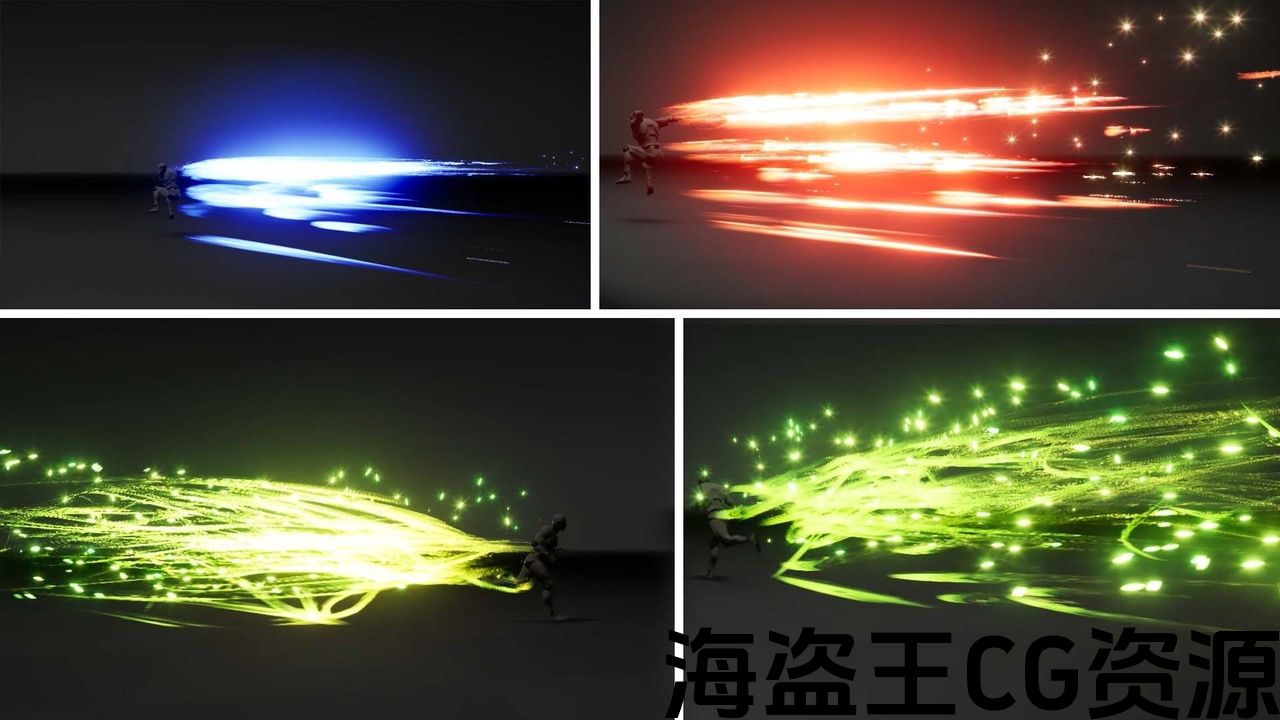
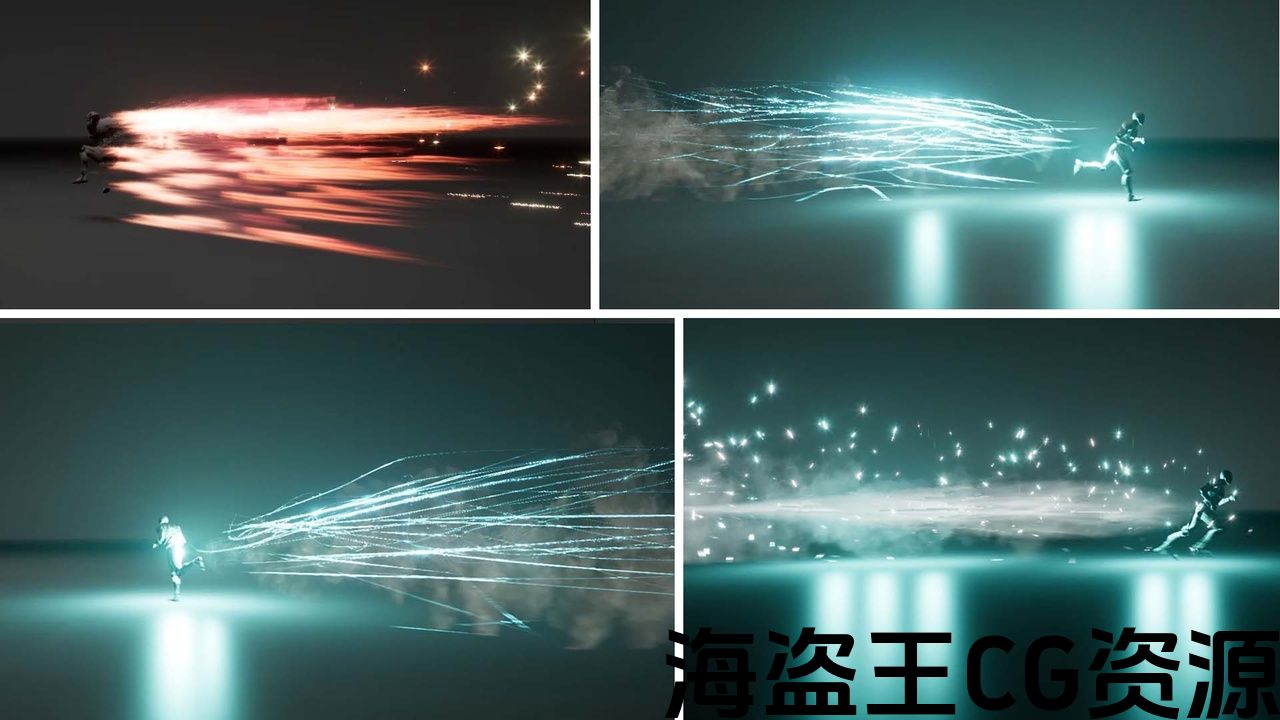
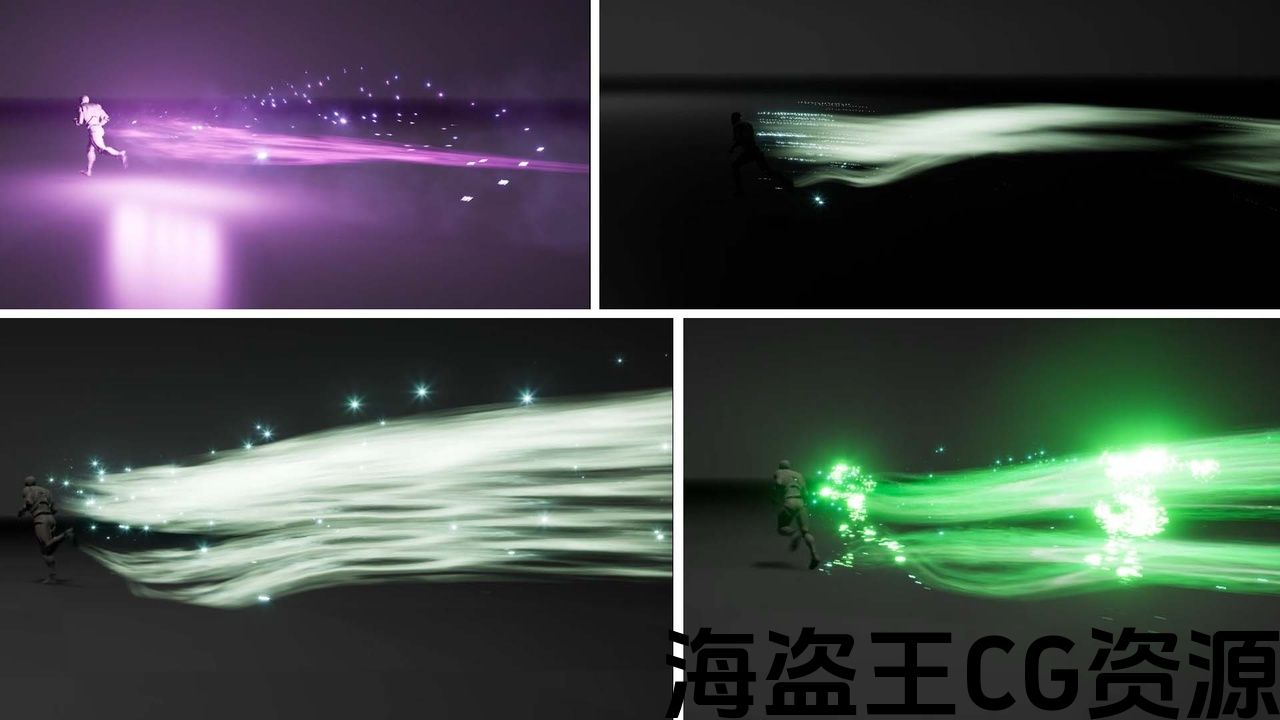
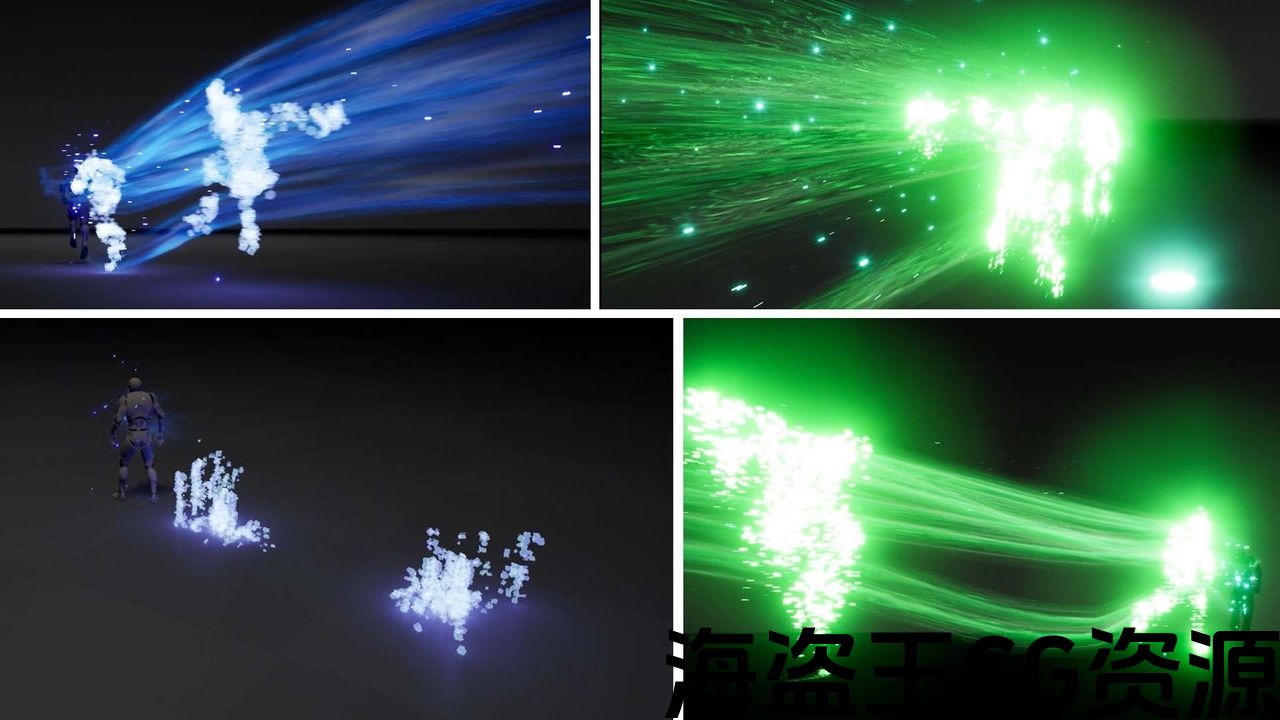
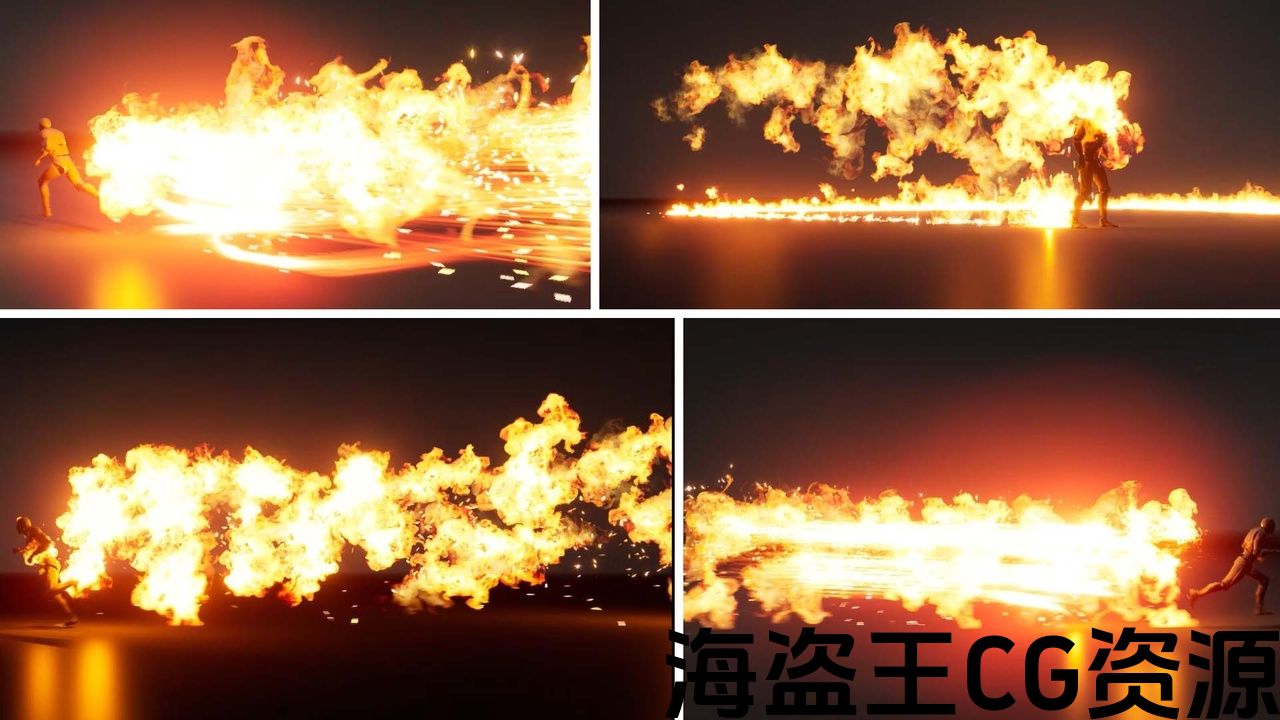
Dynamic Dash Fx
Insert it into the blueprint and you’re done.
It will be created depending on the character’s Dash movement.
Of course, you can control it however you want.
Won’t load on FPS
It is visually impressive and useful.
Change their materials and parameters.
Upload your own character skeleton with the Niagara Vfx parameter.
You can select and test effects with the help of widget blueprint.
The character you see in the images is Epic Skeleton.
It is not included in the package content.
It is included as an example only so you can test it and experience the effects.
There is an example of a “dash fx” blueprint in the images. An example of how the skeletal system will be deployed.
See last 2 images
categories
- Energy Dash Fx
- Fire Dash Fx
- Flash Fx
- Fluid Dash Fx
- Ice Dash Fx
- Lightnning Dash Fx
- Smoke Dash Fx
Basic Tutorial
Go into the ThirdPerson Sample >Enter ThirdPerson Bp >Enter the Blueprint folder
Drag and run the effect on the “Niagara DashFx” Component.
Play
Using an effect in Dash Fx Pack with continuous production. Changing the emitter structure and using it without burst.
https://youtu.be/2xnrWOLCLI8?si=FP1uBsnPzAkAR7za
动态Dash Fx
将其插入蓝图,就大功告成了。
它将根据角色的短跑运动创建。
当然,你可以随心所欲地控制它。
不会加载FPS
它在视觉上令人印象深刻和有用。
改变它们的材料和参数。
上传你自己的角色 具有Niagara Vfx参数的骨架。
您可以在控件蓝图的帮助下选择和测试效果。
您在图像中看到的角色是Epic Skeleton。
它不包含在包内容中。
它仅作为示例包含在内,因此您可以对其进行测试并体验效果。
图像中有一个”dash fx”蓝图的示例。 骨骼系统将如何部署的示例。
查看最后2张图片
类别:
- 能源短跑Fx
- 消防短跑Fx
- Flash Fx
- 流体冲程Fx
- 冰冲Fx
- 闪电短跑Fx
- 烟雾短跑Fx
基础教程
进入ThirdPerson示例>进入ThirdPerson Bp>进入蓝图文件夹
拖动并运行”Niagara DashFx”组件上的效果。
游戏
在Dash Fx Pack中使用连续生产的效果。 改变发射极结构并在不突发的情况下使用它.
https://youtu.be/2xnrWOLCLI8?si=FP1uBsnPzAkAR7za
评论(0)