
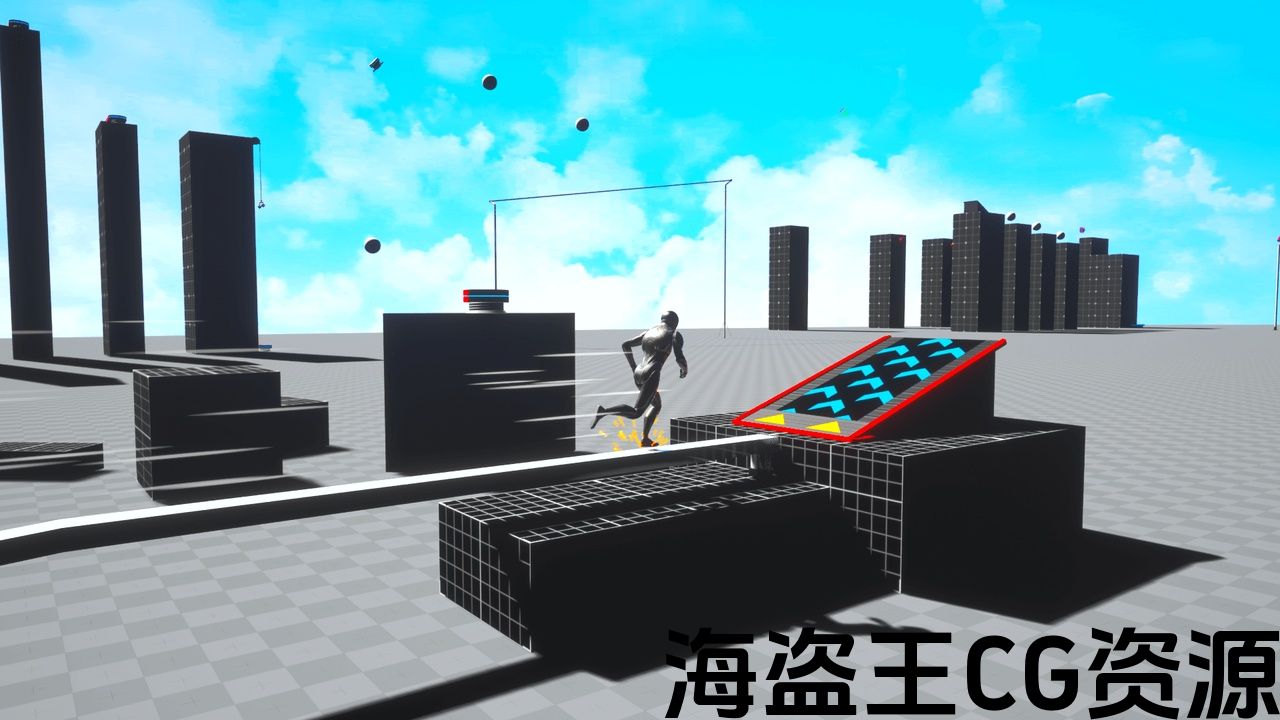
Features:
-
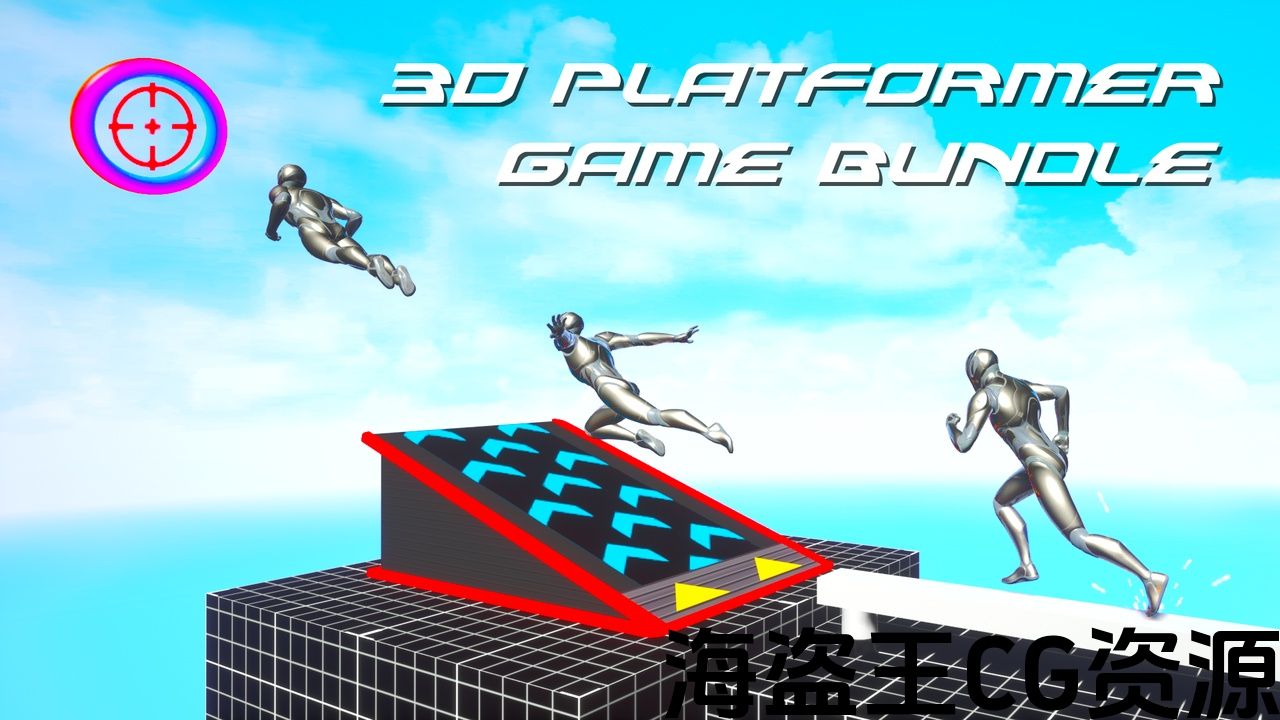
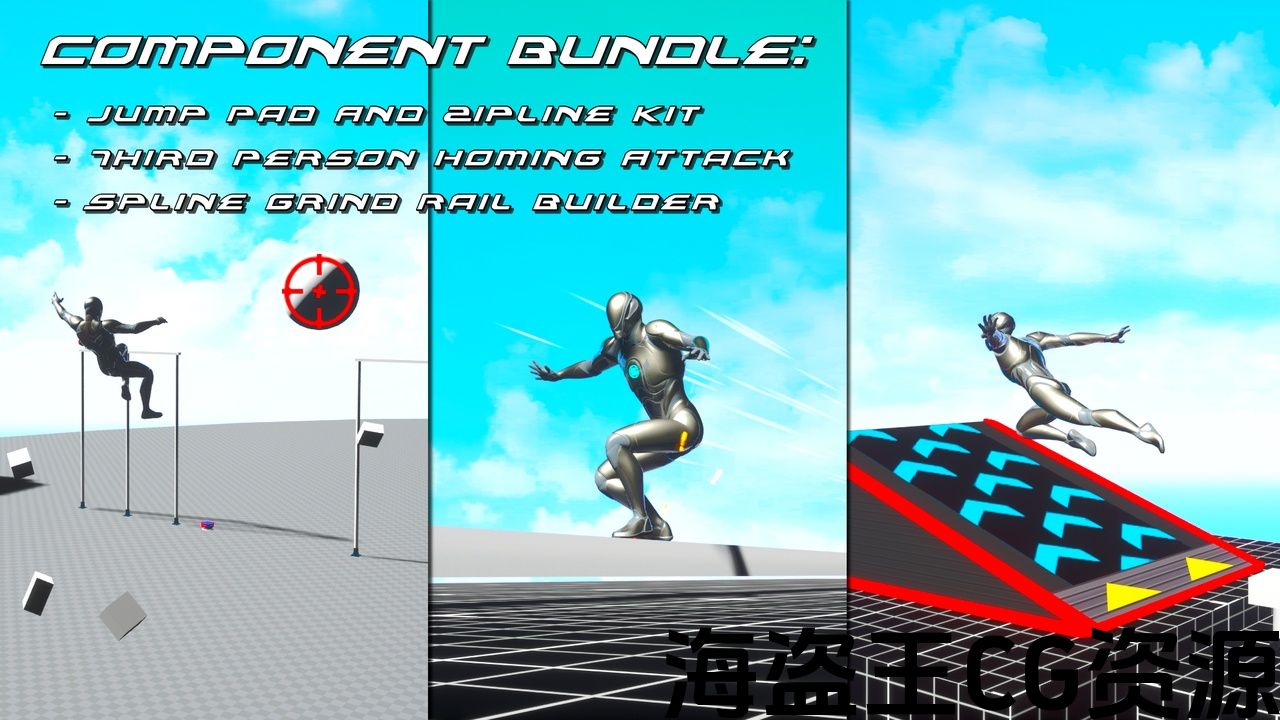
Add Jump Pads, Springs, Boost Rings and Vertical Ziplines to your levels.
-
While Falling, press the Jump button to launch a Homing Attack that zeroes in on the closest Target!
-
The targeting system will place a crosshair on top of enemies so the character can interact with them.
-
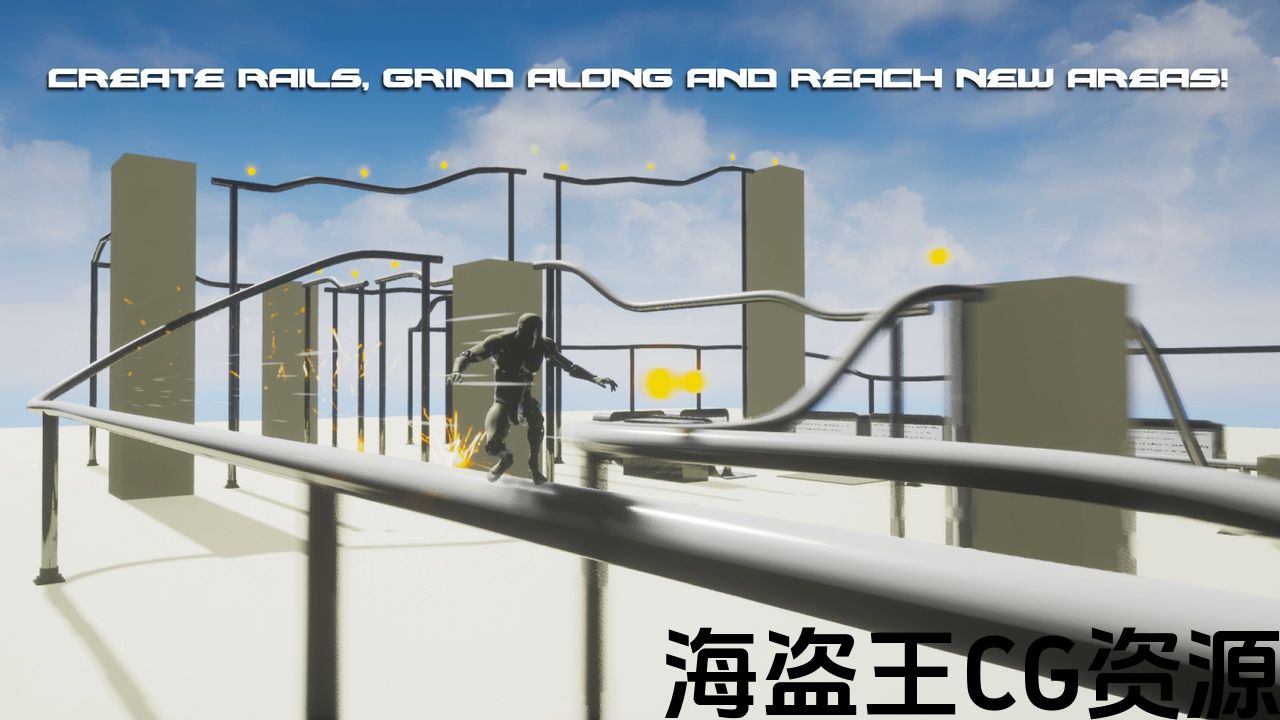
Use Splines to create Grind Rails and Ziplines that can be easily added to your levels.
Number of Blueprints: 3 Character Components + 8 Platformer Actors + Spline Mesh BP + Target Actor + 5 Widgets
Input: Gamepad, Keyboard + Mouse
Network Replicated: No
Documentation: Link
Important/Additional Notes: If you need any help, please contact me at Discord, the link is in the description.
特征:
-
添加 跳垫, 弹簧,弹簧, 升压环 和 垂直高空滑索 到你的水平。
-
下降时,按跳转按钮启动一个 归巢攻击 瞄准最接近的目标!
-
瞄准系统将在敌人的顶部放置一个十字准线,以便角色可以与他们互动。
-
使用样条创建 磨轨 和 高空滑索 这可以很容易地添加到你的水平。
蓝图数目: 3个角色组件+8个平台演员+样条网格BP+目标演员+5个小部件
输入: 游戏手柄,键盘+鼠标
网络复制: 非也。
文件: 连结
重要/附加注意事项: 如果您需要任何帮助,请在Discord与我联系,链接在描述中。
Gameplay Video | Demo | Documentation
If there are any issues, questions or technical assistance, please let me know, I’ll answer as soon as possible.
Please provide Order ID for support: Discord | rauljaramillo.storage.com@gmail.com
-
If the Grind Rails / Ziplines are loaded without their supports or Boost Rings are misplaced, please open another level and then load the previous one again. This can happen when the Editor loads the project for the first time.
—–
This bundle includes:
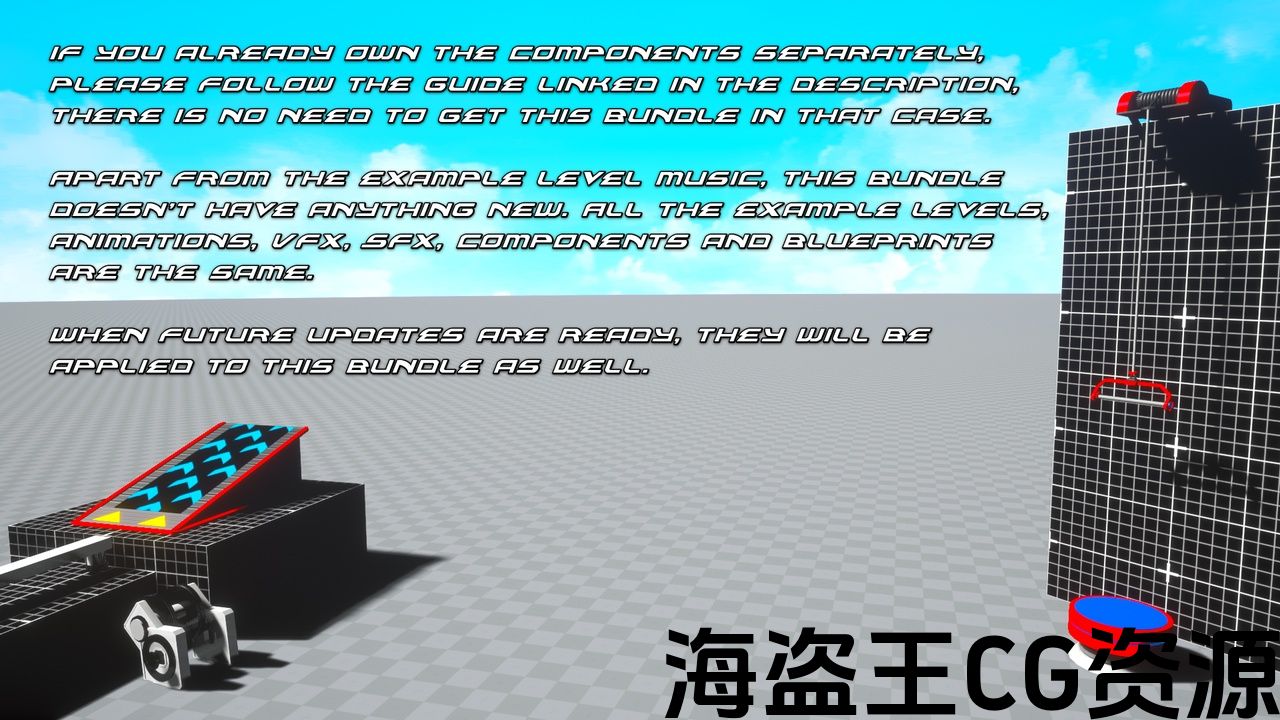
This bundle is not needed if you already own them separately, please follow this guide (link) to make them work together.
Apart from the example level music, this bundle doesn’t have anything extra. All the example levels, animations, VFX, SFX, Components and blueprints are from the individual projects.
The Components are not Replicated.
—–
Features:
-
Add Jump Pads, Springs, Boost Rings and Vertical Ziplines to your levels.
-
While Falling, press the Jump button to launch a Homing Attack that zeroes in on the closest Target!
-
The targeting system will place a crosshair on top of enemies so the character can interact with them.
-
Use Splines to create Grind Rails and Ziplines that can be easily added to your levels.
—–
Requirements:
-
A Character Movement Component + Animation Blueprint that plays Montages.
-
A Custom Trace Channel used by the Homing Attack component and blocked by the Target Actors only.
-
A Blueprint Interface implemented by the Target Actors. It’s the provided type of Blueprint communication used by the Component.
—–
Additional Notes:
-
Unreal Engine’s Control Rig Foot IK solution will rotate incorrectly both Character’s legs while using Jump Pads, Homing Attacks, Grind Rails and Vertical Ziplines. To prevent that, we need to set the IK Alpha value to 0 and return it to 1 after using them. The documentation provides information on how to do it.
-
The Terminal Velocity of the project can be increased to make sure the Character follows the predicted launch arc while falling with more than – 4.000 Velocity (Z). By default the Terminal Velocity is 4.000, so the Character (while falling) will only follow the predicted arc until reaching – 4.000 Velocity (Z). Increasing it to 10.000 for example, will allow the Character to follow the arc accurately for longer.
—–
Attribution (CC0):
-
Jump Pad And Zipline Kit (link)
-
Third Person Homing Attack (link)
-
Spline Grind Rail Builder (link)
-
Hologrid + Grid Crosses Textures are from Epic’s Game Animation Sample project
如果有任何问题,问题或技术援助,请让我知道,我会尽快回答。
请提供订单ID以获得支持: 不和谐 |rauljaramillo.storage.com@gmail.com
-
如果 磨轨 / 高空滑索 没有他们的支持或 升压环 放错了地方,请打开另一个级别,然后再次加载前一个。 当编辑器第一次加载项目时,可能会发生这种情况。
—–
此捆绑包包括:
+ 第三人称归巢攻击
+ 花键磨轨机
如果您已经单独拥有它们,则不需要此捆绑包,请遵循本指南(连结)让他们一起工作。
除了示例级别的音乐,这个包没有任何额外的东西。 所有示例关卡、动画、VFX、SFX、组件和蓝图都来自各个项目。
组件不会复制。
—–
特征:
-
添加 跳垫, 弹簧,弹簧, 升压环 和 垂直高空滑索 到你的水平。
-
下降时,按跳转按钮启动一个 归巢攻击 瞄准最接近的目标!
-
瞄准系统将在敌人的顶部放置一个十字准线,以便角色可以与他们互动。
-
使用样条创建 磨轨 和 高空滑索 这可以很容易地添加到你的水平。
—–
要求:
-
A 角色移动组件 + 动画蓝图 那就是蒙太奇。
-
A 自定义跟踪通道 由归位攻击组件使用,仅被目标Actor阻止。
-
A 蓝图接口 由目标参与者实施。 它是提供的组件使用的蓝图通信类型。
—–
其他注意事项:
-
虚幻引擎的Control Rig Foot ik解决方案在使用跳跃垫、寻的攻击、磨轨和垂直高空滑索时,会使角色的两条腿不正确地旋转。 为了防止这种情况,我们需要将Ik Alpha值设置为0,并在使用它们后将其返回为1。 该文档提供了有关如何执行此操作的信息。
-
项目的终端速度可以增加,以确保角色跟随预测的发射弧,同时下降超过-4.000速度(Z)。 默认情况下,终端速度为4.000,因此角色(下降时)只会跟随预测的弧线,直到达到-4.000速度(Z)。 例如,将其增加到10.000将允许角色准确地跟随弧线更长时间。
—–
归属(CC0):
评论(0)