
Blueprints:
* Waypoint Movement Actor Component
* Waypoints Visualizer Actor Component
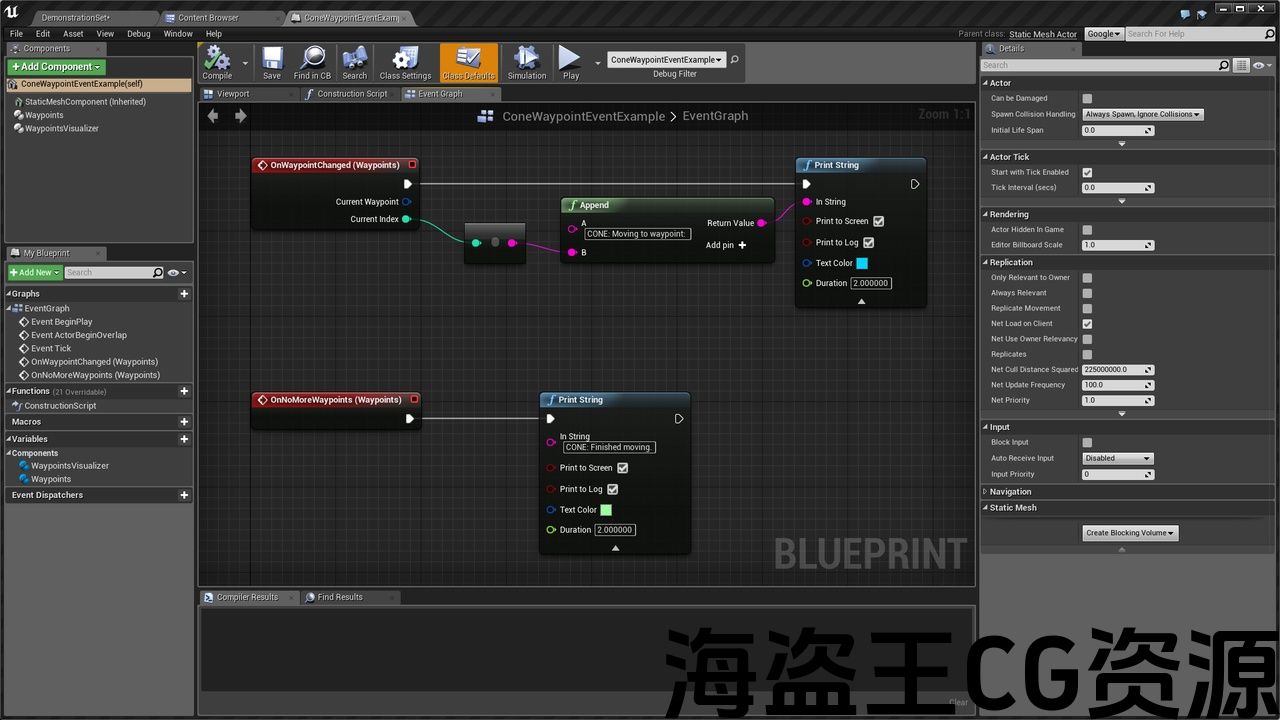
* Example Actor Using Waypoint Events
* Example Inheriting Actor Component
* Waypoint Data Structure
* Waypoint Pair Data Structure
* Actor Waypoints Basics Tutorial
* Actor Waypoints Visualization Tutorial
Maps:
* Evented Actors In Motion Demo
Textures:
* Tutorial Thumbnail
Intended Platforms: All
Platforms Tested: Windows
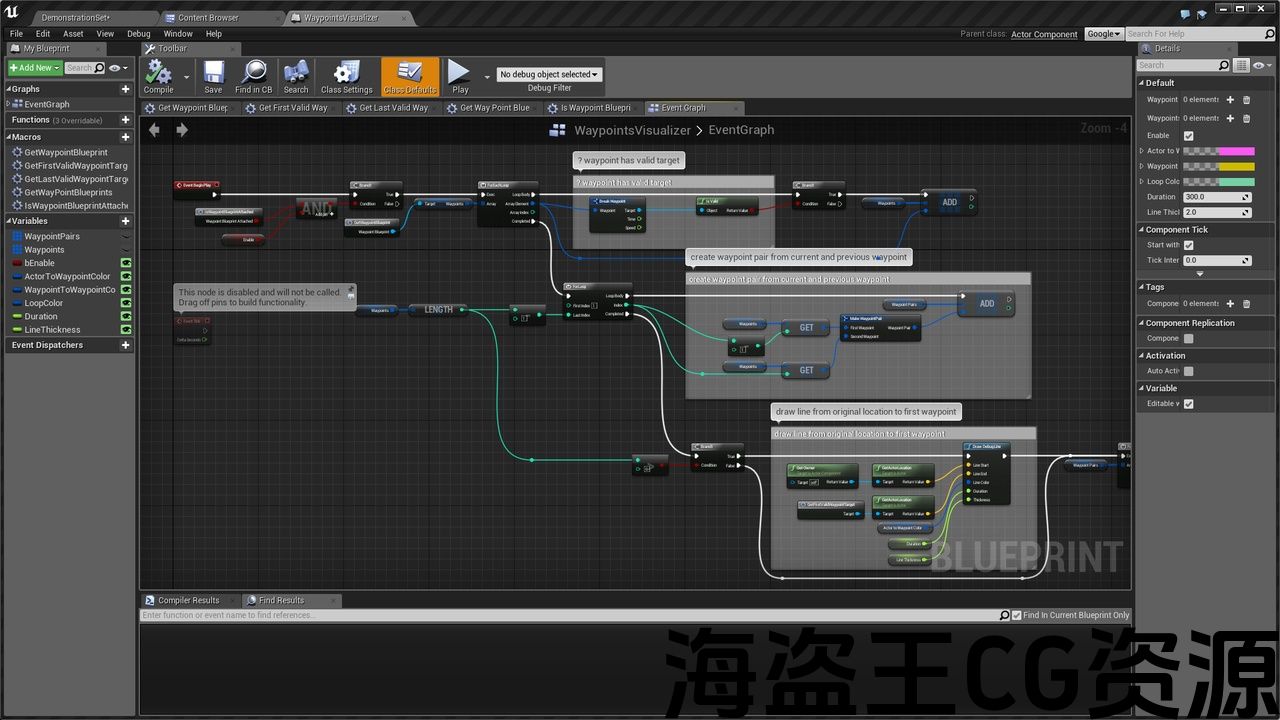
Documentation: All editable properties have descriptive tooltips so you know exactly what they do. The blueprint code is clean and well-commented so you can easily dig into the details of the blueprint code if you wish. This is also intended to be a study project that you can learn from, so feel free to pull out, re-use, and modify any parts of the blueprint code you want and customize into your game or product at will. By looking at how the components are laid out and use attributes from user-editable fields, toggles, and references you can build your own blueprint products. Have fun!
蓝图:
*航点移动Actor组件
*Waypoints Visualizer Actor组件
*使用航点事件的示例Actor
*示例继承Actor组件
*航点数据结构
*航点对数据结构
* 演员航点基础教程
地图:
*动态演示中的Evented Actors
纹理:
*教程缩略图
预期平台:所有
测试平台:Windows
文档:所有可编辑的属性都有描述性的工具提示,因此您确切地知道它们的作用。 蓝图代码简洁且注释良好,因此您可以根据需要轻松深入了解蓝图代码的详细信息。 这也是一个您可以学习的学习项目,因此您可以随意提取、重用和修改蓝图代码的任何部分,并随意自定义到您的游戏或产品中。 通过查看组件的布局和使用用户可编辑字段、切换和引用中的属性,您可以构建自己的蓝图产品。 玩得开心!
Preview: vimeo.com/160807898
Quickly get actors in your scene moving for simple motion or pre-visualization, tutorials included. Learn the fundamentals of blueprint-based actor translation, rotation, movement smoothing, line visualization, and event triggering by examining the well-organized and commented blueprints. Feel free to grab chunks of the blueprints and do whatever you want with them.
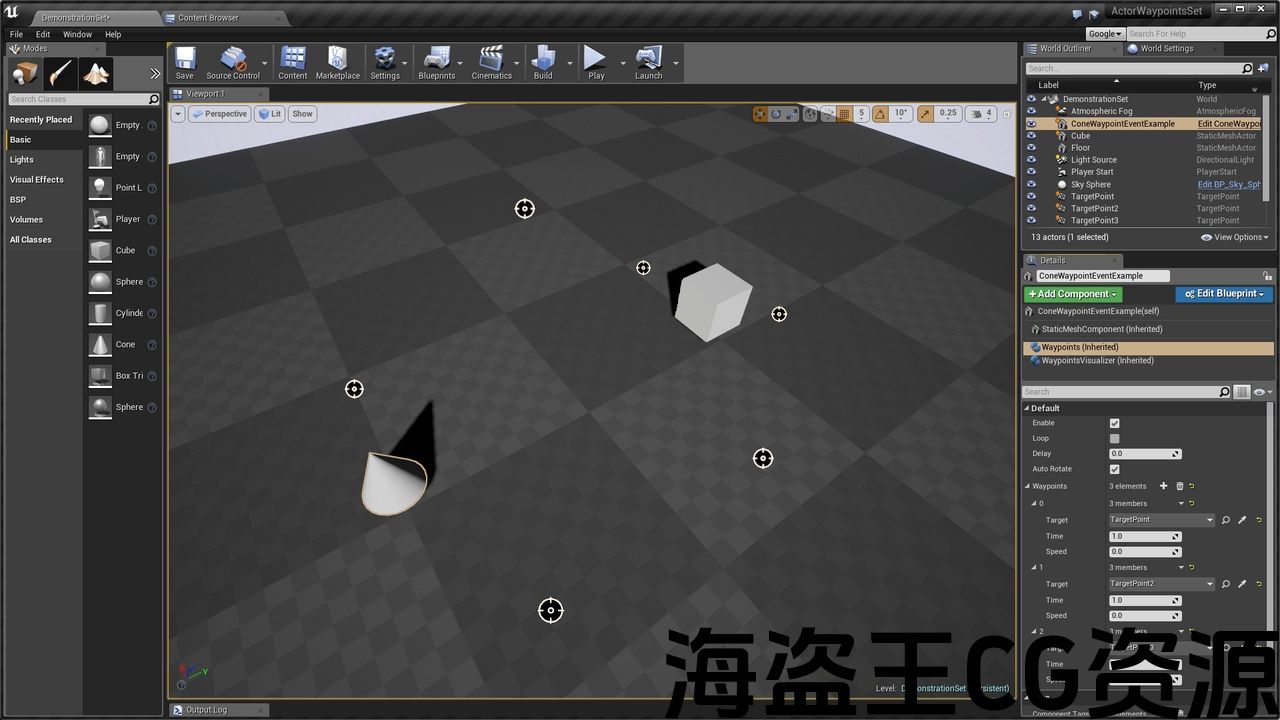
Drag and drop target points into your scene, snap a waypoint component onto each of your movable actors, and add waypoints by selecting target points by name or selecting them directly in the level. Accept the default or set the time or speed each actor will take from waypoint to waypoint. Enable looping to make an actor continue around waypoints indefinitely.
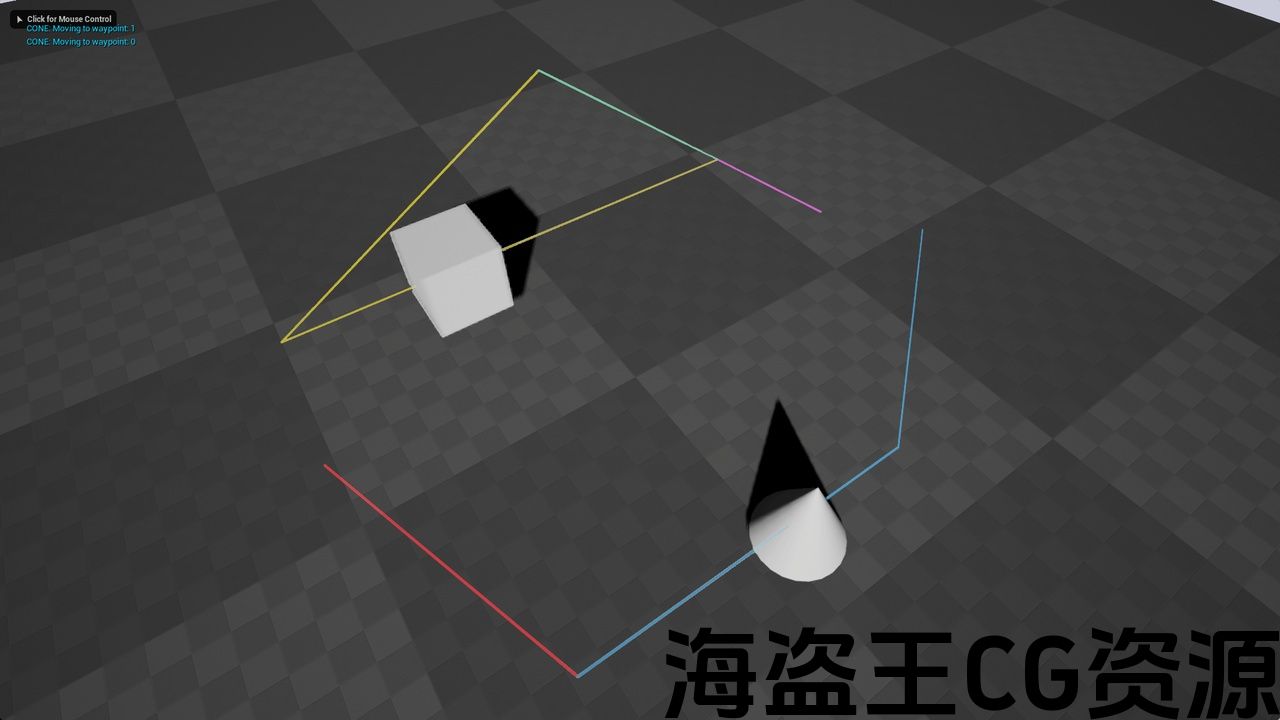
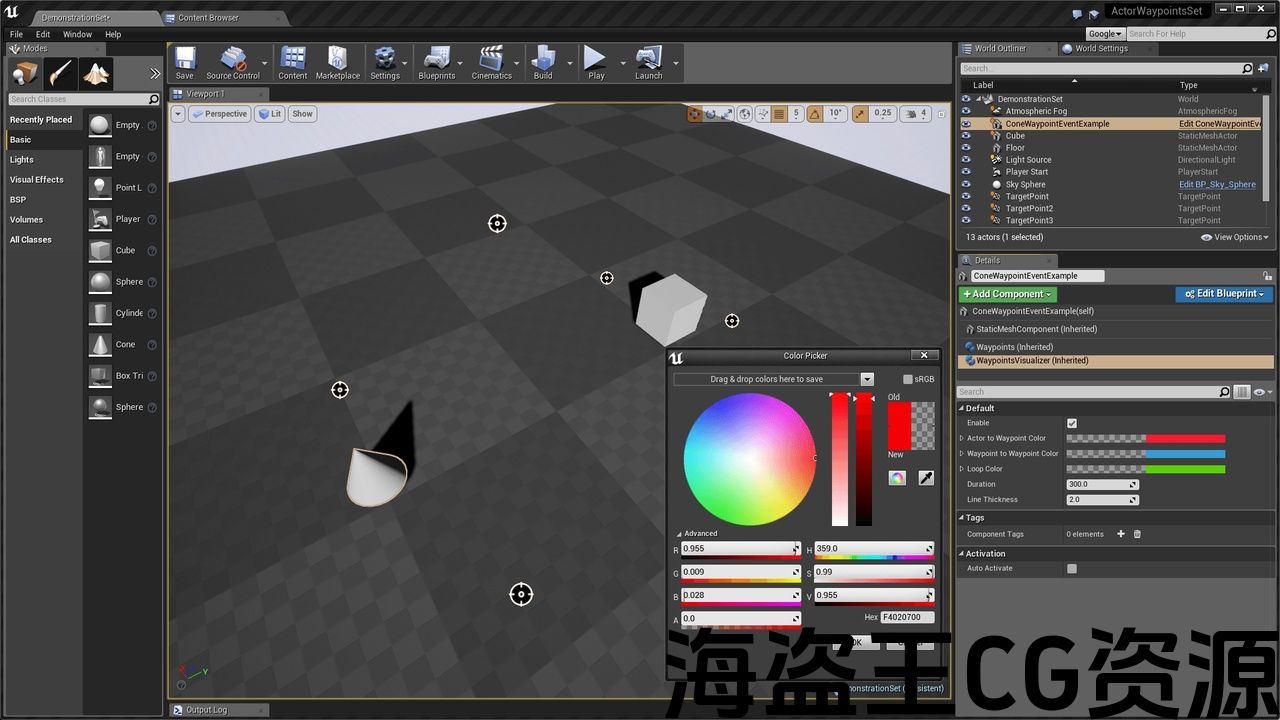
To see travel lines, snap the waypoint visualizer component onto your actor and customize line color, duration, and thickness. The waypoint visualizer provides editable line colors for different stages of each actor’s movement (move to first waypoint, waypoint to waypoint, and loop) and draws them in the level during play.
Do anything enabled by blueprints as actors travel by using waypoint change and movement complete events (requires blueprinting, but entirely optional).
List of Features:
* Waypoint List Construction
* Smooth Movement Between Waypoints
* Time Between Waypoints Editable
* Speed Between Waypoints Editable
* Starting Delay Editable
* Auto-Rotation Toggle
* Waypoint Visualization
* Visualization Coloring Editable
* In Place Enable/Disable Toggles
* Change Waypoint Event
* Finished Moving Event
快速让场景中的actor移动以进行简单的运动或预可视化,包括教程。 通过检查组织良好且已注释的蓝图,了解基于蓝图的actor平移、旋转、移动平滑、线条可视化和事件触发的基础知识。 随意抓住蓝图的大块,做任何你想做的事情。
将目标点拖放到场景中,将航点组件捕捉到每个可移动actor上,并通过按名称选择目标点或直接在关卡中选择它们来添加航点。 接受默认值或设置每个actor从航点到航点的时间或速度。 启用循环可使actor在航点周围无限期地继续。
要查看行程线,请将waypoint visualizer组件捕捉到actor上,并自定义线的颜色、持续时间和粗细。 Waypoint可视化工具为每个actor移动的不同阶段(移动到第一个waypoint,waypoint到waypoint和loop)提供可编辑的线条颜色,并在播放期间在关卡中绘制它们。
在actor旅行时,使用航点更改和移动完成事件(需要蓝图,但完全可选)执行蓝图启用的任何操作。
功能一览表:
*航点列表构建
*航点之间的平稳移动
*航点之间的时间可编辑
*航点之间的速度可编辑
*启动延迟可编辑
*自动旋转切换
*航点可视化
*可视化着色可编辑
*到位启用/禁用切换
*更改航点事件
*已完成的搬家活动
评论(0)