
Features:
-
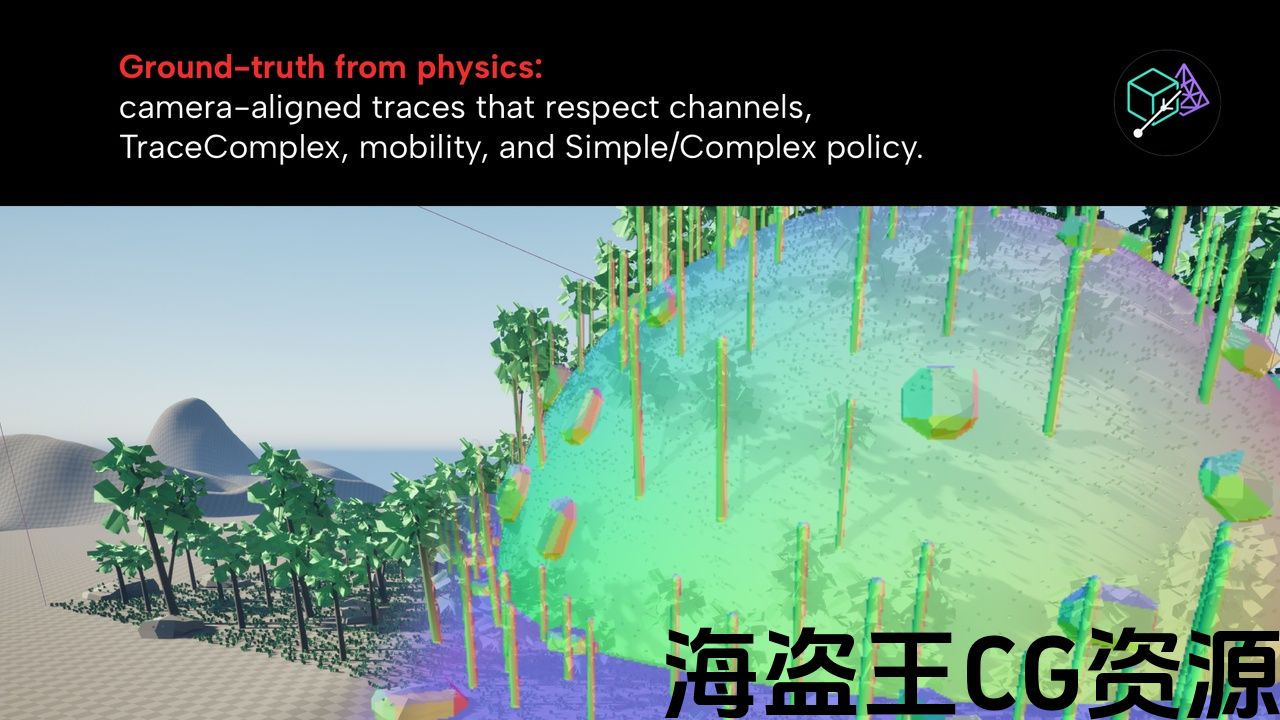
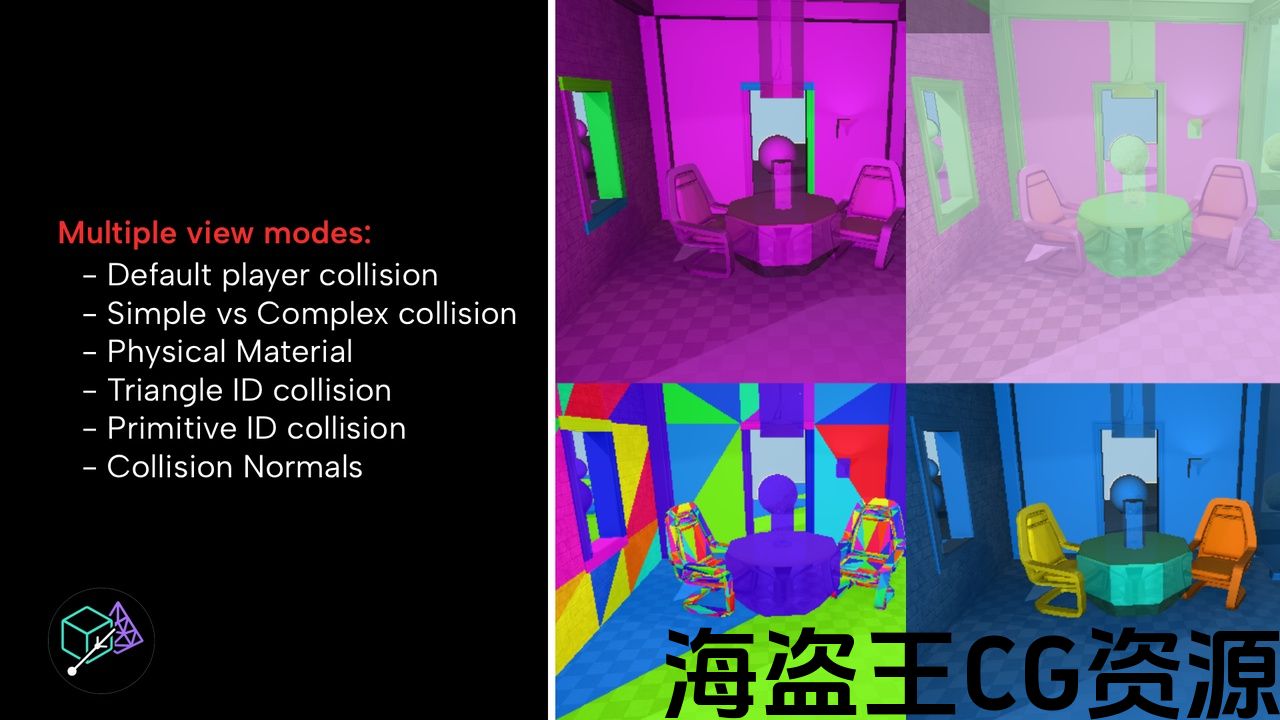
Accurate, real-time collision visualization by tracing actual rays in the scene (not the engine’s proxy) with temporal two-stage sampling for stability and speed. Six view types: Default, Normals, Primitive IDs, Triangle IDs, Material IDs, and Simple vs Complex (with collision policy tints).
-
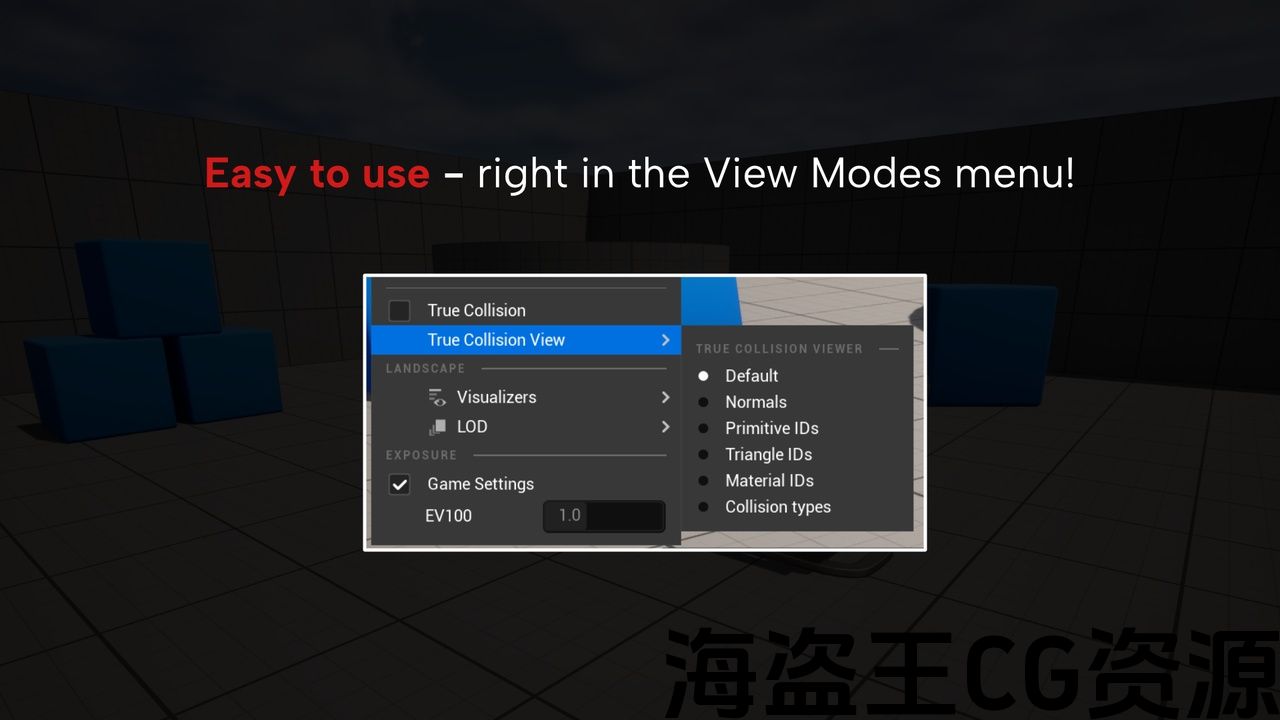
Clean editor UX: toggle + view-type radios in the View Mode menu and a toolbar combo; also controllable via a dedicated ShowFlag and r.TCV.* console variables.
-
In-viewport legend overlay and per-project color/theme controls via Project Settings (Default, Simple, Complex, and policy tints), plus presets and granular filters (object channels, complex/trace tag, mobility).
Code Modules:
-
TrueCollisionViewer — Runtime. Core renderer, view extension, cvars, project settings.
-
TrueCollisionViewerEditor — Editor. Menu/toolbar commands & ShowFlag integration.
Number of Blueprints: 0
Number of C++ Classes: 9
Network Replicated: No
Supported Development Platforms:
-
Windows: Yes
-
Mac: No
Supported Target Build Platforms: Editor-only tool. Not intended for packaged (Shipping) builds; renderer interface is compiled out for Shipping.
Documentation Link: https://docs.google.com/document/d/1TzbNgnOmmiqhLDSWqr98xsiFDwPvDOY35ij9A7lEoXQ/edit?usp=sharing
Important/Additional Notes:
-
Toggle via View Mode → True Collision or the toolbar button; or use ShowFlag.TrueCollisionViewer 1.
-
Primary controls live under r.TCV.*
Features:
-
Accurate, real-time collision visualization by tracing actual rays in the scene (not the engine’s proxy) with temporal two-stage sampling for stability and speed. Six view types: Default, Normals, Primitive IDs, Triangle IDs, Material IDs, and Simple vs Complex (with collision policy tints).
-
Clean editor UX: toggle + view-type radios in the View Mode menu and a toolbar combo; also controllable via a dedicated ShowFlag and r.TCV.* console variables.
-
In-viewport legend overlay and per-project color/theme controls via Project Settings (Default, Simple, Complex, and policy tints), plus presets and granular filters (object channels, complex/trace tag, mobility).
Code Modules:
-
TrueCollisionViewer — Runtime. Core renderer, view extension, cvars, project settings.
-
TrueCollisionViewerEditor — Editor. Menu/toolbar commands & ShowFlag integration.
Number of Blueprints: 0
Number of C++ Classes: 9
Network Replicated: No
Supported Development Platforms:
-
Windows: Yes
-
Mac: No
Supported Target Build Platforms: Editor-only tool. Not intended for packaged (Shipping) builds; renderer interface is compiled out for Shipping.
Documentation Link: https://docs.google.com/document/d/1TzbNgnOmmiqhLDSWqr98xsiFDwPvDOY35ij9A7lEoXQ/edit?usp=sharing
Important/Additional Notes:
-
Toggle via View Mode → True Collision or the toolbar button; or use ShowFlag.TrueCollisionViewer 1.
-
Primary controls live under r.TCV.*
Trust what the engine sees.
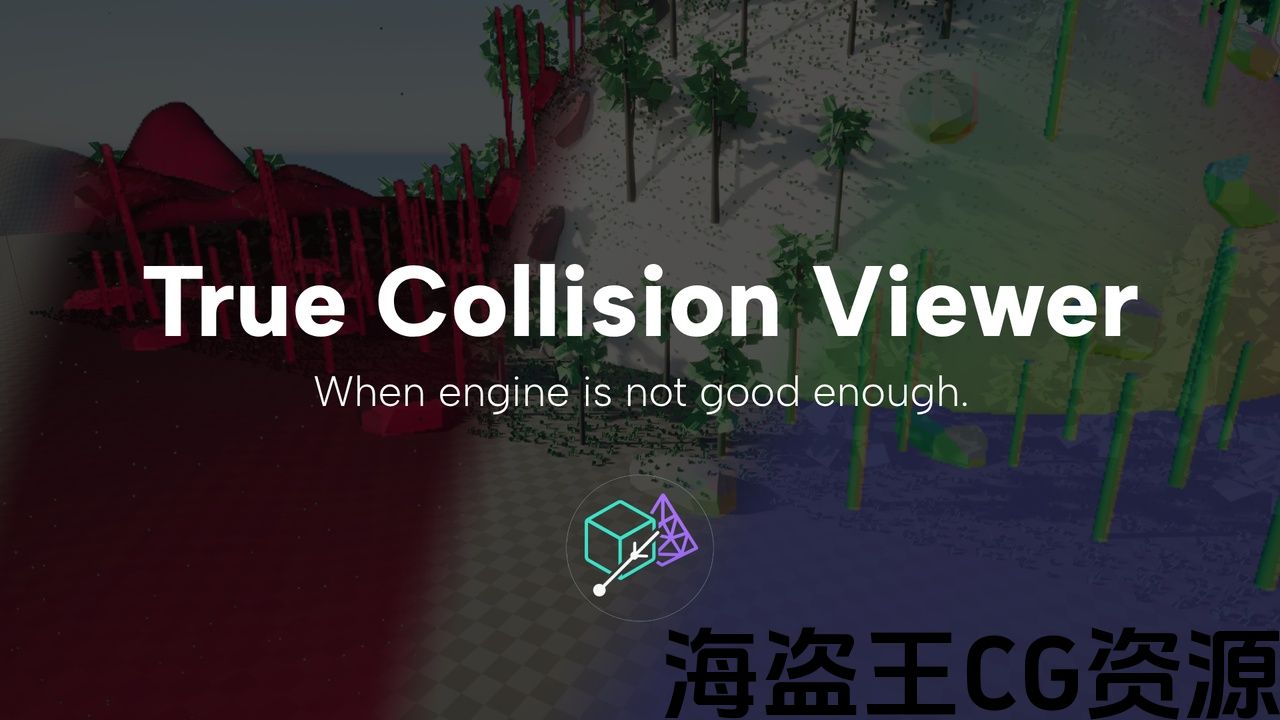
Stop guessing why a trace blocks—or doesn’t. True Collision Viewer shows collision exactly as Unreal evaluates it, overlaid live in the viewport, so you can spot bad setups and simple/complex mismatches in seconds.
Demo: https://youtu.be/eV-6s78WHRA
Why it’s different
-
Engine-faithful: Per-pixel, ray-based overlay that mirrors UE’s collision tests—no custom proxies, no material hacks.
-
Production-minded: Built to solve real collision profiling pain; stable visuals with temporal smoothing.
What you’ll use it for
-
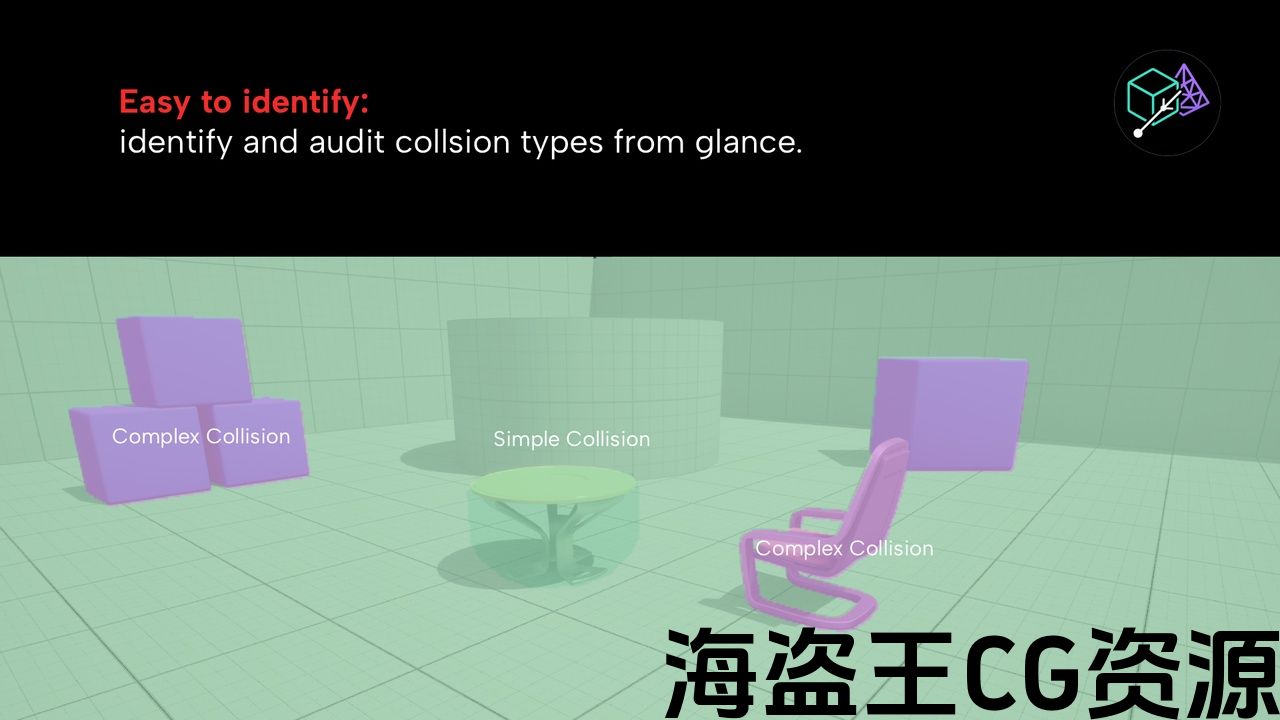
Instant audits: Verify “Use Simple as Complex / Use Complex as Simple / Project Default” at a glance.
-
Authoring checks: Catch flipped faces, stray triangles, or wrong PhysMaterials before QA does.
-
Level polish: Debug blockouts, doorways, and nav choke points without pausing your flow.
Trust what the engine sees.
Stop guessing why a trace blocks—or doesn’t. True Collision Viewer shows collision exactly as Unreal evaluates it, overlaid live in the viewport, so you can spot bad setups and simple/complex mismatches in seconds.
Demo: https://youtu.be/eV-6s78WHRA
Why it’s different
-
Engine-faithful: Per-pixel, ray-based overlay that mirrors UE’s collision tests—no custom proxies, no material hacks.
-
Production-minded: Built to solve real collision profiling pain; stable visuals with temporal smoothing.
What you’ll use it for
-
Instant audits: Verify “Use Simple as Complex / Use Complex as Simple / Project Default” at a glance.
-
Authoring checks: Catch flipped faces, stray triangles, or wrong PhysMaterials before QA does.
-
Level polish: Debug blockouts, doorways, and nav choke points without pausing your flow.
评论(0)