

Features:
- Distribution maps
- Clustering with Voronoi or based on texture
- Cluster grouping
- Self-Collision
- Unlimited number of meshes
- All supported scattering geometry types (Landscape/Splines/Meshes)
- Include/Exclude splines/meshes dynamically
- 6 Ready to use Cluster Maps
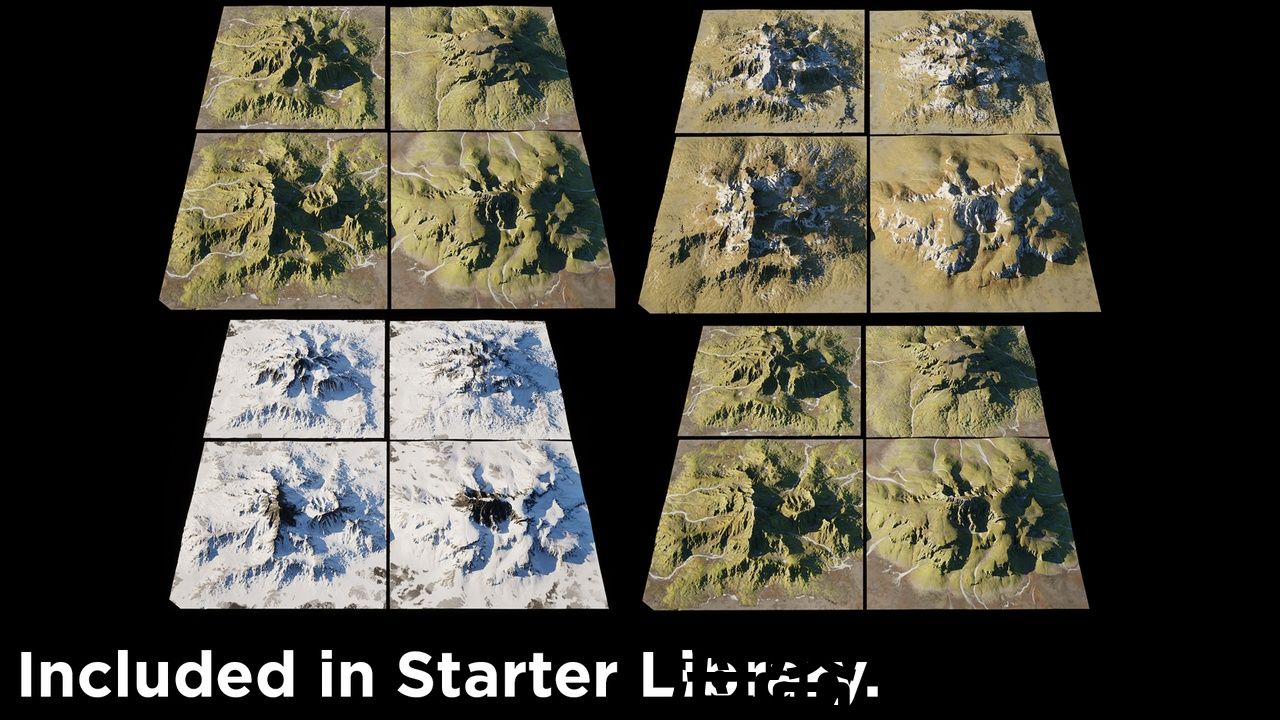
- 15 Distribution maps
- 10 Color Variation Maps
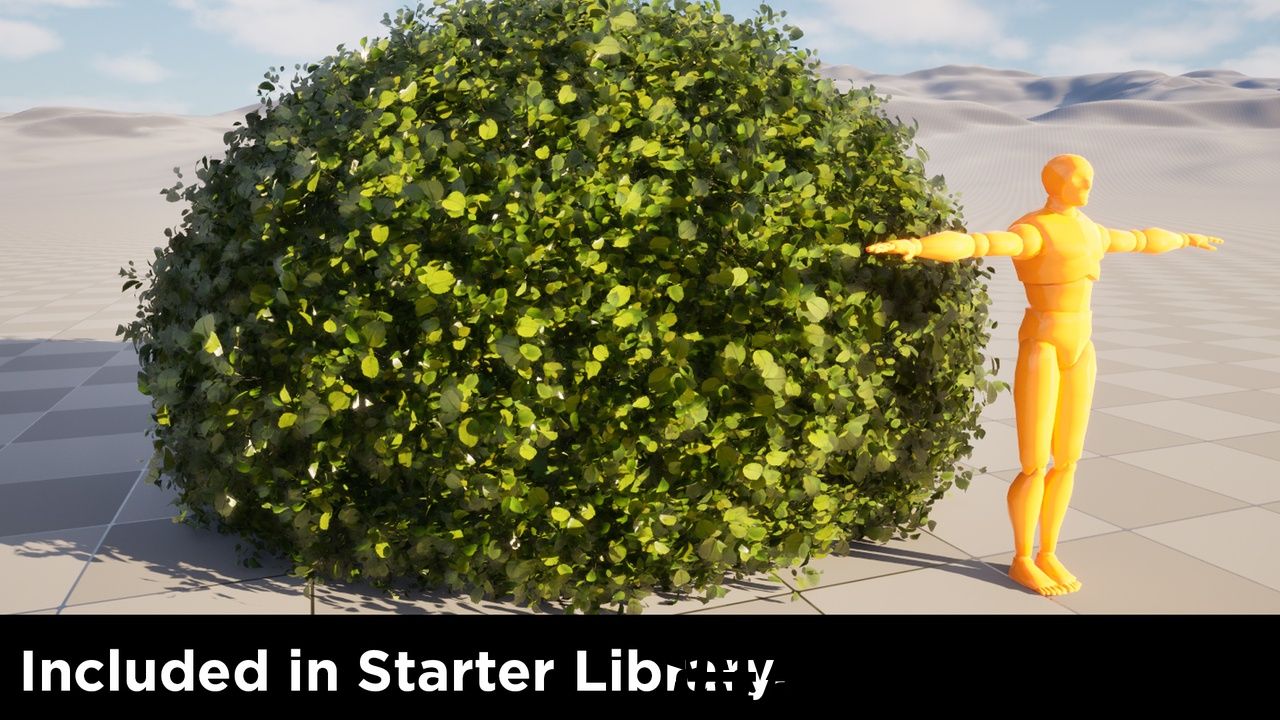
- Starter pack of foliage
Number of Blueprints: 3
Number of Meshes: 15
Number of Textures: 40
Number of PCG graphs: 26
Number of Material Functions: 2
Supported Development Platforms:
- Windows: (Yes)
- Mac: (Not tested)
Important/Additional Notes:
Requires PCG Biome Core, PCG Biome Sample, Procedural Content Generation Framework(PCG), Procedural Content Generation Framework(PCG) External Data Interop, Procedural Content Generation Framework(PCG) Geometry Script Interop plugins required, available via Edit>Plugins.
Tool Trailer:
Forest Tools tutorials:
https://www.youtube.com/playlist?list=PLP0wrgXoVFsfX9PSZBUnOgKuDnKvFYnn9
Discord feedback, feature requests, Documentation, wip:
Features:
- Distribution maps
- Clustering with Voronoi or based on texture
- Cluster grouping
- Self-Collision
- Unlimited number of meshes
- All supported scattering geometry types (Landscape/Splines/Meshes)
- Include/Exclude splines/meshes dynamically
- 6 Ready to use Cluster Maps
- 15 Distribution maps
- 10 Color Variation Maps
- Starter pack of foliage
Number of Blueprints: 3
Number of Meshes: 15
Number of Textures: 40
Number of PCG graphs: 26
Number of Material Functions: 2
Supported Development Platforms:
- Windows: (Yes)
- Mac: (Not tested)
Important/Additional Notes:
Requires PCG Biome Core, PCG Biome Sample, Procedural Content Generation Framework(PCG), Procedural Content Generation Framework(PCG) External Data Interop, Procedural Content Generation Framework(PCG) Geometry Script Interop plugins required, available via Edit>Plugins.
Tool Trailer:
Forest Tools tutorials:
https://www.youtube.com/playlist?list=PLP0wrgXoVFsfX9PSZBUnOgKuDnKvFYnn9
Discord feedback, feature requests, Documentation, wip:
Forest Tools – Fast, Smart & Procedural Environment Building for Unreal Engine
Forest Tools is your ultimate Unreal Engine procedural vegetation and environment placement system. Built for speed, flexibility, and control, it allows you to quickly scatter, align, and manage massive amounts of trees, rocks, plants, and any static meshes with precision.
Whether you’re creating dense forests, open meadows, or detailed natural scenes, Forest Tools gives you the power to:
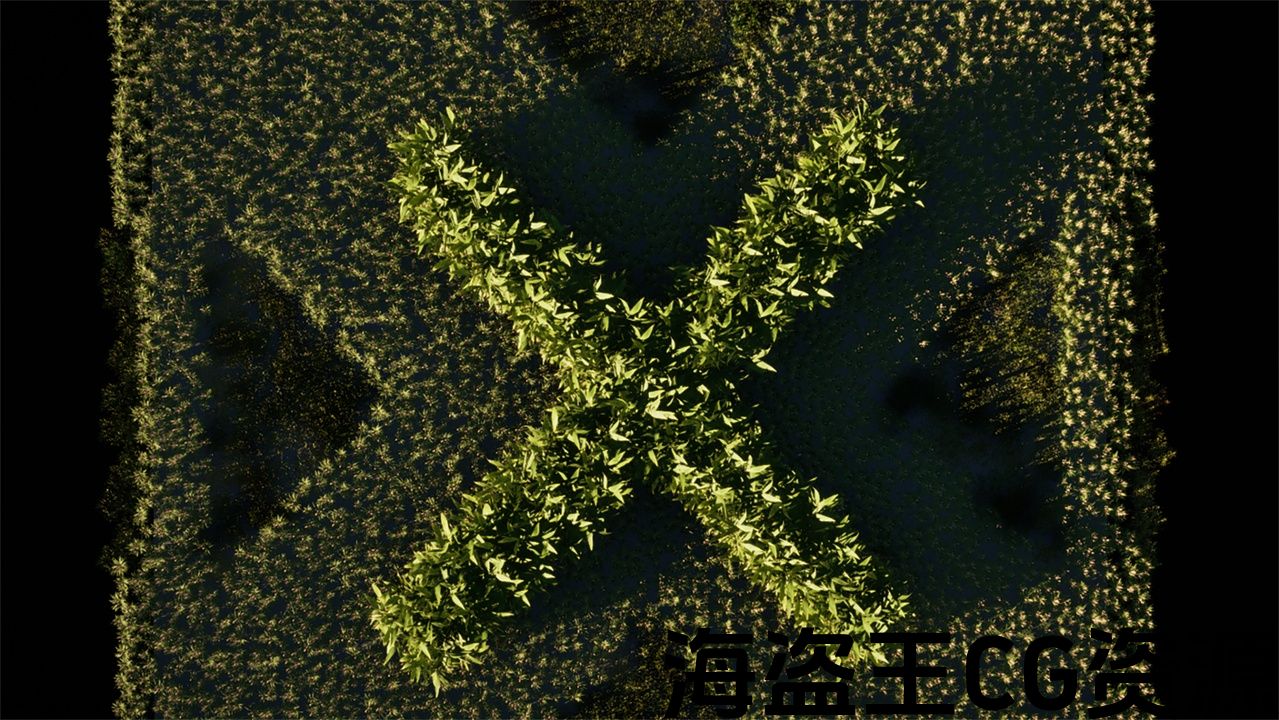
- Surface Sampling – Generate perfectly distributed points on landscapes, meshes, or splines.
- Smart Spacing Control – Automatically adjust point extents based on density for consistent results.
- Procedural Placement – Populate environments with any mesh list, with per-cluster mesh matching.
- Customizable Logic – Easily integrate with your PCG graph to build reusable placement systems.
- Performance Optimized -Designed for large-scale environments without slowing down your workflow.
- Forest Groups – Randomize meshes inside clusters to create more organic, diverse scattering.
- Presets – Reuse your favorite configurations to accelerate scene creation and maintain quality.
- Advanced Effects – Enhance your scattering with procedural variations like stepped rotation, height-based mesh swapping, edge-aware mesh changes, flow-aligned rotation, and spline-following orientation.
From rapid prototyping to high-end production, Forest Tools makes environment creation easier, faster, and more art-directed than ever before.
Perfect for: Game developers, environment artists, and level designers who want procedural precision with creative freedom.
Important/Additional Notes:
Requires PCG Biome Core, PCG Biome Sample, Procedural Content Generation Framework(PCG), Procedural Content Generation Framework(PCG) External Data Interop, Procedural Content Generation Framework(PCG) Geometry Script Interop plugins required, available via Edit>Plugins.
*Assets are not included, Megascans were used for presentation purposes.
Forest Tools – Fast, Smart & Procedural Environment Building for Unreal Engine
Forest Tools is your ultimate Unreal Engine procedural vegetation and environment placement system. Built for speed, flexibility, and control, it allows you to quickly scatter, align, and manage massive amounts of trees, rocks, plants, and any static meshes with precision.
Whether you’re creating dense forests, open meadows, or detailed natural scenes, Forest Tools gives you the power to:
- Surface Sampling – Generate perfectly distributed points on landscapes, meshes, or splines.
- Smart Spacing Control – Automatically adjust point extents based on density for consistent results.
- Procedural Placement – Populate environments with any mesh list, with per-cluster mesh matching.
- Customizable Logic – Easily integrate with your PCG graph to build reusable placement systems.
- Performance Optimized -Designed for large-scale environments without slowing down your workflow.
- Forest Groups – Randomize meshes inside clusters to create more organic, diverse scattering.
- Presets – Reuse your favorite configurations to accelerate scene creation and maintain quality.
- Advanced Effects – Enhance your scattering with procedural variations like stepped rotation, height-based mesh swapping, edge-aware mesh changes, flow-aligned rotation, and spline-following orientation.
From rapid prototyping to high-end production, Forest Tools makes environment creation easier, faster, and more art-directed than ever before.
Perfect for: Game developers, environment artists, and level designers who want procedural precision with creative freedom.
Important/Additional Notes:
Requires PCG Biome Core, PCG Biome Sample, Procedural Content Generation Framework(PCG), Procedural Content Generation Framework(PCG) External Data Interop, Procedural Content Generation Framework(PCG) Geometry Script Interop plugins required, available via Edit>Plugins.
*Assets are not included, Megascans were used for presentation purposes.
评论(0)