
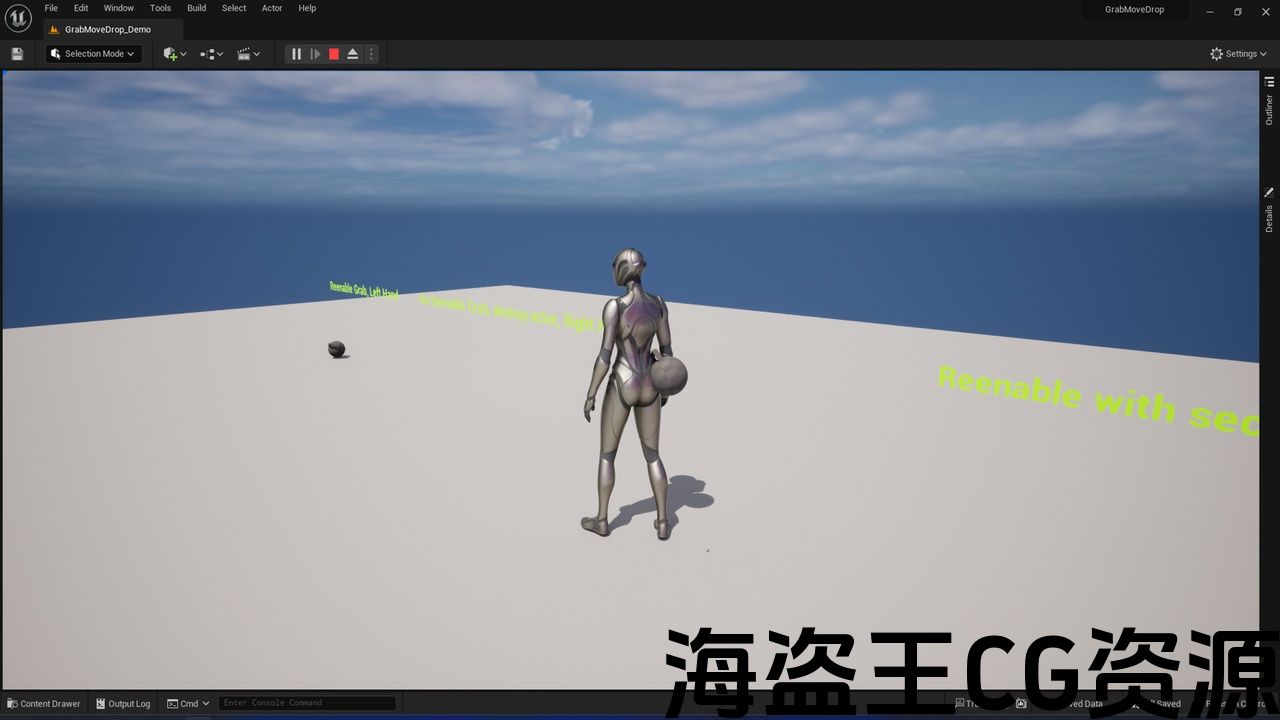
Features:
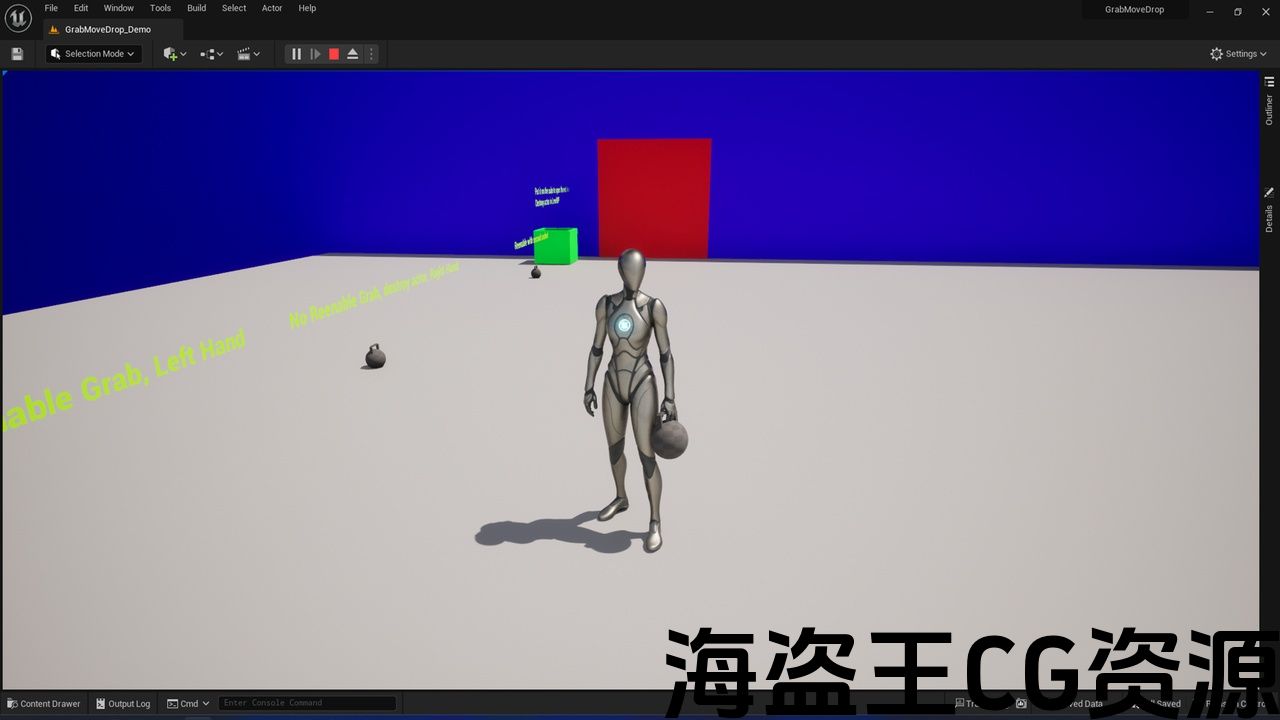
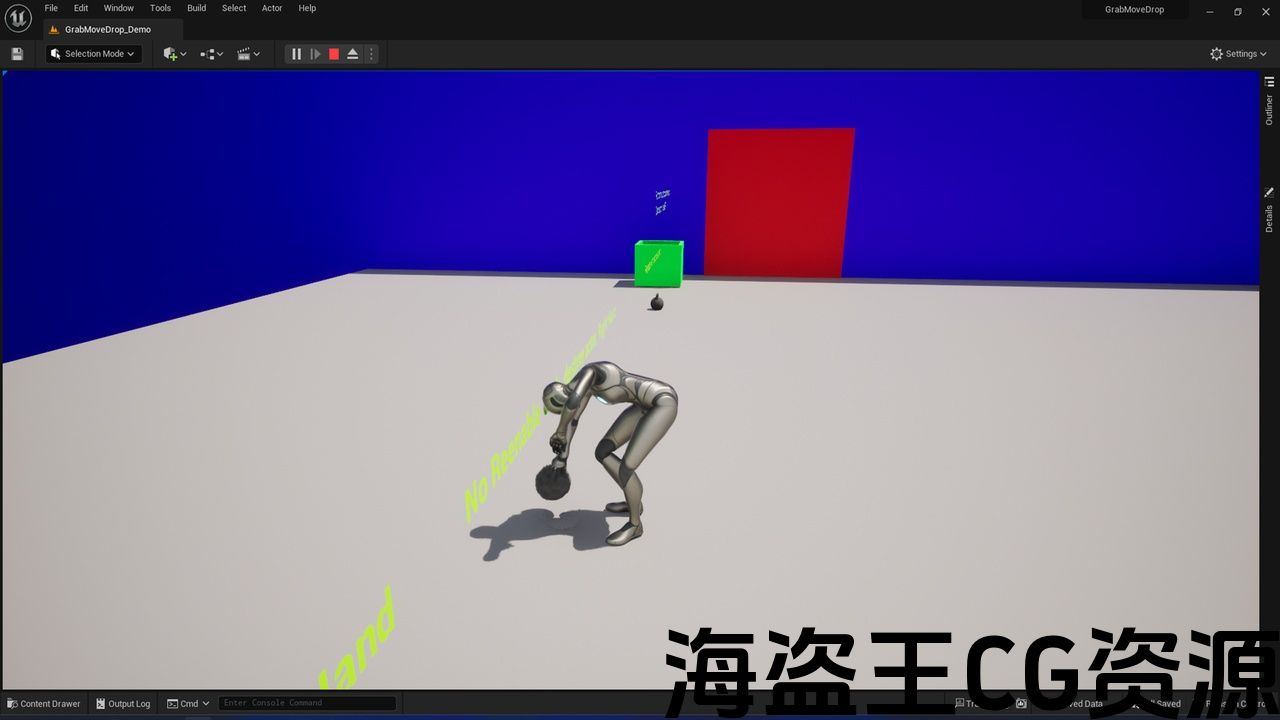
- Ability to pick up any static mesh and attach it to a specified socket on the character’s skeleton.
- Option to hold the mesh in hand or attach it to a secondary socket (e.g., on the back) for moving and dropping later.
- Option to destroy the mesh upon pickup and add it to a custom inventory if desired (inventory not included).
- Single Blueprint implementation for ease of use.
- Easy integration with your own animations: configure the attachment of the static mesh to the chosen location based on custom animation timings.
Number of Blueprints: 3
Network Replicated: (No)
Supported Development Platforms:
Windows: Yes
Documentation: https://docs.google.com/document/d/1U5Nukpqpr9_tSAe7iwQuDhvAvCN-yh4o/edit?usp=sharing&ouid=101354460024977263738&rtpof=true&sd=true
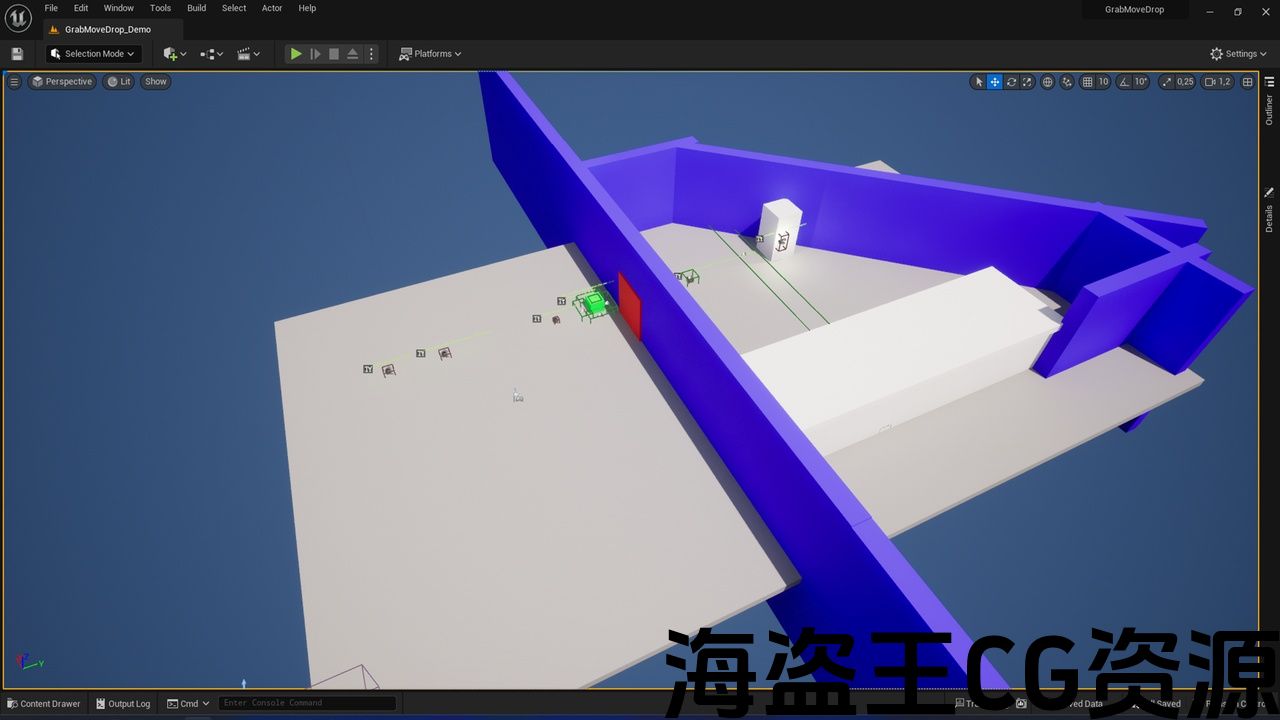
Video showing the implementation and demo map: https://www.youtube.com/playlist?list=PL3Ox12YY3yeIuWIpYZz1y17tdD3pLWxS-
Important/Additional Notes:
Compatible with ALS
The accuracy of the animation will depend on the user of this system.
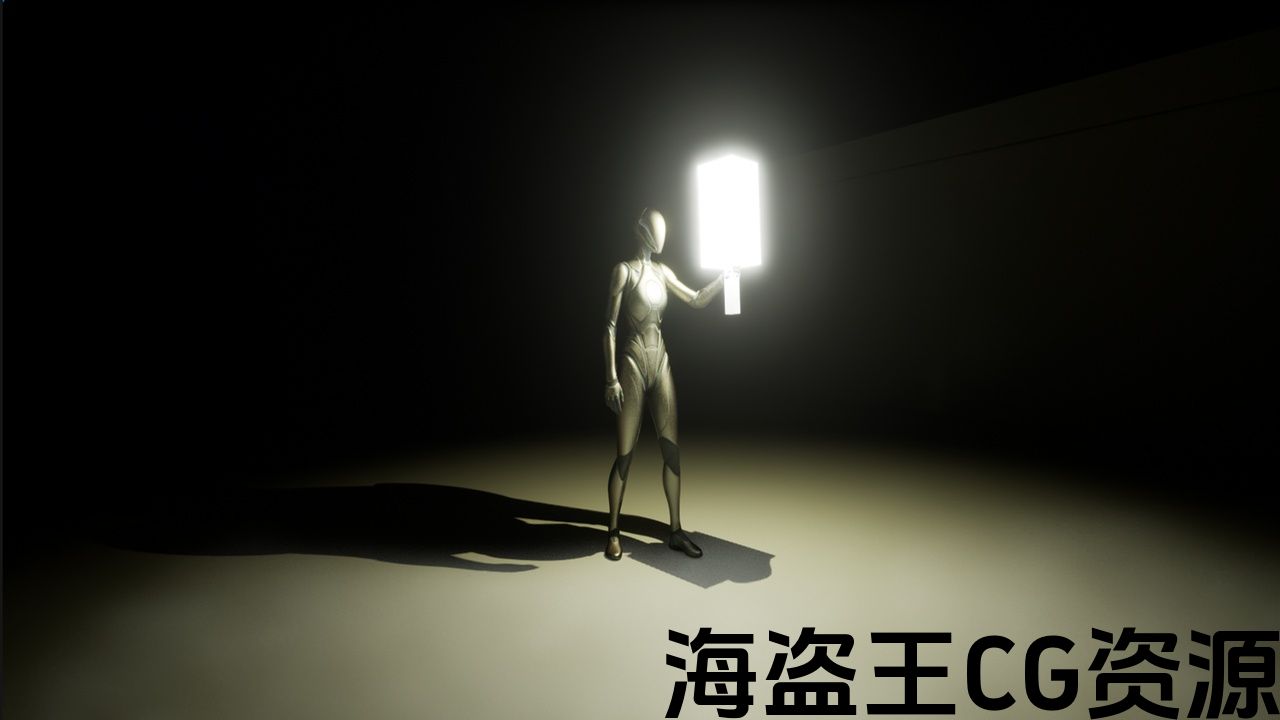
The BP_GramMoveDrop implements the function of being able to use PiontLight, for example, for a lamp, flashlight, etc. There is no problem to similarly add implementations to handle particles, for example, for torches.
功能:
- 能够拾取任何静态网格物体并将其附加到角色骨架上的指定插槽。
- 可选择将网格物体握在手中或将其附加到辅助插槽(例如背面),以便稍后移动和放下。
- 可选择在拾取时销毁网格物体,并根据需要将其添加到自定义库存中(不包括库存)。
- 单个蓝图实现易于使用。
- 与您自己的动画轻松集成:根据自定义动画计时配置静态网格物体与所选位置的连接。
蓝图数量:3
网络复制:(否)
支持的开发平台:
Windows:是
展示实施和演示地图的视频:https://www.youtube.com/playlist?list=PL3Ox12YY3yeIuWIpYZz1y17tdD3pLWxS-
重要/附加说明:
与 ALS 兼容
动画的准确性将取决于此用户
BP_GramMoveDrop 实现了能够使用 PiontLight 的功能,例如用于灯、手电筒等。类似地添加处理粒子的实现(例如用于火炬)是没有问题的。
The GrabMoveDrop system is a versatile tool for object interaction in your game, allowing you to pick up any static mesh and attach it to a chosen socket on the character’s skeleton. With this system, you can hold items in hand or attach them to a secondary socket (e.g., on the back), facilitating movement and later dropping of objects. The system also supports destroying the object upon pickup and adding it to, for example, a custom inventory (the project does not include inventories).
The GrabMoveDrop system is built with a single Blueprint for easy and quick implementation. Configuration is based on your own animations, enabling precise timing for attaching the static mesh to the chosen location. This system is ideal for developers who need object interaction functionality in their game without requiring complex setup.
Update V1.1:
-
A new option has been added to the settings – Custom Coordinate (when Reenable Grab = False) – this allows you to set a specific character location and rotation, enabling more precise animation execution.
-
Added new category – Calc New Location For Character – allows you to easily calculate the new location and rotation of the character for the Custom Coordinate option, without the need to readjust the animation to the BP.
GrabMoveDrop 系统是一款用于游戏中对象交互的多功能工具,允许您拾取任何静态网格物体并将其连接到角色骨架上选定的插槽。通过该系统,您可以将物品拿在手中或将它们连接到辅助插座(例如背面),从而方便移动和随后掉落物品。该系统还支持在拾取时销毁对象并将其添加到例如自定义库存(该项目不包括库存)。
GrabMoveDrop 系统使用单个蓝图构建,可轻松快速地实施。配置基于您自己的动画,可以精确计时将静态网格物体附加到所选位置。该系统非常适合需要在游戏中使用对象交互功能而无需复杂设置的开发人员。
更新 V1.1:
-
设置中添加了一个新选项 – 自定义坐标(当 Reenable Grab = False 时) – 这允许您设置特定的角色位置和旋转,从而实现更精确的动画
-
添加了新类别 – 计算角色的新位置 – 允许您轻松计算自定义坐标选项的角色的新位置和旋转,而无需重新调整动画到 BP。
评论(0)