
Package contains procedurally generated water mesh with vertices manipulated using Hooke’s law and simulates Buoyancy, and supports reflection, Just swap water material for personalized look.
软件包包含程序生成的水网格与顶点操纵使用胡克定律和模拟浮力,并支持反射,只是交换水材料的个性化外观。
- Procedurally generated water mesh (Length and Hight User dependent).
2. Custom Designed Buoyancy, Using Blueprint Function.
3. Water Vertices manipulation using Hooke’s Law (Highly Customizable.)
4. Works out of the box.
5. Works dynamically with editor exposed Variables.
6. Cost-effective (Uses Custom tick Type Event which Fires at max every 0.03sec.
7. Two Modes of water Displacement
* Idle-> Water moves with randomly applying small forces along vertices imitating motion.
*Overlapped-> Stops the idle Movements when overlapping starts moves according to the disturbance caused.
8. Highly customizable reflection feature, with dynamic render texture.
(Currently set in such a way that, Idle state is reached only if no overlapping occurs or 10 Sec after all overlapping end)
Number of Blueprints: 2
Number of Blueprint Functions: 1
Number of Interfaces: 1
Number of Sprites: 4
Number of Textures: 7
Number of Materials: 2
Material Instances: 1
- 程序生成的水网格(长度和高度取决于用户)。
2. 自定义设计的浮力,使用蓝图功能。
3. 使用胡克定律的水顶点操作(高度可定制。)
4. 开箱即用。
5. 动态处理编辑器暴露的变量。
6. 成本效益(使用自定义刻度类型事件,最大每0.03秒触发一次.
7. 两种排水方式
*空闲->水移动与随机施加小力沿顶点模仿运动。
*重叠->当重叠开始根据引起的干扰移动时停止空闲移动。
8. 高度可定制的反射功能,具有动态渲染纹理.
(当前设置的方式是,只有在没有重叠发生或所有重叠结束后10秒时才达到空闲状态)
蓝图数目:2
蓝图函数数量:1
接口数量:1
精灵数量:4
纹理数量:7
材料数量:2
材料实例:1
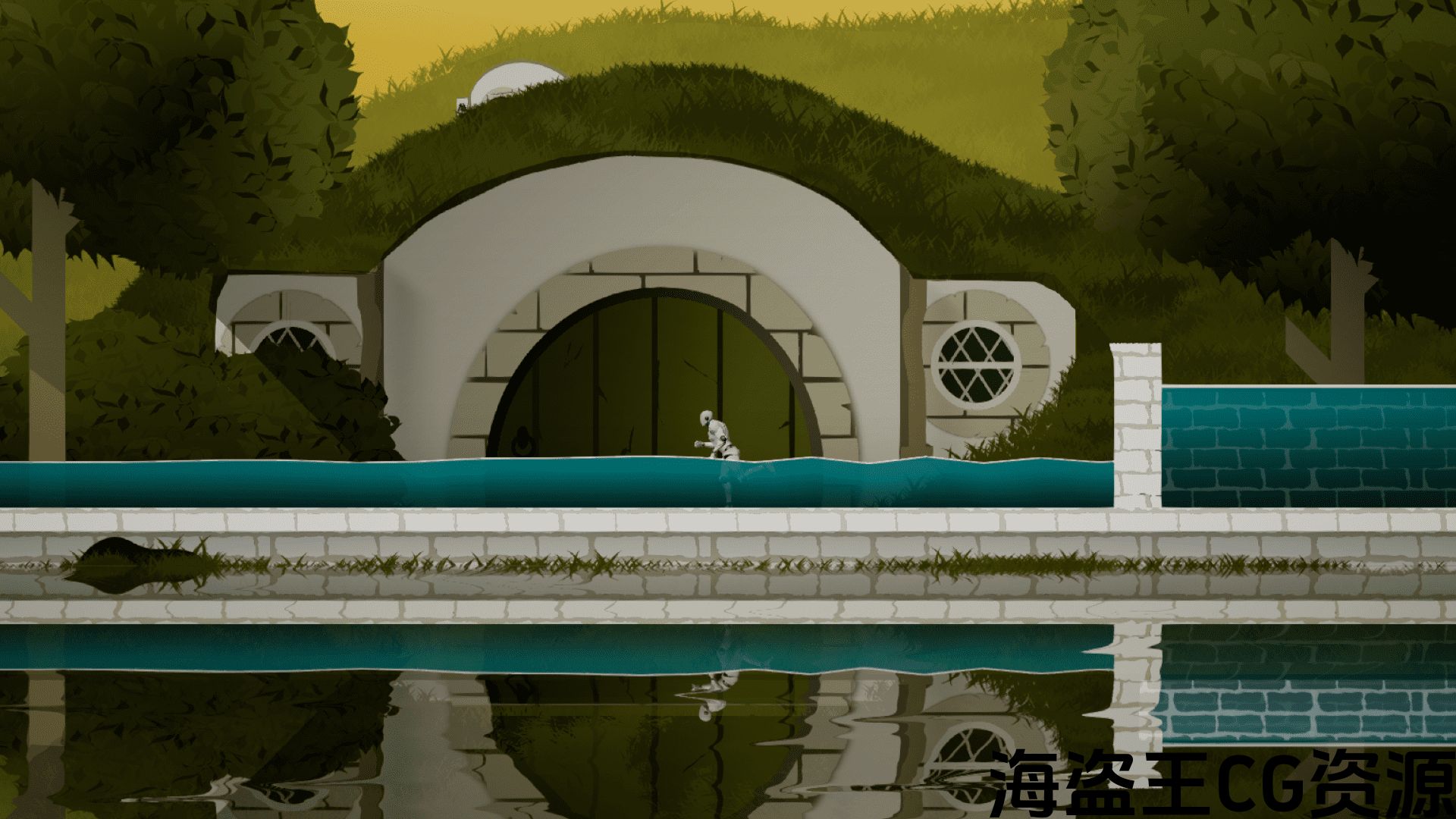
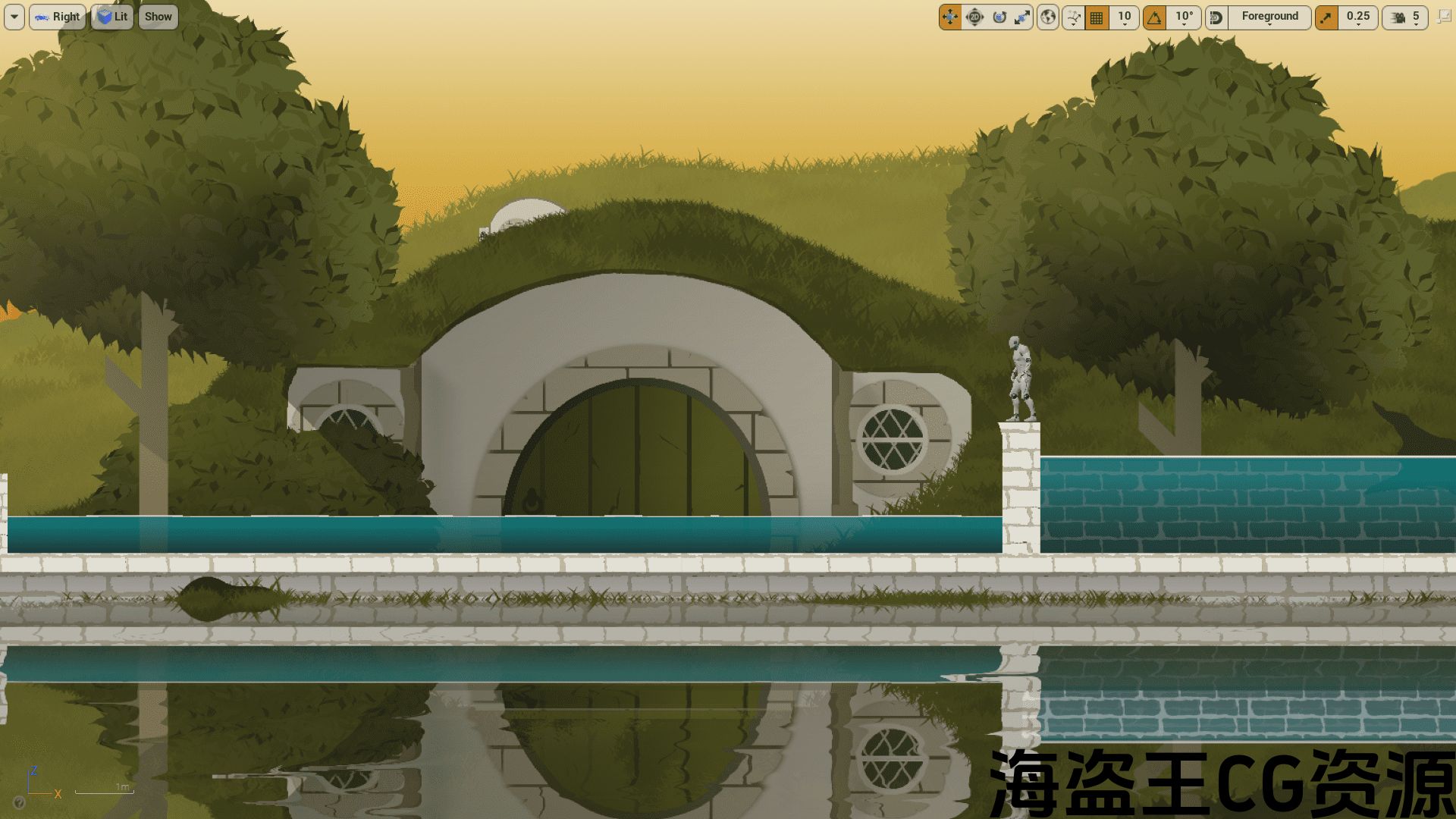
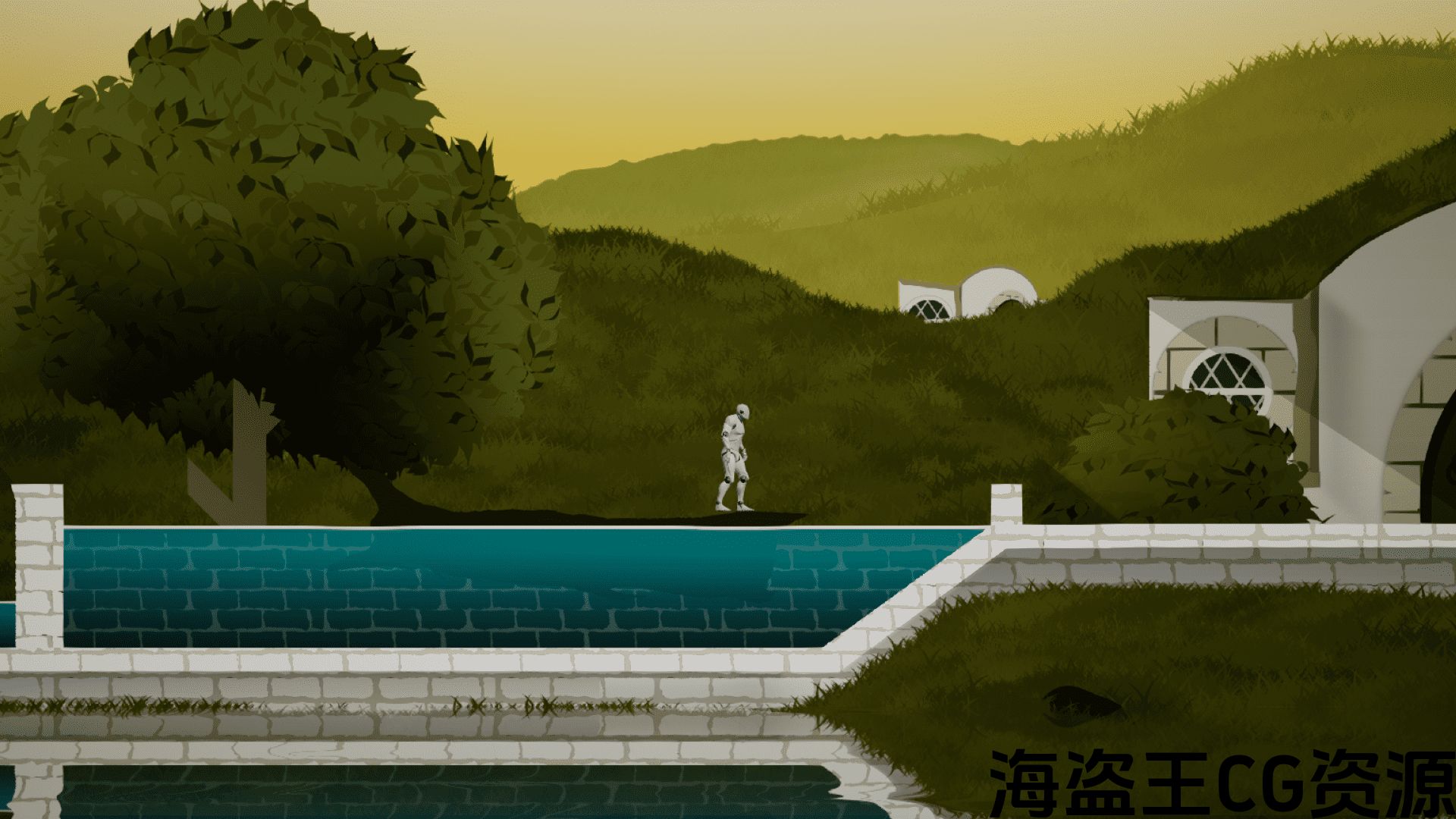
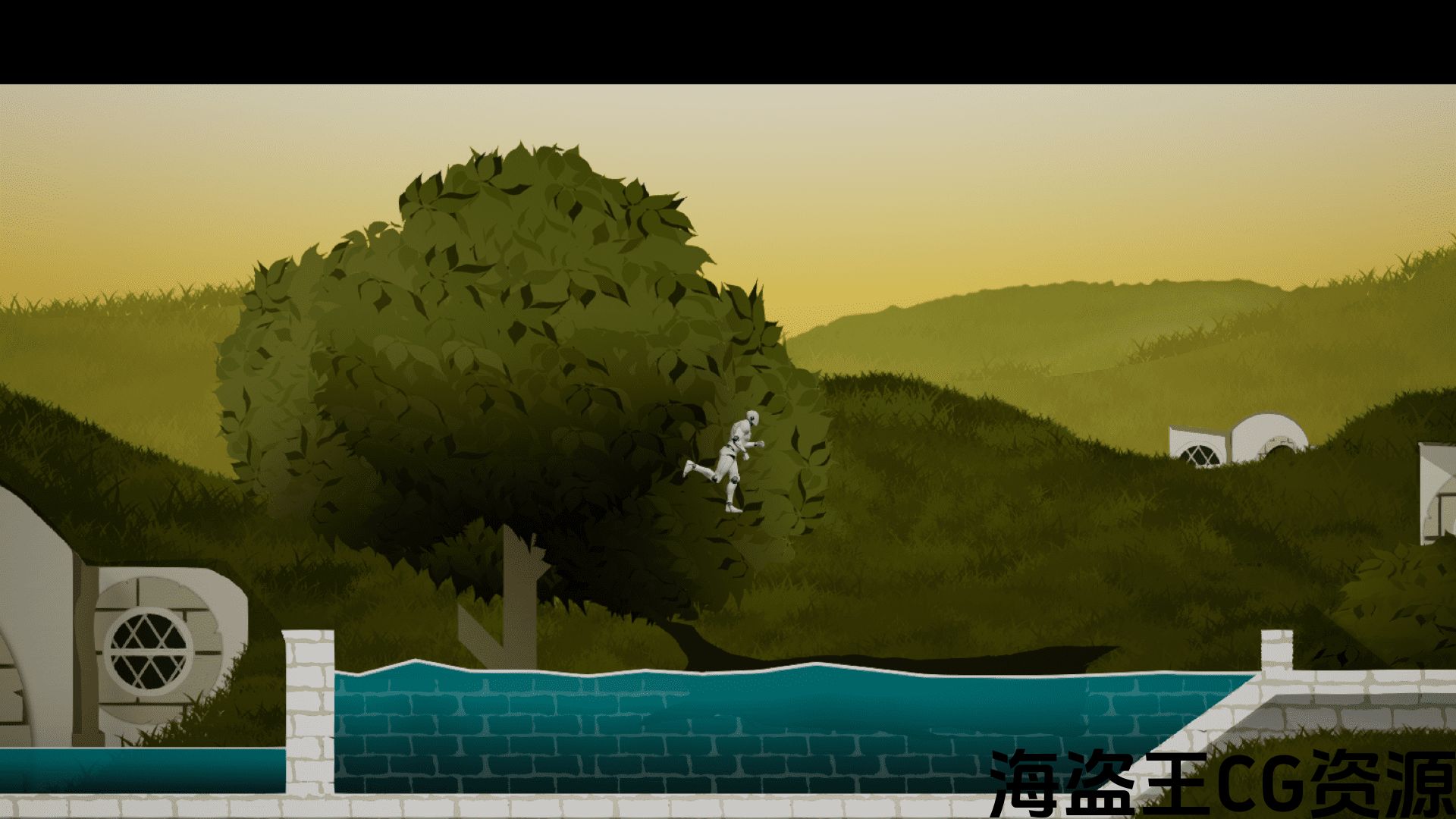
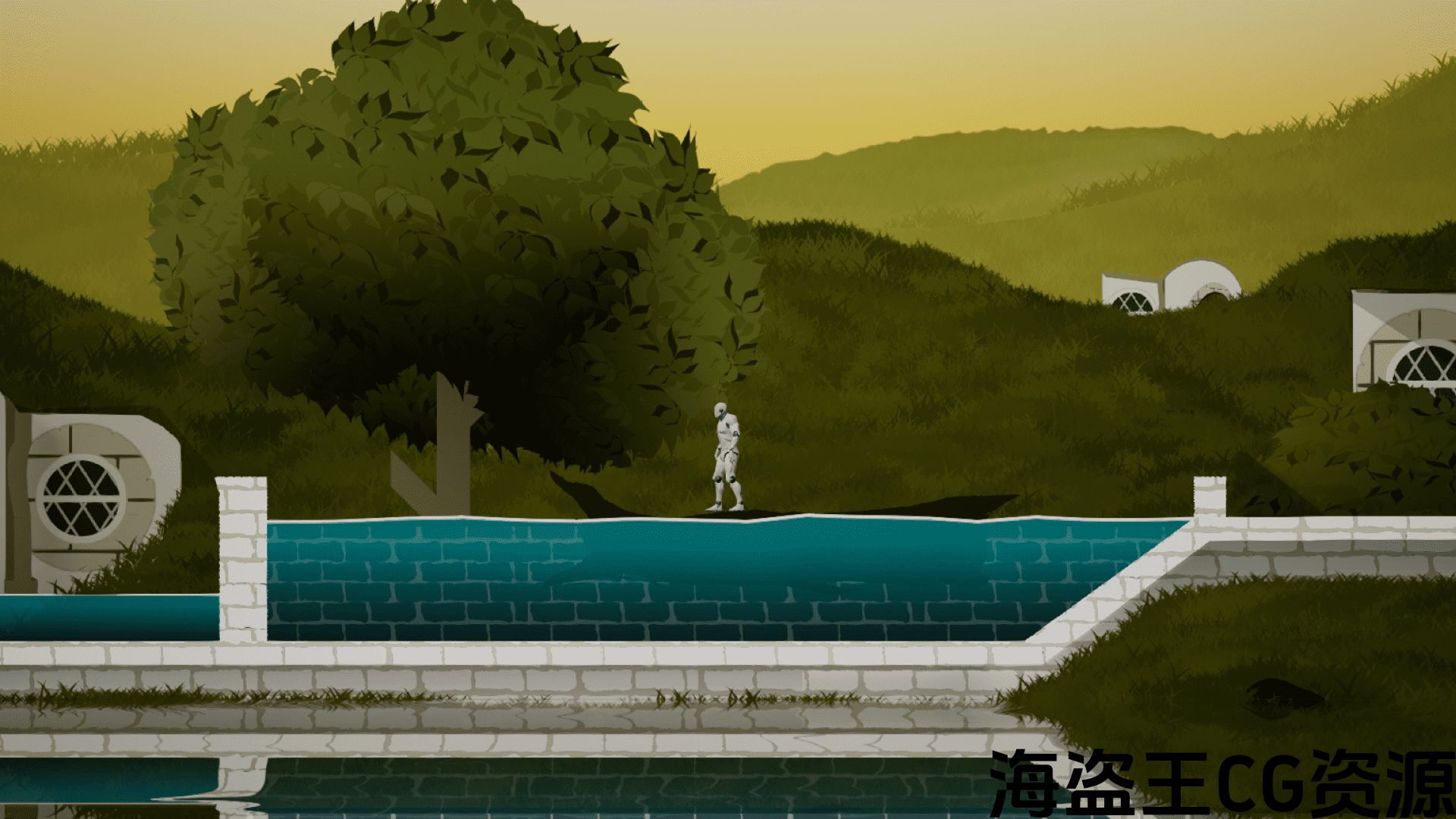
This package contains two Blueprints, One for the Procedurally generated 2D water mesh and the other for the Floatable Sprites, Floatable Blueprint has an interface implemented on it which of course is included, also there is a Blueprint Function which I created for its reusability and hence is easily customizable, hence this function can be re-implemented in various scenarios according to your needs.
Tutorial
Guide
Reflection Feature Setup Guide
I have also included comments inside blueprints where possible, also below are some pointers to help you along.
If For any Reasons want to manipulate Verties of the mesh The Procedural Mesh is Generated as bellow:-
1 * * * 3
* *
* *
0 * * * * * 2* * * * * 4
2. Material for the water mesh is included and its instance has been applied on the Demo, the instance gives you the option to apply any texture you want and hence is dynamic.
3. When using Floating Object, add some pontoon array elements to it usually 1-3 will do the trick, for convenience, I have made them instance editable with 3d widgets shown, so it will be quite easy to manipulate from the editor itself.
4. When Using Floatable Objects keep in mind to add mass more than at least 600 since the mass has been used in alpha calculations of the force, and also you don’t want your player to send your floatable object into multiverse just by touching it :).
5. All the manipulative variables have been created to be instance editable.
6. 2 Materials one for reflection and the other for normal water (Tileable and scalable).
Update Log:
V_2.0: Improved performance and Frame rate independence.
- Frame rate independence achieved (Tested at 15-60+ FPS).
- Timer by event rate depends on the delta time (OVERLAPPING= (0.8 * Delta time) & IDLE = (1.0 * Delta time) and caps at “0.03”.
- Texture Tilling or stretching Feature available.
V_3.0
- Reflection feature added.
- Few minor Improvements.
Note:-
- Try to keep the no of iterations variable in the procedural mesh low as it can easily add up.
- Procedural mesh uses a Custom collision Object Channel Named “Water_Body”, to be traced only for this specific type from Floatable Actor Blueprint, an instance editable variable has been defined for convenience.
Steps to define New Collision Channel:
Edit->Project_Settings-> Collision -> Object Channel->New Object Channnel-> Name “Water_Body”->Type “Overlap”.
这个包包含两个蓝图,一个用于程序生成的2D水网格,另一个用于可浮的精灵,可浮的蓝图有一个实现的接口,当然也包括在内,还有一个蓝图函数,我为它的可重用性创建,因此很容易定制,因此这个函数可以根据您的需要在不同的场景中重新实现。
教程
指南
反射特性设置指南
在可能的情况下,我还在蓝图中添加了注释,下面也提供了一些帮助。
如果出于任何原因想要操作网格的垂直度,则程序网格生成为波纹管:-
1 * * * 3
* *
* *
0 * * * * * 2* * * * * 4
2. 水网格的材质已包含在内,其实例已在演示中应用,该实例为您提供了应用任何所需纹理的选项,因此是动态的。
3. 当使用浮动对象时,添加一些浮子数组元素到它通常1-3将做的伎俩,为方便起见,我已经使他们实例可编辑与3d小部件显示,所以这将是很容易从编
4. 当使用可浮物体时,请记住添加质量至少超过600,因为质量已用于力的alpha计算,并且您也不希望您的玩家只需触摸它就可以将您的可浮物体发送到多元宇宙:)。
5. 所有操作变量都已创建为实例可编辑。
6. 2材料一种用于反射,另一种用于正常水(可倾斜和可扩展)。
更新日志:
V_2.0:改进的性能和帧速率独立性。
- 实现了帧速率独立性(在15-60+FPS下测试)。
- 定时器按事件速率取决于增量时间(重叠=(0.8*增量时间)和空闲=(1.0*增量时间)和上限为”0.03″。
- 纹理耕作或拉伸功能可用.
V_3.0
- 添加了反射功能。
- 一些小的改进。
注:-
- 尽量保持过程网格中迭代的no变量较低,因为它可以很容易地加起来。
- 过程网格体使用名为”Water_Body”的自定义碰撞对象通道,仅从可浮动Actor蓝图中跟踪此特定类型,为方便起见,已定义了实例可编辑变量。
定义新碰撞通道的步骤:
编辑->Project_Settings->碰撞->对象通道->新对象通道->名称”Water_Body”->类型”重叠”。
评论(0)