
Scaled to Epic skeleton :No
Rigged:Yes
Rigged to Epic skeleton:No
Animated:Yes
Number of characters:1
Vertex counts of characters:
Mesh_MuteSwanHighPoly:27206
Mesh_MuteSwanMiddlePoly:7261
Mesh_MuteSwanLowPoly:2046
Texture Resolutions:
Tex_MuteSwan.png(Base color):4096×4096
Tex_MuteSwanN.png(Normal):4096×4096
Tex_MuteSwanM.png(Opacity mask):2048×2048
Tex_MuteSwanR.png(Roughness):1024×1024
Number of Animations:84
Animation types:both(84 Animations+19 root motion variation of walk and run)
Engine Compatibility:4.12-4.18
Intended Platform:Windows, OS X
Platforms Tested:Windows
Documentation Included:No
Important Additional Notes:The number of bones is 228.
缩放到史诗骨架:不
操纵:是的
装备史诗骨架:不
动画:是的
字符数:1
字符的顶点计数:
Mesh_MuteSwanHighPoly:27206
Mesh_MuteSwanMiddlePoly:7261
Mesh_MuteSwanLowPoly:2046
纹理分辨率:
Tex_MuteSwan.png(底色):4096×4096
Tex_MuteSwanN。png(正常):4096×4096
Tex_MuteSwanM。png(不透明度蒙版):2048×2048
Tex_MuteSwanR。png(粗糙度):1024×1024
动画数量:84
动画类型:两种(84个动画+19个行走和奔跑的根运动变化)
发动机兼容性:4.12-4.18
预期平台:Windows,OS X
测试平台:Windows
文件包括:否
重要补充说明:骨骼数量为228。
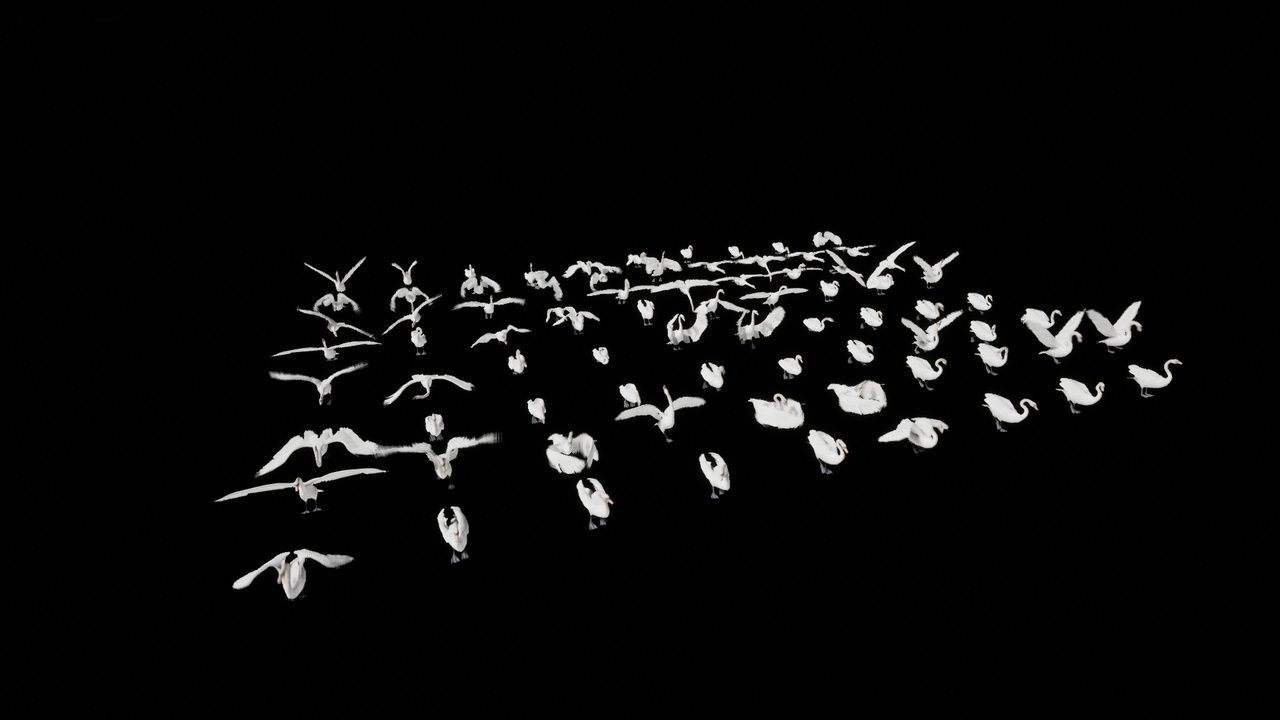
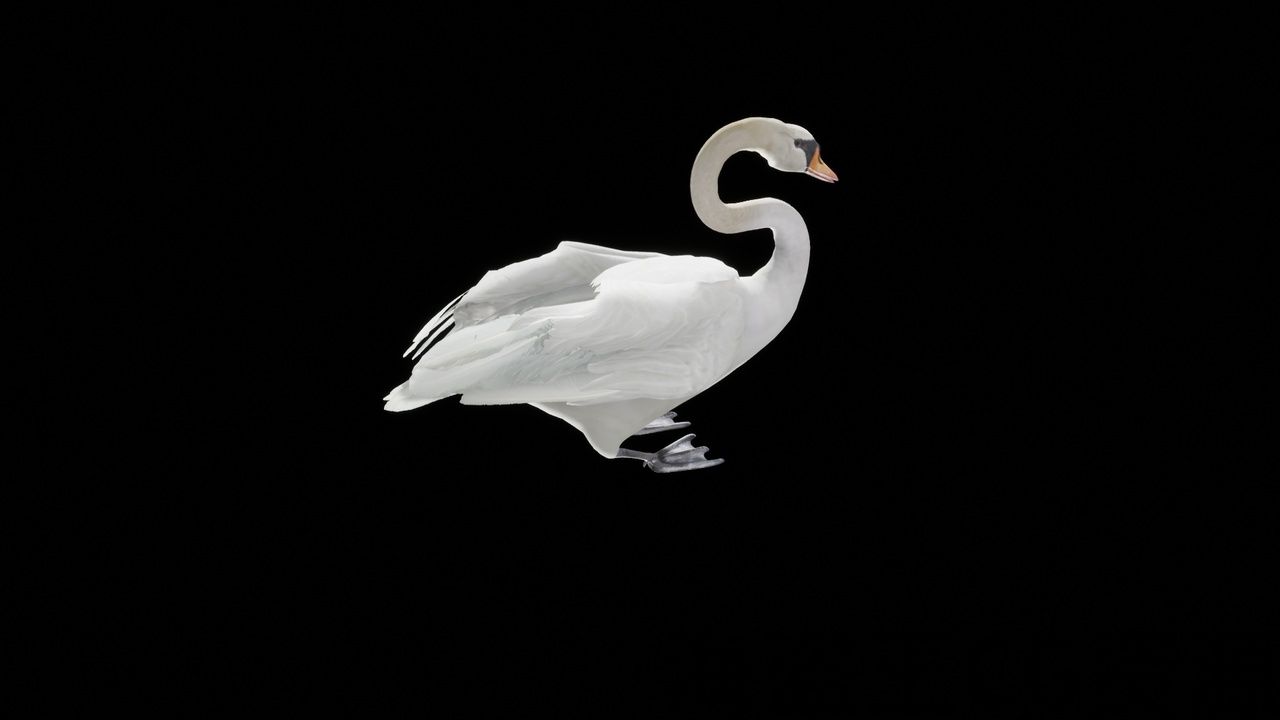
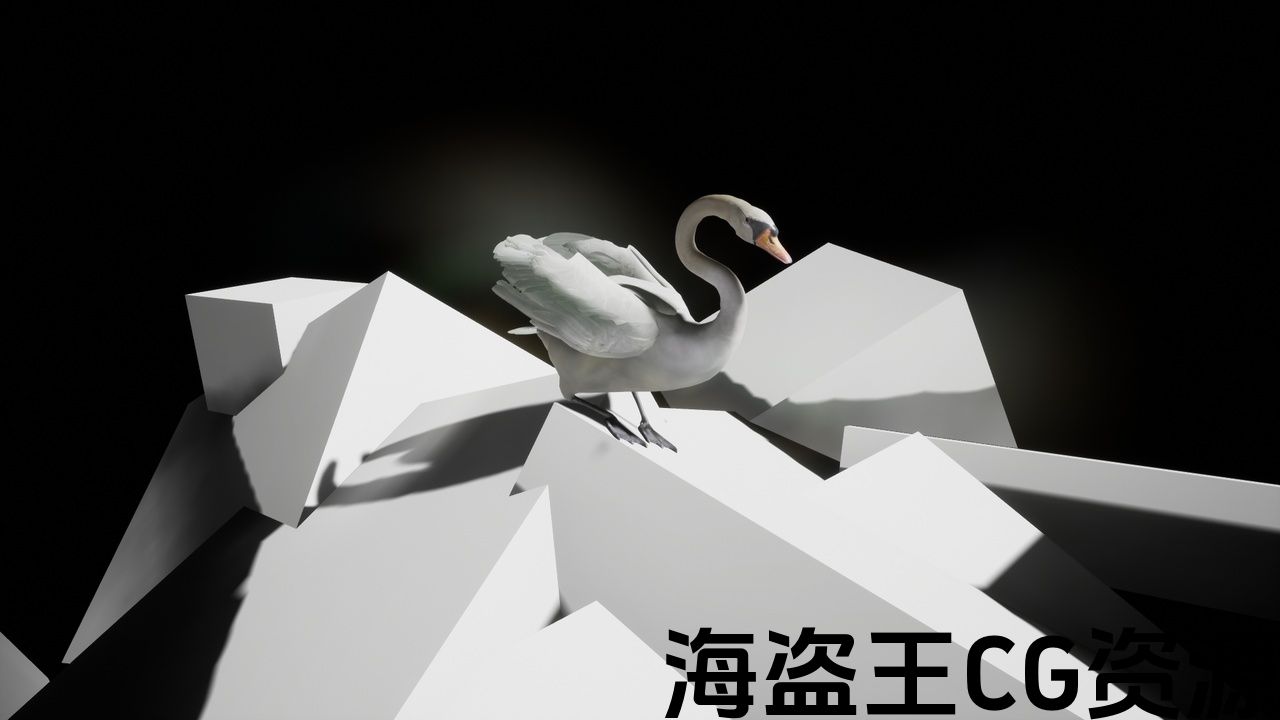
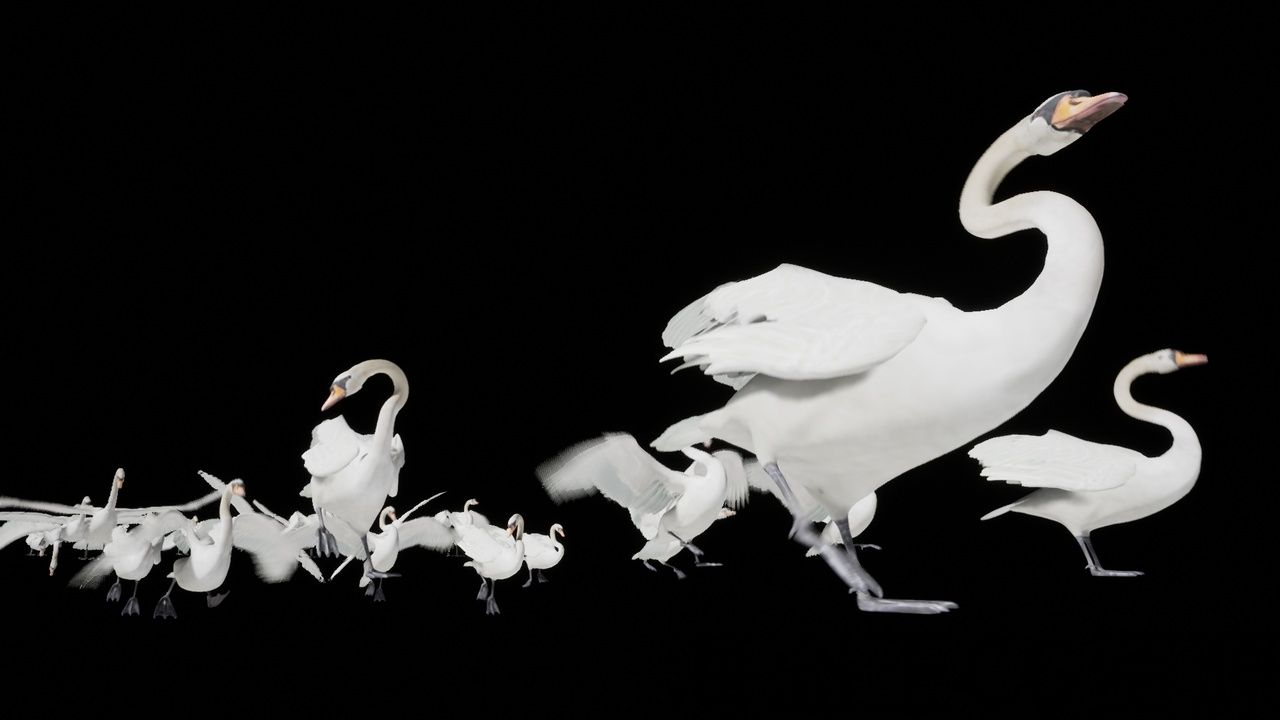
If groom is used in UE5, Rendering -> Optimisation -> Enable Support Compute Skin Cache in the project settings.
(I have confirmed the operation of Groom only on Windows.
Example of use: https://youtu.be/VbCJ37JgGtM
Demo video: https://youtu.be/-W625ZZxGnY
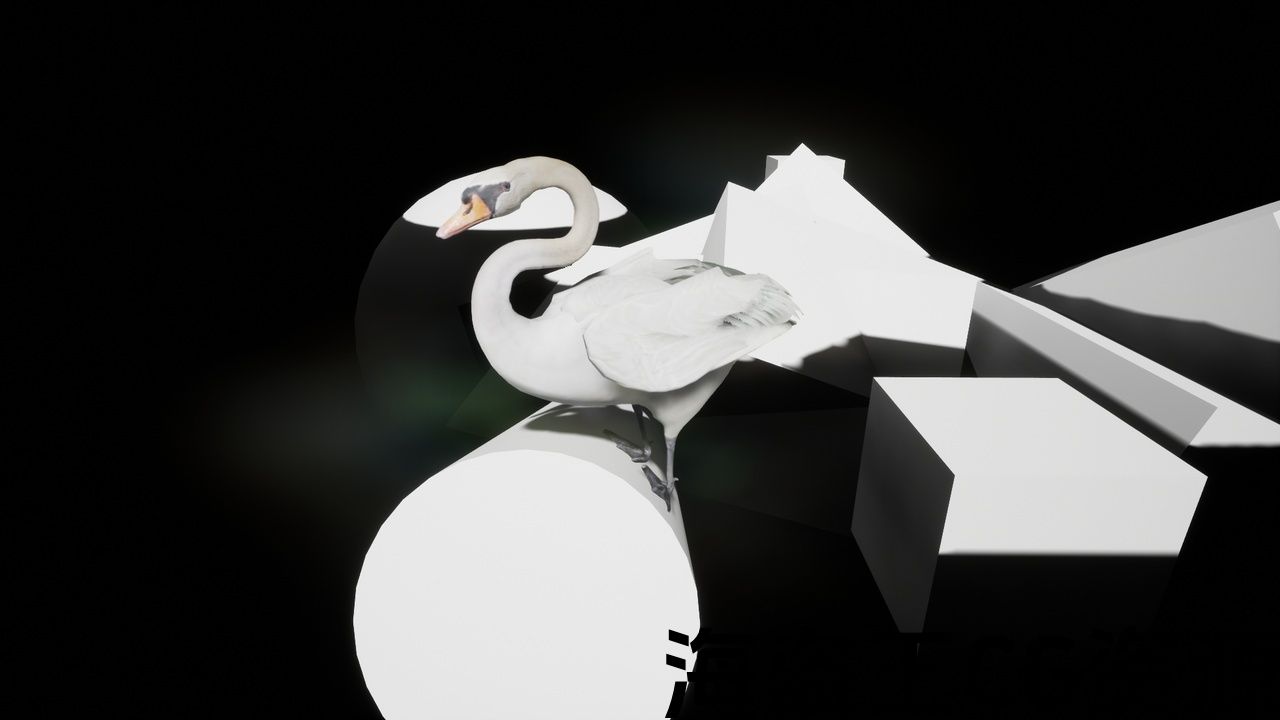
Animations and 3D model of a Swan are the main contents of this asset.
A demonstration is ready with a character that repeats flight to the
landing point, the behavior of walking or swimming.
(Blueprints/BP_SwanRandomBehavior).
In the demonstration you can also use an operable
character(Blueprints/BP_SwanThirdPersonCharacter).
The feet of these characters are grounded at the correct position and
angle with respect to the ground by using two bone IK and animation curves.
An approach run is necessary for these characters to take off like a
real swan.
In order to express the bend of flight feathers, two bones were used per
flight feathers.
Hence the number of bones became many(bones count:228).
Please be careful if your environment is limited in the number of bones.
FBX files are contained in Swan/FBX folder.
How to use BP_SwanRandomBehavior:
1. Place the BP_SwanLandingPoint in the scene as many as you like.
2. Place the BP_SwanRandomBehavior in the scene as many as you like.
Then BP_SwanRandomBehavior repeats fly toward to LandingPoint, the
behavior of walking or swimming randomly.
BP_SwanThirdPerson operation method:
wasd or arrow: walk
r+(wasd or arrow): run
r+(wasd or arrow)+f: take off
wasd: up speed and turn speed change
arrow: forward speed and turn speed changeTechnical Details
Scaled to Epic skeleton :No
Rigged:Yes
Rigged to Epic skeleton:No
Animated:Yes
Number of characters:1
Vertex counts of characters:
Mesh_MuteSwanHighPoly:27206
Mesh_MuteSwanMiddlePoly:7261
Mesh_MuteSwanLowPoly:2046
Texture Resolutions:
Tex_MuteSwan.png(Base color):4096×4096
Tex_MuteSwanN.png(Normal):4096×4096
Tex_MuteSwanM.png(Opacity mask):2048×2048
Tex_MuteSwanR.png(Roughness):1024×1024
Number of Animations:84
Animation types:both(84 Animations+19 root motion variation of walk and run)
Engine Compatibility:4.12-4.18
Intended Platform:Windows, OS X
Platforms Tested:Windows
Documentation Included:No
Important Additional Notes:The number of bones is 228.
如果在UE5中使用groom,则在项目设置中渲染->优化->启用支持计算皮肤缓存。
(我已经确认新郎只在Windows上的操作。
使用示例: https://youtu.be/VbCJ37JgGtM
演示视频: https://youtu.be/-W625ZZxGnY
动画和天鹅的3d模型是该资产的主要内容。
一个演示已经准备好,一个角色重复飞行到
着陆点,行走或游泳的行为。
(蓝图/BP_SwanRandomBehavior)。
在演示中还可以使用可操作
字符(蓝图/BP_SwanThirdPersonCharacter)。
这些字符的脚接地在正确的位置和
通过使用两个骨骼IK和动画曲线相对于地面的角度。
一个方法运行是必要的,这些字符起飞像一个
真正的天鹅。
为了表达飞行羽毛的弯曲,使用了两根骨头。
飞行羽毛。
因此,骨头的数量变得很多(骨头计数:228)。
如果您的环境的骨骼数量有限,请小心。
FBX文件包含在Swan/FBX文件夹中。
如何使用BP_SwanRandomBehavior:
1. 将BP_SwanLandingPoint放在场景中,只要你喜欢。
2. 将BP_SwanRandomBehavior放在场景中,只要你喜欢。
然后BP_SwanRandomBehavior重复飞向着陆点,
随机行走或游泳的行为。
BP_SwanThirdPerson操作方法:
wasd或箭头:步行
r+(wasd或箭头):运行
r+(wasd或箭头)+f:起飞
wasd:加快速度和转弯速度变化
箭头:前进速度和转弯速度变化技术细节
缩放到史诗骨架:不
操纵:是的
装备史诗骨架:不
动画:是的
字符数:1
字符的顶点计数:
Mesh_MuteSwanHighPoly:27206
Mesh_MuteSwanMiddlePoly:7261
Mesh_MuteSwanLowPoly:2046
纹理分辨率:
Tex_MuteSwan.png(底色):4096×4096
Tex_MuteSwanN。png(正常):4096×4096
Tex_MuteSwanM。png(不透明度蒙版):2048×2048
Tex_MuteSwanR。png(粗糙度):1024×1024
动画数量:84
动画类型:两种(84个动画+19个行走和奔跑的根运动变化)
发动机兼容性:4.12-4.18
预期平台:Windows,OS X
测试平台:Windows
文件包括:否
重要补充说明:骨骼数量为228。
评论(0)