
Rigged to Epic skeleton: Yes
If rigged to the Epic skeleton, IK bones are included: Yes
Number of Animations:
23 anim sequences total:
- 20 for the arms: idle, walk slow, walk fast, run, 2x sprint, 2x aim sway , 2x aim steady (hold breath), 2x walk aiming, fire, 2x fire aiming, reload empty, reload loaded, equip, un-equip, inspect. Each one accompanied by its editable LevelSequence file
- 3 for the rifle: fire, reload empty, reload loaded. Each one accompanied by its editable LevelSequence file
2 montages for the arms: auto fire and auto fire aiming
2 blendspaces for the arms: not aiming movement and aiming movement
1 anim blueprint for the test character
Animation types (Root Motion/In-place): In-place
Important/Additional Notes:
- Modifying the anims inside Unreal Engine requires enabling the Control Plugin (built-in Unreal). But using the anims doesn't require it
- UE 5.3 has a small bug in the engine where Parent Constraints become invisible in the timeline of the Level Sequencer after the engine has been restarted (it still works but is invisible). Unreal fixed this on 5.4, so I recommend using 5.1, 5.2 or 5.4 (or later) if you plan on using constraints.
装备史诗骨架:是的
如果被装配到史诗骨架上,IK骨骼包括在内:是的
动画数量:
共23个anim序列:
- 20对于武器:空闲,慢走,快走,跑,2x冲刺,2x瞄准摇摆,2x瞄准稳定(屏住呼吸),2x步行瞄准,射击,2x射击瞄准,重新加载空,重新加载加载,装备,un装备,检 每一个伴随着它的可编辑LevelSequence文件
- 3对于步枪:火,重新加载空,重新加载加载。 每一个伴随着它的可编辑LevelSequence文件
武器的2个蒙太奇:自动射击和自动瞄准
2武器的blendspaces:不瞄准运动和瞄准运动
1测试角色的动画蓝图
动画类型(根运动/就地):就地
重要/附加注意事项:
- 在虚幻引擎中修改动画需要启用控件插件(内置虚幻)。 但使用动画并不需要它
- UE5.3在引擎中有一个小错误,即在引擎重新启动后,父约束在关卡排序器的时间线中变得不可见(它仍然有效,但不可见)。 虚幻在5.4上修复了这个问题,所以如果你打算使用约束,我建议使用5.1,5.2或5.4(或更高版本)。
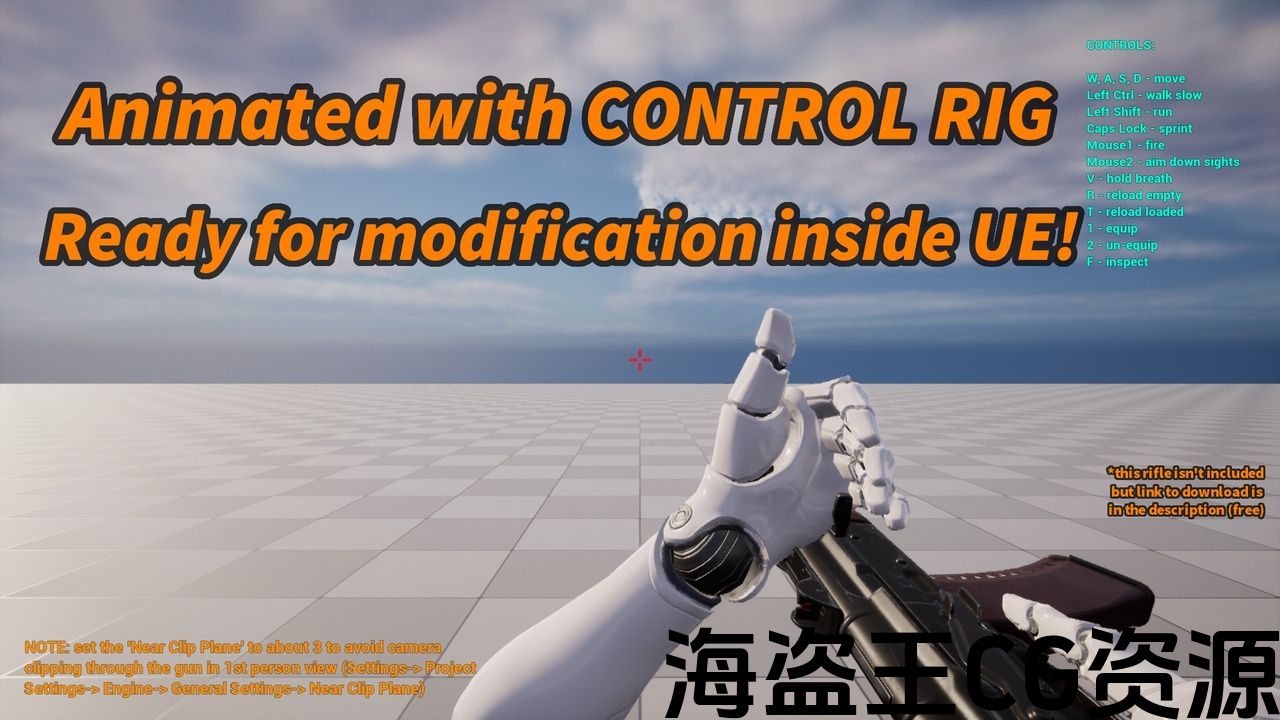
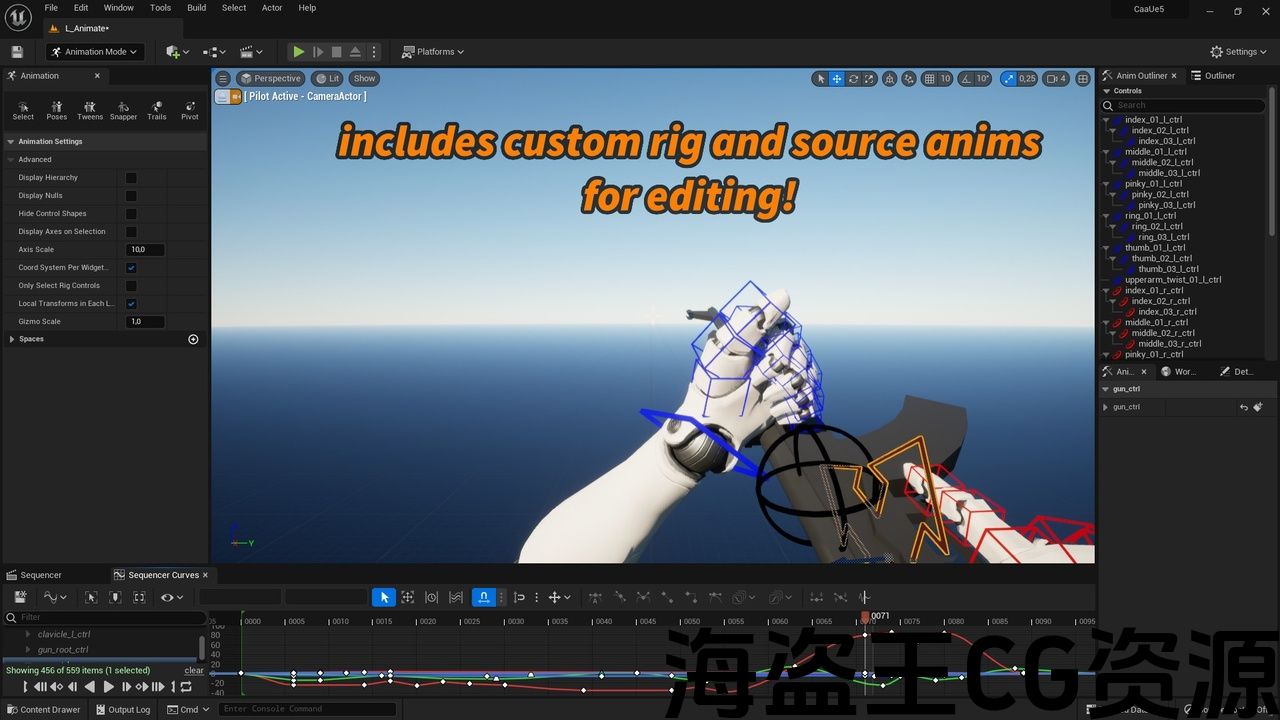
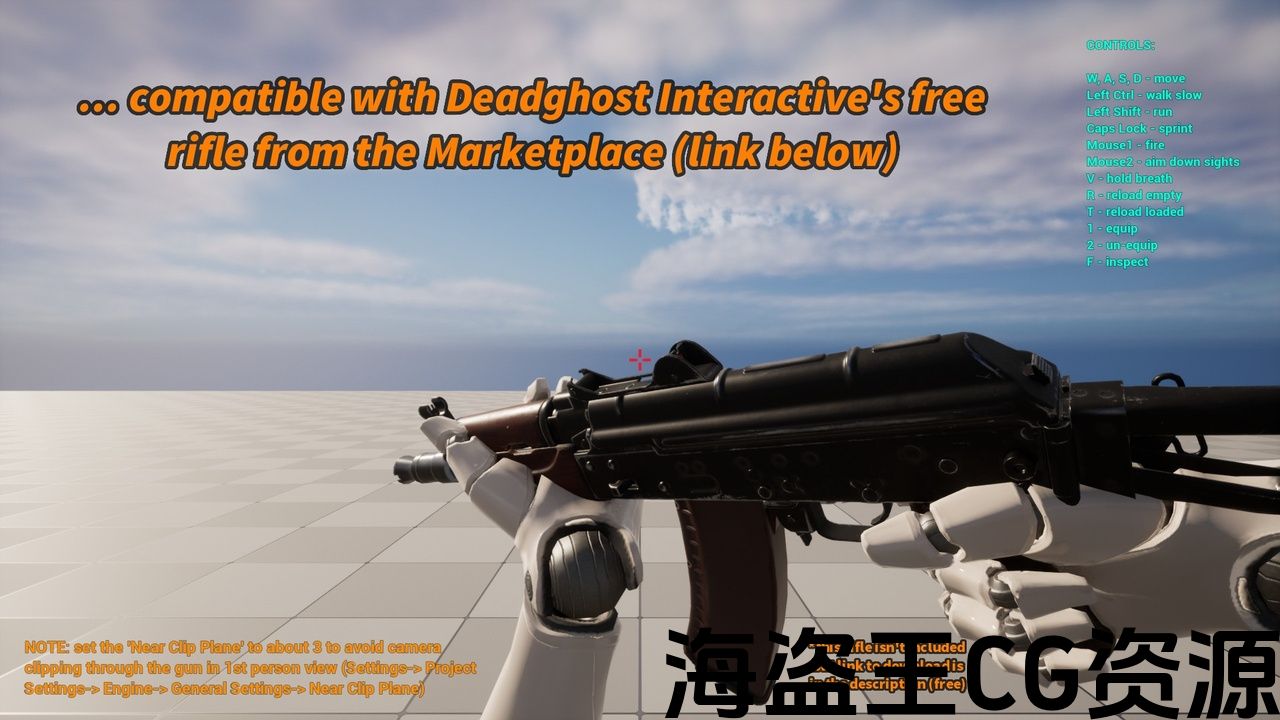
Anims for FPS arms made inside the engine with Control Rig. Source and rig included, ready to be modified in engine!
Latest Update Jun 19, 2024 – When editing external animations (Bake to Control Rig), elbow positioning is now improved
Demos:
Tutorials and tips:
Switching the arms (must be compatible with Epic’s UE4 mannequin skeleton)
Modifying external anims (anims without source files) – Bake to Control Rig
New pair of independent hand controls, good for creating bolt action anims, etc and How to open anims from previous versions
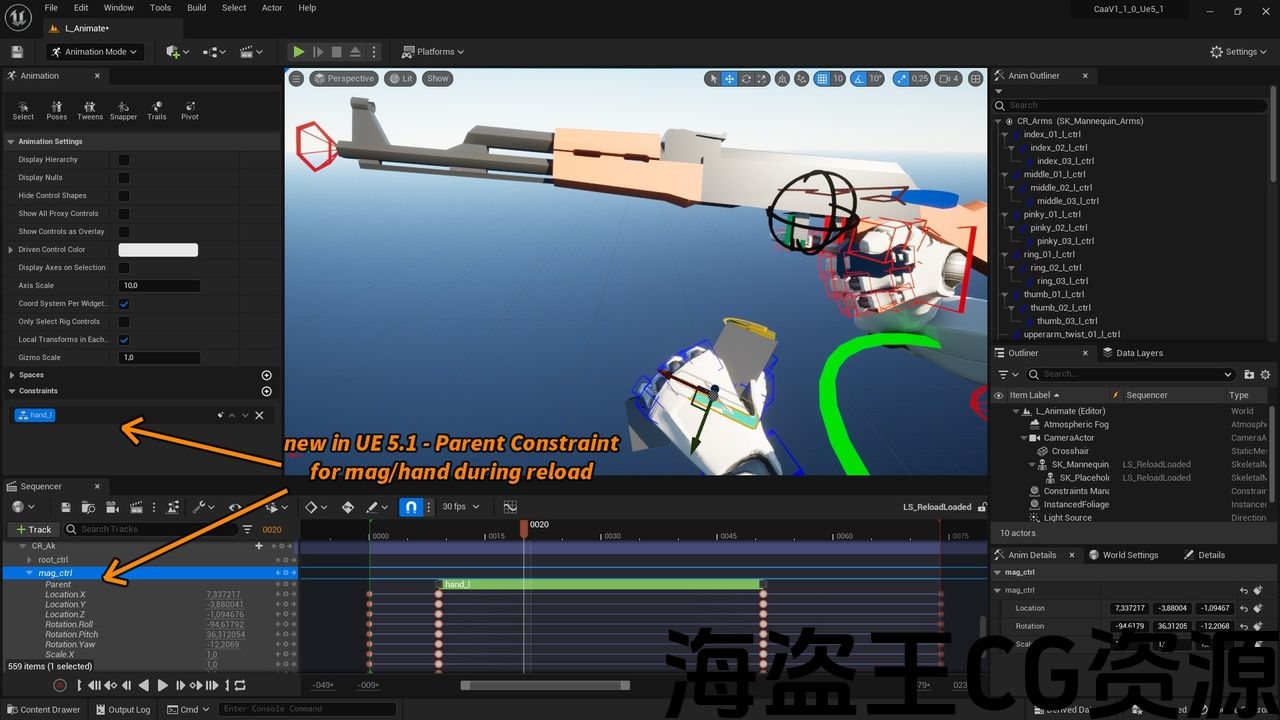
Attaching the magazine to the hand during reload (UE 5.1 and newer)
Free AK rifle to go with this:
Free Weapon by Deadghost Interactive
Discord server available for buyers, please send Order ID to peacesells_ (Discord username) or peacesells_@outlook.com (email)
Note:
Check if your Control Rig plugin is enabled before editing the anims (it’s built-in Unreal). Not necessary for using the anims, only for editing them.
Description:
Handcrafted animations for the UE4 Mannequin arms created inside the Unreal Engine using Control Rig! Fully editable inside Unreal to suit your needs, no Blender, Maya, etc. needed! Each animation is accompanied by its source file, which is the LevelSequence file in which the animation was created in Unreal.
A custom Control Rig was created specially for making these animations, which facilitates keeping both hands on the gun when desired. The custom rig also has automatic twisting of the forearm (lowerarm) twist bones when animating the hands. This rig is included.
All arms anims and the arms custom rig were designed for the Epic’s UE4 mannequin arms skeleton.
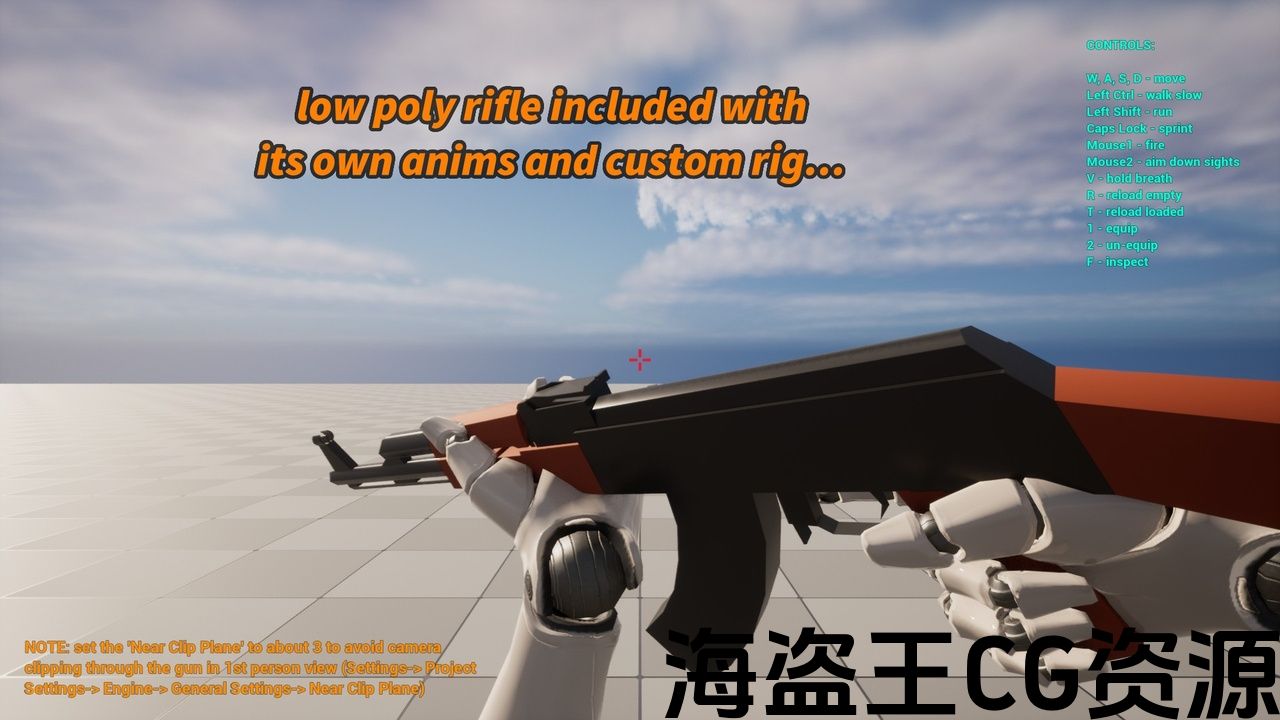
Includes a low poly rifle with a skeleton compatible with the Deadghost Interactive’s KA74U rifle, which is free in the Marketplace!
Includes also a custom rig made for animating the rifle skeleton and this rig is compatible with both the included low poly rifle and the Deadghost Interactive’s KA74U rifle! (This rig can be seen as a quality-of-life feature as it’s not required – you can also easily animate guns with the FK Control Rig that already comes with Unreal)
From UE 5.1 onwards:
Making use of the new Parent Constraint to bind the mag to the hand during the reload.
UE 5.3 small bug:
UE 5.3 has a bug in the engine where Parent Constraints become invisible in the timeline of the Level Sequencer after the engine has been restarted (it still works but is invisible). Unreal fixed this on 5.4, so I recommend using 5.1, 5.2 or 5.4 (or later) if you plan on using constraints.
动画FPS武器在发动机内与控制钻机. 源和钻机包括,准备在发动机修改!
最新更新 2024年6月19日-编辑外部动画(Bake to Control Rig)时,现在改进了肘部定位
演示:
教程和提示:
新的一对独立的手控制,有利于创建螺栓动作动画等 和 如何打开以前版本的动画
免费AK步枪去与此:
不和谐 服务器可供买家使用,请将订单ID发送至 和平之声_ (Discord用户名)或 peacesells_@outlook.com (电邮)
注:
在编辑动画(它是内置的虚幻)之前,请检查您的Control Rig插件是否已启用。 不需要使用动画,只需要编辑它们。
资料描述:
使用Control Rig在虚幻引擎中创建的ue4人体模型手臂手工制作动画! 虚幻内部完全可编辑 以满足您的需求, 没有搅拌机,玛雅等. 需要! 每个动画都伴随着它的 源文件,这是在虚幻中创建动画的LevelSequence文件。
一个自定义控制钻机是专门为制作这些动画而创建的,这有助于在需要时将双手放在枪上。 定制钻机还具有 自动加捻 前臂(下臂)在手部动画时扭曲骨骼。 这台钻机包括在内。
所有武器动画和武器定制装备都是为史诗的UE4人体模型武器骨架设计的。
包括一个低聚步枪与骨架兼容 Deadghost Interactive的KA74U步枪,这是免费的市场!
还包括一个定制的钻机,用于动画步枪骨架和这个钻机兼容包括低聚步枪和 Deadghost Interactive的KA74U步枪! (这个钻机可以被看作是一个生活质量的特点,因为它不是必需的-你也可以很容易地动画枪与 FK控制钻机 那已经自带虚幻)
由UE5.1起:
利用新的 父约束 在重新加载期间将mag绑定到手上。
UE5.3小bug:
UE5.3在引擎中有一个错误,即在引擎重新启动后,父约束在关卡排序器的时间线中变得不可见(它仍然有效,但不可见)。 虚幻在5.4上修复了这个问题,所以如果您计划使用约束,我建议使用5.1,5.2或5.4(或更高版本)。
评论(0)