
Number of Meshes: 156
Number of Blueprint Assets: 18
Collision: Yes, manually made
Vertex Count: 24-7600 triangles per mesh.
LODs: No
Number of Materials and Material Instances: 74
Number of Textures: 18
Texture Resolutions: 8 – 2048×2048, 6 – 4096×4096, 4 – 1024×1024.
Supported Development Platforms: Windows
__
Support: https://discordapp.com/invite/KuzEpas
目数:156
蓝图资产数量:18
碰撞:是的,手工制作
顶点数:每个网格24-7600个三角形。
Lod:不
材质和材质实例数:74
纹理数量:18
纹理分辨率:8-2048×2048,6-4096×4096,4-1024×1024。
支持的开发平台:Windows
__
支援服务: https://discordapp.com/invite/KuzEpas
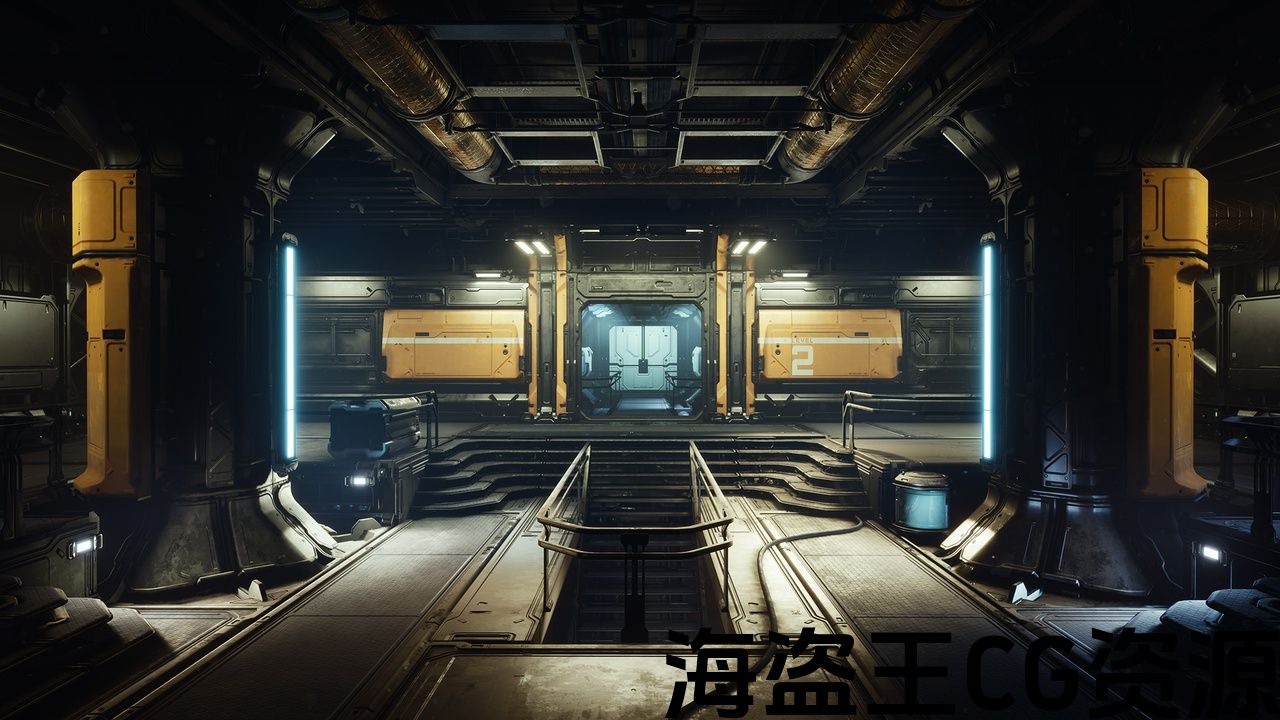
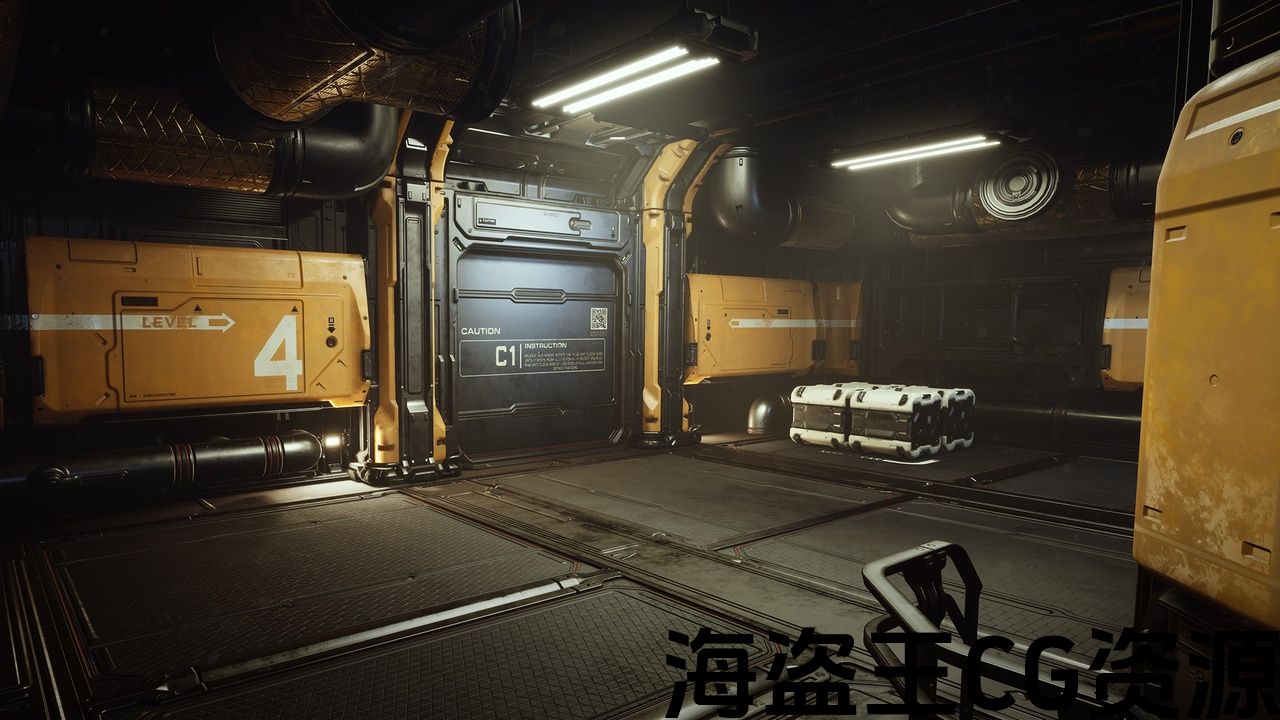
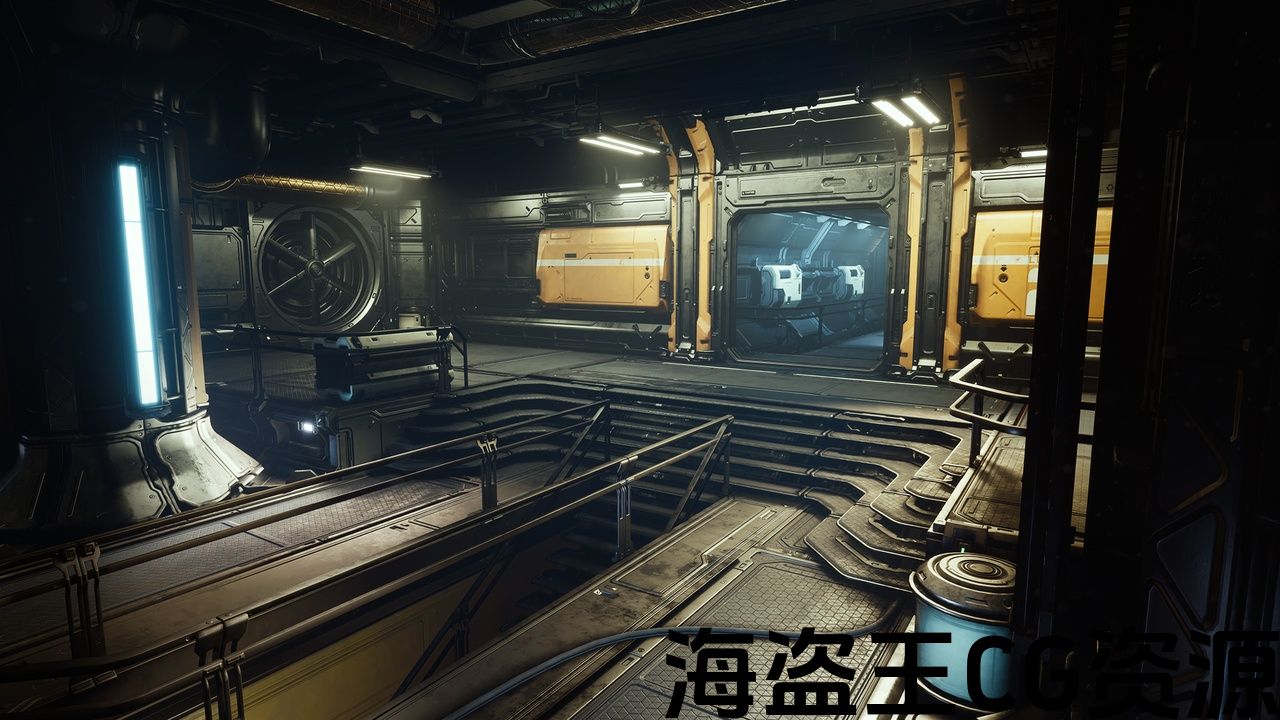
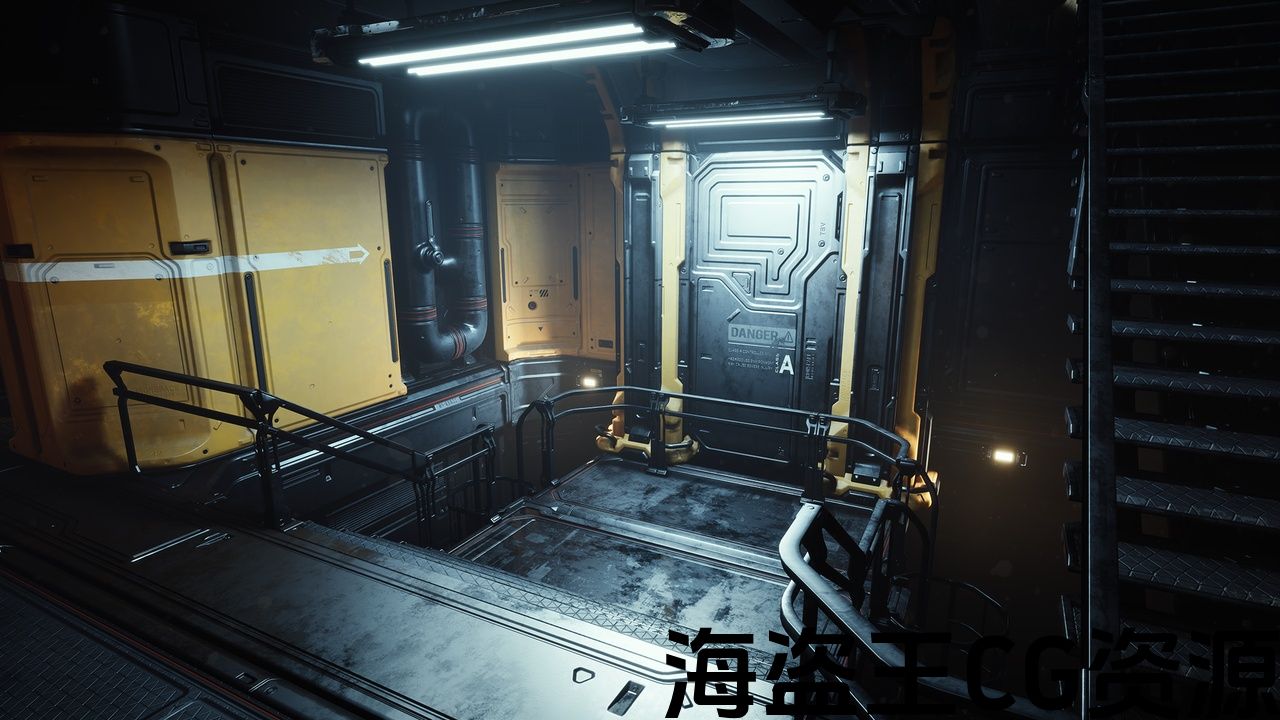
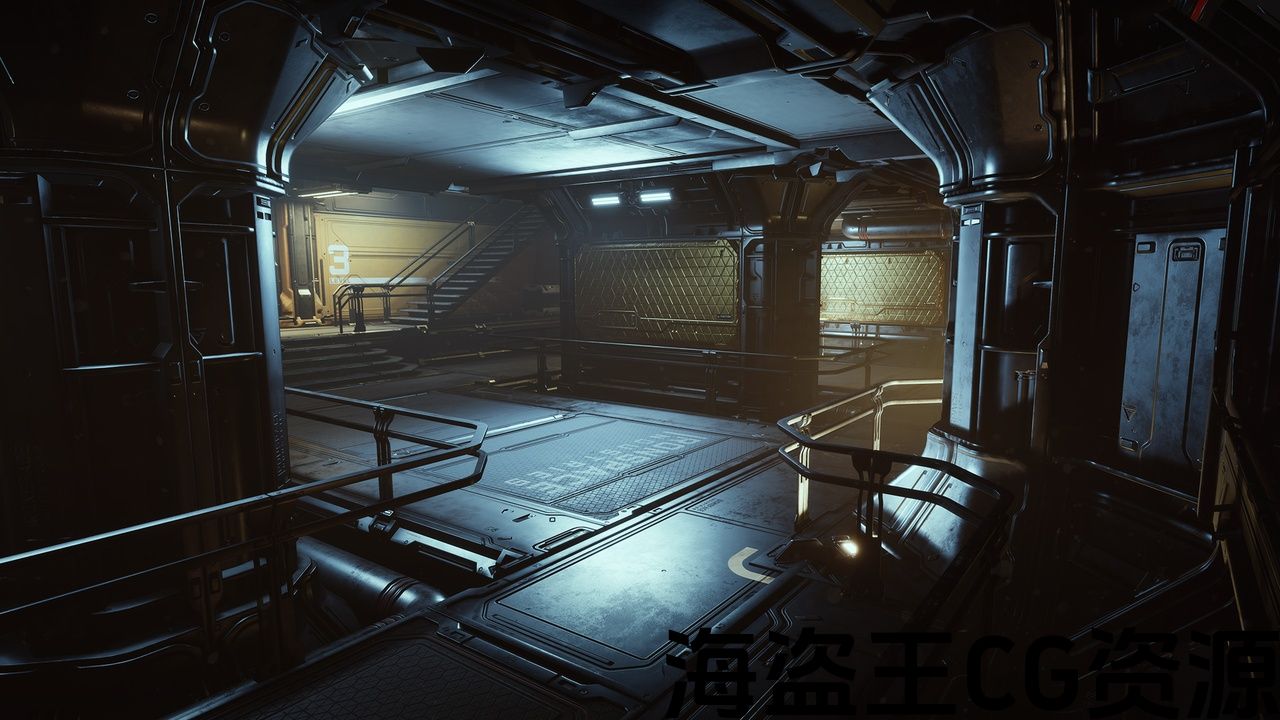
A set of sci-fi modular elements for creating big playable interior/exterior levels. All assets have been made using a modern pipeline that makes it easy to create new high-quality elements. The kit is suitable for first/third person and top-down games.
Preview: https://youtu.be/hVbc9wnoEw8
Overview: https://youtu.be/4w3mHd5ksPw
4K screenshots: https://www.artstation.com/artwork/Yeq0b6
Features:
- Meshes with FWN (Face Weighted Normals)
- Customizable procedural base materials
- Decal materials for fast creating new assets
- Grid snap friendly
- Blueprint assets (openable crates, animated doors, spline cables, smart lights)
- Source .fbx and .png files
- Big demo level from the Preview video
_______
The Kit is ditributed as Asset Pack (easy to add to any project) and doesn't contain any Project Settings, but contains Baked Lighting data. By default UE5 project use Dynamic Global Illumination Method "Lumen" Setting and doesn't use this data. If after adding the Asset Pack to the project in UE5 the lighting is darker than on the screenshots you can solve it these ways:
If you want to have UE 4.27 lighting setup and use the Baked Lighting data:
Project Settings -> Rendering -> Dynamic Global Illumination Method -> None
If you want to make it work with "Lumen" in UE5:
JUPITER_SciFi_Kit -> Blueprints and change the Light type from Static to Movable or Stationary for all the BP_Light_* (5 assets).
一组科幻模块化元素,用于创建大型可玩的内部/外部级别。 所有资产都是使用现代管道制作的,可以轻松创建新的高质量元素。 该套件适用于第一/第三人称和自上而下的游戏。
预览: https://youtu.be/hVbc9wnoEw8
概览: https://youtu.be/4w3mHd5ksPw
4k截图: https://www.artstation.com/artwork/Yeq0b6
特征:
- 用FWN(脸加权法线)网格
- 可定制的程序基础材料
- 用于快速创建新资产的贴花材料
- 网格快照友好
- 蓝图资源(可打开的板条箱、动画门、样条线、智能灯)
- 来源。fbx和。png档案
- 大演示级别从 预览视频
_______
该工具包被称为资产包(易于添加到任何项目),不包含任何项目设置,但包含烘焙照明数据。 默认情况下,UE5项目使用动态全局照明方法”流明”设置,不使用此数据。 如果在UE5中将资源包添加到项目后,光照比屏幕截图上的暗,则可以通过以下方式解决:
如果您希望设置UE4.27光照并使用烘焙光照数据:
项目设置->渲染->动态全局照明方法->无
如果你想让它与UE5中的”流明”一起工作:
JUPITER_SciFi_Kit->蓝图并将所有BP_Light_*(5个资源)的光源类型从静态更改为可移动或静止。
评论(0)