
Intended Platforms: Windows
Notes:
Effect works in the Z world space direction only
Effect does not work on moving objects that rotate
***Monthly Unreal Engine Sponsored Content product for May 2020***
Check out W3’s other products here:https://www.unrealengine.com/marketplace/en-US/profile/W3+Studios
预期平台:Windows
注意事项:
效果仅适用于Z世界空间方向
效果对旋转的移动对象不起作用
***2020年5月虚幻引擎赞助的月度内容产品***
在这里查看W3的其他产品:https://www.unrealengine.com/marketplace/en-US/profile/W3+Studios
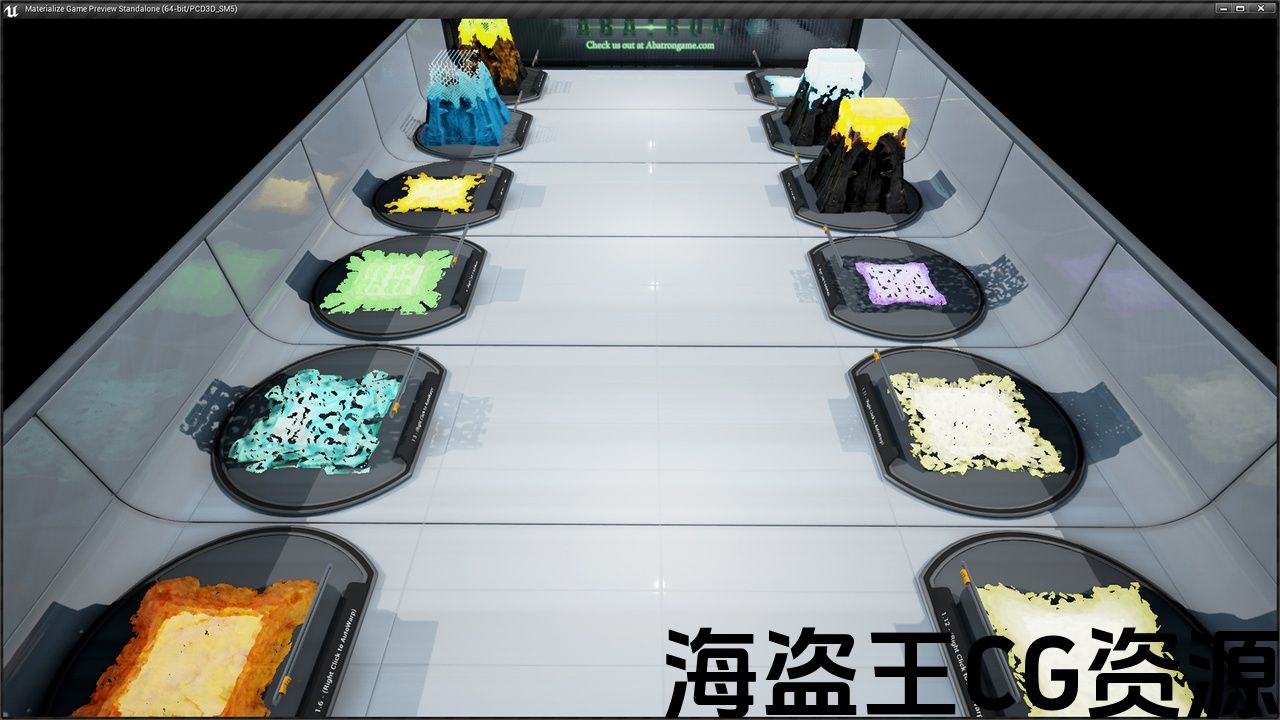
Preview: youtu.be/Qqs_rgd8OJs
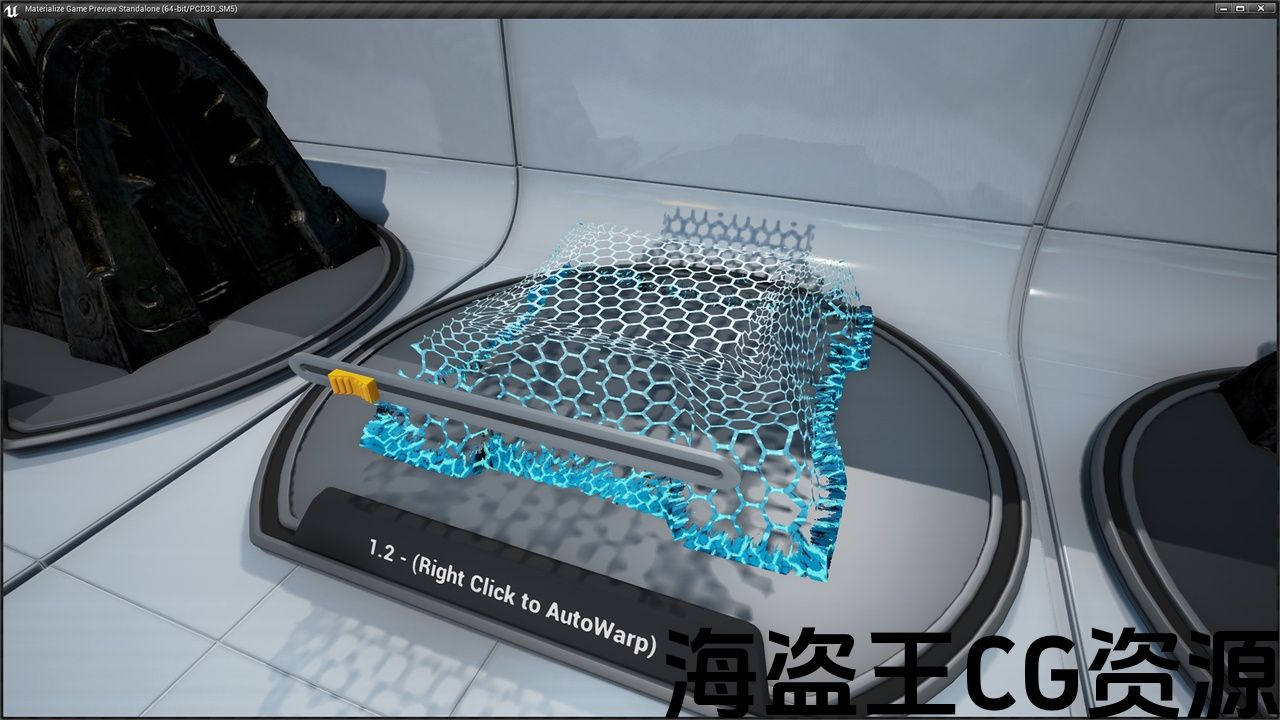
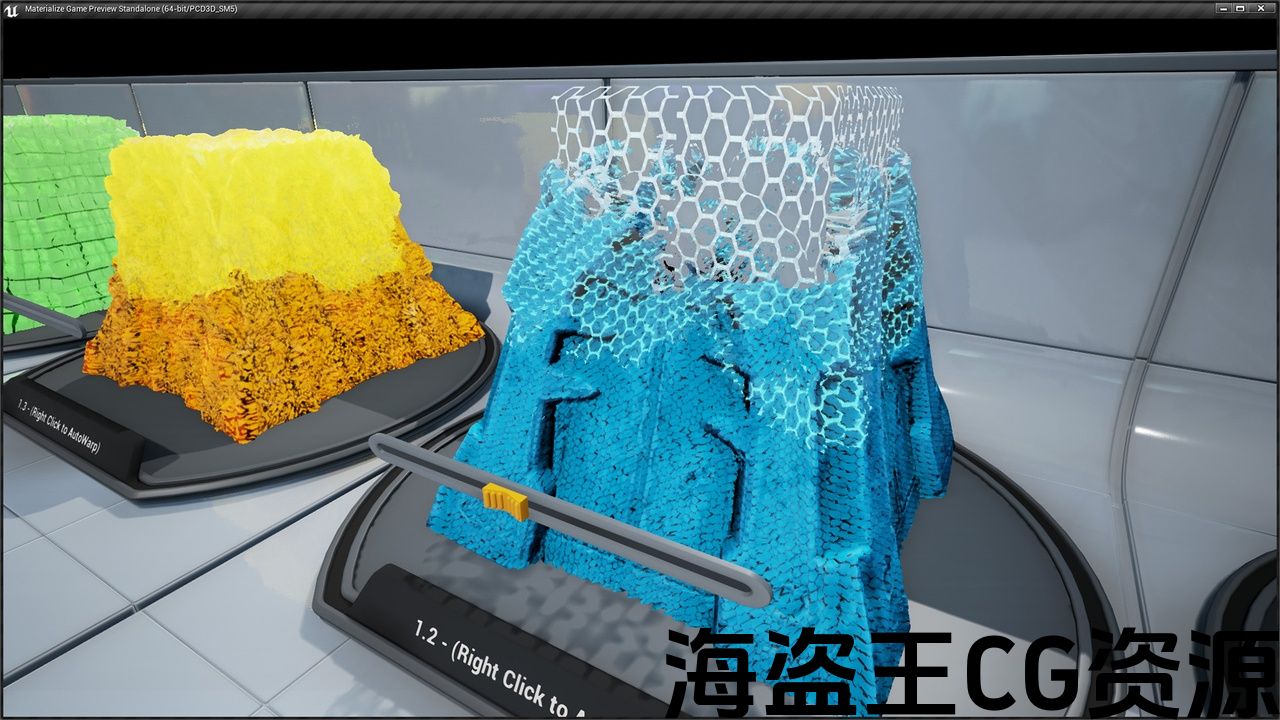
This effect solves the issue with a hollowed looking model. They do not cut away or mask out the model but instead use a technique in projecting a filled-in look to the existing geometry.
Just apply the material function to any existing material node to drive the effect you want. A single parameter input from 0-1 drives the entire effect for easy integration. In addition, you can use these effects for surface effects besides just warping in.
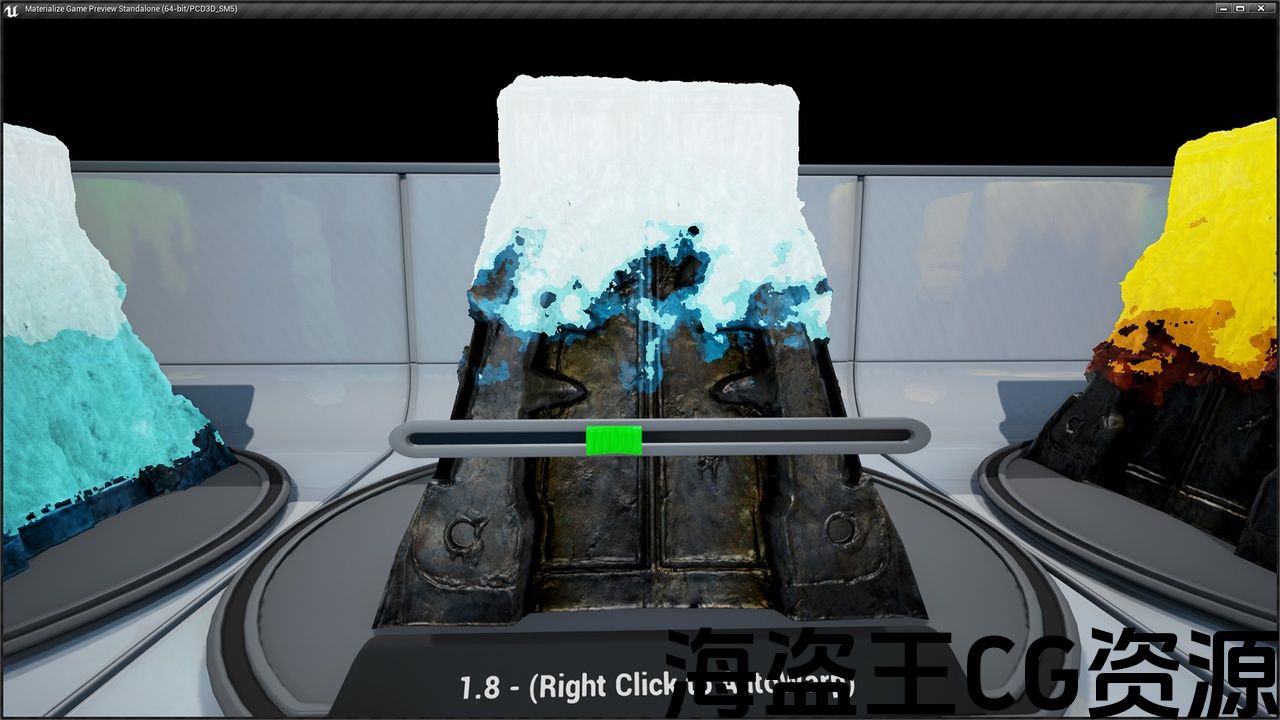
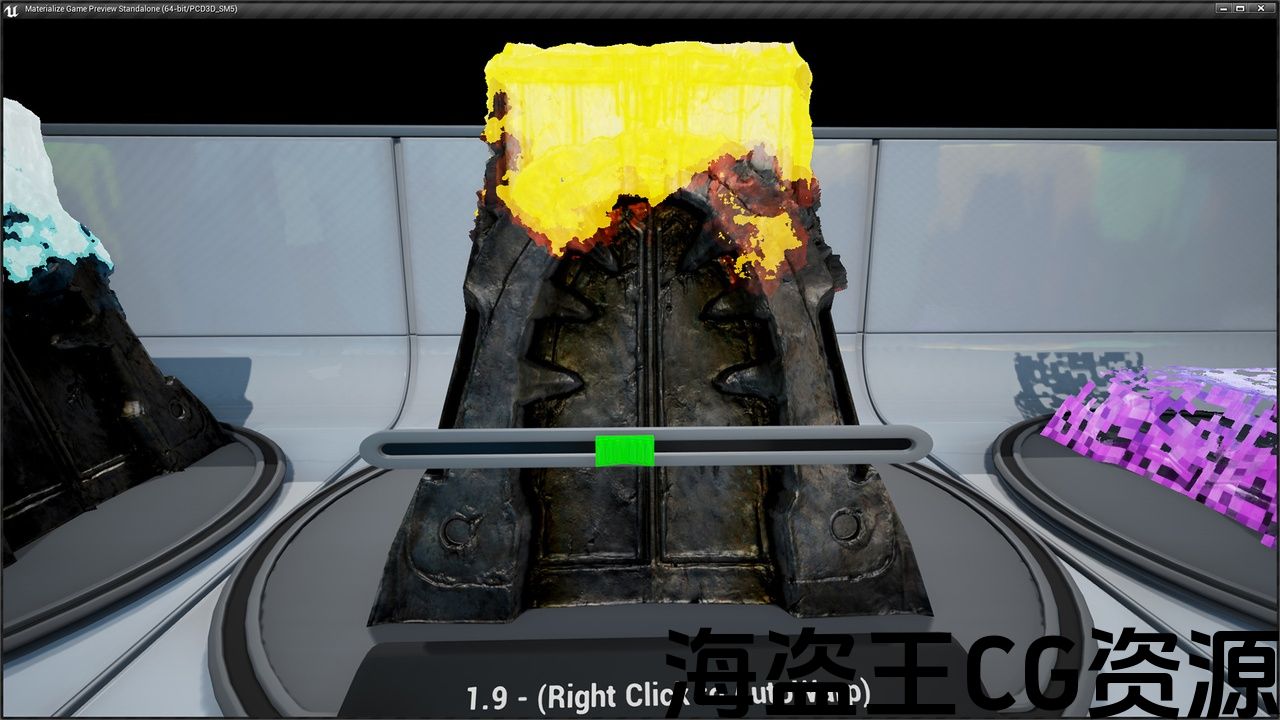
Create an icy frost effect or burning effect on the surface of the model. Spectral effects, pixelating effects, and the lists goes on. These effects are completely customizable with many options exposed. Drop in new patterns, change colors, or use specific parts of the effect.
The provided demo room is a great place to start. It’s also great effect for learning by breaking down the shader which is fully documented.
Support:
这种效果解决了一个空洞的外观模型的问题。 它们不会切割或掩盖模型,而是使用一种技术将填充外观投影到现有几何体。
只需将材质函数应用于任何现有材质节点即可驱动所需的效果。 从0-1的单个参数输入驱动整个效果,便于集成。 此外,除了变形之外,您还可以将这些效果用于表面效果。
在模型表面创建冰冷的霜冻效果或燃烧效果。 光谱效果,像素化效果,这样的例子不胜枚举。 这些效果是完全可定制的许多选项暴露。 加入新图案,更改颜色或使用效果的特定部分。
提供的演示室是一个很好的开始。 通过分解完整记录的着色器,它对学习也有很大的影响。
支援服务:
评论(0)