
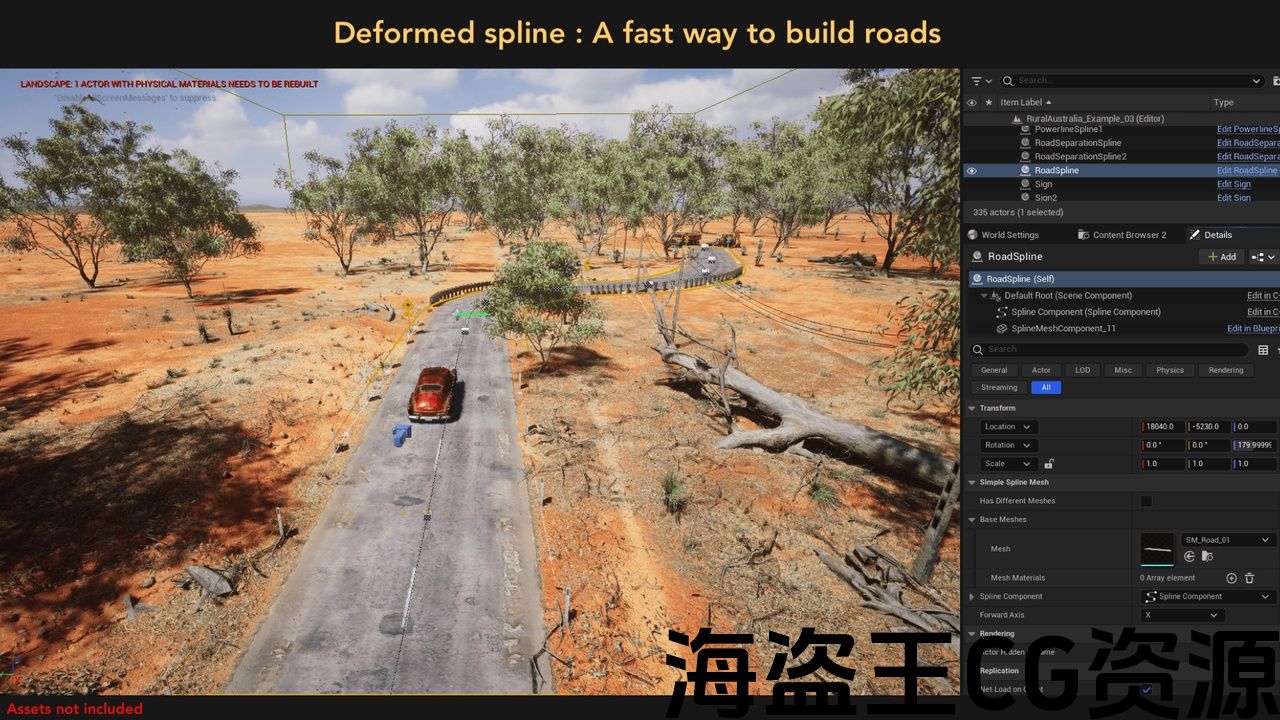
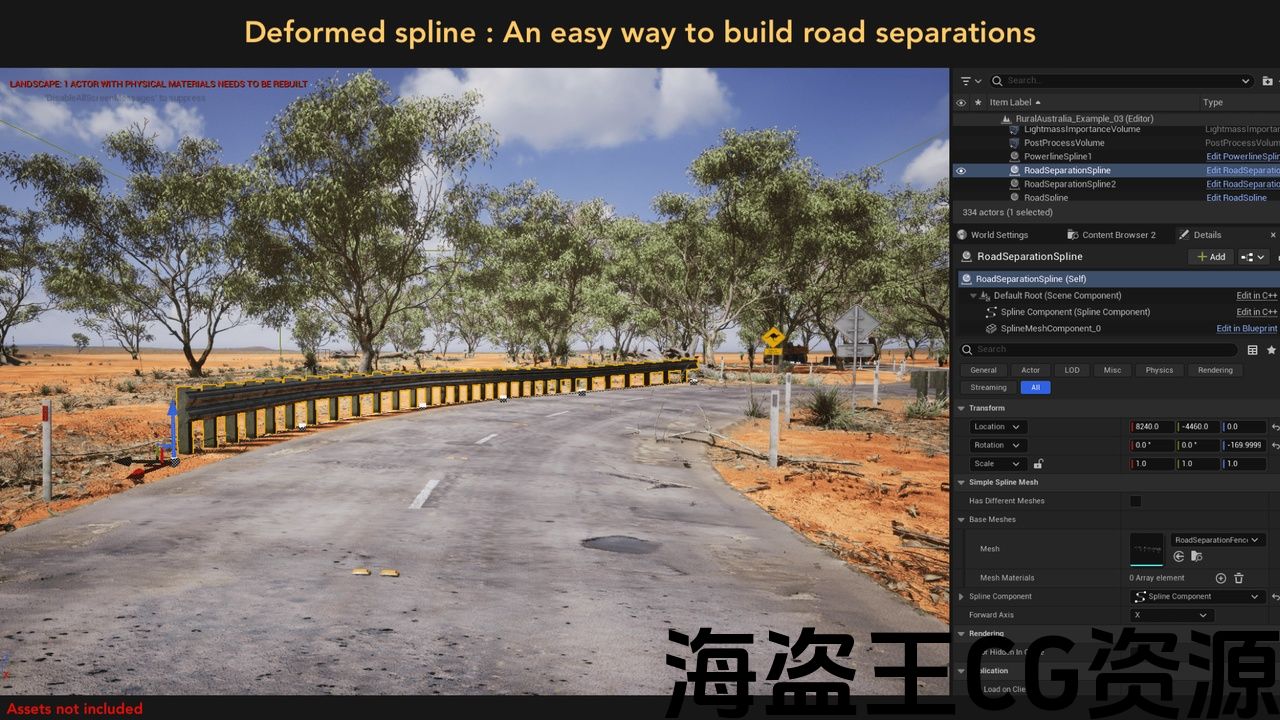
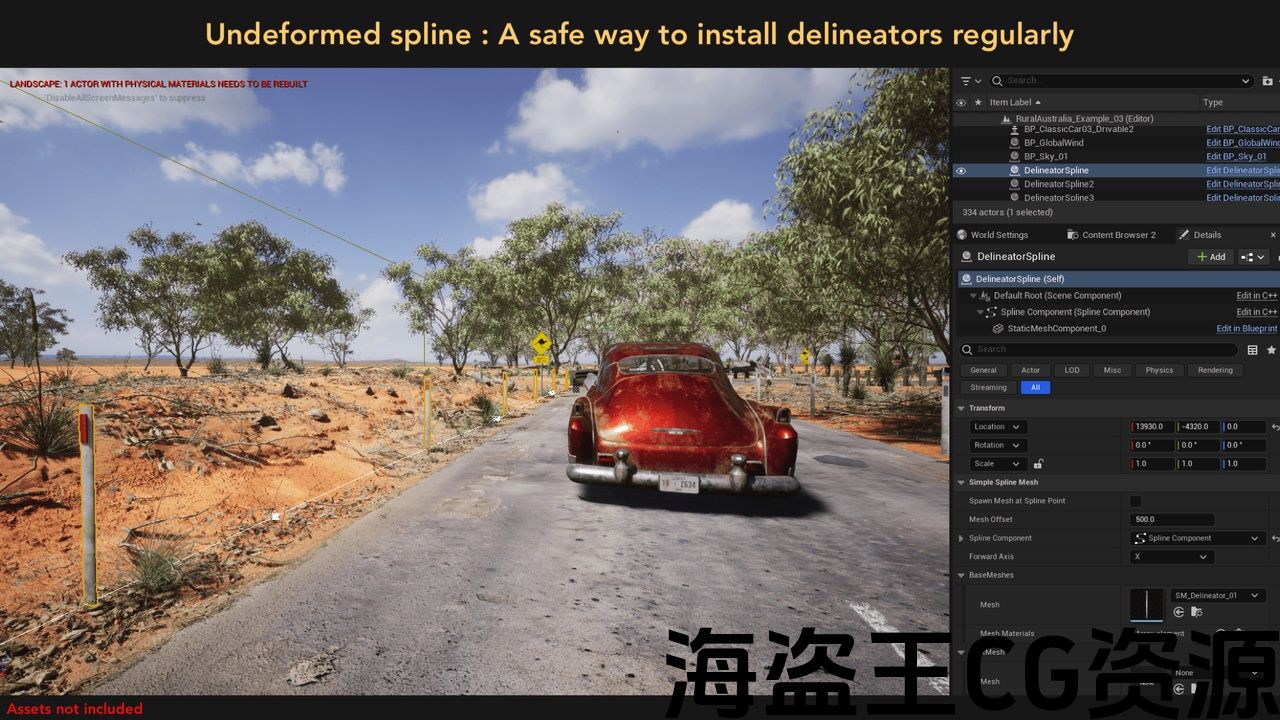
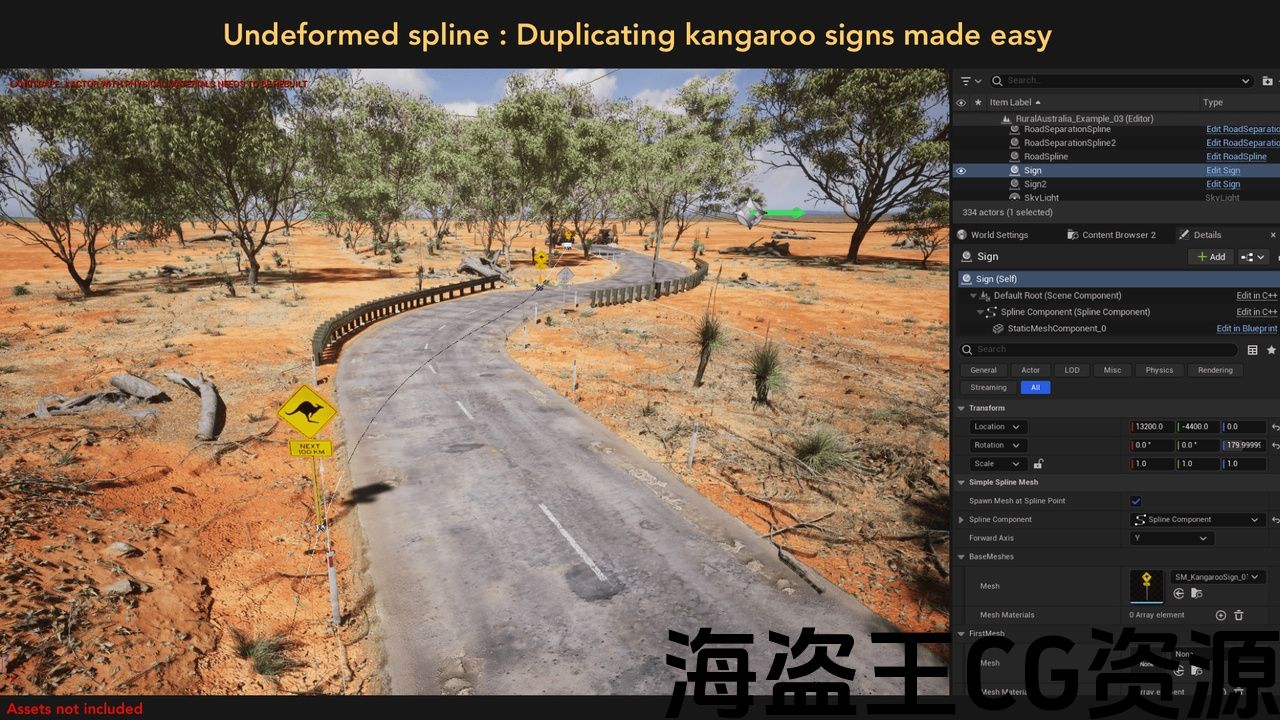
Features:
-
Deformed mesh along spline
-
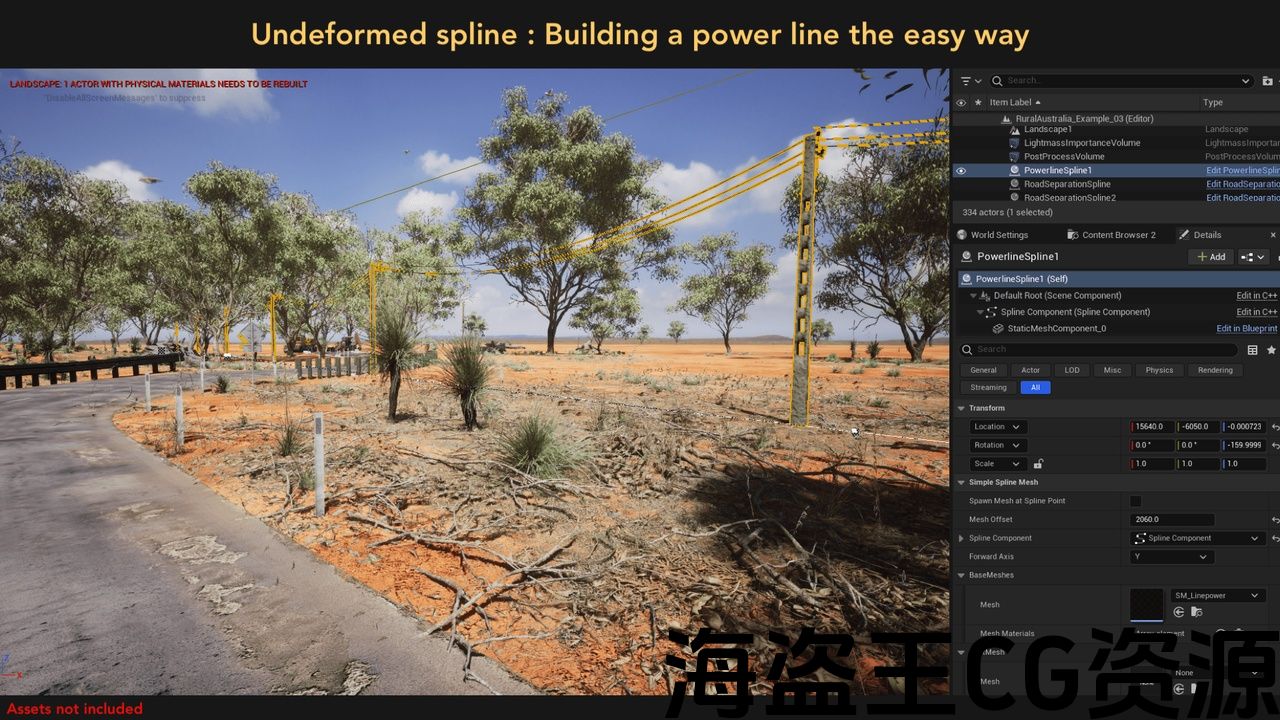
Undeformed mesh along spline
-
Modular : Use custom materials and meshes
-
Optimized
-
User-friendly
-
The environment and assets shown in the product images are not included
Code Modules:
-
SimpleSplineMesh, Runtime
Number of Blueprints: 4
Number of C++ Classes: 3
Network Replicated: Don’t need.
Supported Development Platforms: Mac – Win64
Supported Target Build Platforms: Mac – Win64
📖 Documentation: Here
‼️ Important/Additional Notes:
Please, ask any questions about this pack. We are happy to help.
Support Email: fungidreamstudio+support@gmail.com
特征:
-
沿样条线变形网格
-
沿样条线未变形网格
-
模块化:使用自定义材料和网格物体
-
优化
-
用户友好
-
不包含产品图片中显示的环境和资产
代码模块:
-
SimpleSplineMesh,运行时
蓝图数量:4
C++ 类数量:3
网络复制:不需要。
支持的开发平台:Mac – Win64
支持的目标构建平台:Mac – Win64
📖文档:此处
‼️重要/附加说明:
请询问有关此包的任何问题。我们很乐意为您提供帮助。
支持电子邮件:fungidreamstudio+support@gmail.com
The Simple Spline Mesh lets you easily build walls, roads, fences, power lines, bridges and much more. Placing and shaping meshes along a spline is easy and user-friendly. The spline system allows you to easily use custom materials and meshes.
This plugin is an innovative level design tool that revolutionizes environment construction in games and scenes. The tool takes meshes and dynamically spawns or stretches them along an easily controllable spline, streamlining the creation process. Its functionality includes populating a single spline with multiple meshes, eliminating the need to place meshes by hand. Designed with environment and level design in mind, this construction tool aims to simplify designers’ work, accelerate iterations, and enhance the overall efficiency of creating complex, detailed scenes.
⭐️ Overview
-
The plugin includes ready-to-use prefabricated templates.
-
It makes it easy to incorporate new spline mesh into your games.
-
Powerful spline system to rapidly add detail.
-
Designed for the design of a play level or architectural project.
-
All features are available via Blueprints : No code knowledge is required.
-
This resource is accompanied by detailed documentation to ensure complete understanding.
⚙️ Features
-
Spline Mesh Component
-
-> Deformed mesh along spline
-
–> Mesh between spline points
-
–> Meshes array between spline points : Set different meshes align on the spline
-
Static Mesh Component
-
-> Undeformed mesh along spline
-
–> Fixed distances on the spline
-
–> At spline points
-
–> First and last meshes : Set up special meshes at the beginning and/or ending of the spline
-
Modular : Use custom materials and meshes
-
Optimized
-
User-friendly
-
The environment and assets shown in the product images are not included
🎥 Video preview
简单样条网格可以让您轻松建造墙壁、道路、栅栏、电线、桥梁等等。沿着样条线放置和塑造网格非常简单且用户友好。样条系统允许您轻松使用自定义材质和网格。
该插件是一款创新的关卡设计工具,彻底改变了游戏和场景中的环境构建。该工具采用网格并沿着易于控制的样条线动态生成或拉伸它们,从而简化了创建过程。其功能包括使用多个网格填充单个样条线,从而无需手动放置网格。该构建工具在设计时考虑到环境和关卡设计,旨在简化设计师的工作,加速迭代,并提高创建复杂、详细场景的整体效率。
⭐️概述
-
该插件包含现成的预制模板。
-
它可以轻松地将新的样条网格合并到您的设计中。
-
强大的样条系统,可快速添加细节。
-
专为游戏关卡或建筑项目的设计而设计。
-
所有功能均可通过蓝图使用:无需代码知识。
-
此资源附有详细的文档,以确保完整
⚙️功能
-
样条线网格组件
-
-> 沿样条线变形网格
-
–>样条线点之间的网格
-
–>样条线点之间的网格数组:设置不同网格在样条线上对齐
-
静态网格组件
-
-> 沿样条线未变形网格
-
–>样条线上的固定距离
-
–>在样条点处
-
–>第一个和最后一个网格:设置特殊样条线开头和/或结尾处的网格
-
模块化:使用自定义材质和网格
-
优化
-
用户友好
-
产品图像中显示的环境和资产并不包含
评论(0)