



Version 6 (16/06/2025):
– Added OpenDialogFolderMultiSelect function to open a dialog to select multiple foldersVersion 5 (19/09/2022):
– CreateProc() now returns a Process ID used to track the process.
– Added 2 new functions: IsProcessRunning() & GetProcessName()
Version 4 (07/09/20):
– All dialogs now work in-editor (including Editor Utility Widgets, and Blutilities).
– Node update, OpenDirectory(). Opens Explorer or Finder at the specified path.
Number of Blueprints: 1
Number of C++ Classes: 4
Supported Development Platforms: All Desktops (Win, MacOS)
Supported Target Build Platforms: All Desktops (Win, MacOS)
Documentation: Commented demo example included with plugin
版本6(16/06/2025):
-新增OpenDialogFolderMultiSelect功能,打开对话框选择多个文件夹版本5(19/09/2022):
– 创建() 现在返回用于跟踪进程的进程ID。
-增加了2个新功能: IsProcessRunning()&GetProcessName()
版本4(07/09/20):
-所有对话框现在都在编辑器中工作(包括编辑器工具小部件和蓝视)。
-节点更新, 公开目录(). 在指定的路径打开资源管理器或Finder。
蓝图数目: 1
C++类数: 4
支持的开发平台: 所有桌面(Win,MacOS)
支持的目标构建平台: 所有桌面(Win,MacOS)
文件: 插件附带的注释演示示例
Video showcase: https://youtu.be/HE4wIZ8n1kc
Documentation: https://lambda-w.github.io/Documentation/docs/FileSystemLibrary/
Discord: https://discord.gg/bxgtNY8
Unreal Forums: https://forums.unrealengine.com/t/lambda-works-time-clock/2525302
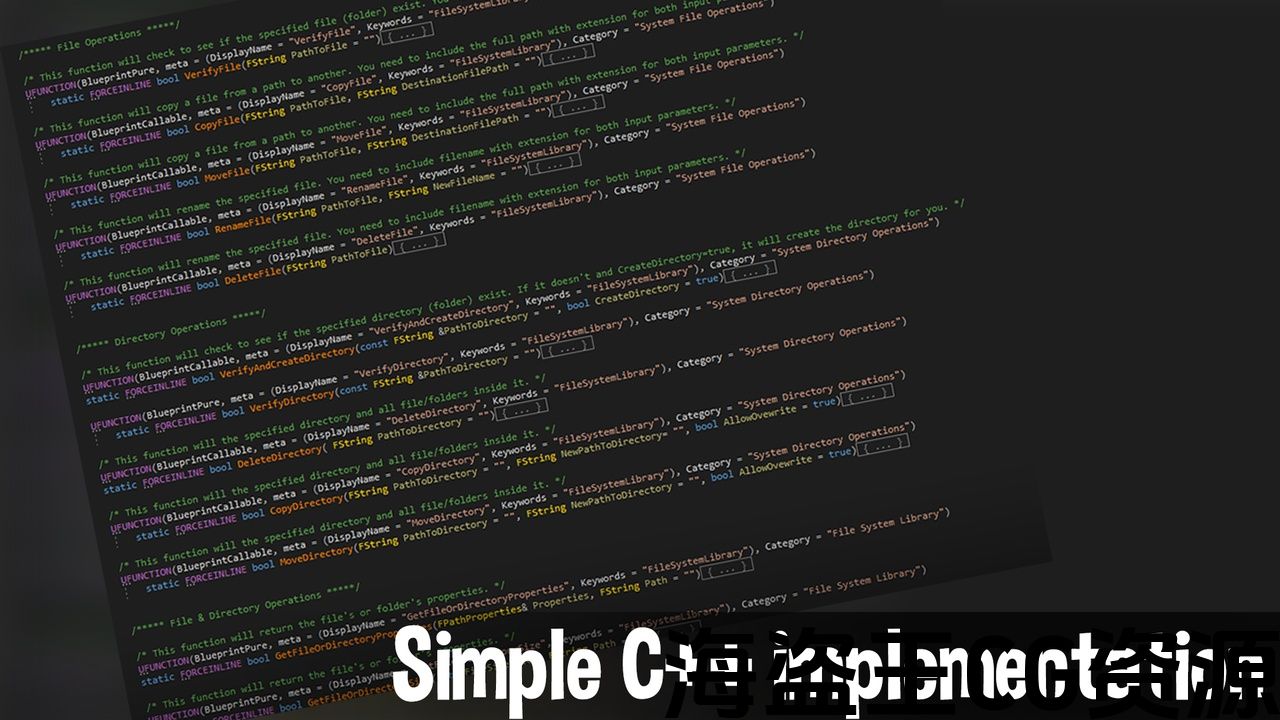
File System Library is cross platform blueprint library that allows you to easily interact with files and directories. It includes basic features like copy, move and delete for both files and directories. It also allows you to use your operating system’s default dialog windows to open or save files from any blueprint class. This plugin works both in editor and packaged builds (dev, debug and shipping)!Features:
-
Open/Save File Dialog: Prompt the user to save or select a file on his computer.
-
File Operations: Copy, move, delete and rename any files.
-
Folder Operations: Copy, move, delete and rename any folder/directories.
-
File String I/O: Load and create files on the go from strings.
MAC (Tested on Mac OS 10.7 BigSur):
If you encounter issues when packaging, move the plugin from /Users/Shared/Epic Games/UE_4.XX/Engine/Plugins/Marketplace/FileSystemLibrary to [Project Name]/Plugins/FileSystemLibrary.
短片展览: https://youtu.be/HE4wIZ8n1kc
文件: https://lambda-w.github.io/Documentation/docs/FileSystemLibrary/
不和谐: https://discord.gg/bxgtNY8
虚幻论坛: https://forums.unrealengine.com/t/lambda-works-time-clock/2525302
文件系统库 是跨平台蓝图库,可让您轻松与文件和目录进行交互。 它包括像复制,移动和删除文件和目录的基本功能。 它还允许您使用操作系统的默认对话框窗口打开或保存任何蓝图类中的文件。 这个插件在编辑器和打包构建(开发,调试和运输)中工作!特征:
-
打开/保存文件对话框: 提示用户在其计算机上保存或选择文件。
-
文件操作: 复制,移动,删除和重命名任何文件。
-
文件夹操作: 复制,移动,删除和重命名任何文件夹/目录。
-
文件字符串I/O: 从字符串加载和创建文件。
MAC(在Mac OS10.7BigSur上测试):
如果在打包时遇到问题,请将插件从 /用户/共享/史诗游戏/UE_4。XX/引擎/插件/市场/文件系统图书馆 到 [项目名称]/Plugins/FileSystemLibrary。
评论(0)