
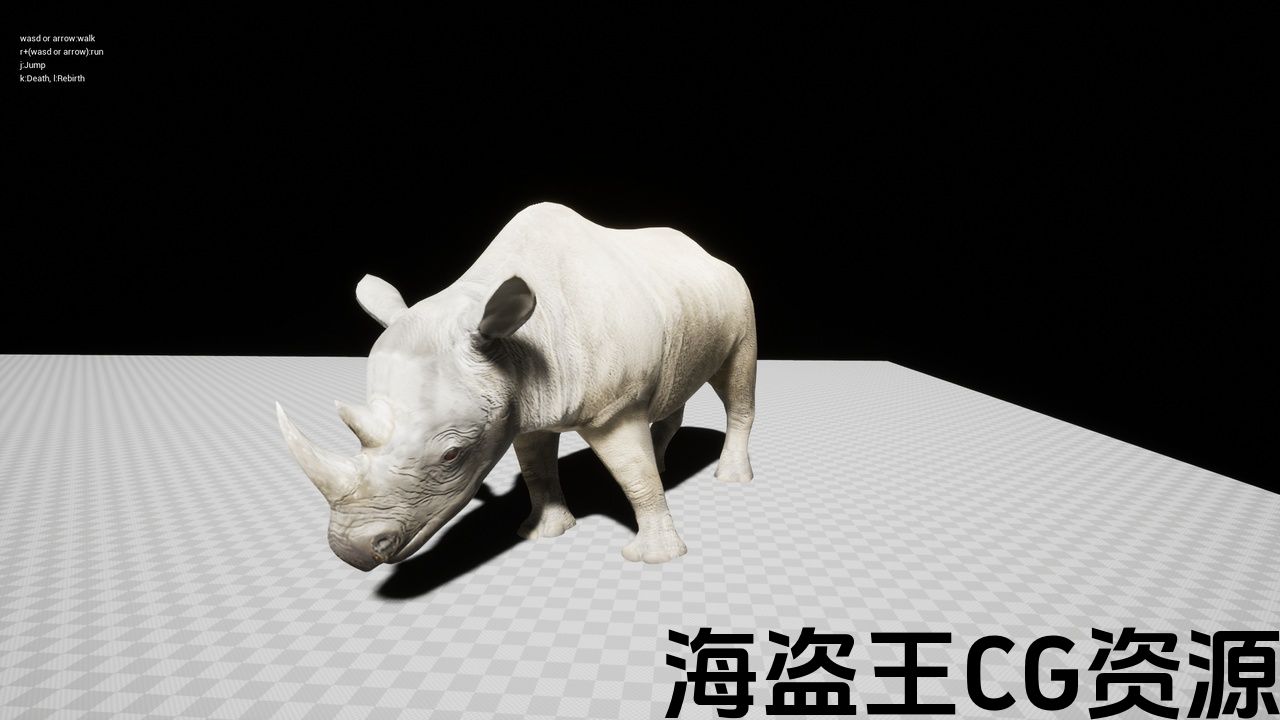
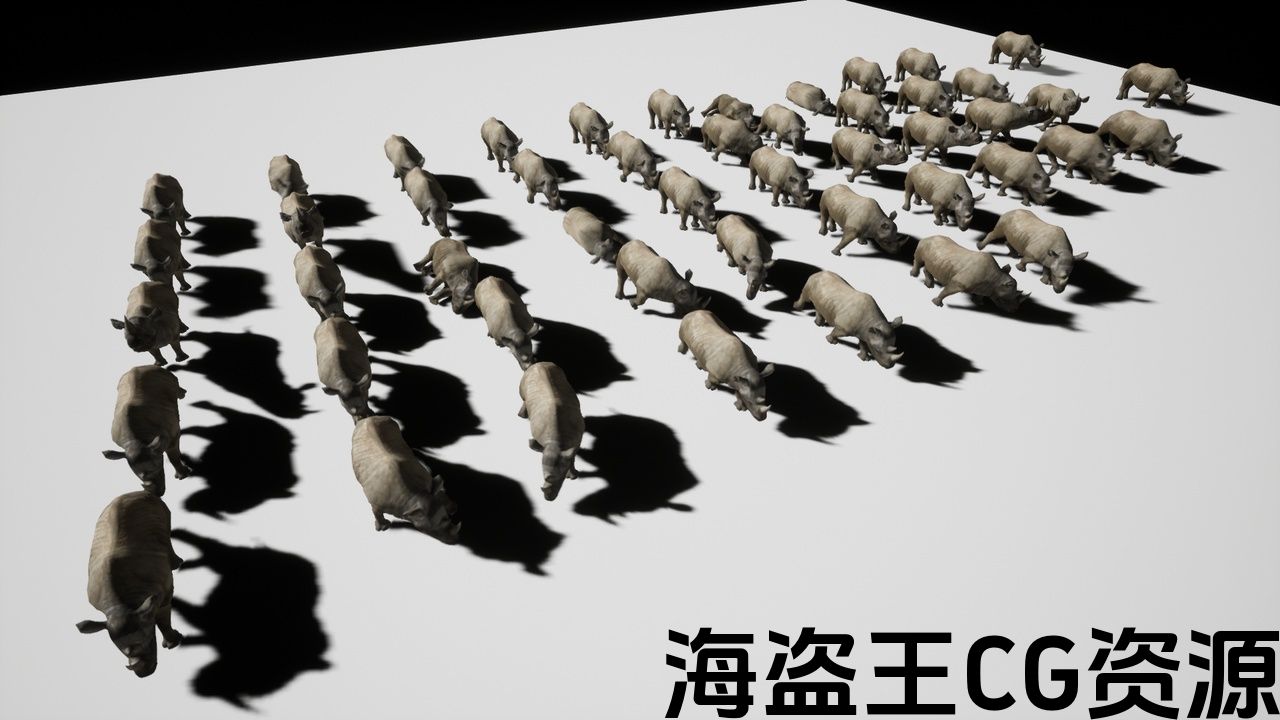
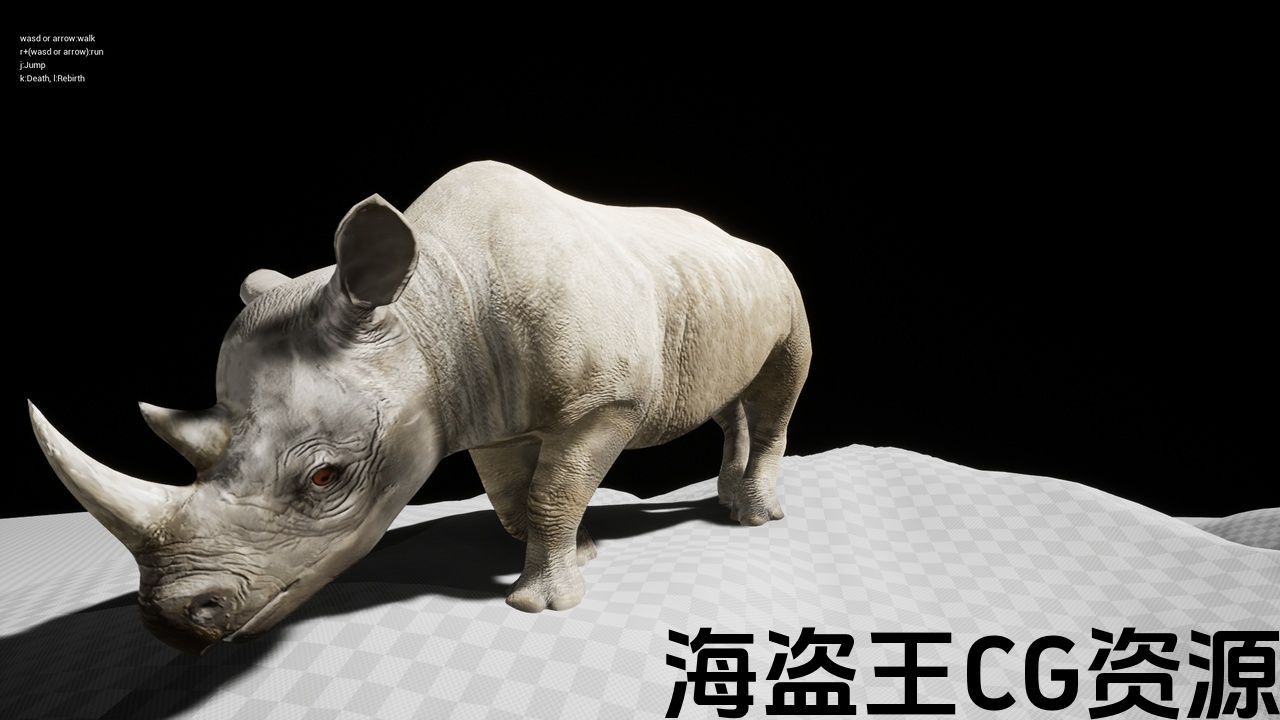
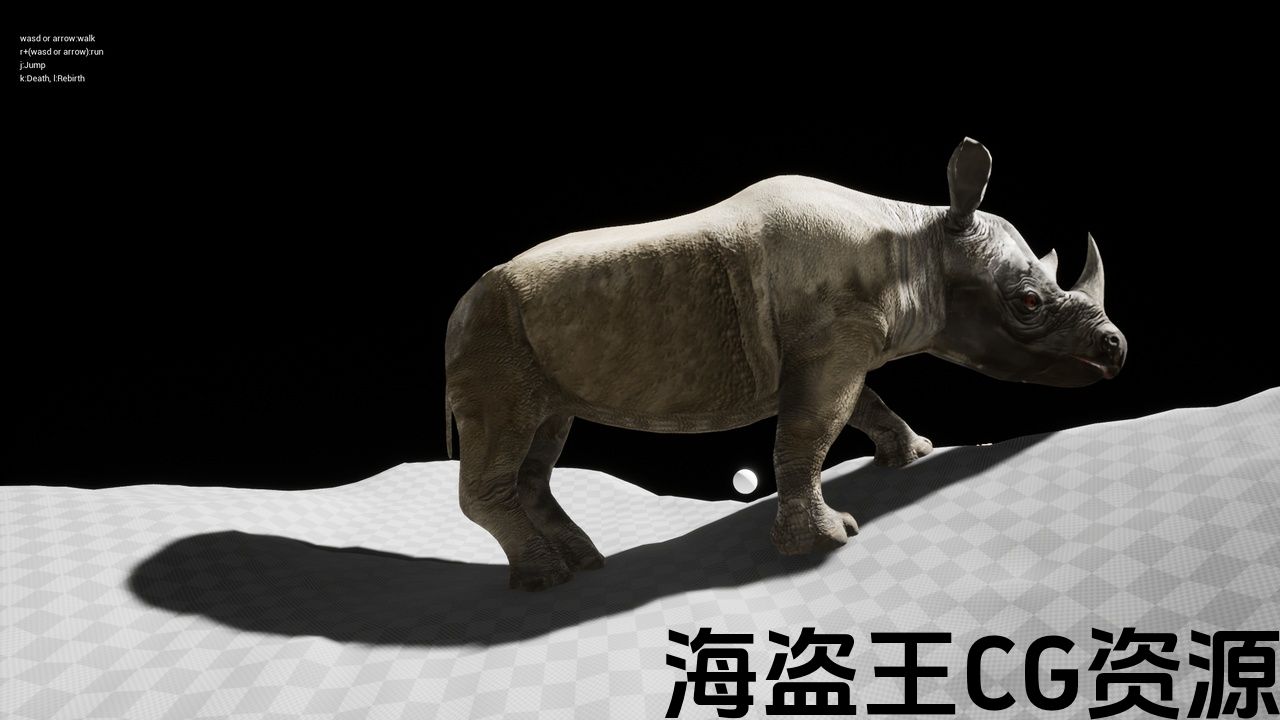
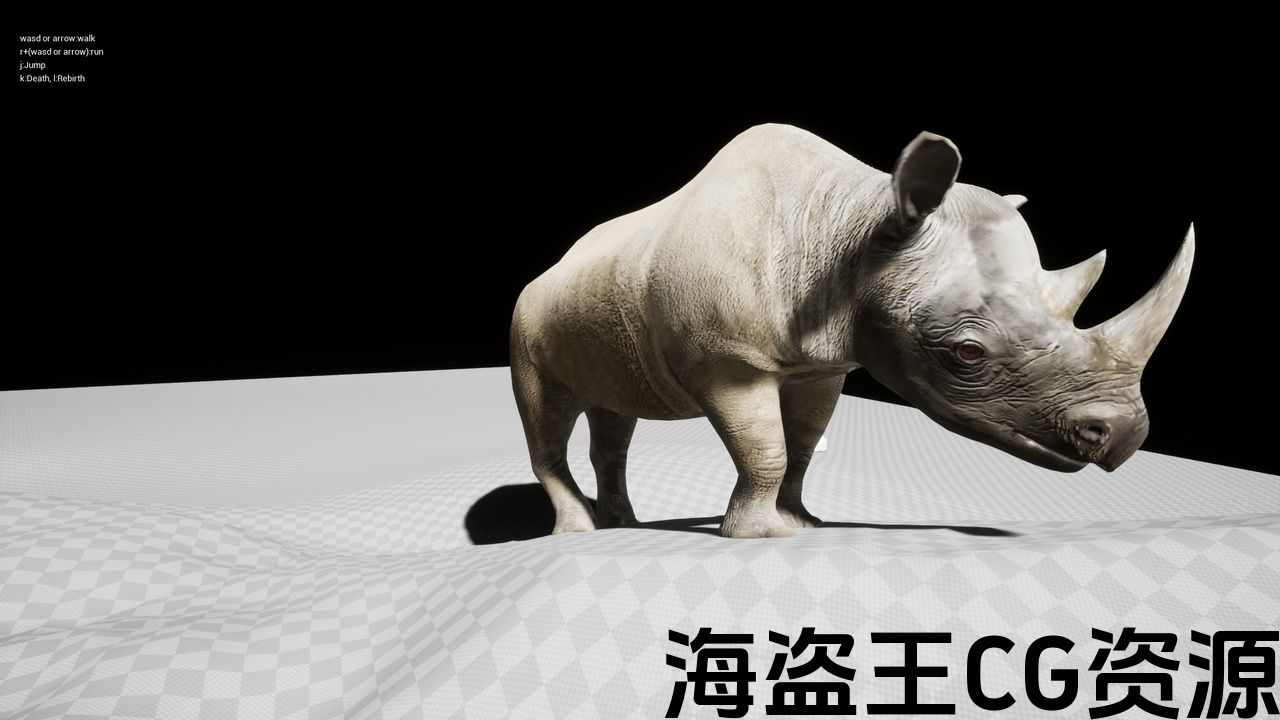
功能:
- 足部 IK。
- 根据足部位置控制骨盆姿势。
- 物理模拟死亡运动。
- 可操作角色(BP_RhinocerosThirdPersonCharacter)。
- 根据NavMesh移动的角色(BP_FoodSeekRhinoceros)。
缩放到Epic骨架:
原始网格的大小为小犀牛的大小(约90厘米)。
BP_RhinocerosCharacter 的大小约为 330 厘米。
绑定:是
绑定到 Epic 骨架:否
动画:是
角色数量:1
顶点数字符:
Mesh_RhinocerosLowPoly:1757
Mesh_RhinocerosMiddlePoly:7442
纹理分辨率:
基色:4096
正常:4096
粗糙度:1024
细节:512
细节正常:1024
细节强度:512
动画数量:47
动画类型(根运动/就地):两者(47+24就地变化)
支持的开发平台:Windows、macOS
支持的目标构建平台:Windows、macOS
文档:http://eizouasobi.blogspot.jp/search/label/UnrealRhinoceros
重要/附加说明:骨骼数量为 48 块。
预览:https://youtu.be/wacDAFHJgXM
作为使用示例,包含可操作的角色(BP_RhinocerosThirdPersonCharacter)和根据NavMesh(BP_FoodSeekRhinoceros)。
正确着陆是通过两个骨骼 IK 和动画曲线来完成的。
骨盆的姿势是根据脚的位置计算的。
这会保持沿着地形的姿势。
如何使用 BP_FoodSeekRhinoceros:
1.在场景中放置任意数量的 BP_RhinocerosFood。
2.在场景中放置任意数量的 BP_FoodSeekRhinoceros。
然后 BP_FoodSeekRhinoceros 重复以下操作:
BP_FoodSeekRhinoceros 沿着导航网格向随机选择的 BP_RhinocerosFood 移动。
BP_FoodSeekRhinoceros 在接近时播放“吃”动画BP_RhinocerosFood 移动一定距离
一定时间后,BP_FoodSeekRhinoceros 随机选择 BP_RhinocerosFood 并再次沿 NavMesh 移动。
BP_RhinocerosThirdPersonCharacter 操作方法:
wasd 或 arrow:walk
r+(wasd 或arrow):run
k:death
l:rebirth
技术细节
功能:
-
足部 IK。
-
根据足部位置控制骨盆的姿势。
-
物理模拟死亡动作。
-
可操作的角色(BP_RhinocerosThirdPersonCharacter)。
-
根据NavMesh移动的角色(BP_FoodSeekRhinoceros)。
缩放到史诗骨架:
原始网格的大小是婴儿的大小犀牛(约90厘米)。
BP_RhinocerosCharacter的尺寸约为330厘米。
绑定:是
绑定到史诗骨架:否
动画:是
角色数量:1
顶点数字符:
Mesh_RhinocerosLowPoly:1757
Mesh_RhinocerosMiddlePoly:7442
纹理分辨率:
基色:4096
正常:4096
粗糙度:1024
细节:512
细节正常:1024
细节强度:512
动画数量:47
动画类型(根运动/就地):两者(47+24 就地变体)
支持的开发平台:Windows、macOS
支持的目标构建平台:Windows、 macOS
文档: http://eizouasobi.blogspot.jp/search/label/UnrealRhinoceros
重要/其他注:骨骼数量为48。
评论(0)