
Features:
Automatic drawing to several intertwined simulations:
- Small Foliage simulation (grass, ferns, shrubs)
- Large Foliage simulation (reeds, corn, saplings)
- Ground surface simulation (sand, mud, snow)
- Water surface simulation (ripples, waves)
- Wind simulation (for foliage, particles, clothing etc)
Also includes a custom Pivot-Painting script for creating interactive foliage.
Documentation Playlist:
https://youtube.com/playlist?list=PLUi8nuTUEtTthSUmNHGUYjETYhly0OcsR&si=_k0QrDStHBNayolD
For extra support and advice, join the Prismatiscape section of our Discord server:
https://discord.com/invite/prismaticadevlearninghub
Number of Blueprints: 26
Number of C++ Classes: 12
Network Replicated: N/A (Runs locally on each client)
Supported Development Platforms: Windows
Supported Target Build Platforms: Windows
Example Demo Download: (From version 1.0)
https://drive.google.com/file/d/12WsBBYg0N_tvDoBr4cWWW4mZWI7u4pKR/view?usp=sharing
特征:
自动绘图 到几个相互交织的模拟:
- 小叶模拟(草,蕨类植物,灌木)
- 大型树叶模拟(芦苇,玉米,树苗)
- 地面模拟(沙、泥、雪)
- 水面模拟(波纹、波浪)
- 风模拟(树叶、粒子、衣物等)
还包括 用于创建交互式植物的自定义枢轴绘制脚本。
文档播放列表:
https://youtube.com/playlist?list=PLUi8nuTUEtTthSUmNHGUYjETYhly0OcsR&si=_k0QrDStHBNayolD
为 额外支援 和建议,加入 [医]棱柱景观 我们的部分 不和谐服务器:
https://discord.com/invite/prismaticadevlearninghub
蓝图数目:26
C++类数:12
网络复制:N/A(在每个客户端本地运行)
支持的开发平台:Windows
支持的目标构建平台:Windows
示例演示下载:(从版本1.0)
https://drive.google.com/file/d/12WsBBYg0N_tvDoBr4cWWW4mZWI7u4pKR/view?usp=sharing
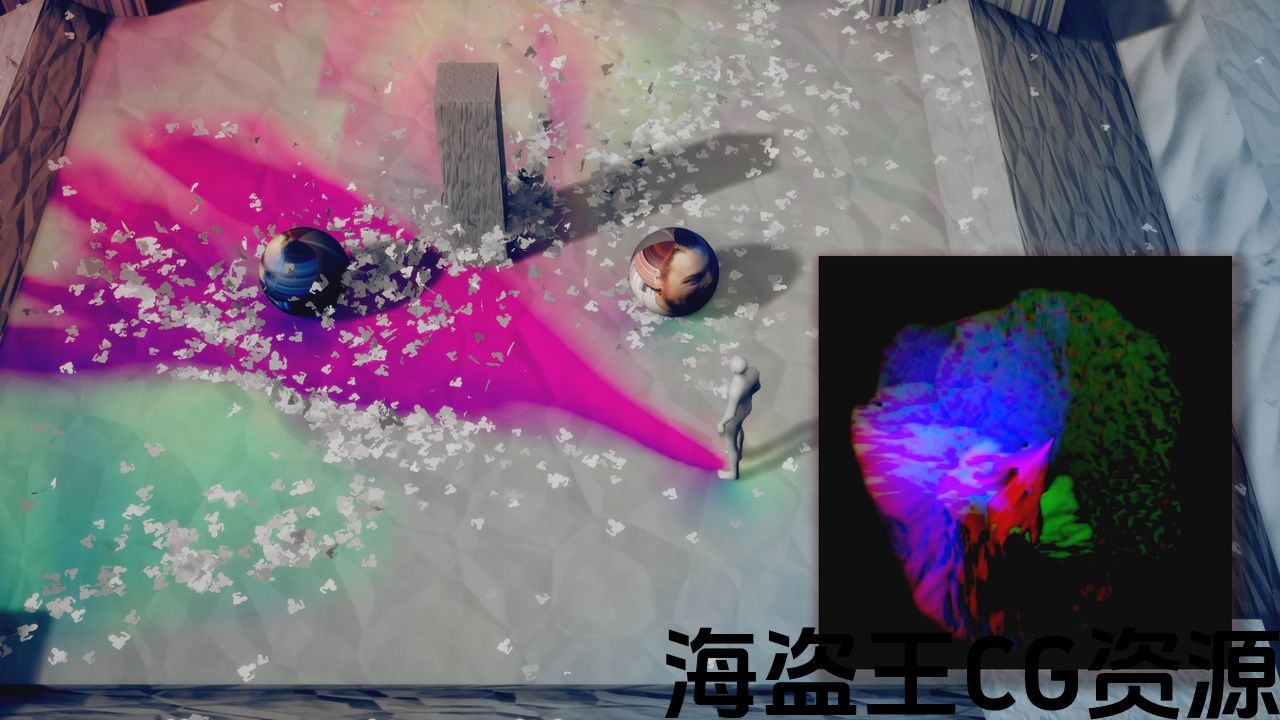
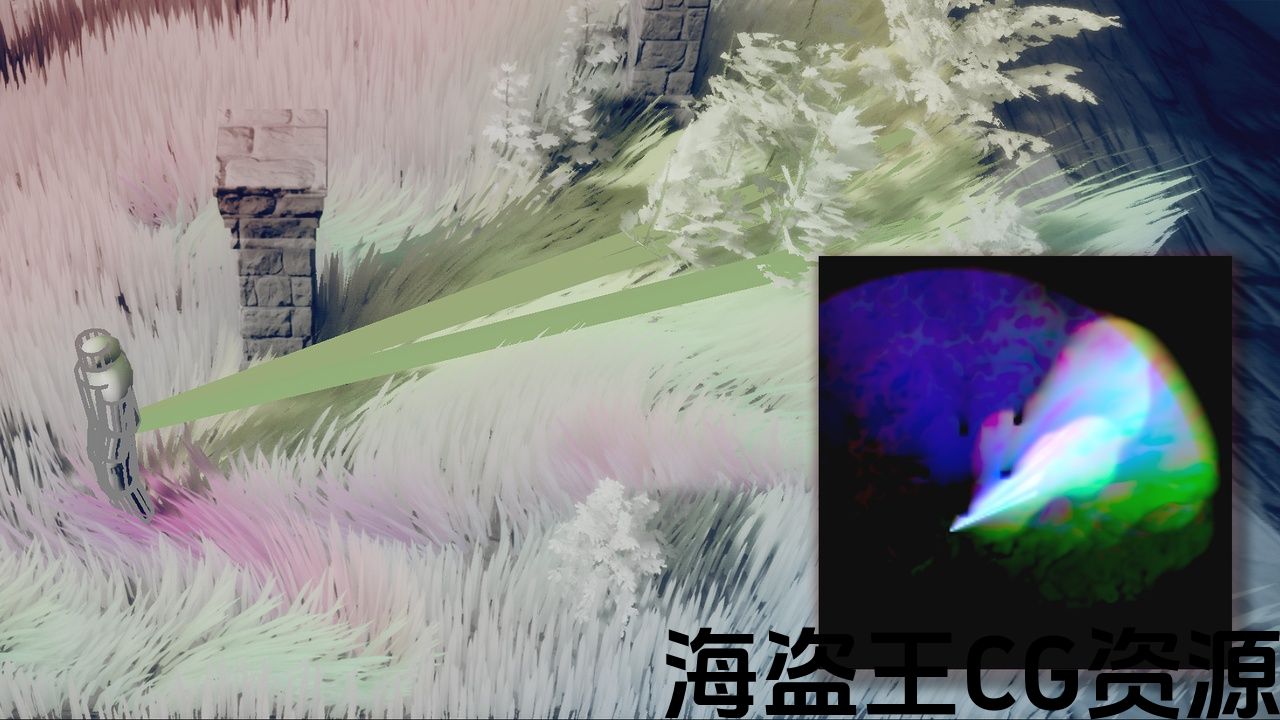
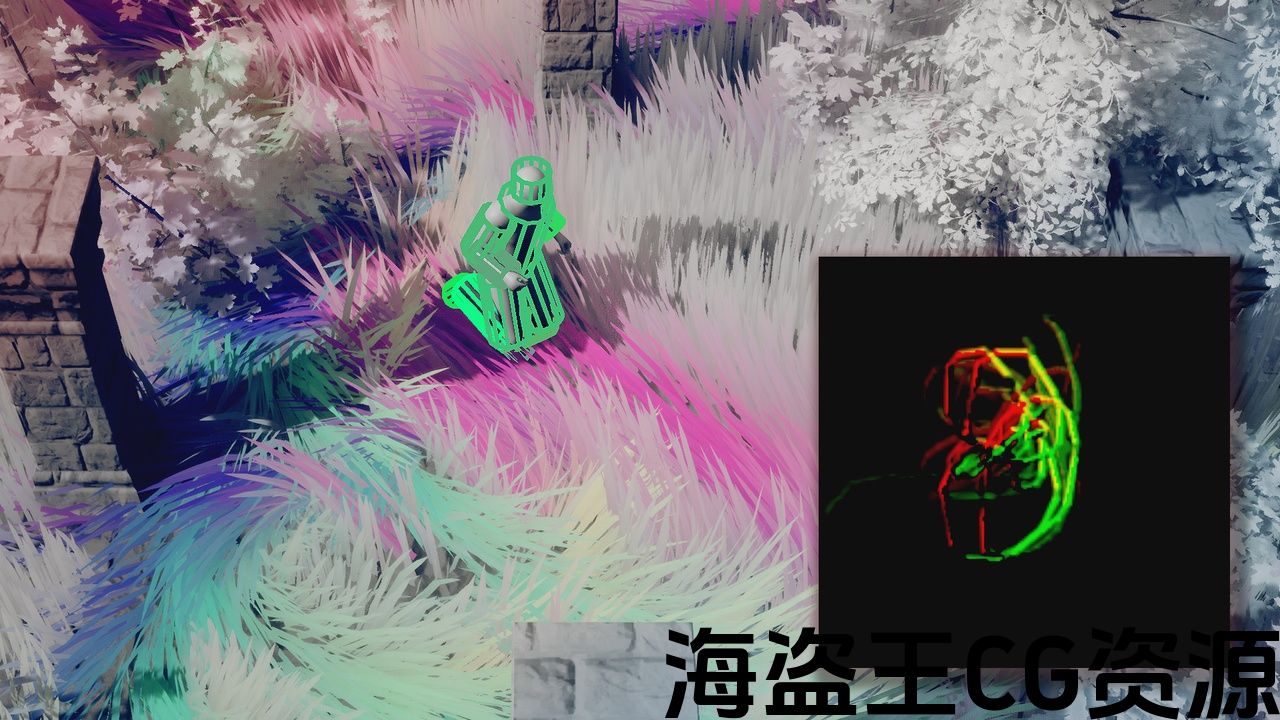
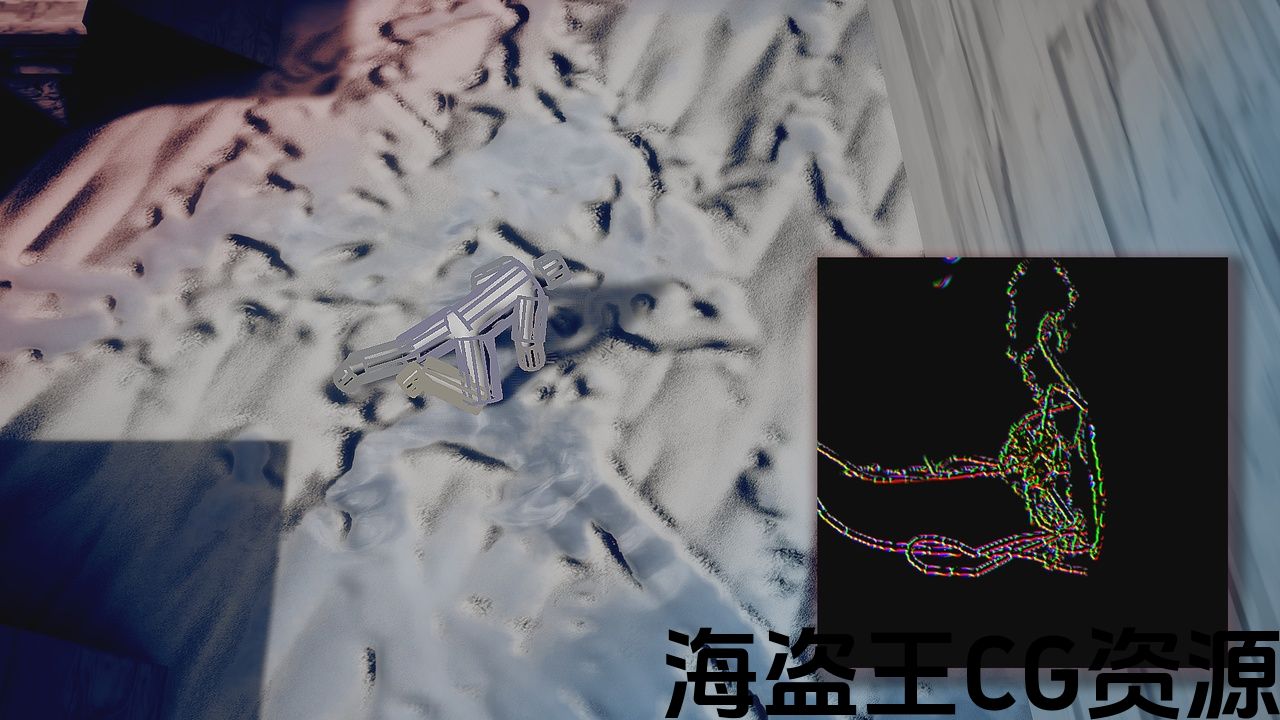
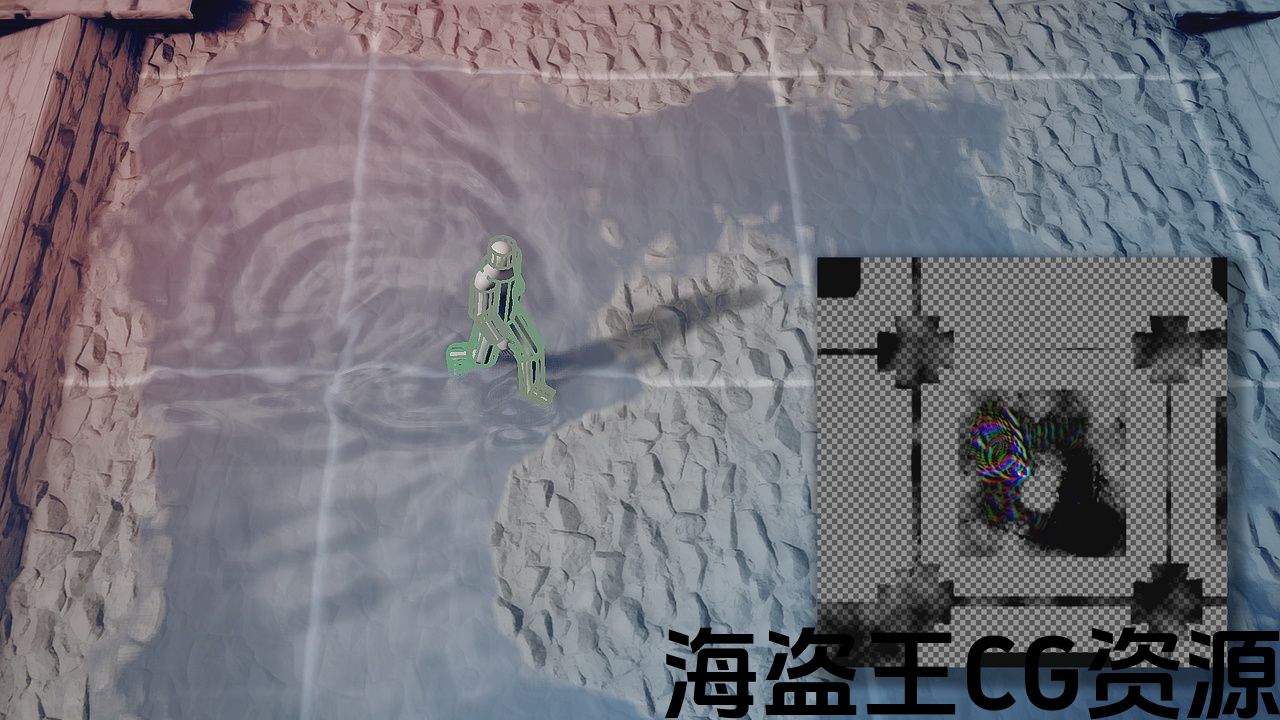
A locally-bound global shader interaction system for Unreal Engine 5.3+ specially-made for indie developers looking to take the visuals of their project to the next level. Utilizing the power of NiagaraGrid2D and Runtime Virtual Textures,
Prismatiscape features performant wind, water, surface and foliage simulations with automatic drawing from drag-and-drop components. It also includes an easy-to-use custom Pivot-Painting script for creating interactive foliage.
Check out the Demonstration video here:
Important/Additional Notes:
After installing and enabling the plugin for the first time, if you see the message “Warning CreateExport: Failed to load Outer for resource…” on project start-up, close your project immediately without saving any of the Prismatiscape Blueprints.
The errors will be fixed permanently when you reopen the project (seems to be an Engine bug, will investigate soonTM)
Ensure “Enable Virtual Texturing” is ticked (Edit -> Project Settings)
You’re good to go!
Any changes made INSIDE the Prismatiscape plugin folder will be reverted when you update to the next version – ensure you make Child Classes of anything you want to override, or override variables in the Component Instances when they’re added to your Actors.
For extra support and advice, join the Prismatiscape section of our Discord server:
https://discord.com/invite/prismaticadevlearninghub
本地绑定 全局着色器交互 虚幻引擎5.3+系统-专为 独立开发者 希望把他们的项目的视觉效果提升到一个新的水平。 利用NiagaraGrid2D和运行时虚拟纹理的力量,
Prismatiscape具有高性能的风,水,表面和树叶模拟功能,可从拖放组件自动绘制。 它还包括一个易于使用的自定义枢轴绘画脚本,用于创建交互式植物。
在这里查看演示视频:
重要/附加注意事项:
安装并启用插件后 第一次,如果你看到消息 “Warning CreateExport:Failed to load Outer for resource…” 在项目启动时,立即关闭项目 不保存任何棱柱景观蓝图.
当您重新打开项目时,错误将永久修复(似乎是一个引擎错误,将调查soonTM)
确保”启用虚拟纹理” 被打勾(编辑->项目设置)
你可以走了!
内部所做的任何更改 当您更新到下一个版本时,Prismatscape插件文件夹将被恢复-确保您为要复盖的任何内容创建子类,或者在组件实例中添加到Actor时复盖变量。
为 额外支援 和建议,加入我们的Prismatscape部分 不和谐服务器:
https://discord.com/invite/prismaticadevlearninghub
评论(0)