
Features:
-
Grid : Actor to be placed in the world to manage “Buldings” placement.
-
BuildingActor : Base class for actors to be placed on grids.
-
IGridDelegate : Interface to implement relation between your grids and the rest of your application / game
-
Auto Snap to place BuildingActors in editor
Code Modules:
-
HeroesBuilderPlugin (Runtime)
Number of Blueprints: 0
Number of C++ Classes: 3
Number of C++ Interfaces : 1
Network Replicated: No
Supported Development Platforms: Windows
Supported Target Build Platforms: Windows, Mac, Linux
Documentation: https://ue.onei-interactive.com/hbp/documentation
Example Project: https://ue.onei-interactive.com/download/hbp/project-demo.zip
Executable Demo: https://ue.onei-interactive.com/download/hbp/demo.zip
Contact / Support: support@onei-interactive.com
特征:
-
网格:将放置在世界上的Actor来管理”Buldings”放置。
-
BuildingActor:actor放置在网格上的基类。
-
IGridDelegate:实现网格和应用程序/游戏其余部分之间关系的接口
-
自动捕捉在编辑器中放置BuildingActors
代码模块:
-
HeroesBuilderPlugin(运行时)
蓝图数目:0
C++类数:3
C++接口数量:1
网络复制:没有
支持的开发平台:Windows
支持的目标构建平台:Windows、Mac、Linux
文件: https://ue.onei-interactive.com/hbp/documentation
示例项目: https://ue.onei-interactive.com/download/hbp/project-demo.zip
可执行演示: https://ue.onei-interactive.com/download/hbp/demo.zip
联络/支援: support@onei-interactive.com
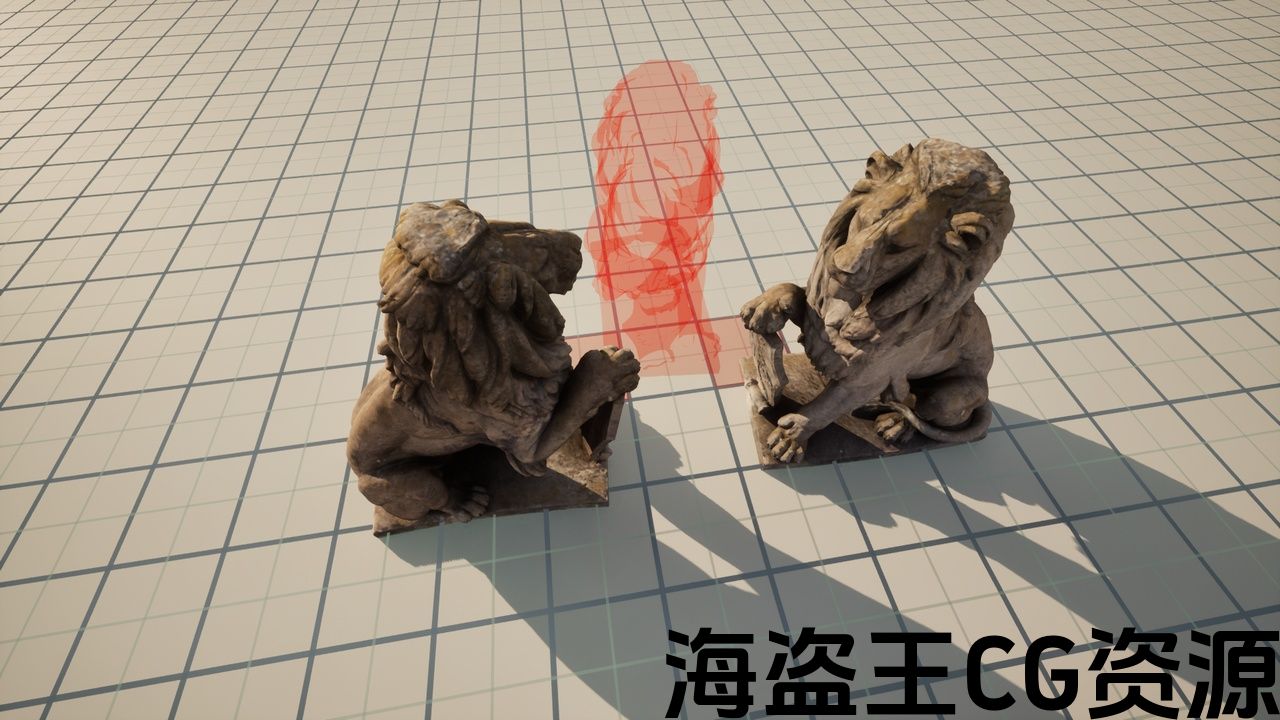
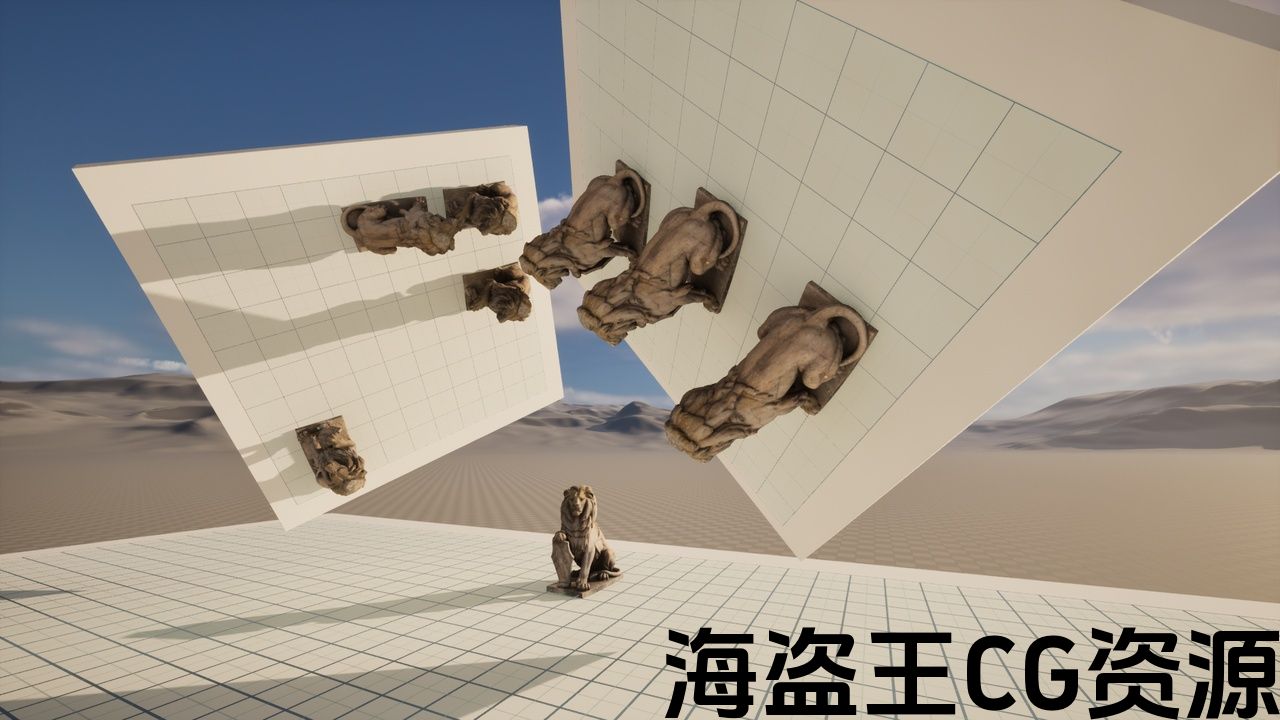
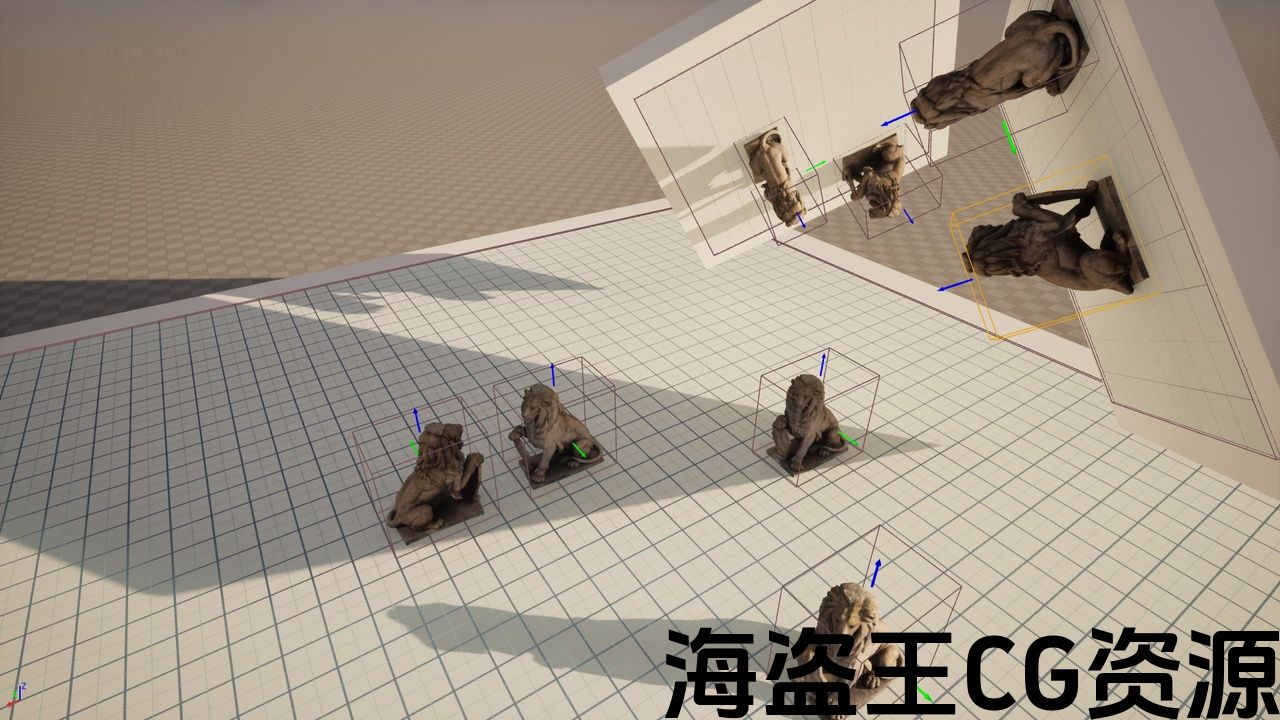
Manage your actors placement over a grid.
The main objective for this plugin is to provide a light and functional grid system with everything you need to start and work on a larger project around it.
-
Grid snapping system (both ingame and editor)
-
Placeable size and overlap checks
-
Any Grid Rotation
-
BP friendly
Check the documentation for an exhaustive list of all classes and functions.
Documentation: https://ue.onei-interactive.com/hbp/documentation
Example Project: https://ue.onei-interactive.com/download/hbp/project-demo.zip
Executable Demo: https://ue.onei-interactive.com/download/hbp/demo.zip
Contact / Support: support@onei-interactive.com
在网格上管理actor放置。
这个插件的主要目标是提供一个光和功能的网格系统,你需要开始和工作在一个更大的项目周围的一切。
-
网格捕捉系统(包括游戏和编辑器)
-
可放置的尺寸和重叠检查
-
任何网格旋转
-
BP友好
查看文档以获取所有类和函数的详尽列表。
文件: https://ue.onei-interactive.com/hbp/documentation
示例项目: https://ue.onei-interactive.com/download/hbp/project-demo.zip
可执行演示: https://ue.onei-interactive.com/download/hbp/demo.zip
联络/支援: support@onei-interactive.com
评论(0)