
Features include:
- Spline creation blueprint
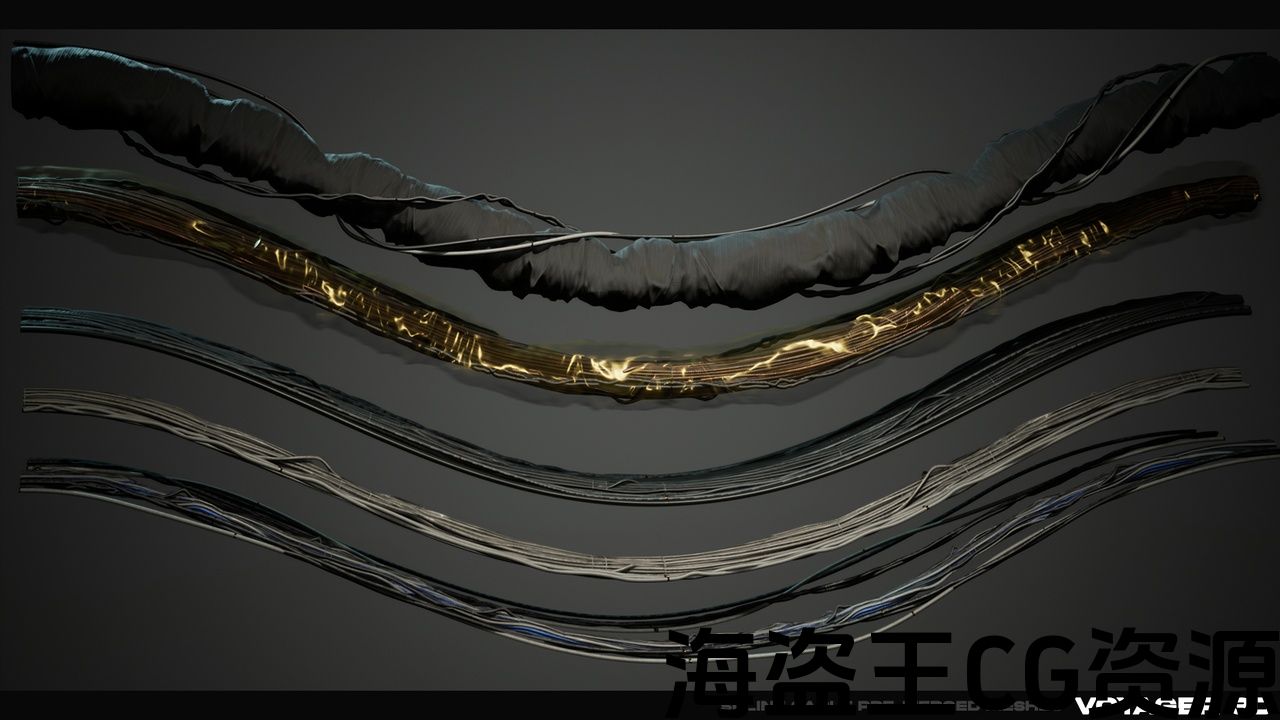
- 9 base straight cable meshes that were made to be used as splines
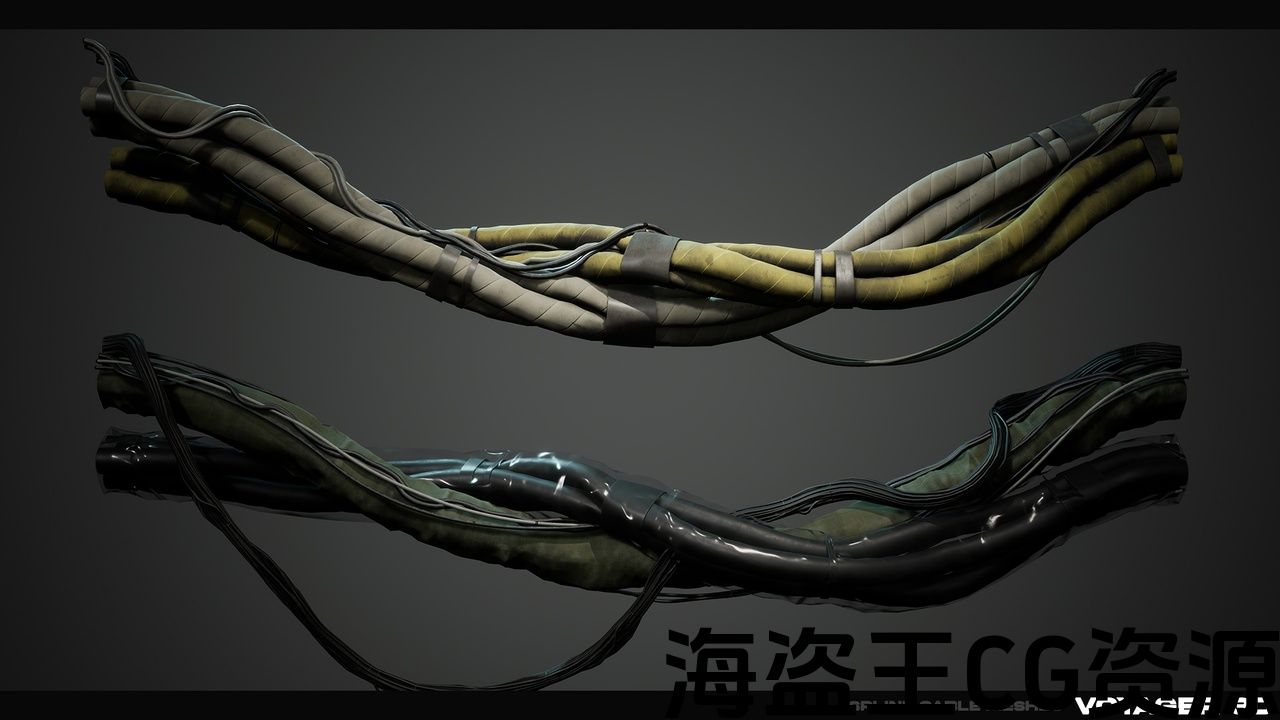
- 5 pre-merged cable meshes (made with vanilla merge actors tool)
- 4 additive plug meshes
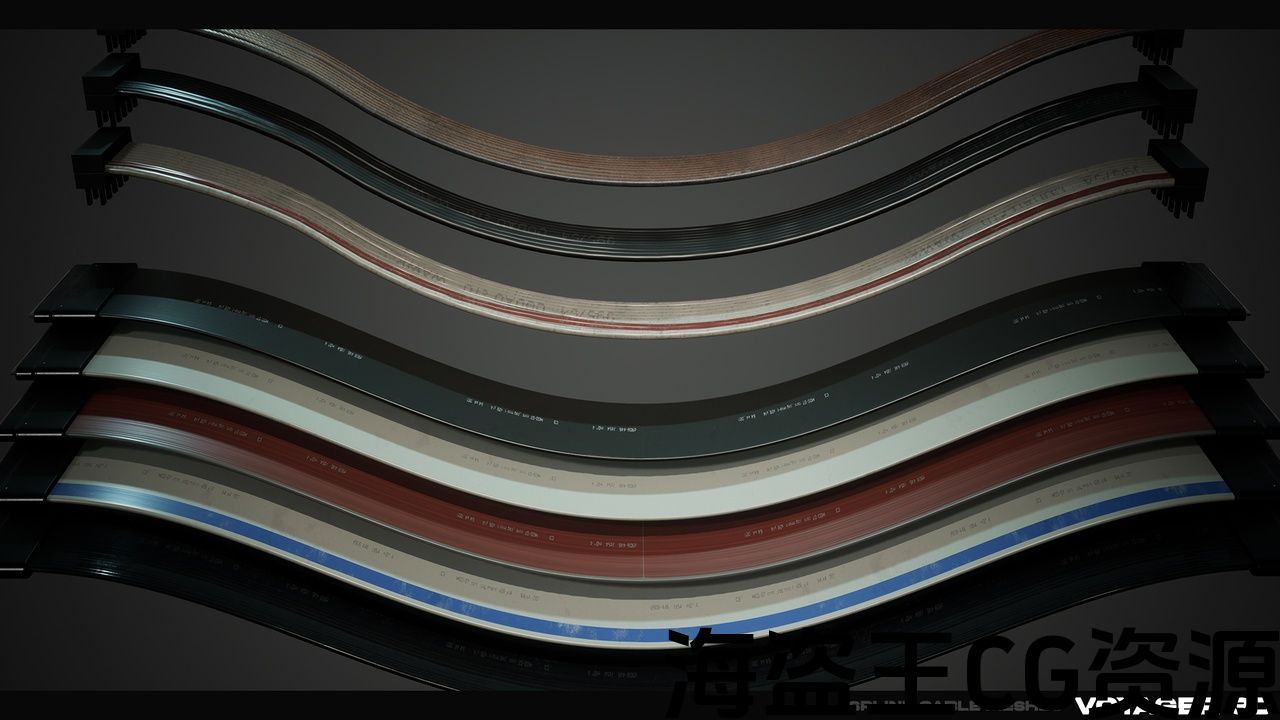
- Cable tray kit
- 5 pre-merged cable tray variations (made with vanilla merge actors tool)
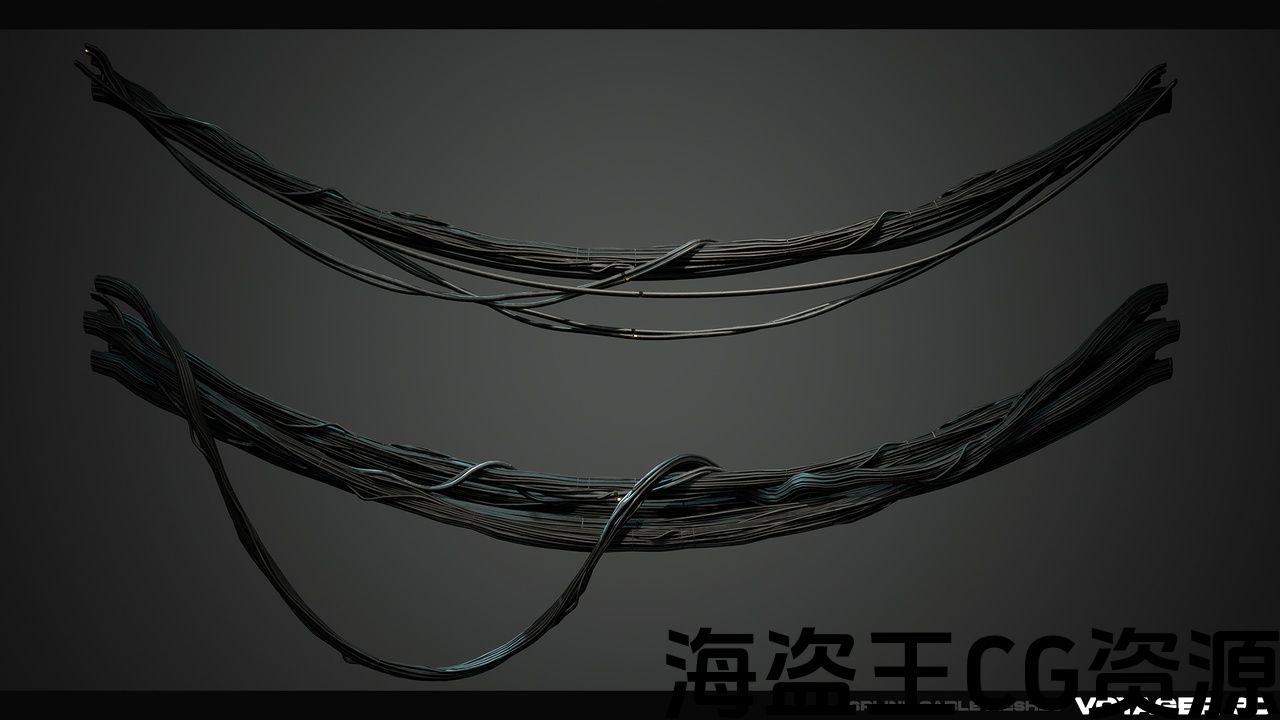
- 16 pre-simulated static cables
- Asset zoo scene
- Example scene
Number of Unique Meshes: 44
Nanite meshes: Yes (used on only static + opaque meshes)
Collision: Simple collisions for non deforming meshes
LODs: Yes
This product supports Nanite for Unreal Engine 5.0+
Number of Materials and Material Instances: 31
Number of Textures: 90
Texture Resolutions: 4096×4096, PBR, Packed textures (you can downscale these in engine if needed)
Supported Development Platforms: Windows
特点包括:
- 样条创建蓝图
- 9个用作样条的基本直索网格
- 5个预合并的电缆网格(使用vanilla merge actors工具制作)
- 4添加剂塞网
- 电缆托盘套件
- 5个预合并电缆桥架变体(使用vanilla merge actors工具制作)
- 16条预模拟静态电缆
- 资产动物园场景
- 示例场景
唯一网格数:44
纳米网格:是的(仅用于静态+不透明网格)
碰撞:非变形网格的简单碰撞
Lod:是的
本产品支持Nanite for Unreal Engine5.0+
材质和材质实例数:31
纹理数量:90
纹理分辨率:4096X4096,PBR,打包纹理(如果需要,可以在引擎中缩小这些分辨率)
支持的开发平台:Windows
Feature video: https://youtu.be/lrZCpg7GBHw
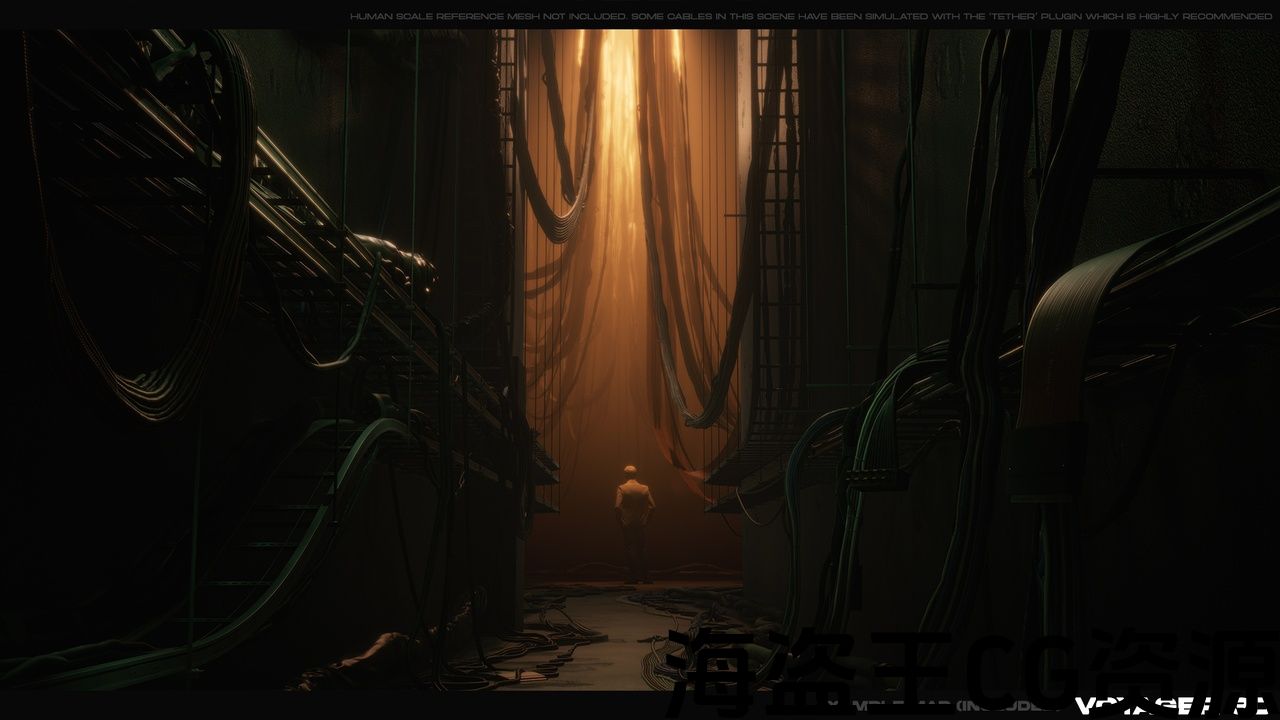
This is a pack for someone who wants to add some more detail to their scenes or games.
It contains a variety of cables, plugs and a cable tray kit. All cables used in combination with the spline blueprint included allow you to bend them however you like.
The cables were made with the intention of seamless tiling between them, while also having caps on each end. You can use the additive plug meshes to add a different style to the end of a cable too.
There are also some pre-simulated cables you could use as ground scatter. These are included as a time saver if you don’t wish to fiddle around with the spline system.
How to use the basic spline blueprint:
The blueprint can be placed in your scene, in the mesh section input the cable you’d like to bend. Then click one of the white squares (which is called an anchor point) and move it around to bend the mesh. If you would like to add more anchor points, just click an existing point, hold ‘alt’ then move it. This will duplicate the point and help you extend your cable.
BUGS:
-
In Unreal 5.4.0 they changed how splines work slightly, it no longer understands anything when you move an anchor point. Here is a link to the bug, click vote on the vote box so epic sees it and can hopefully fix it: https://issues.unrealengine.com/issue/UE-212309 One temporary workaround is when you move an anchorpoint, click the ‘Input spline points to construction script’ tickbox on and off again. It should re-fresh the logic and at least works temporarily.
专题短片: https://youtu.be/lrZCpg7GBHw
这是一个为想要为他们的场景或游戏添加更多细节的人准备的包。
它包含各种电缆,插头和电缆托盘套件。 所有与样条蓝图结合使用的电缆都允许您根据需要弯曲它们。
这些电缆的目的是在它们之间无缝地贴在一起,同时每端都有盖帽。 您也可以使用附加插头网格为电缆的末端添加不同的样式。
还有一些预先模拟的电缆可以用作地面散射。 如果您不想摆弄样条系统,这些都是作为一个节省时间的工具。
如何使用基本样条蓝图:
蓝图可以放置在场景中,在网格部分输入要弯曲的电缆。 然后单击其中一个白色方块(称为锚点)并将其移动以弯曲网格。 如果您想添加更多的锚点,只需点击一个现有的点,按住”alt”然后移动它。 这将复制点并帮助您扩展电缆。
臭虫:
-
在虚幻5.4.0中,它们稍微改变了样条的工作方式,当您移动锚点时,它不再理解任何内容。 这是一个链接到错误,点击投票框,所以史诗看到它,并希望能修复它: https://issues.unrealengine.com/issue/UE-212309 一个临时的解决方法是,当您移动锚点时,再次单击”输入样条点到构造脚本”复选框。 它应该重新刷新逻辑,至少暂时起作用。
评论(0)