


Number of Blueprints: 7
Input: (Keyboard, Mouse… etc.))
Network Replicated: (not required)
Supported Development Platforms:
Windows: (Yes)
Mac: (Yes)
Documentation: Link
Important/Additional Notes: Despite the presence of optimization, it is still quite heavy. I recommend using this on a one-off basis, as many existing games do. But it’s still lower for performance as opposed to procedural mesh and tracing
Number of Blueprints: 7
Input: (Keyboard, Mouse… etc.))
Network Replicated: (not required)
Supported Development Platforms:
Windows: (Yes)
Mac: (Yes)
Documentation: Link
Important/Additional Notes: Despite the presence of optimization, it is still quite heavy. I recommend using this on a one-off basis, as many existing games do. But it’s still lower for performance as opposed to procedural mesh and tracing
Preview video Old version (see version history in documentation)
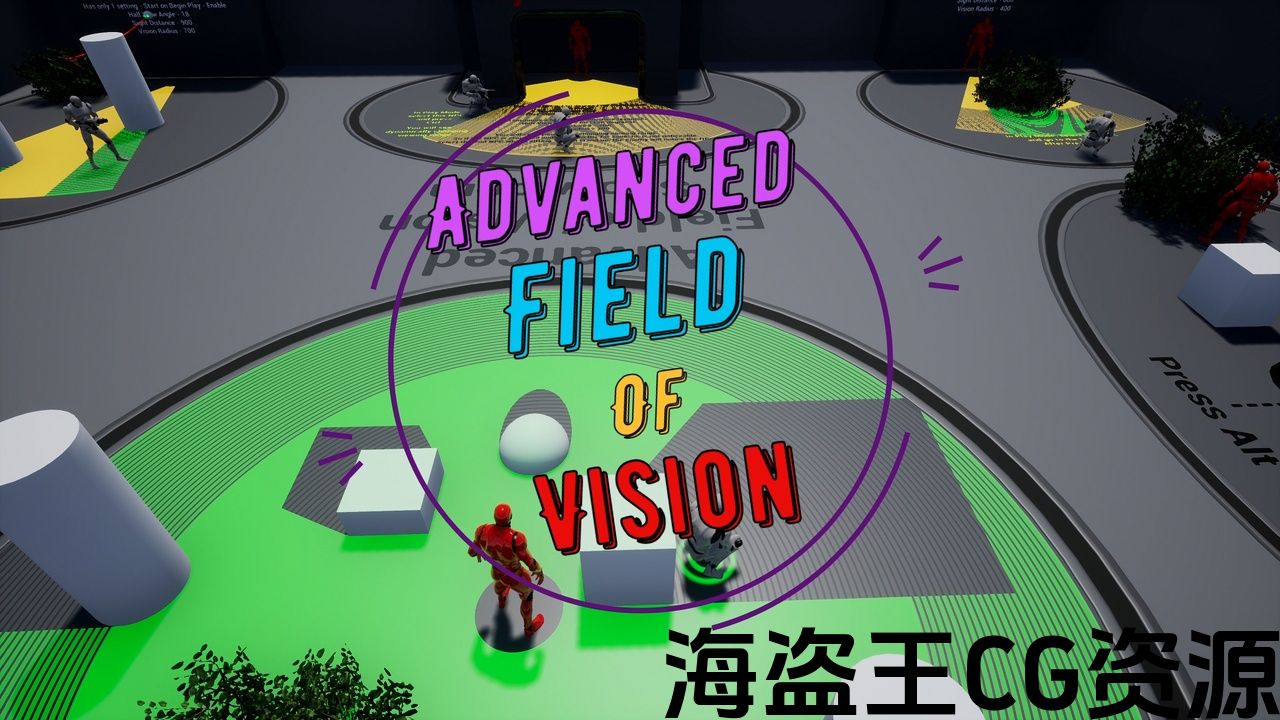
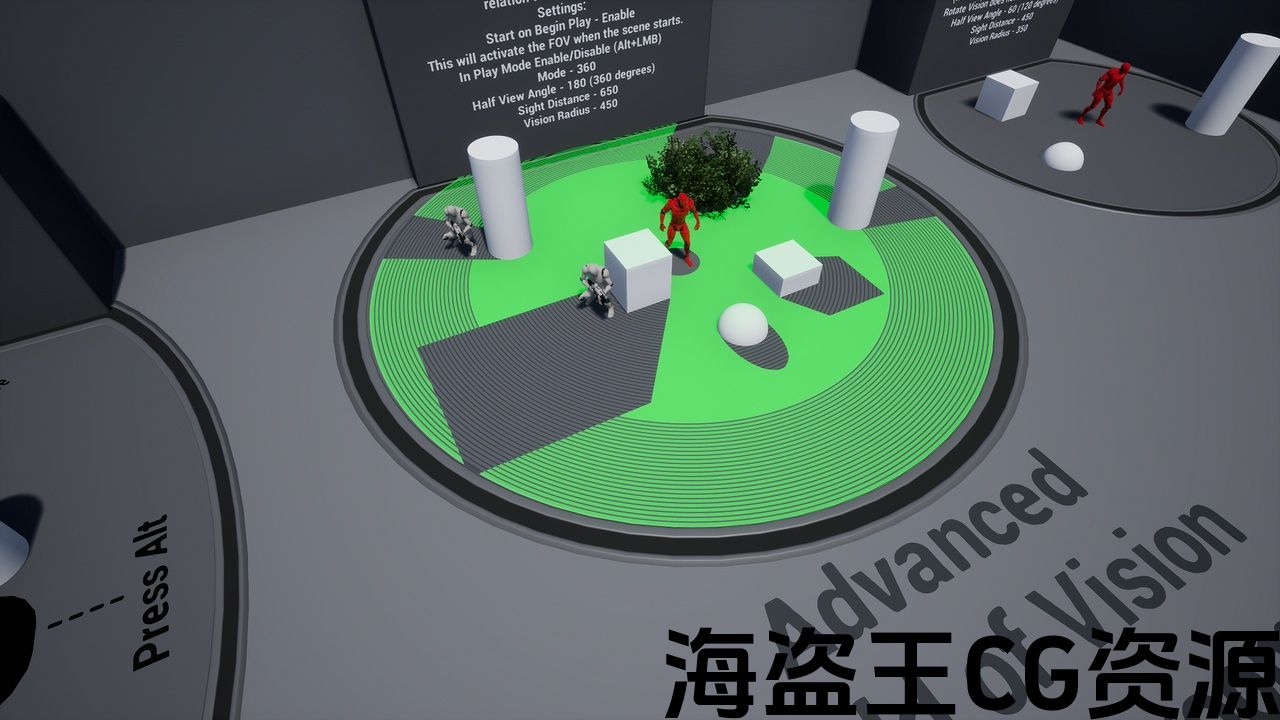
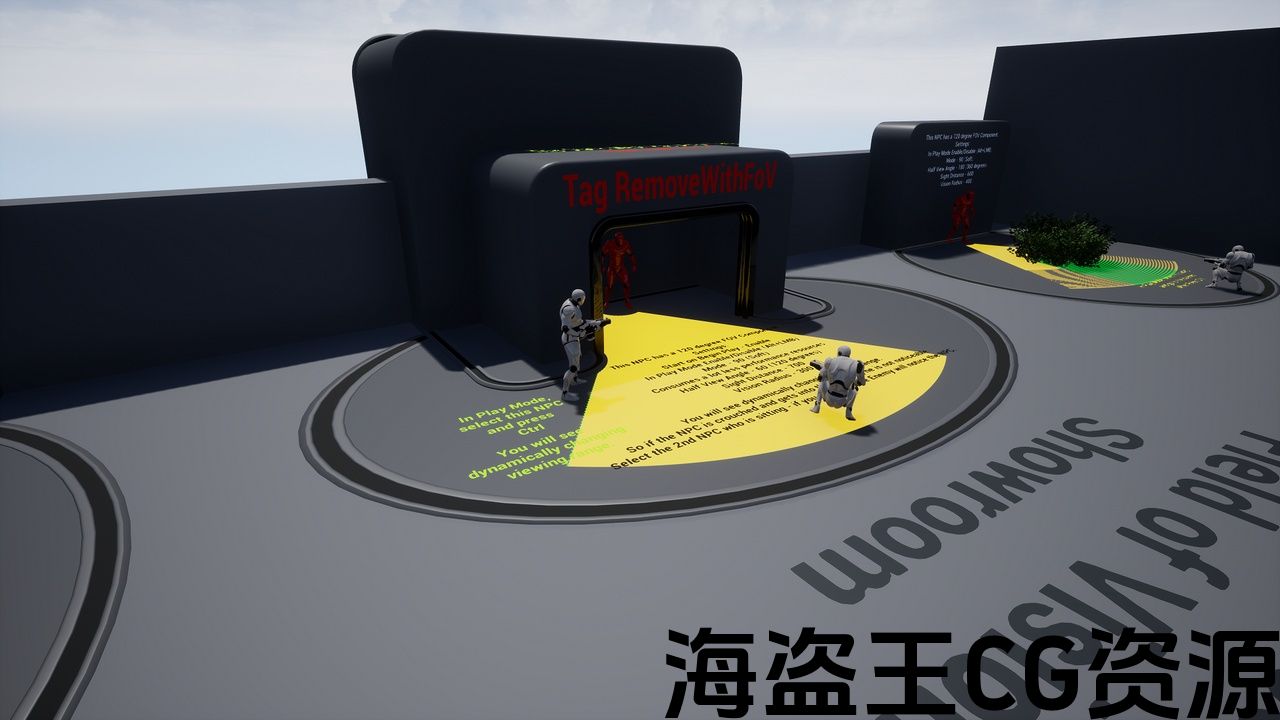
Advanced Field of Vision is a component based using scene capture and material. This gives a more accurate display of the visibility range of your NPCs. The product is designed in such a way that you can have several AFOVs enabled at the same time. And the component has an optimization that gives a very good performance (it’s still lower for performance as opposed to procedural mesh and tracing)
Features:
- a lots settings
- 2 modes for your needs (360 and 120 degrees)
- Optimization – is based on a change in the position of the component’s owner.
- Extra blueprints
- This is not a procedural mesh – Unlike the procedural grid and traces, it allows you to designate places where the player can be hidden, provided that he is crouched or hidden
- Allows for more accurate drawing AFOV
- Ability to cut out objects for which you do not need to draw AFOV (Example: High Walls, Rock etc…)
- Ability to check an area for NPC visibility
- The ability for the player to hide in the bushes – AFOV does not see through the bushes and who is in them, provided that the character is sitting in them and can be replaced with any other type (for example: smoke shield)
- Can be integrated into any Actor
- Dynamic change in the FoV – the transition from one state to another is smooth.
- FoV area coloring – you can assign colors directly in the component and have different colors for each NPC.
- Dispatcher for easy integration into your project.
- Simple perception logic in the component – this will help you understand how the functions in the component work and use them to write your own perception.
- Working with post-processing and Full 3D support – setting in Instance material.
Preview video Old version (see version history in documentation)
Advanced Field of Vision is a component based using scene capture and material. This gives a more accurate display of the visibility range of your NPCs. The product is designed in such a way that you can have several AFOVs enabled at the same time. And the component has an optimization that gives a very good performance (it’s still lower for performance as opposed to procedural mesh and tracing)
Features:
- a lots settings
- 2 modes for your needs (360 and 120 degrees)
- Optimization – is based on a change in the position of the component’s owner.
- Extra blueprints
- This is not a procedural mesh – Unlike the procedural grid and traces, it allows you to designate places where the player can be hidden, provided that he is crouched or hidden
- Allows for more accurate drawing AFOV
- Ability to cut out objects for which you do not need to draw AFOV (Example: High Walls, Rock etc…)
- Ability to check an area for NPC visibility
- The ability for the player to hide in the bushes – AFOV does not see through the bushes and who is in them, provided that the character is sitting in them and can be replaced with any other type (for example: smoke shield)
- Can be integrated into any Actor
- Dynamic change in the FoV – the transition from one state to another is smooth.
- FoV area coloring – you can assign colors directly in the component and have different colors for each NPC.
- Dispatcher for easy integration into your project.
- Simple perception logic in the component – this will help you understand how the functions in the component work and use them to write your own perception.
- Working with post-processing and Full 3D support – setting in Instance material.
评论(0)