
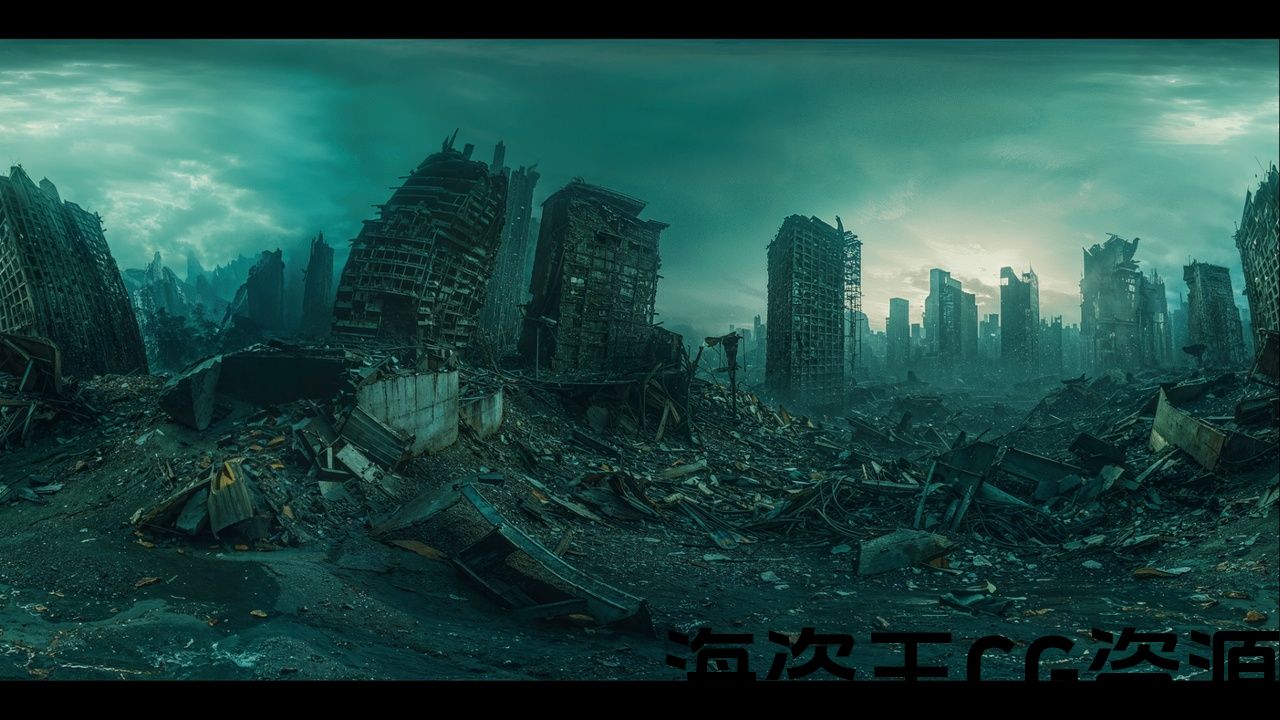
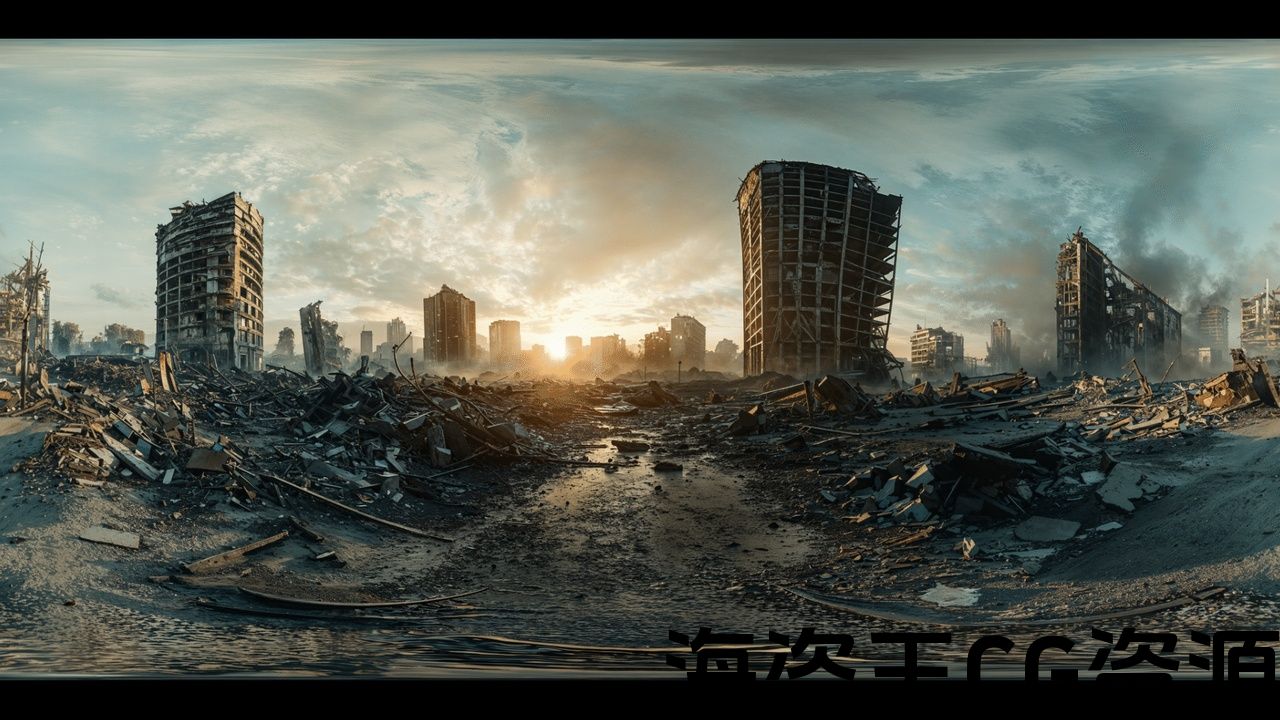


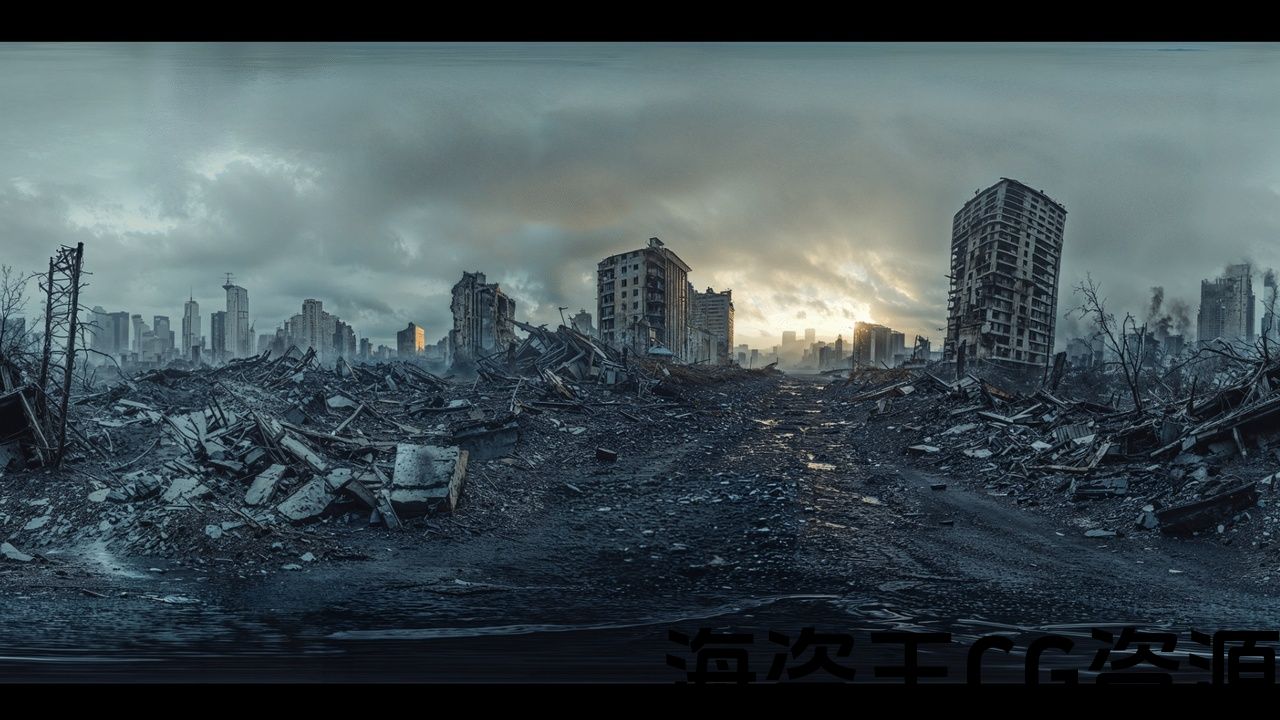
Features:
- 21 HDRI Texture 8k
- 1 Blueprint
- 2 Overview Map
- full Lumen support
This product supports Lumen for Unreal Engine 5.0+
Lumen Documentation:
https://docs.unrealengine.com/5.2/en-US/lumen-global-illumination-and-reflections-in-unreal-engine/
HDR texture were made with AI MidJourney #CreatedWithAI
Number of Unique Effects: 21 texture 8k
Number of Materials: 3
Number of Textures: 21
Number of Blueprints: 1
Supported Development Platforms:
Windows: Yes
Documentation: VIDEO
VR Overview map: VIDEO
功能:
- 21 HDRI 纹理 8k
- 1 蓝图
- 2 概览图
- 完整 Lumen 支持
本产品支持 Unreal Engine 5.0+ 的 Lumen
Lumen 文档:
https://docs.unrealengine.com/5.2/en-US/lumen-global-Illumination-and-reflections-in-unreal-engine/
HDR纹理是用AI制作的MidJourney #CreatedWithAI
独特效果数量:21 个纹理 8k
材质数量:3
纹理数量: 21
蓝图数量:1
支持的开发平台:
Windows:是
文档:视频
VR概览图:视频
Tutorial: VIDEO
VR Overview map: VIDEO
21 fictions scenes 360, abandoned places in 8k quality – perfect for use in cinematics or virtual studios.
The package includes its own Blueprint for uploading HDRI, but the maps are also compatible with HDRI Backdrop Free plugin.
To enable the HDRI Backdrop plug-in, go to Edit / Plugins, enter HDRI in the search engine, find HDRI Backdrop and check the Enable box. After restarting Unreal Enige, the plugin will be enabled.
教程:视频
VR 概览图:视频
21 个虚构场景 360、8k 质量的废弃地点 – 非常适合在电影或虚拟工作室中使用。
该软件包包含自己的用于上传 HDRI 的蓝图,但地图也与 HDRI Backdrop 免费插件兼容。
要启用 HDRI Backdrop 插件,请转到编辑/插件,在搜索引擎中输入 HDRI,找到 HDRI Backdrop 并选中启用框。重新启动Unreal Enige后,该插件将被启用。
评论(0)