
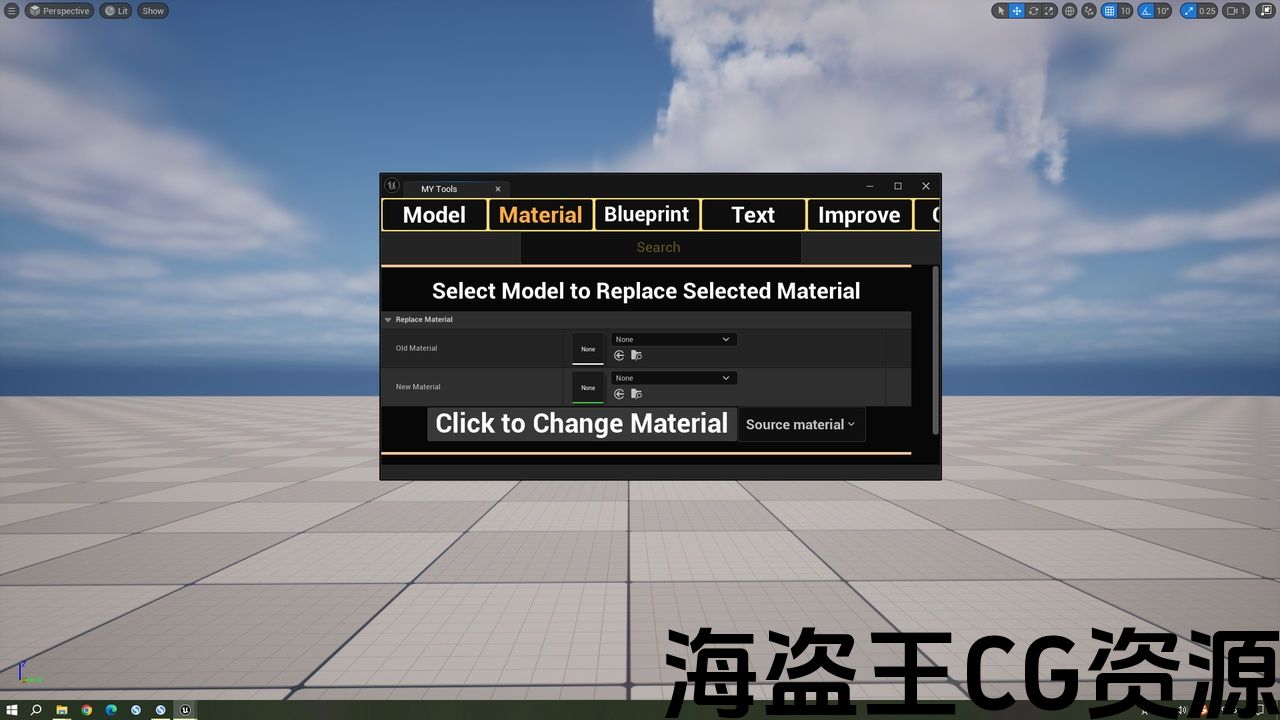
需要启用的插件:ModelingToolsEditorMode,GeometryScripting
功能:纯蓝图,涉及模型、材质、纹理、关卡、图层、标签、优化等
代码模块:编辑器
网格数量:0
蓝图数量:86
C++类数量: 0
网络复制:否
支持的开发平台:Win64、Linux、其他平台未经测试,但预计可以工作
支持的目标构建平台:Win64、Linux、其他平台未经测试,但预计可以工作
文档链接:Github链接
示例项目:
重要/附加说明:确保“编辑器脚本实用程序”插件已启用。在5.3版本中,用户可以单击“其他”下的“切换语言”进行切换中文和英文之间。不过5.3以后的版本已经删除了这个功能。
该工具是一个内容包,适合5.3及以上版本
这是一款用于虚幻引擎5.3版本及以上的编辑器工具包,内涵80余个功能。该工具涉及了模型,材质,贴图,文件夹,优化,图层,标签,关卡,文件重命名,编辑器内容重命名,设置打包分辨率,合并模型,按材质拆分模型,修改父材质。时间锁,资产规范化命名添加等操作。可以大大减少很多重复性工作提升效率。随着功能增加会涨价,一次购买永久享受后续最新功能。使用前需要打开插件GeometryScripting。
This is an Unreal Engine editor toolkit, featuring over 80 functions. The tool covers operations such as models, materials, textures, folders, optimization, layers, tags, levels, file renaming, editor content renaming, setting packaging resolution, merging models, splitting models by material, modifying parent materials, filtering content, and adding time locks. It can greatly reduce a lot of repetitive work and enhance efficiency.
It’s extremely easy to use because it has an intuitive, simple, and elegant UI.
This tool can assist you in quickly optimizing models, textures, and folders. Additionally, it enables you to perform batch modifications to axis positions, as well as quickly add, remove, and batch append models to folders, and move them into folders.
This tool will save you a lot of time because you’ll be able to modify multiple assets in just a few seconds instead of hours. (For example: renaming more than 100 assets, with just one command)
Locate the tool in the Plugins folder, find the editor tool named MY_Tools, and right-click it to run the editor tool control
Make sure the “Editor Scripting Utilities” Plugin is enabled. If it is not, enable it and restart the editor.
Quote plugin:GeometryScripting,ModelingToolsEditorMode
Applicable version:5.3+
Actions of this tool:
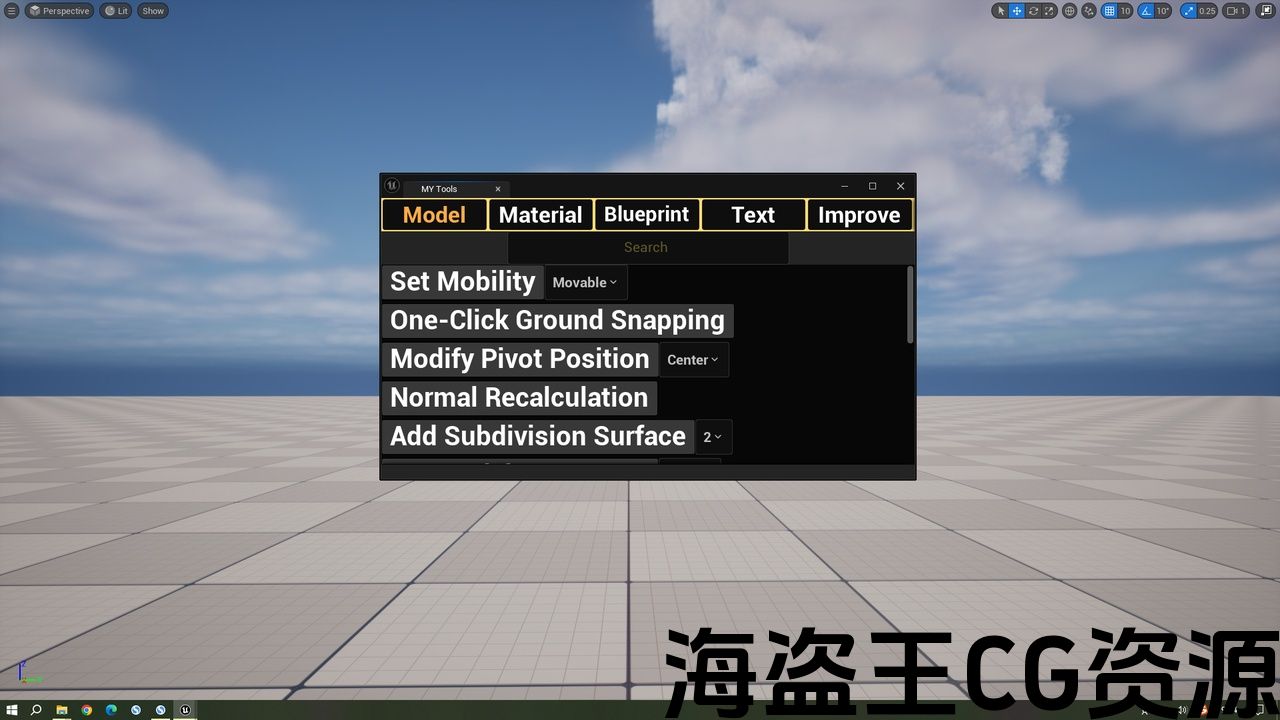
Model Chapter:
Modify axis position operation
Normal calculation
Subdivision surface
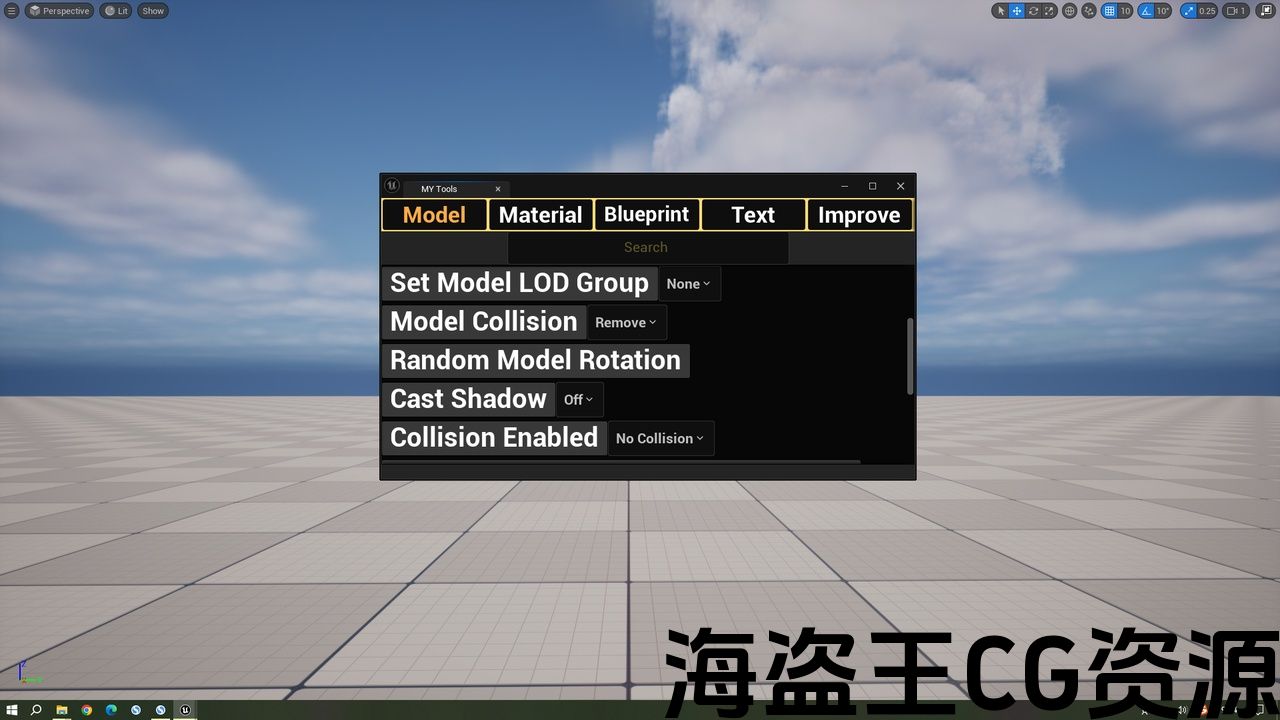
Model lod group
Add and remove model collisions
Random rotation of model
Shadow switch
Collision is enabled
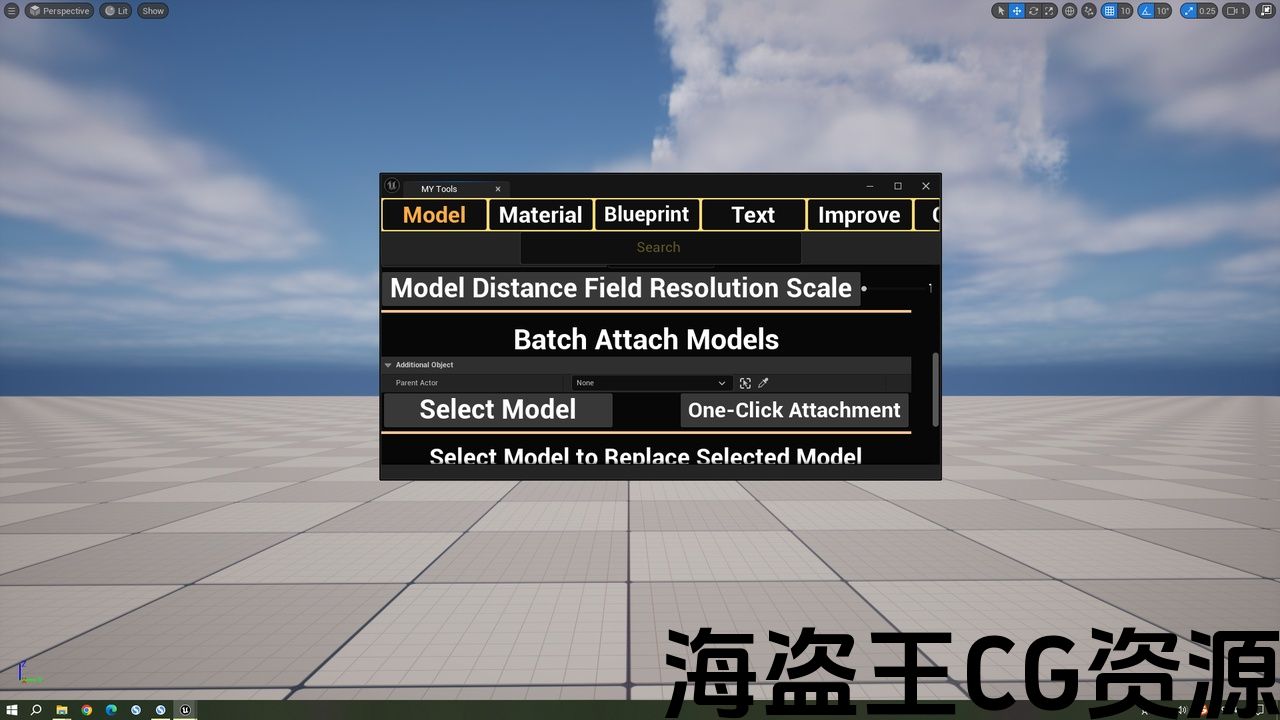
Modify the resolution of the model’s distance field
Batch append model
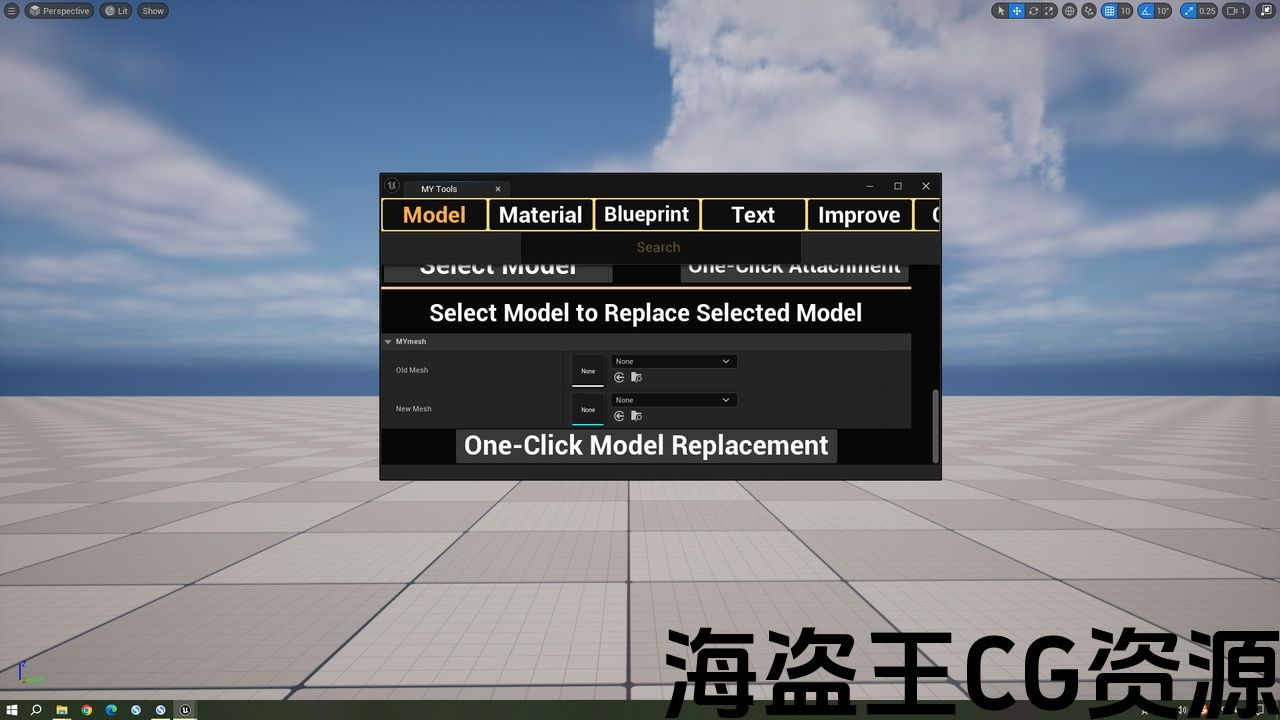
Batch model replacement
Material section:
Batch modify model materials (source materials/scene materials)
Batch modify the parent material of material instances
Generate PBR material with one click based on the texture position
Split the model by material
Quickly restore default material
Blueprint:
Select the model and replace it with the selected Blueprint actor based on the model’s position name
Attach the generated blueprint actor to the selected model
Text:
Batch tag operations (add, remove, clear, replace)
Add a prefix to the naming of assets in the content browser based on their content (e.g., add BP_ for blueprints)
Rename the content of the outline editor and add prefixes, suffixes, and numbers
Asset standardized naming
Optimization chapter:
Merge models and align them in the center
One-click Nanite
Filter content and make a selection
Set maximum texture
Texture offset Lod
MipMap switching
Model surface reduction
Delete empty files
Delete unreferenced
Bulk modification of light channels
Model visibility operation (in games, visibility display and concealment)
Fix texture compression
Other articles:
Display actor separately
One-click navigation grid
Switch between Chinese and English languages
Automatically create frequently used folders
Automatically create an outline folder and move the selected assets into it
Layer creation, import, and removal
Current perspective generating camera or actor
Generate a controller centered around the model (rotatable, movable, zoomable in and out)
Time lock creation
Quick screenshot
Quickly move into the sub-level
The size of the model in the scene
The camera aspect ratio can be cancelled
Github link:https://github.com/Jiucaipidan/Dan_Tools/tree/main/Tools
Feature introduction link in Chinese:https://blog.csdn.net/danyx666/article/details/156690554
Feature introduction link in English:https://blog.csdn.net/danyx666/article/details/156864871
Video link:https://space.bilibili.com/344860590?spm_id_from=333.1007.0.0
评论(0)