
Features:
- The landscape auto-material comes with 8 layers and automatic slope variation
- 35 static meshes for foliage/rocks/trees (all Nanite)
- 3 example maps, one has a surface area of 225 square km, the second has a surface area of 100 square km, both of them are 4k resolution and the third is an Overview Map where you can visualize all the static meshes
- Full dynamic lighting setup (Lumen)
- 3 procedural foliage spawner (2 for the trees and 1 for the rocks)
- all foliage come with color variation which can be adjusted together with other parameters such as wind strength, intensity etc., directly from the Material Instances
- Highly customizable and easy to use
Number of Unique Meshes: 35
Collision: Yes – automatically generated
LODs: all meshes are Nanite so LOD’s are not necessary
Number of Materials and Material Instances: 26
Number of Textures: 103 textures
Texture Resolutions: most of the textures are 4k (4096 X 4096)
Supported Development Platforms:
Windows: Yes
Mac: Not tested
Documentation: Please watch my video from the description.
Important/Additional Notes: In order to use Procedural Foliage Spawners from this pack, you will have to go to Editor Preferences/Experimental and enable Procedural Foliage.
特征:
- 景观自动材料有8层和自动斜坡变化
- 树叶/岩石/树木的35个静态网格(全纳米)
- 3个示例地图,一个表面积为225平方公里,第二个表面积为100平方公里,两者都是4k分辨率,第三个是概览地图,您可以在其中可视化所有静态网格体
- 全动态照明装置(流明)
- 3个程序树叶产卵器(2个用于树木,1个用于岩石)
- 所有的树叶都有颜色的变化,可以与其他参数,如风强度,强度等一起调整。,直接来自材质实例
- 高度可定制和易于使用
唯一网格数:35
碰撞:是-自动生成
所有的网格都是纳米,所以不需要LOD
材质和材质实例数:26
纹理数量:103纹理
纹理分辨率:大多数纹理是4k(4096X4096)
支持的开发平台:
Windows:是的
Mac:未测试
文档:请从描述中观看我的视频。
重要/附加说明:为了使用此包中的程序化植物生成器,您必须转到编辑器首选项/实验性并启用程序化植物。
Video_First_Map , Video_Second_Map , Video_LayersPainting
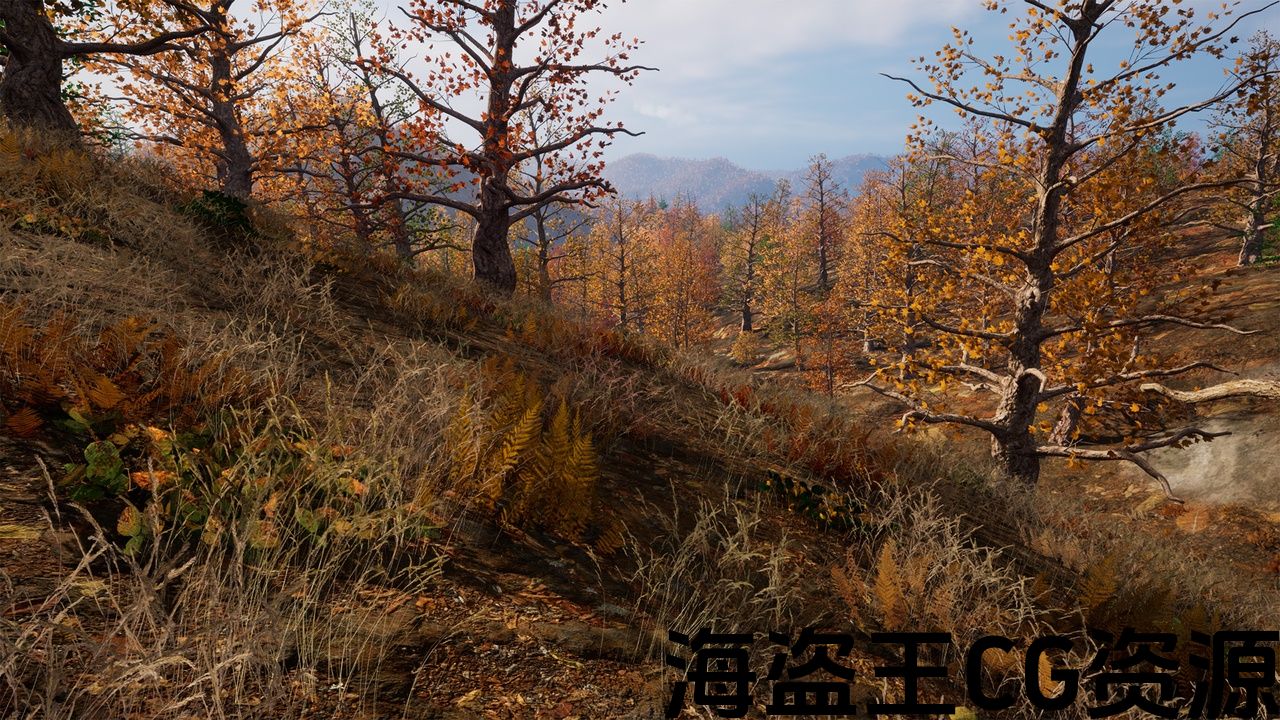
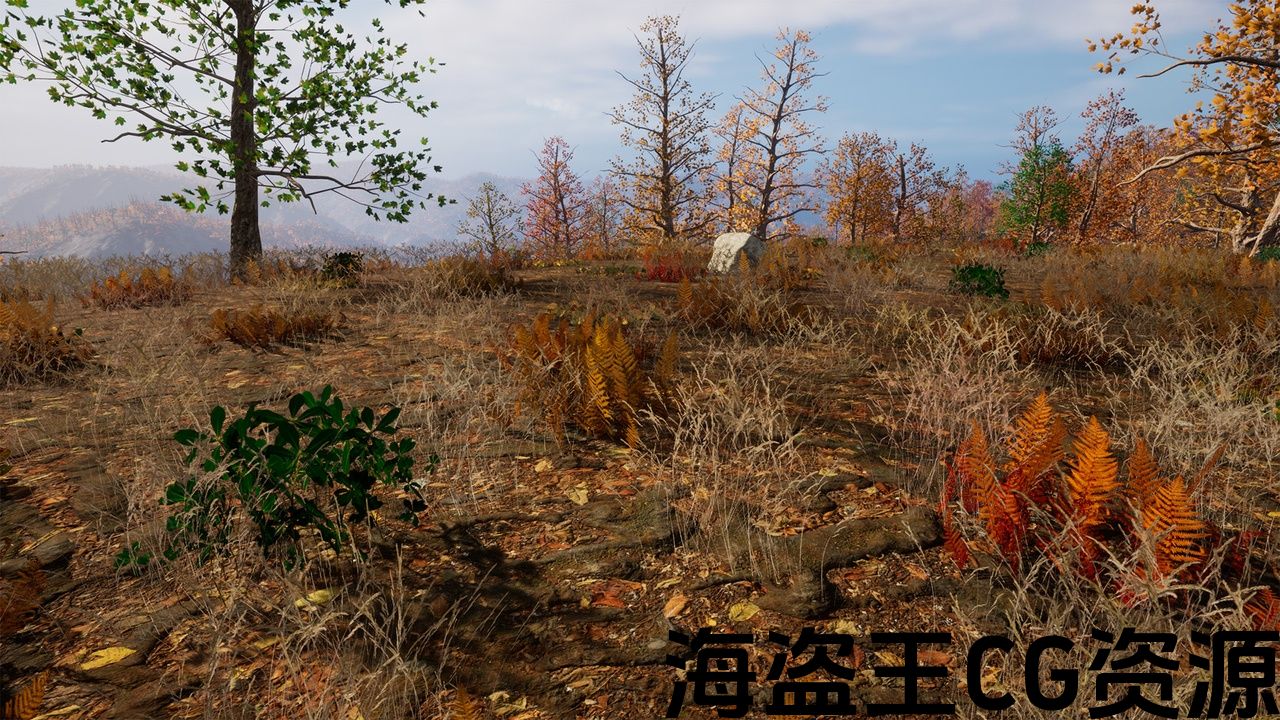
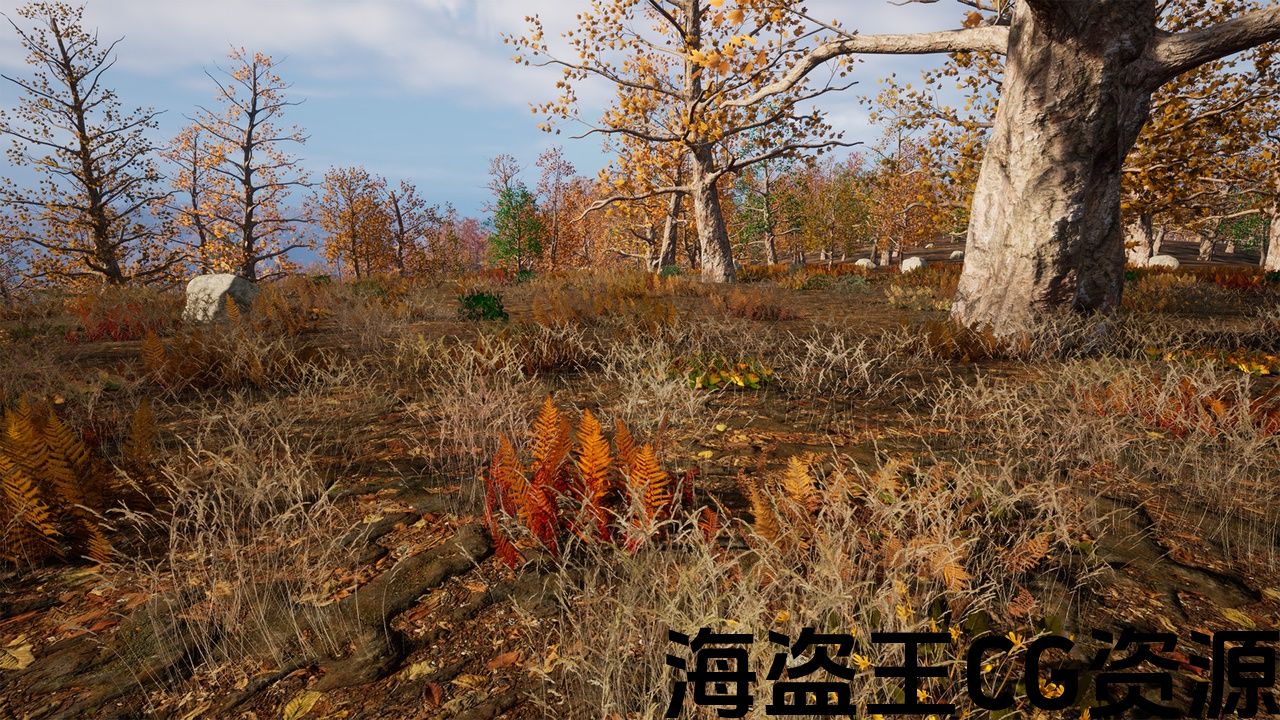
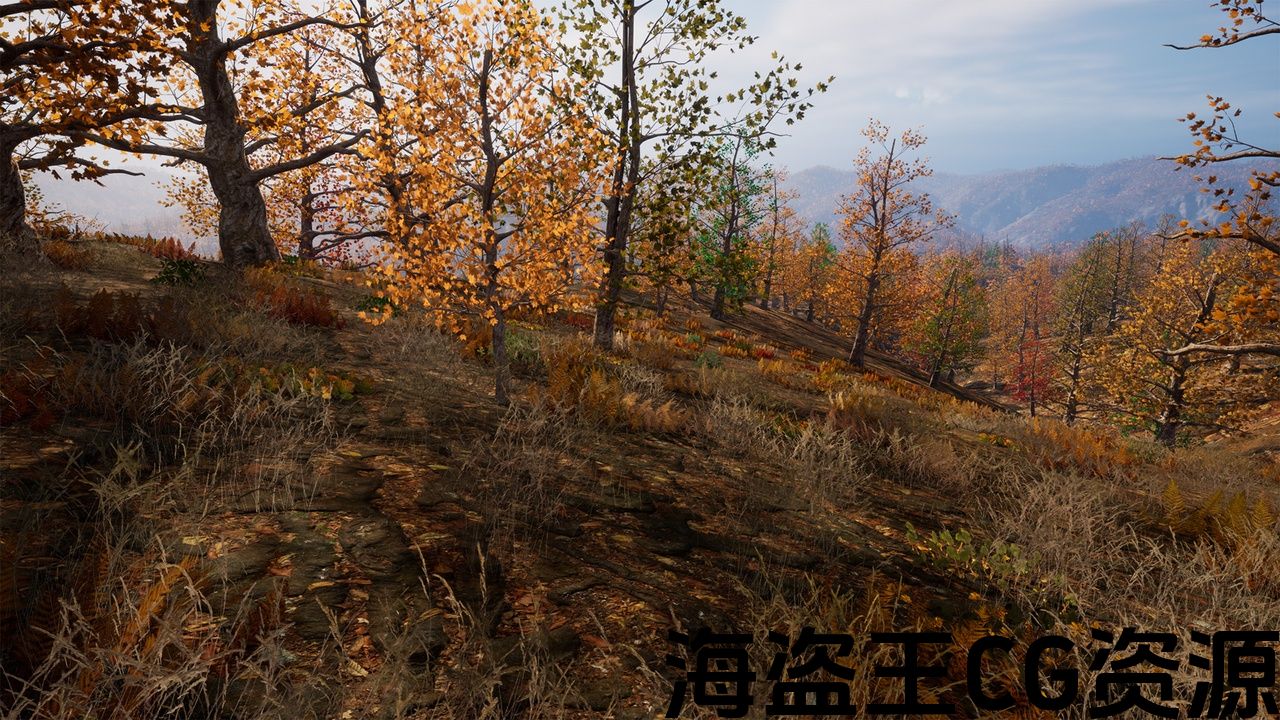
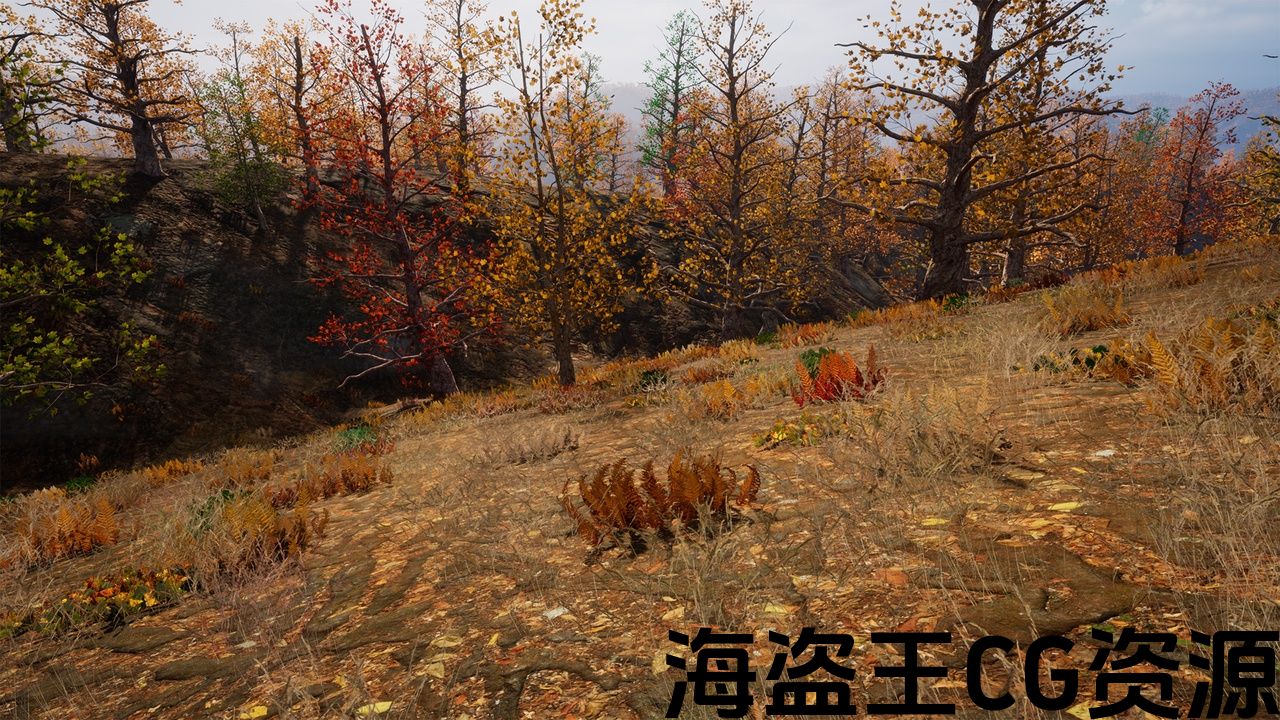
This UE5 pack contains everything you need to create huge open-world forests for your projects. It comes with a smart landscape auto-material with 8 layers (forest floor, cliffs, gravel, dirt, etc), many trees (maple and birch static meshes) and different rocks to create realistic natural and wild outdoor environments. All static meshes are nanite and everything is well optimized for large environments. The demo levels (there are 2 demo levels) are a good example of what you can achieve with this pack: one demo level is a 225 square km playable forest and the second demo level is a 100 square km playable forest. Both landscapes are created from real-world heightmaps with 4k resolution. The pack also comes with all the procedural tools necessary to create in just a few clicks, huge forests: Foliage Types, Procedural Foliage Spawners etc.
Download and try the Playable Demo.
Attention: This product is using World Partition to keep everything optimized. When you first open the demo map, the landscape regions will not be loaded and this is why you can not see the landscape inside the editor. In order to see the landscape, you will have to go to the World Partition Tab and select all the regions after that right click on the selection and press Load Regions from Selection. You have to do this only once per project. This is how Unreal Engine works…
This product supports Lumen for versions 5.1 +. If You want to use the pack at it's full potential, I recommend using Lumen. In order to enable Lumen (if it is not already enabled) you should go to Project Settings/Engine/Rendering and make sure you have the following setup:
- Dynamic Global Illumination Method – LUMEN
- Reflection Method – LUMEN
- Shadow Map Method – Virtual Shadow Maps
If you like this pack, feel free to write a review and rate it. This will keep me motivated to create better and better assets. Thank you!
Video_First_Map , 视频_second_map , 视频_layerspainting
这个UE5包包含了为项目创建巨大的开放世界森林所需的一切。 它配备了一个智能景观自动材料与8层(森林地板,悬崖,砾石,泥土等),许多树木(枫木和桦木静态网格)和不同的岩石创造现实的自然和野生户外环境。 所有静态网格都是nanite,并且所有内容都针对大型环境进行了很好的优化。 演示级别(有2个演示级别)是一个很好的例子,你可以用这个包实现:一个演示级别是一个225平方公里的可玩森林,第二个演示级别是一个100平方公里的可玩森林。 这两个地形都是从具有4k分辨率的真实世界高度图创建的。 该包还附带了只需点击几下即可创建所需的所有程序工具,巨大的森林:植物类型,程序植物产卵器等。
下载并尝试 可玩演示.
注意:本产品使用世界分区,以保持一切优化. 当您第一次打开演示地图时,地形区域将不会被加载,这就是为什么您无法在编辑器中看到地形的原因。 为了看到景观,你将不得不去世界分区选项卡,并选择所有的区域后,右键单击选择和按加载区域从选择。 每个项目只需执行一次此操作。 这就是虚幻引擎的工作原理。..
本产品支持5.1+版本的流明. 如果你想在它的全部潜力使用包,我建议使用流明。 为了启用流明(如果尚未启用),您应该转到项目设置/引擎/渲染,并确保您有以下设置:
- 动态全局照明方法-流明
- 反射方法-流明
- 阴影贴图方法-虚拟阴影贴图
如果你喜欢这个包,随时写一个评论和评价它。 这将使我有动力创造更好更好的资产。 谢谢!
评论(0)