
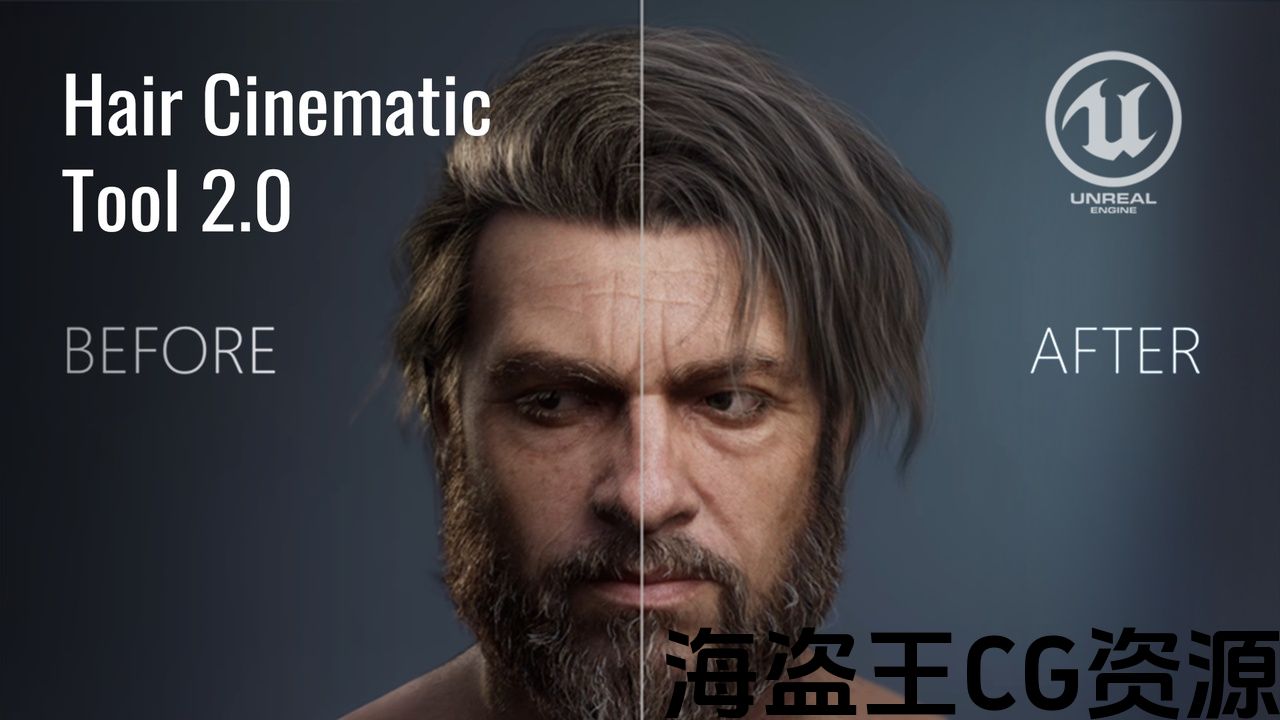
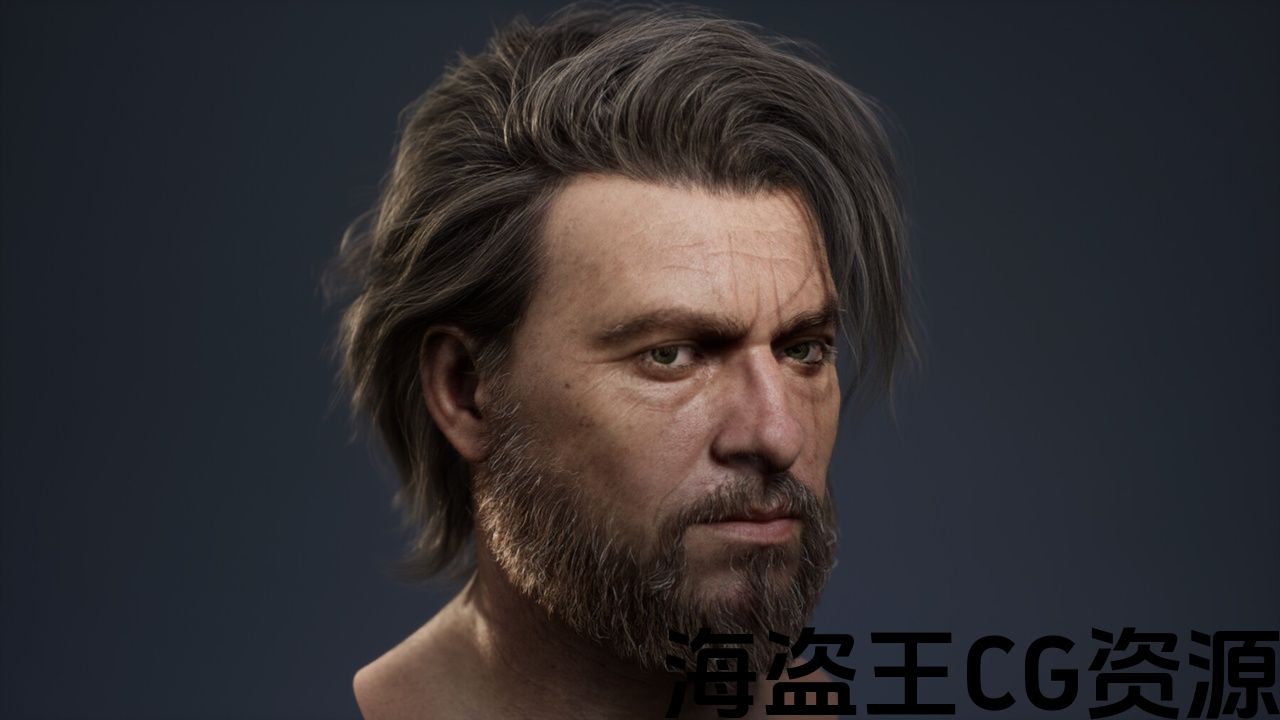
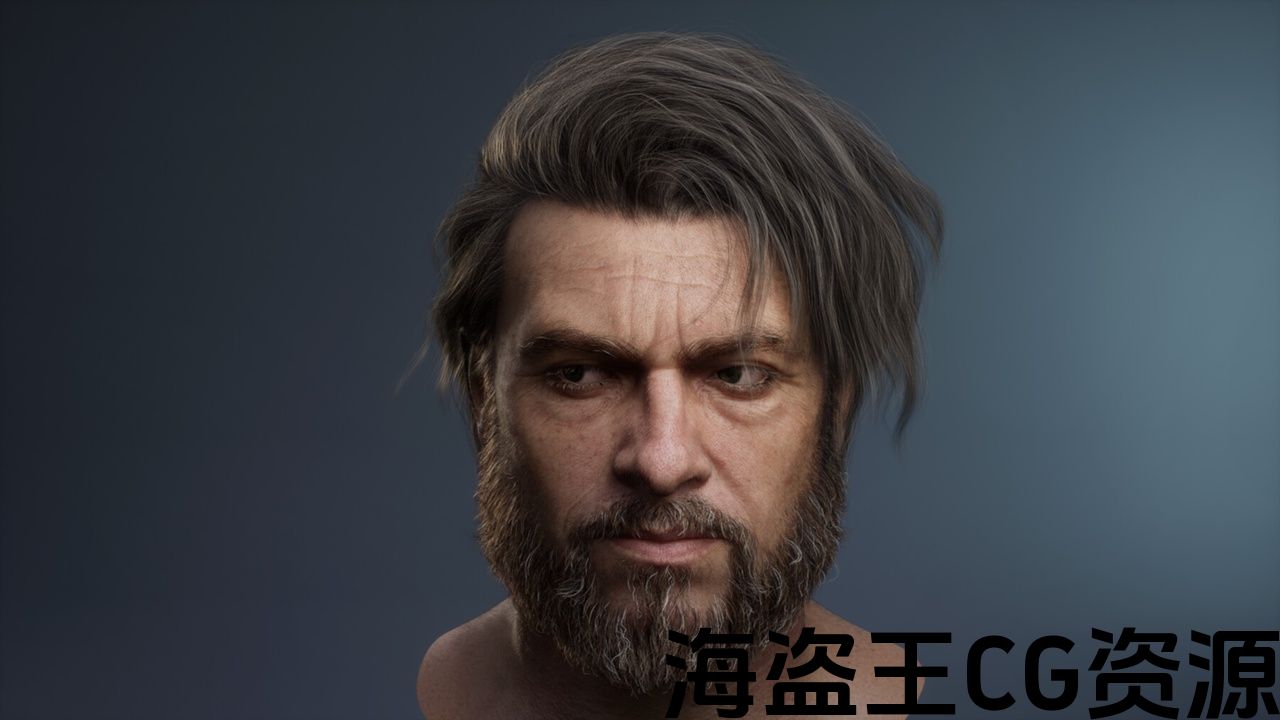
Number of Unique Meshes: 3
Vertex Count: 79800
Collision: No
LODs: No
Rigged: No
Rigged to Epic or MetaHumans Skeleton: No
If rigged to the Epic or MetaHumans skeleton, IK bones are included: No
Number of Characters: 0
Animated: No
Number of Animations: 0
Number of Materials: 7
Number of Material Instances: 13
Number of Textures: 55
Texture Resolutions: 1×1 – 4096×4096
Supported Development Platforms:
-
Windows: Yes
-
Mac: Yes
-
Linux: Yes
Documentation Link: https://artstation.com/blogs/argentum_studio/Z46gz
Videoguide: https://youtu.be/sAbOUWE-m4w
唯一网格数:3
顶点数:79800
碰撞:没有
Lod:不
操纵:不
装备史诗或元人类骨架:不
如果被装配到史诗或元人类的骨架上,IK骨骼包括在内:不
字符数:0
动画:没有
动画数量:0
材料数量:7
材质实例数:13
纹理数量:55
纹理分辨率:1×1-4096×4096
支持的开发平台:
-
Windows:是的
-
Mac:是的
-
Linux:是的
文档链接: https://artstation.com/blogs/argentum_studio/Z46gz
视频指南: https://youtu.be/sAbOUWE-m4w
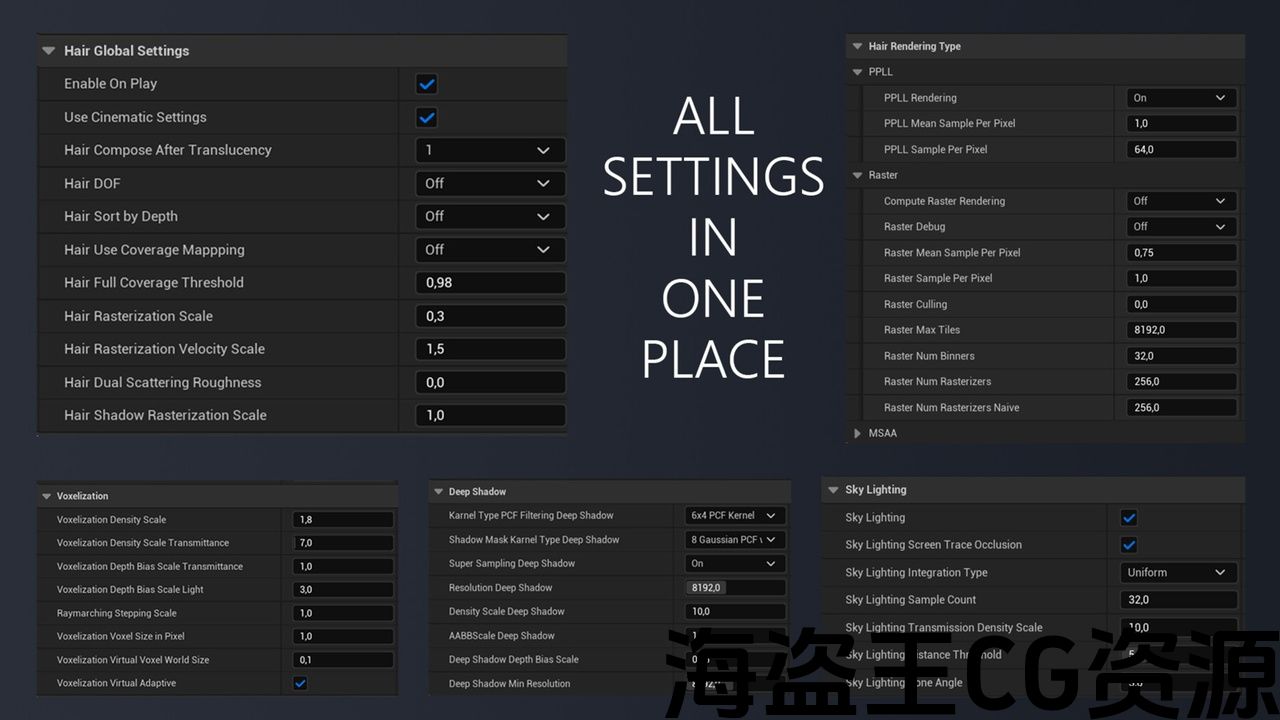
*Note: You can seethe full settings the screenshot in the gallery of the product.
Over the course of our work, we’ve come to understand that Unreal Engine offers powerful capabilities for groom shading, but the necessary tools are scattered across the engine and require deep technical knowledge.
We spent a long time gathering best practices, experimenting with material and lighting setups. We eventually packaged it all into one user-friendly tool that makes creating realistic and visually appealing hair much easier.
Hair Tool 2.0 is the perfect solution for artists who want to achieve high-quality results quickly and without unnecessary hassle.
You can know all the details about the Hair Tool 2.0 in our new Blogpost with Documentation and VideoGuide on how to use the tool:
https://artstation.com/blogs/argentum_studio/Z46gz
and our Artstation Post:
https://artstation.com/artwork/QKBGwB
The Tool is using default plugins:
AjaMedia, AppleARKit, AppleARKitFaceSupport, AppleProResMedia, BlackmagicMedia, Composure, DMXProtocol, HAPMedia, HDRIBackdrop, LiveLink, MediaFrameworkUtilities, MediaIOFramework, MovieRenderPipeline, nDisplay, OpenXR, PixelStreaming, PythonScriptPlugin, RemoteControl, SequencerScripting, SunPosition, Takes, VariantManager, VirtualCamera, VirtualProductionUtilities, VirtualScouting.
*注意:您可以在产品图库中查看完整设置的屏幕截图。
在我们的工作过程中,我们逐渐了解到虚幻引擎为修饰着色提供了强大的功能,但必要的工具分散在引擎中,需要深厚的技术知识。
我们花了很长时间收集最佳实践,试验材料和照明设置。 我们最终将它打包成一个用户友好的工具,使创建现实和视觉吸引力的头发更容易。
头发工具2.0是一个完美的解决方案,艺术家谁想要达到高品质的结果迅速和没有不必要的麻烦。
您可以在我们的新博客文章中了解有关Hair Tool2.0的所有详细信息,并提供有关如何使用该工具的文档和视频指南:
https://artstation.com/blogs/argentum_studio/Z46gz
及我们的艺术站邮政局:
https://artstation.com/artwork/QKBGwB
该工具使用默认插件:
AjaMedia,AppleARKit,AppleARKitFaceSupport,AppleProResMedia,BlackmagicMedia,Composure,DMXProtocol,HAPMedia,HDRIBackdrop,LiveLink,MediaFrameworkUtilities,MediaIOFramework,MovieRenderPipeline,nDisplay,OpenXR,PixelStreaming,PythonScriptPlugin,RemoteControl,SequencerScripting,SunPosition,Takes,VariantManager,VirtualCamera,Virtualproductionutilities,Virtualscouting。
评论(0)