
Type of Emitters: GPU
Number of Unique Effects: 18
LODs: No
Number of Materials: 10
Number of Material Instances: 11
Number of Textures: 18
Texture Resolutions: 256 – 1024
Number of Blueprints: 4
Supported Development Platforms:
- Windows: Yes
- Mac: Not Tested
Important/Additional Notes:
- Custom Depth-Stencil Pass needs to be Enabled with Stencil in Project Settings.
- The characters in this project are for demonstration purposes only. You may not use them in your own projects.
Type of Emitters: GPU
Number of Unique Effects: 18
LODs: No
Number of Materials: 10
Number of Material Instances: 11
Number of Textures: 18
Texture Resolutions: 256 – 1024
Number of Blueprints: 4
Supported Development Platforms:
- Windows: Yes
- Mac: Not Tested
Important/Additional Notes:
- Custom Depth-Stencil Pass needs to be Enabled with Stencil in Project Settings.
- The characters in this project are for demonstration purposes only. You may not use them in your own projects.
YouTube Links
Implementation & Limitations Tutorial
Demo
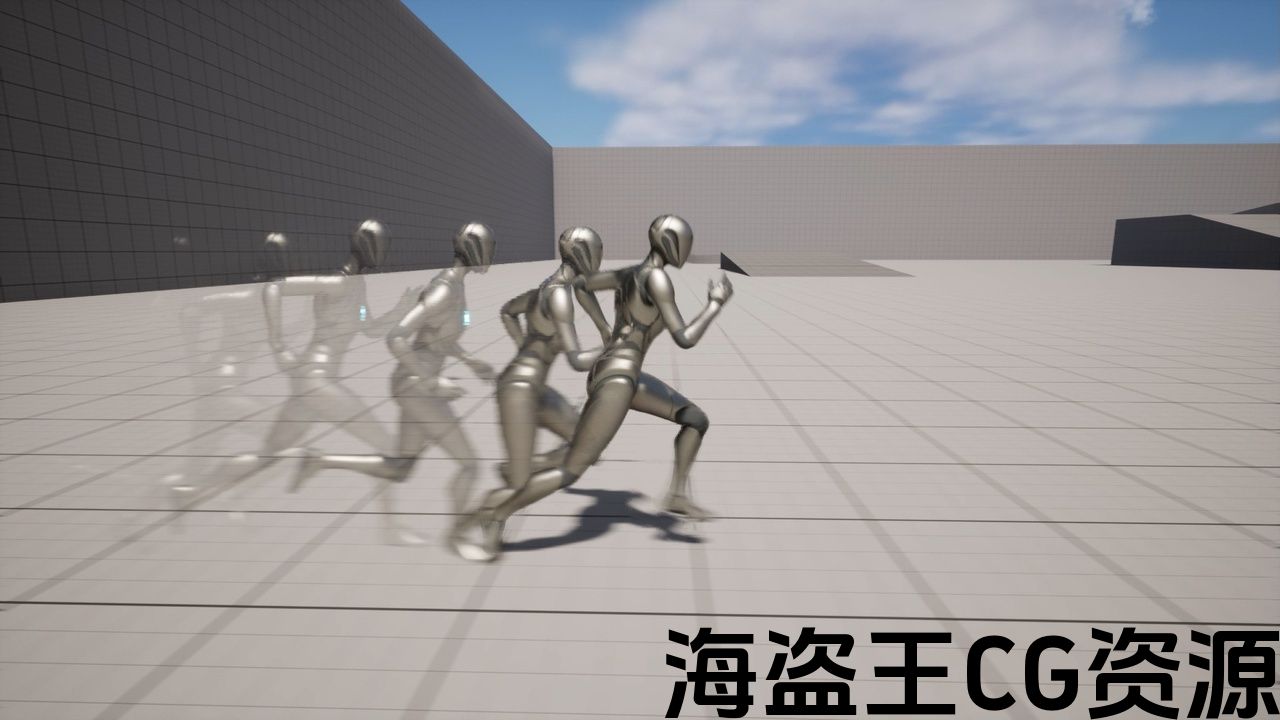
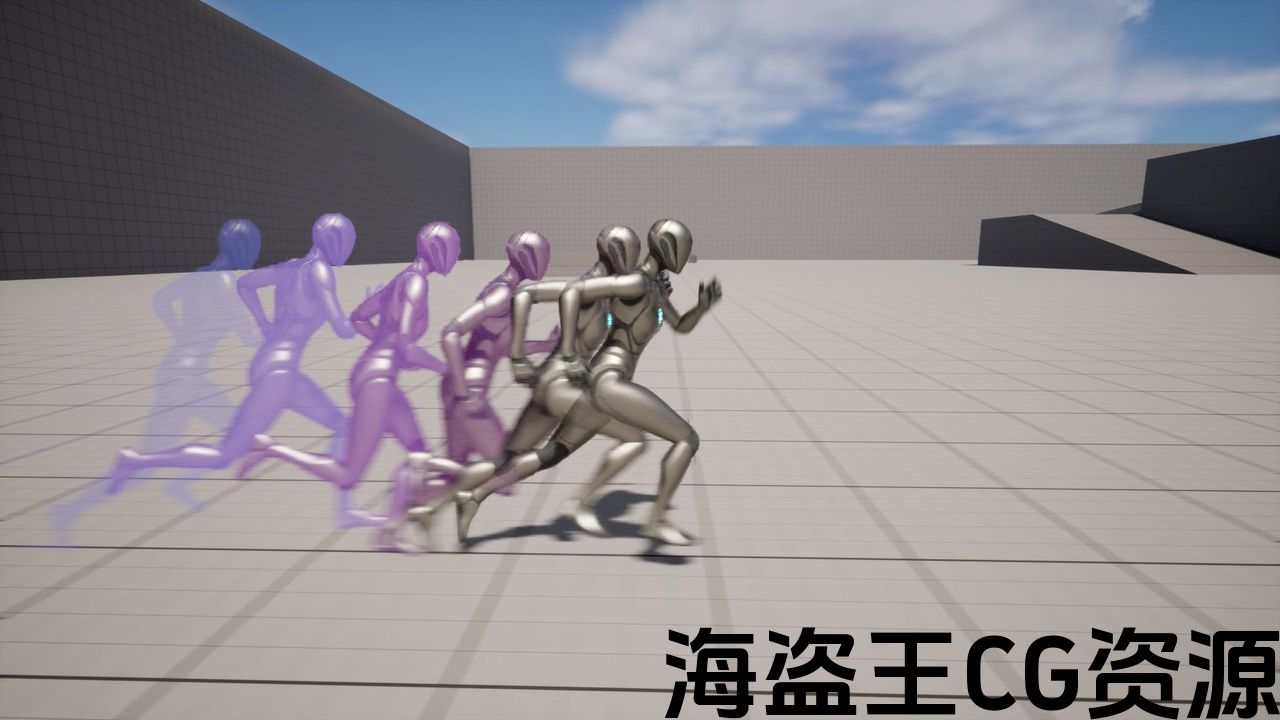
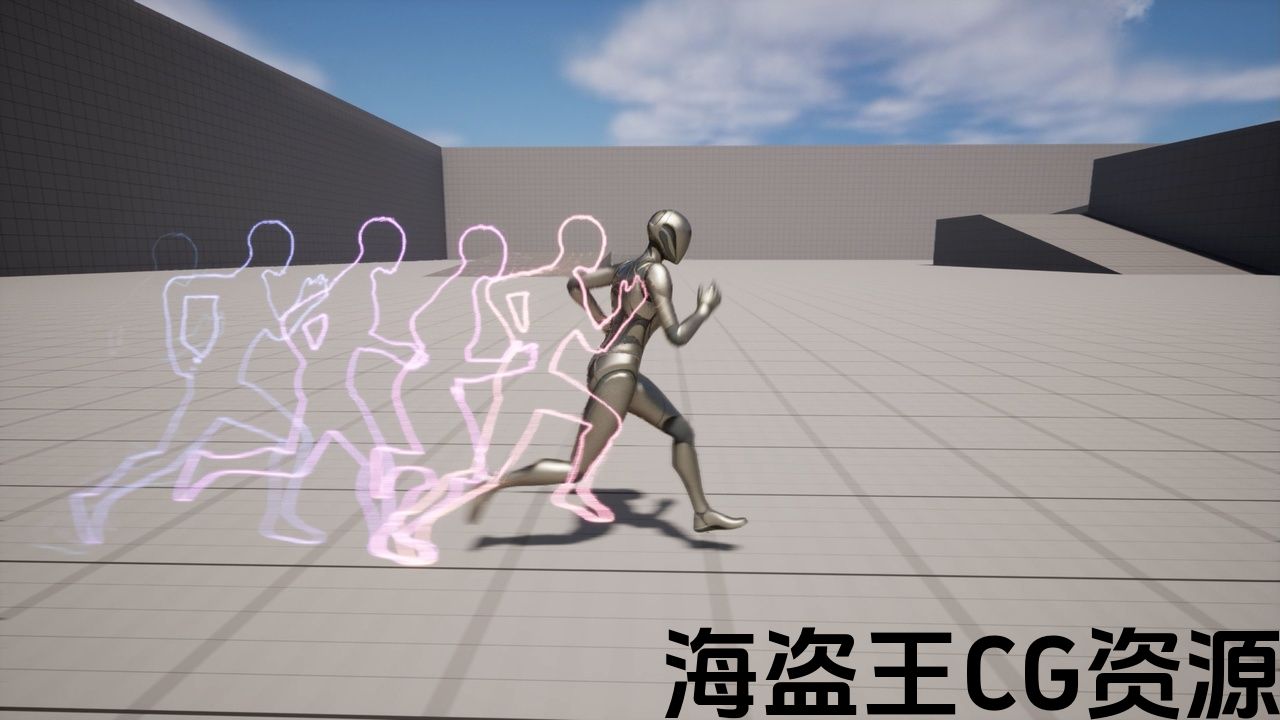
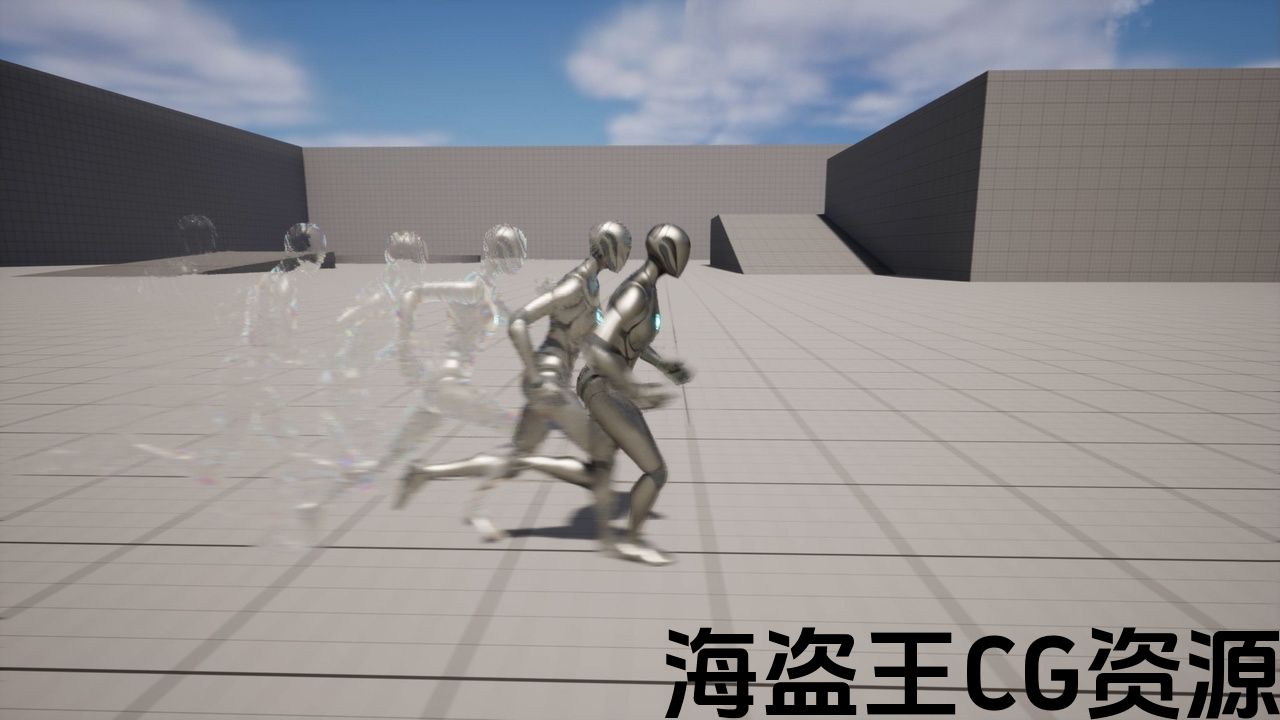
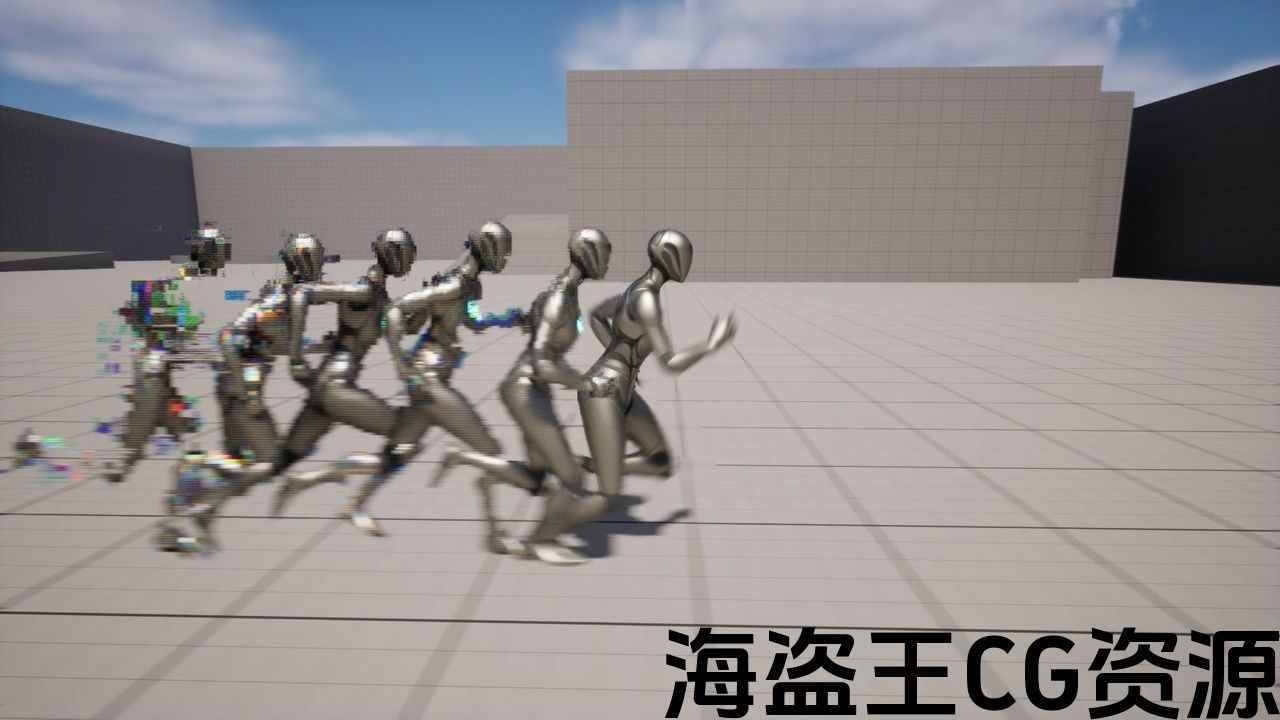
Unlock next-gen afterimage effects to upgrade your visuals!
This is a powerful new method for creating afterimage effects that solve common issues of traditional mesh-copying techniques, such as limited shader flexibility and poor transparency handling.
This approach gives you powerful control over shaders and Niagara.
The project comes with 18 stunning afterimage effect presets, and the system also empowers you to create your own afterimages that reflect your artistic vision!
Perfect for games, music videos, virtual live, or stylized action sequences – take your visuals to the next level with this cutting-edge solution!
Note: Be sure to check the ‘Implementation & Limitations Tutorial’ above before purchasing to ensure it meets your needs.
Known Issue
In UE5.3 and later, afterimages may appear incorrectly scaled when the screen resolution is not 16:9.
This issue occurs because the default Field of View (FOV) axis setting was changed starting with UE5.3.
As a workaround for now, you can use the previous FOV setting by adding the following lines to your DefaultEngine.ini.
[/Script/Engine.LocalPlayer]
AspectRatioAxisConstraint = AspectRatio_MaintainXFOV
The source information is here.
YouTube Links
Implementation & Limitations Tutorial
Demo
Unlock next-gen afterimage effects to upgrade your visuals!
This is a powerful new method for creating afterimage effects that solve common issues of traditional mesh-copying techniques, such as limited shader flexibility and poor transparency handling.
This approach gives you powerful control over shaders and Niagara.
The project comes with 18 stunning afterimage effect presets, and the system also empowers you to create your own afterimages that reflect your artistic vision!
Perfect for games, music videos, virtual live, or stylized action sequences – take your visuals to the next level with this cutting-edge solution!
Note: Be sure to check the ‘Implementation & Limitations Tutorial’ above before purchasing to ensure it meets your needs.
Known Issue
In UE5.3 and later, afterimages may appear incorrectly scaled when the screen resolution is not 16:9.
This issue occurs because the default Field of View (FOV) axis setting was changed starting with UE5.3.
As a workaround for now, you can use the previous FOV setting by adding the following lines to your DefaultEngine.ini.
[/Script/Engine.LocalPlayer]
AspectRatioAxisConstraint = AspectRatio_MaintainXFOV
The source information is here.
评论(0)