
Number of Blueprints: One ActorComponent
Input: Keyboard, Mouse
Network Replicated: Yes
Supported Development Platforms: I’ve only tested on Windows
蓝图数量:一个ActorComponent
输入:键盘,鼠标
网络复制:是
支持的开发平台:我只在Windows上测试过



Video: https://www.youtube.com/watch?v=_Np-J76zGK4
Demo: https://drive.google.com/file/d/13HUP2oAC5qsWtcx9_0W1b2Z8dDqP3ZOD/view?usp=sharing
Documentation: https://docs.google.com/document/d/16p-8cxyIO-ao8aCcmvt1ZIKj3G-bi9beZ9aJtWAgMeo/edit?usp=sharing
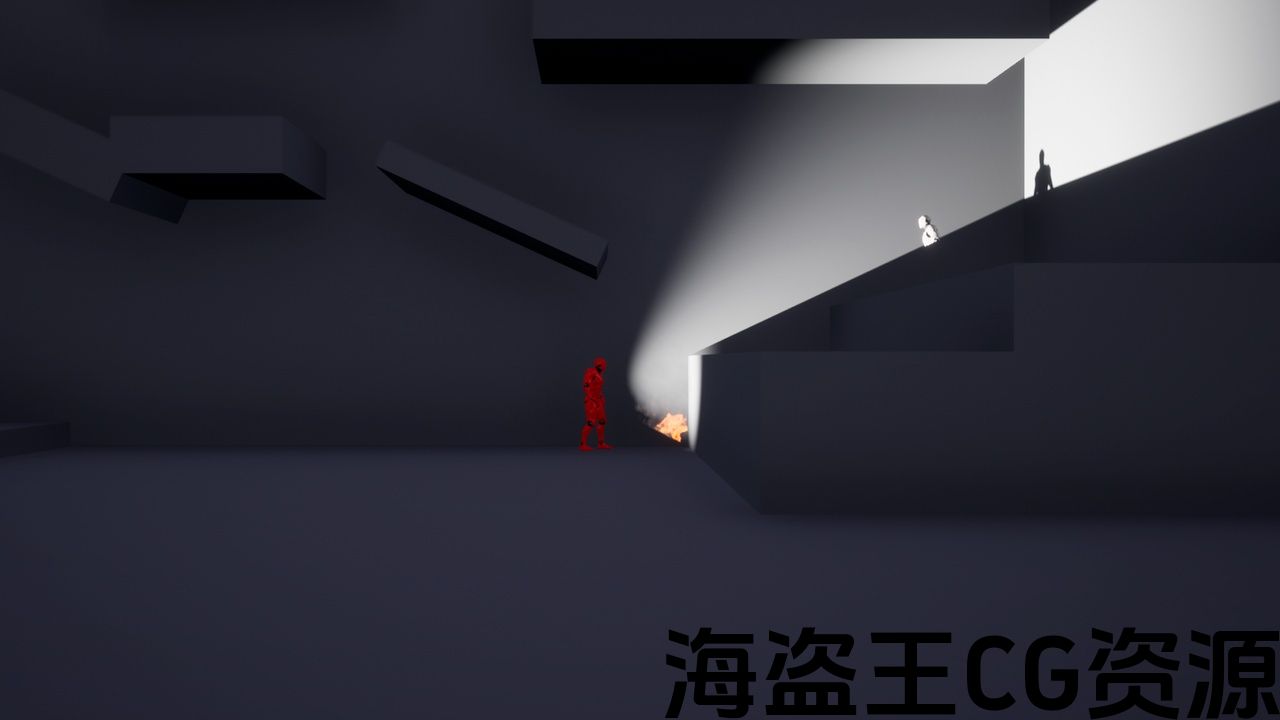
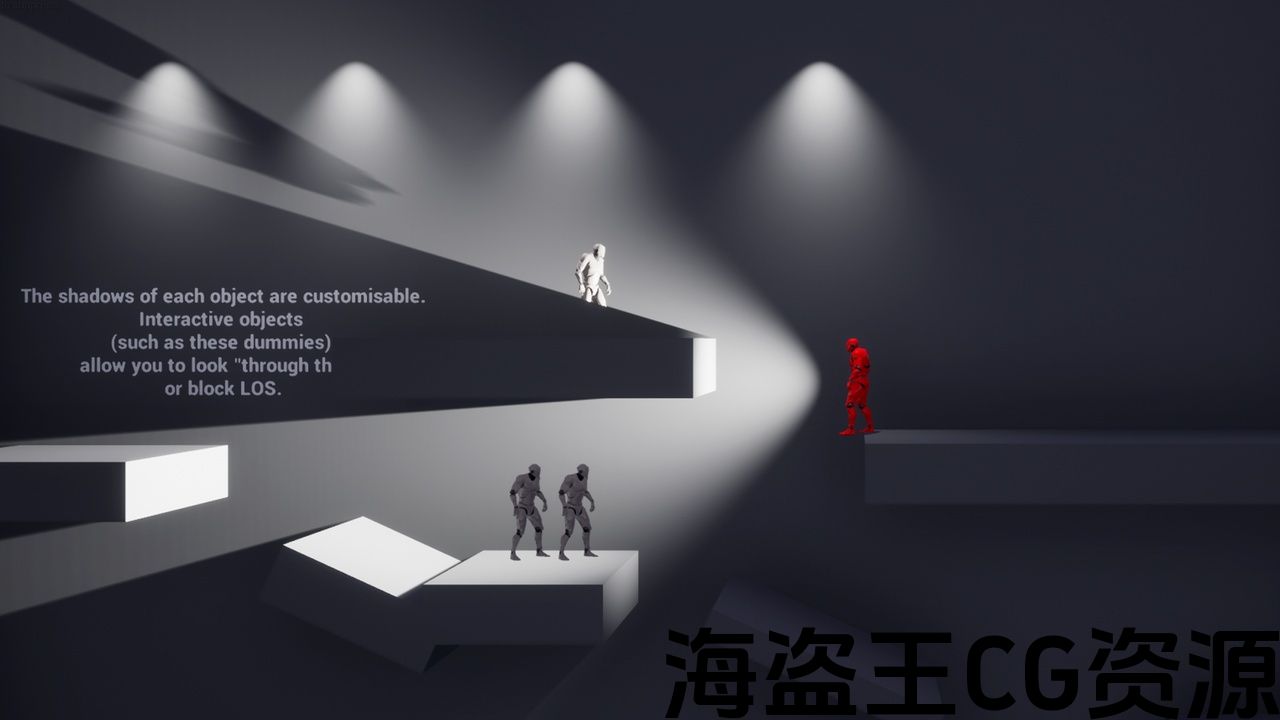
You can select elements that will always be visible on the screen (e.g. floor, walls) and select those elements that will not be visible outside your character’s field of view (e.g. enemies, foliage, Particles, other players and anything where you can apply material).
The Asset is great for tactical games and horror games.
It can also be applied to ThirdPersonCharacter. Do you like third-person games but find it annoying when players stand at the edge of the wall and peek? This asset can solve that problem!
However, keep in mind that the asst only works in 2D space! Asset works in either XY axis for TopDown or ZY axis for SideScroller. For ThirdPersonCharacter, XY is also used and everything will work fine until some player climbs the hill.
The default multiplayer supports up to 5 players. This is the most convenient mode and requires almost no customization. But you can increase the maximum number of supported players (I tested multiplayer for 8 players), but it will take some time to customize (more details in the documentation).
This asset only creates a visual effect that only works on the client side.
The algorithm uses regular light (PointLight or SpotLight) and Render target texture. Look up “quick start” in the documentation and you’ll understand how the asset works.
Important. If you want to make a game for co-operative passing, then the cone of the partner will not display objects for the other player. Therefore, for co-operative playthrough the asset is not very good.
短片: https://www.youtube.com/watch?v=_Np-J76zGK4
示范: https://drive.google.com/file/d/13HUP2oAC5qsWtcx9_0W1b2Z8dDqP3ZOD/view?usp=sharing
文件: https://docs.google.com/document/d/16p-8cxyIO-ao8aCcmvt1ZIKj3G-bi9beZ9aJtWAgMeo/edit?usp=sharing
您可以选择在屏幕上始终可见的元素(例如地板、墙壁),并选择在角色视野之外不可见的元素(例如敌人、树叶、粒子、其他玩家以及任何可以应用材质的元素)。
该资产非常适合战术游戏和恐怖游戏。
它也可以应用于ThirdPersonCharacter。 你喜欢第三人称游戏,但当玩家站在墙边偷看时却觉得很烦人吗? 这个资产可以解决这个问题!
但是,请记住 asst仅适用于2D空间! 资产工作在XY轴上为TopDown或Zy轴为SideScroller。 对于ThirdPersonCharacter,XY也被使用,一切都会正常工作,直到一些玩家爬山。
默认多人游戏最多支持5名玩家。 这是最方便的模式,几乎不需要定制。 但是你可以增加支持的玩家的最大数量(我测试了8个玩家的多人游戏),但是需要一些时间来定制(文档中的更多细节)。
此资源仅创建仅在客户端有效的视觉效果。
该算法使用常规光(PointLight或SpotLight)并渲染目标纹理。 在文档中查找”快速入门”,您将了解资产的工作原理。
重要的。 如果你想为合作传球做一个游戏,那么合作伙伴的锥体不会为另一个玩家显示物体。 因此,对于合作游戏,资产不是很好。
评论(0)