
Features:
- Use custom static meshes
- Zero physics used
- Setup and animate different types of aircraft
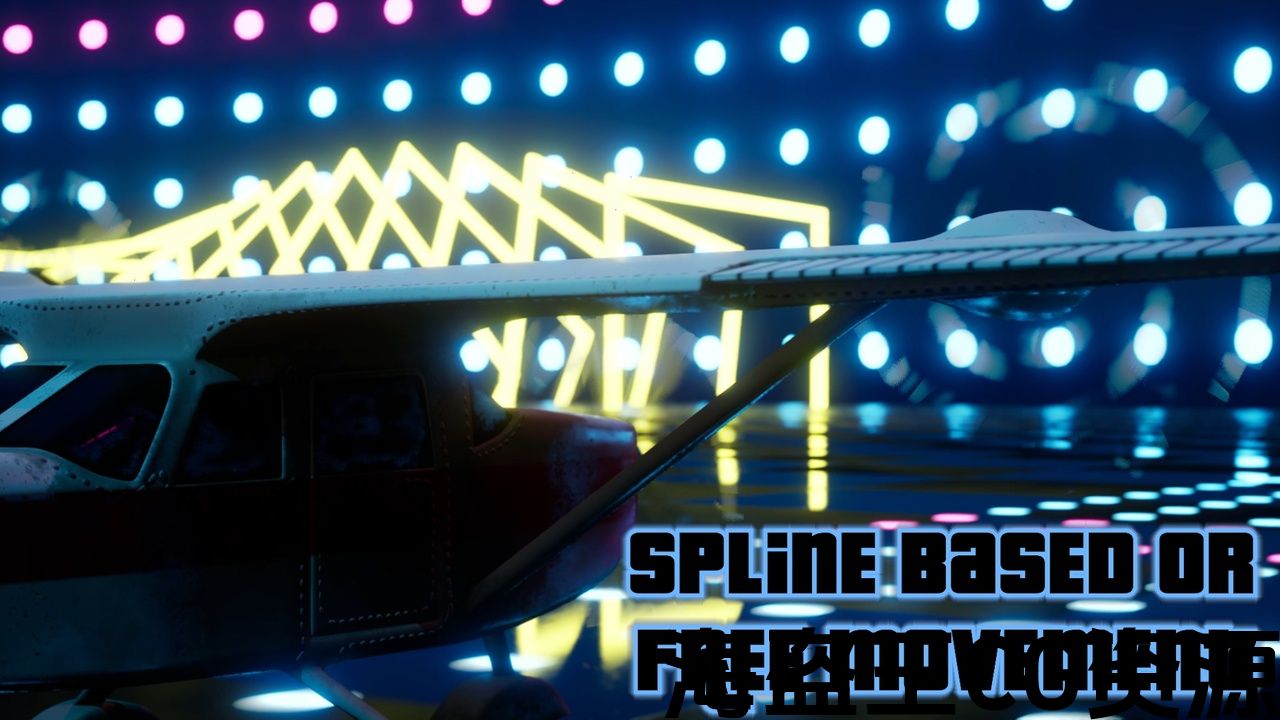
- Spline path following
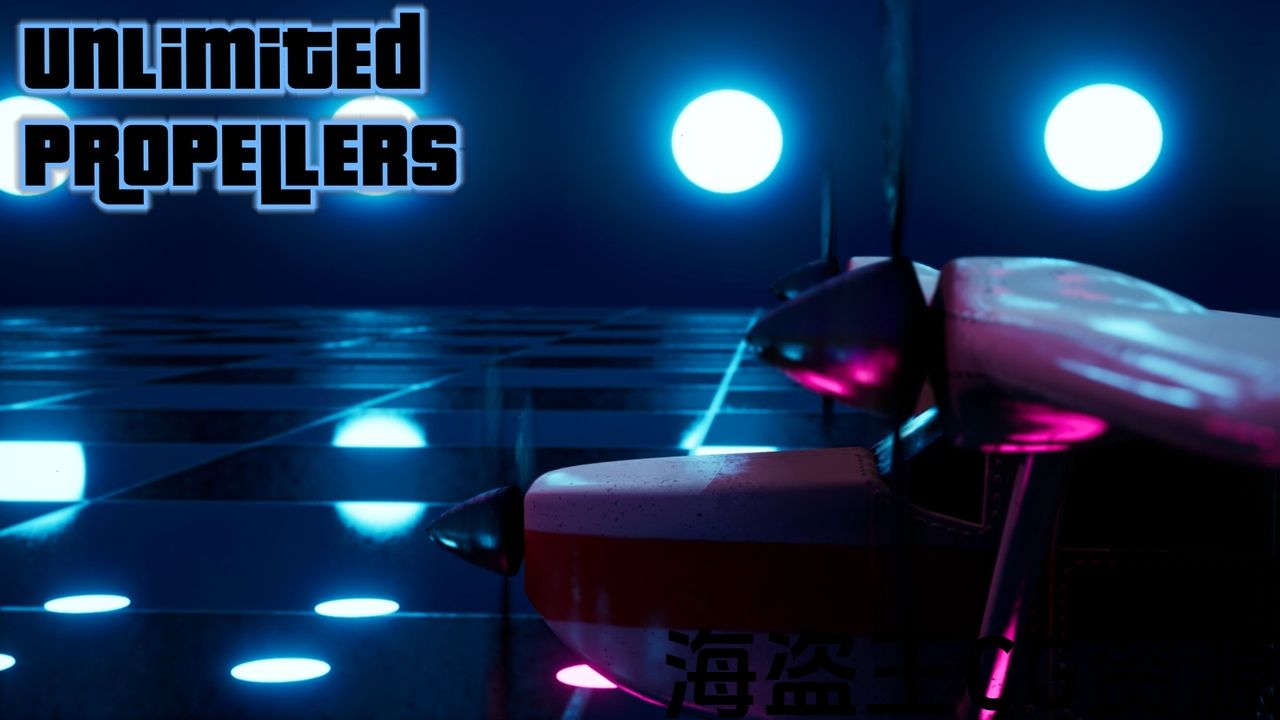
- Working propellers
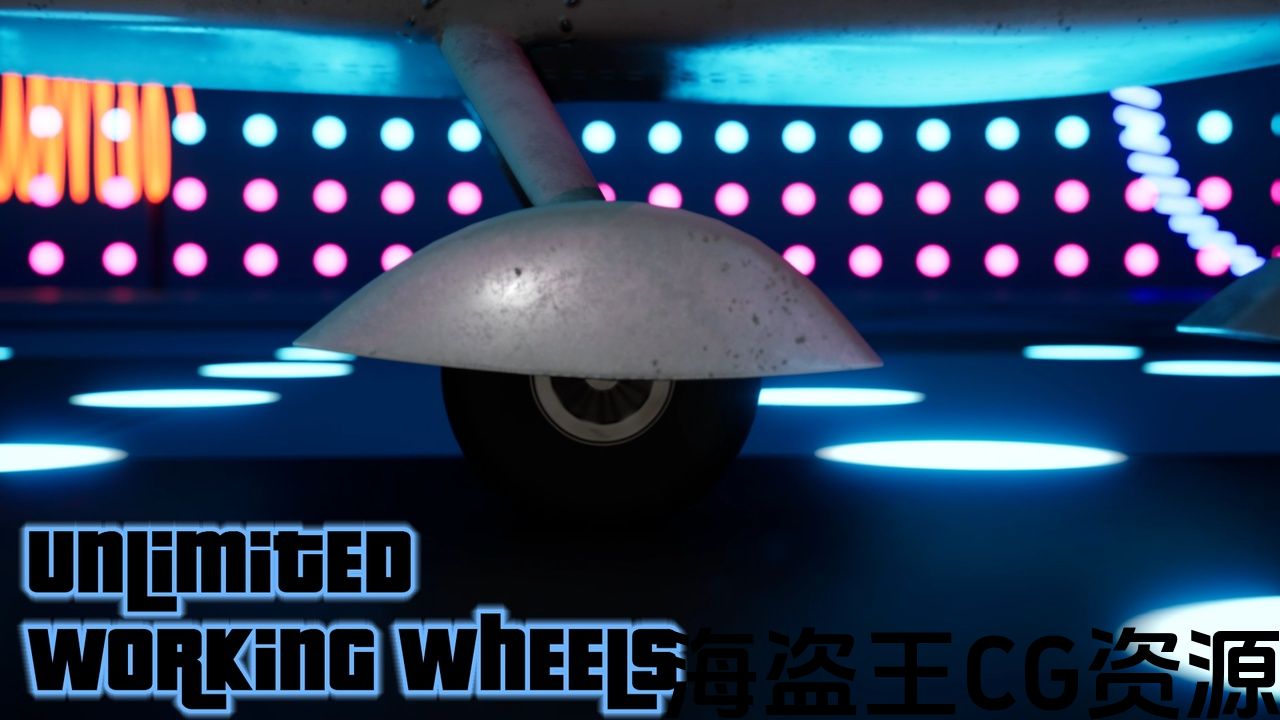
- Working wheels
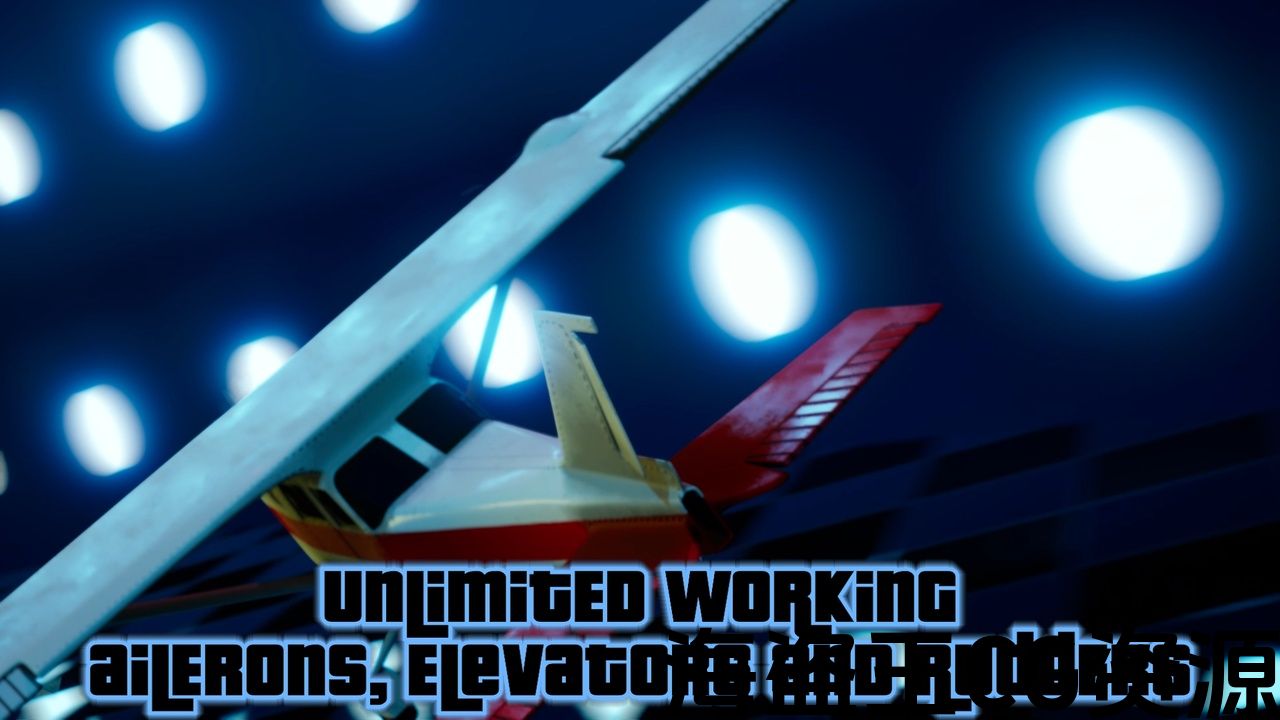
- Working ailerons, elevators, and rudders
- Add extra parts of any kind
- Extra roll, pitch, and yaw
- Roll, pitch, and height vibrations
- Vertical loop and barrel roll
- Editor preview
Number of Blueprints: 4
Input: N/A
Network Replicated: No
Supported Development Platforms:
Windows: Yes
Mac: Yes
Important Note: This blueprint system is solely developed for animation and offline rendering workflows with the “Movie Render” pipeline. It is not optimized in any way to be used in games. If you want to use it in your game, please do it on your responsibility
特征:
- 使用自定义静态网格体
- 零物理使用
- 设置和动画 不同类型的飞机
- 样条路径如下
- 工作螺旋桨
- 工作轮
- 工作副翼、电梯和方向舵
- 添加任何类型的额外部件
- 额外的滚转、俯仰和偏航
- 滚动、俯仰和高度振动
- 垂直环和桶辊
- 编辑器预览
蓝图数目:4
输入:N/A
网络复制:没有
支持的开发平台:
Windows:是的
Mac:是的
重要事项: 此蓝图系统专为具有”电影渲染”管道的动画和离线渲染工作流而开发。 它没有以任何方式优化在游戏中使用。 如果你想在你的游戏中使用它,请在你的责任上做到这一点
Feature update V1.2 released, check the change log
Why You Need This
-
Aircraft are easy and hard to animate at the same time. If you want, you can animate their transform or animate them on a camera rig rail and call it a day
-
If you want to animate more professionally, you can step ahead and add rotating propellers or jet engines. If you can animate the wing and tail parts, good for you. You can add some turbulence for air bumps on top of your animation cause aircraft never fly steady and now, you look at your sequencer and see many tracks and keys
-
Now think about modifying a part of the animation and dealing with all those keys. I don’t want to be there…
-
If you are thinking about drivable aircraft and recording the animation using the take recorder, I don’t feel as an animator, you’re on the right track
-
So what if I told you that a physics-free rig can do all these automatically and you only need to care about when your aircraft is where? That’s exactly what we have here
What You Will Get
-
Set up and animate planes, helicopters, drones, hot air balloons, gliders, parachutes, spaceships, rockets, etc.
-
Aircraft can be animated on a spline path or freely
-
You can add as many propellers/rotors/blades as you wish
-
You can add as many wheels as you wish
-
You can add as many ailerons, elevators, and rudders as you wish and they’ll work automatically
-
Perform barrel rolls and vertical loops
-
Add roll, pitch, and height vibrations to simulate turbulence noise
-
You can visualize everything in the editor and the sequencer and you don’t need to simulate
Spline Blueprint
-
This system includes a spline path blueprint that the aircraft can follow and fly on
-
You will key the distance traveled from the start of the path
-
Reverse spline path direction with a click
-
Close the spline with a click
-
The aircraft goes back to the start, if the distance traveled is greater than the length of the spline path
-
Read the length of the spline in centimeters
Demo Content
-
Two demo rigs with exclusive meshes, a plane, and a hot air balloon, were included in the pack to demonstrate the capability and diversity of the rig. More demo rigs will be added in the future
📚 文件
📩 支援电邮
💬 不和谐服务器
🐐 玛果特商店
功能更新V1.2发布,检查 更改日志
为什么你需要这个
-
飞机很容易和很难在同一时间动画。 如果你愿意,你可以动画他们的变换或动画他们在一个相机钻机轨道和收工一天
-
如果你想更专业地制作动画,你可以提前一步添加旋转螺旋桨或喷气发动机。 如果你可以动画机翼和尾部部分,对你有好处。 你可以在你的动画顶部添加一些湍流,因为飞机永远不会稳定飞行,现在,你看着你的音序器,看到许多轨道和键
-
现在考虑修改动画的一部分并处理所有这些键。 我不想在那里…
-
如果你正在考虑可驾驶的飞机并使用take recorder录制动画,我不觉得作为一个动画师,你在正确的轨道上
-
那么,如果我告诉你,一个无物理钻机可以自动完成所有这些,你只需要关心你的飞机在哪里? 这正是我们这里所拥有的
你会得到什么
-
飞机可以在一个动画 样条路径 或自由
-
您可以根据需要添加尽可能多的螺旋桨/转子/叶片
-
您可以根据需要添加尽可能多的轮子
-
您可以根据需要添加尽可能多的副翼,电梯和方向舵,它们将自动工作
-
执行桶卷和 垂直循环
-
添加滚动、俯仰和高度振动来模拟 湍流噪声
-
您可以在编辑器和测序器中可视化所有内容,并且不需要模拟
样条蓝图
-
这个系统包括一个样条路径蓝图,飞机可以跟随和飞行
-
您将键入从路径开始处行进的距离
-
点击反向样条路径方向
-
单击关闭样条
-
如果飞行距离大于样条路径的长度,则飞行器返回起点
-
以厘米为单位读取样条的长度
演示内容
-
包中包含了两个带有独家网格的演示钻机,一架飞机和一个热气球,以展示钻机的功能和多样性。 更多演示钻机将在未来添加
评论(0)