
Key Features:
- Fully no code no blueprints solution to creating Architectural walkthrough with interactions
- very simple to set up
- one actor for all interaction types
- A pickup objects System
- Camera Mode
- Simple yet robust User Menu
- Save\Load system
- Settings Menu
- Time of Day and Sun position menu
- Level Switching Menu
- Includes a demo Level with Examples for all interaction Types
Technical Details
Blueprints: 10
Widget Blueprints: 9
Meshes: 22
Materials and Material Functions: 25
Material Instances: 31
Textures: 128
Fonts: 1
SFX: 10
VFX: 0
Input: Mouse, Keyboard
主要特点:
- 完全 没有代码没有蓝图 使用交互创建架构演练的解决方案
- 设置非常简单
- 所有交互类型的一个actor
- 一种拾取对象系统
- 相机模式
- 简单而强大的用户菜单
- 保存\加载系统
- 设置菜单
- 一天中的时间和太阳位置菜单
- 级别切换菜单
- 包括一个演示级别,其中包含所有交互类型的示例
技术细节
蓝图: 10
小部件蓝图: 9
网格/网格: 22
材料和材料功能: 25
材质实例: 31
纹理: 128
字体: 1
SFX: 10
特效特效: 0
输入:鼠标,键盘
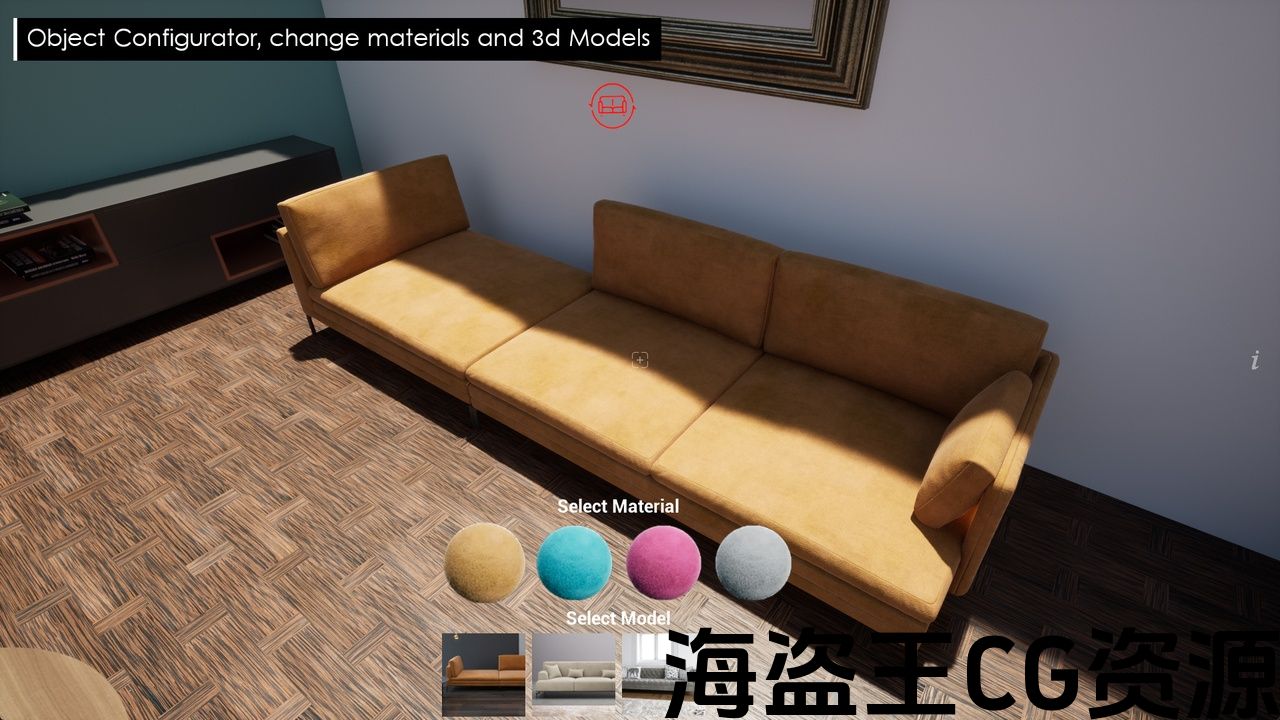
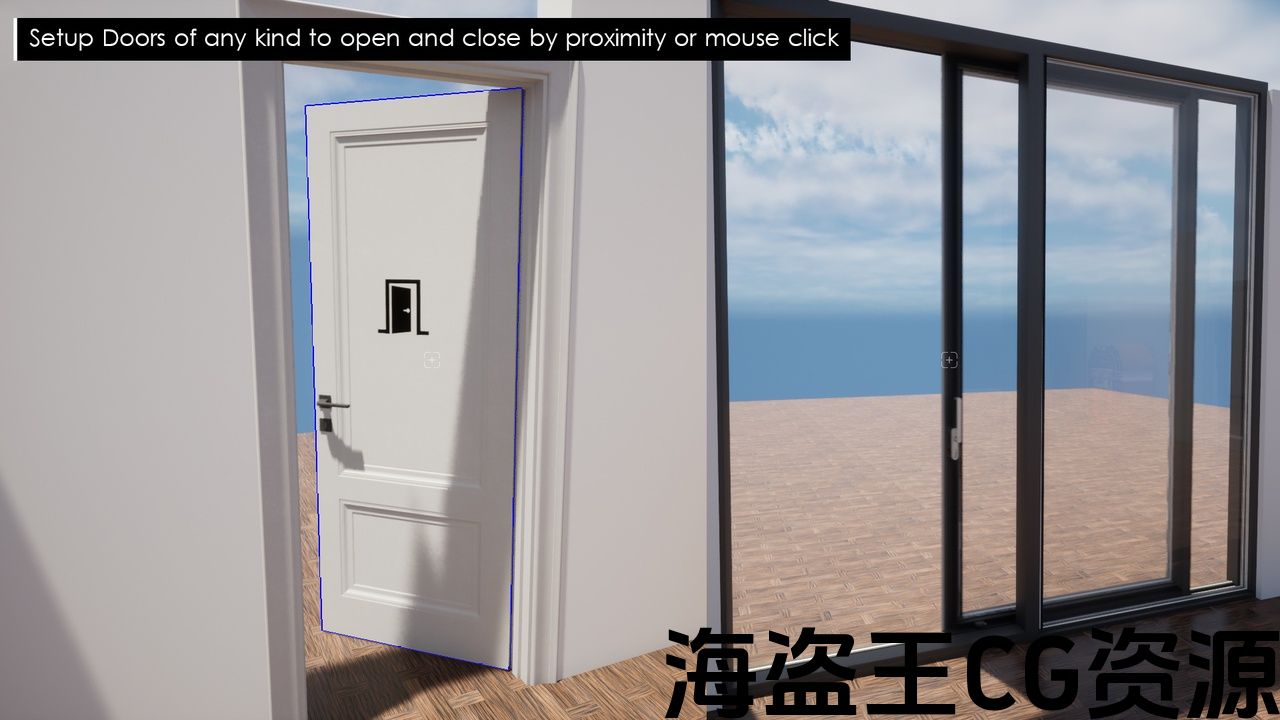
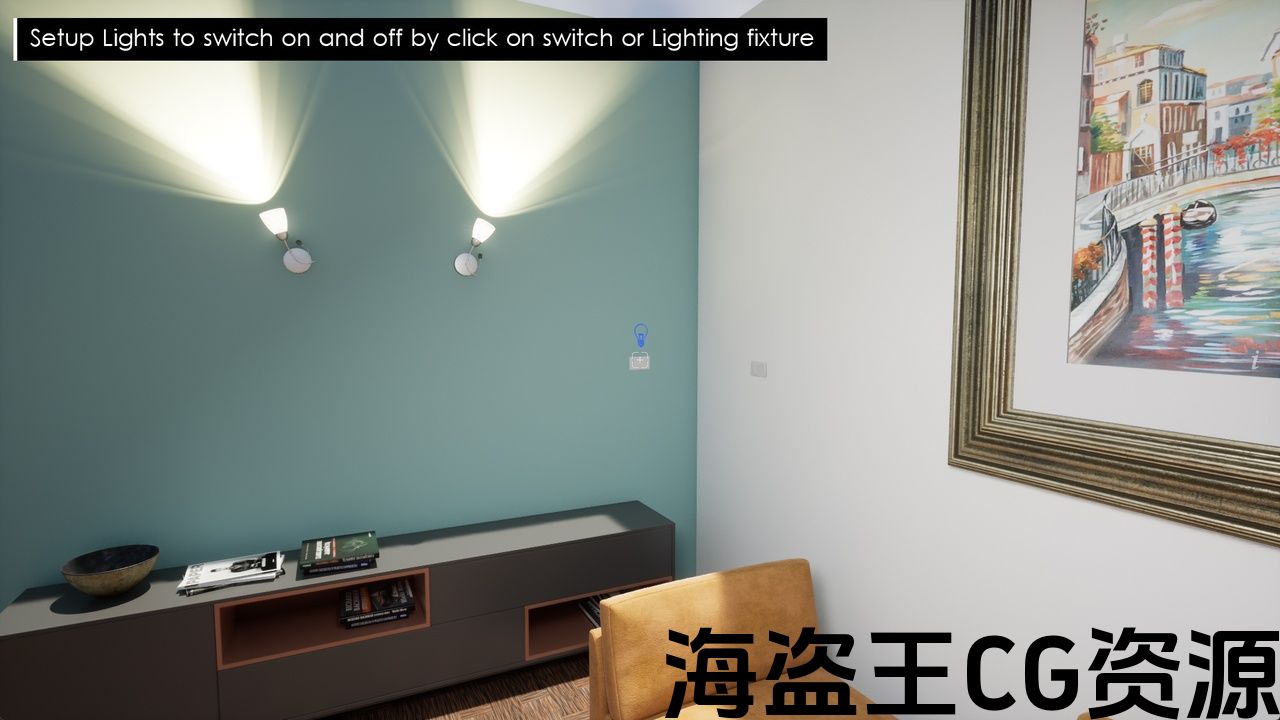
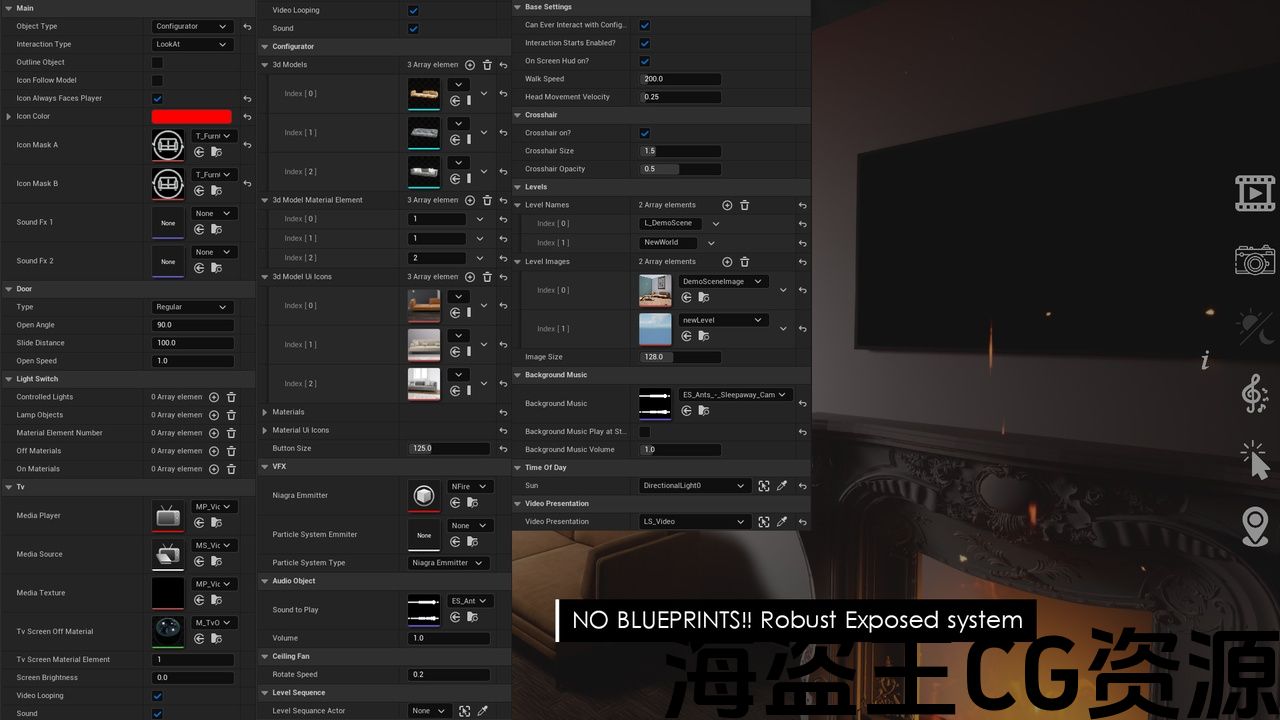
ArchViz Configurator will Help you bring your photorealistic Architectural Unreal engine 5 scene to life by creating an Interactive walkthrough and configurator Without the use of ANY CODE OR BLUEPRINT.
Including interactions such as
- Change Furniture from list (Not exclusive to furniture, you could even change walls and ceilings)
- Change Materials from list (Of anything in the scene)
- Switching lights on\off
- Open\close doors of any kind
- Switch Tv’s and media devices on and off
- Switch Affects such as fire and water on and off
- Pick up objects and move them
- Play music objects such as record players
- Switch Between Times of day and move the sun location
And MUCH more (See documentation or video Tutorial for a full list of features).
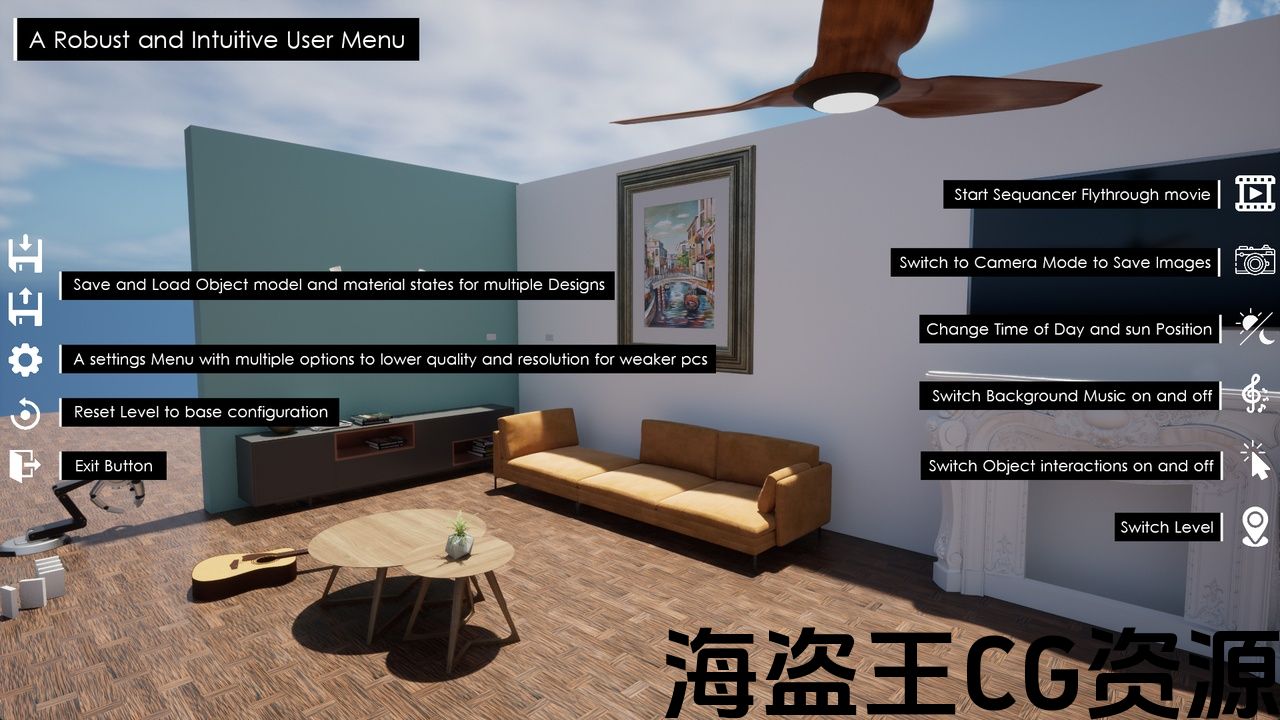
This Tool also includes a robust and intuitive User Menu that includes
- Save\Load system to save multiple configurations of a scene for multiple clients
- Switch between Levels ,if you have more then one Level in your project, by clicking on an image in the User menu
- Settings Menu to set up the graphics fidelity and resolution to work well on different systems
- Play a Level Sequence or Master Sequence from the user menu
Also Included is a robust and intuitive Camera Mode with Many Settings to take Great Images in any resolution (From HD to 8K) and save for any use.
ArchViz Configurator将通过创建交互式演练和配置器,帮助您将逼真的建筑虚幻引擎5场景变为现实 无需使用任何代码或蓝图。
包括交互,例如
- 从列表更改家具(不限于家具,你甚至可以改变墙壁和天花板)
- 从列表(场景中的任何内容)更改材质
- 开/关灯
- 打开或关闭任何类型的门
- 打开和关闭电视和媒体设备
- 开关影响,如火和水的开启和关闭
- 拿起物体并移动它们
- 播放唱片播放器等音乐对象
- 在一天中的时间之间切换并移动太阳位置
还有更多(有关功能的完整列表,请参阅文档或视频教程)。
该工具还包括一个强大而直观的用户菜单,其中包括
- 保存\加载系统为多个客户端保存一个场景的多个配置
- 通过单击用户菜单中的图像,如果项目中有多个级别,则可以在级别之间切换
- 设置菜单设置图形保真度和分辨率,以在不同的系统上运行良好
- 从用户菜单播放关卡序列或主序列
还包括一个强大和直观的相机模式与许多设置采取伟大的图像在任何分辨率(从HD到8k)和保存任何用途。
评论(0)