
Physically-Based Rendering: Yes
Collision: Yes (Custom)
Vertex Count: 96 tris to 34.250 tris
LODs: Yes
Billboards: Yes for All (Impostor)
Number of Unique Meshes: 50
Number of Materials and Material Instances: 7 Materials, 101 Material Instances, 39 Material Functions
Number of Textures: 219 Textures
Texture Resolutions: 217 – 4096×4096, 1 – 2048×2048, 1 – 128×512
Supported Development Platforms: Windows
Intended Platform: PC
Platforms Tested: PC
DefaultEngine.INI: Click here! (4.26 and +)
For Support: Discord Channel – https://discord.gg/4Jd8VCP2ym
基于物理的渲染:是
碰撞:是(自定义)
顶点数:96tris到34.250tris
Lod:是的
广告牌:是为所有(冒名顶替者)
唯一网格数:50
材质和材质实例数:7个材质,101个材质实例,39个材质函数
纹理数量:219纹理
纹理分辨率:217-4096×4096,1-2048×2048,1-128×512
支持的开发平台:Windows
预期平台:PC
测试平台:PC
DefaultEngine。INI拢潞: 点击这里! (4.26及+)
支持:不和谐频道 – https://discord.gg/4Jd8VCP2ym
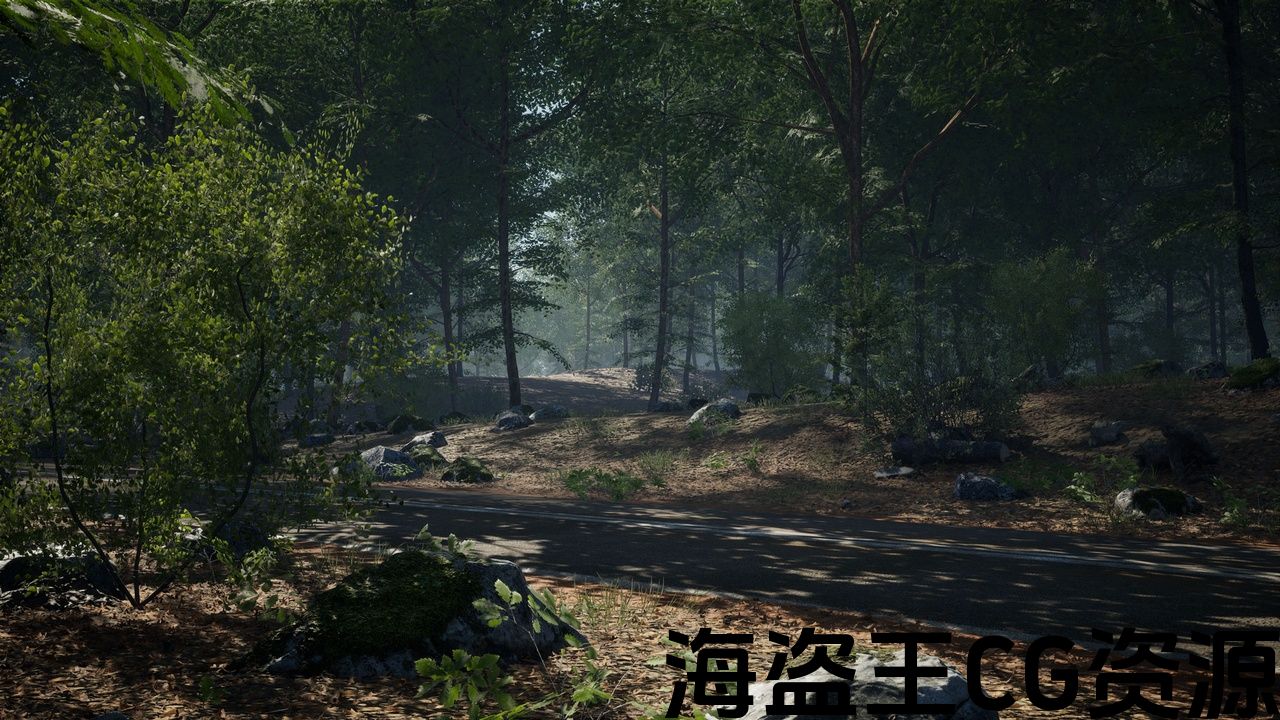
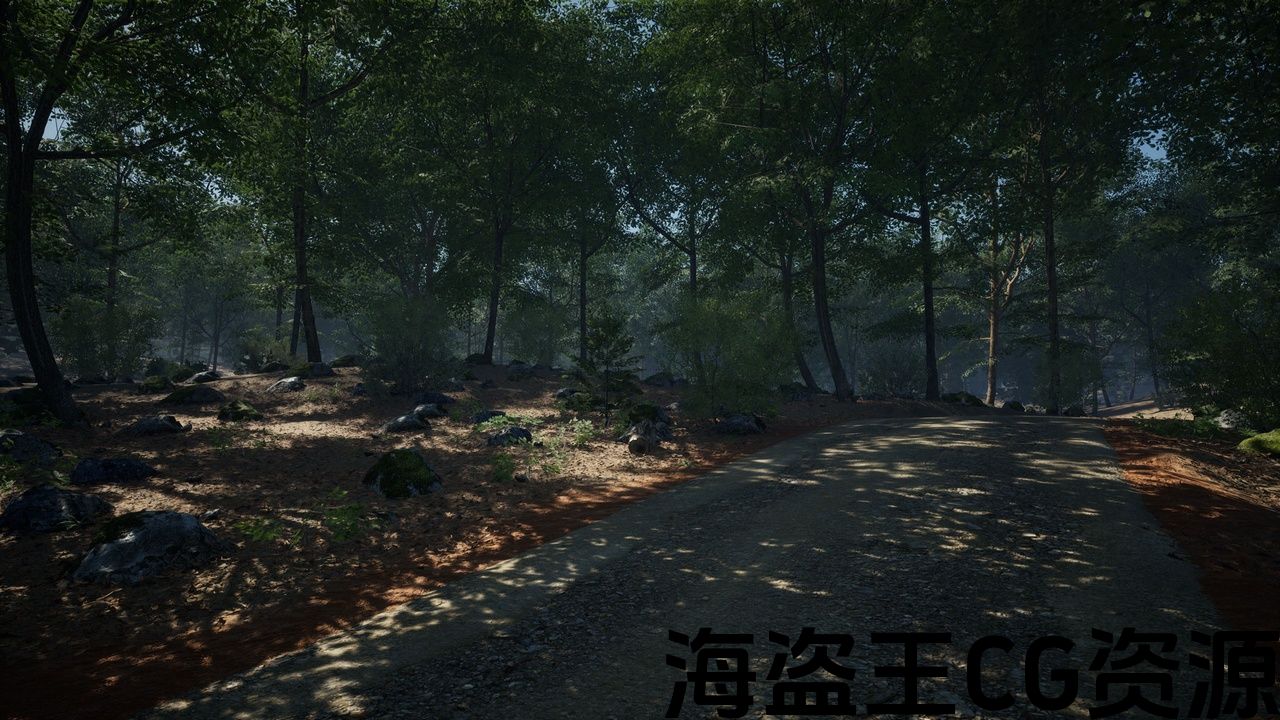
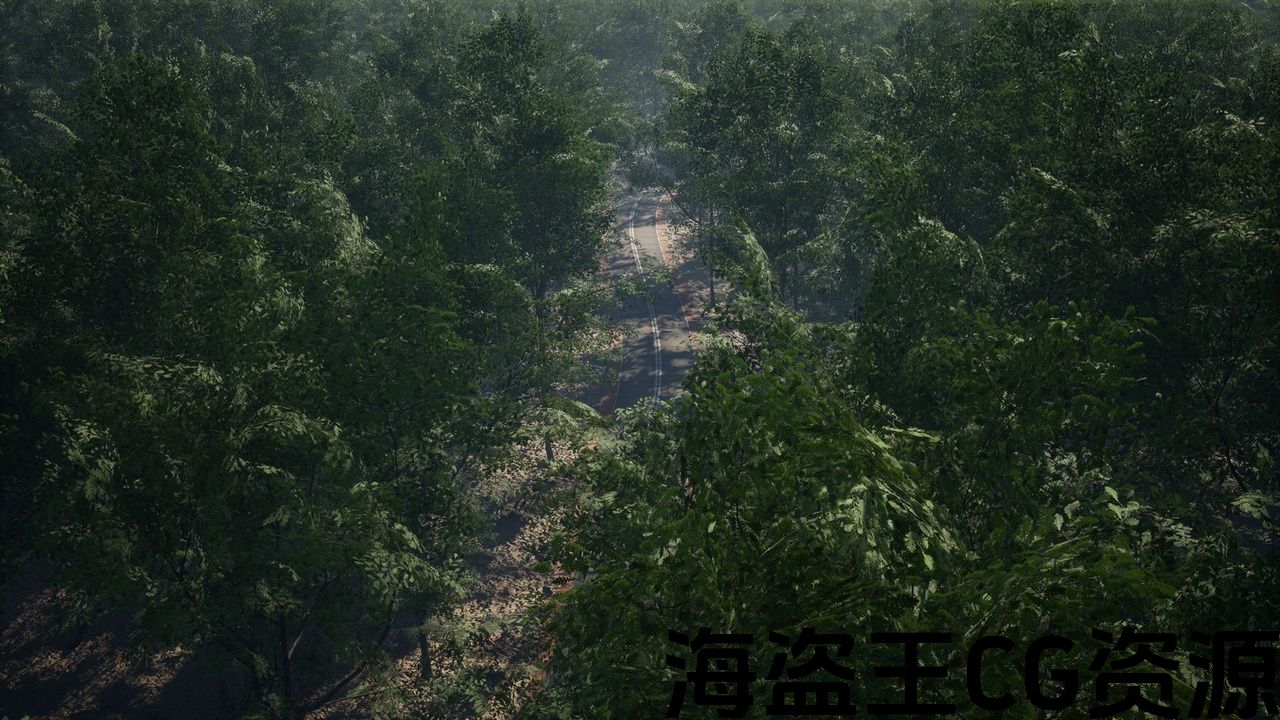
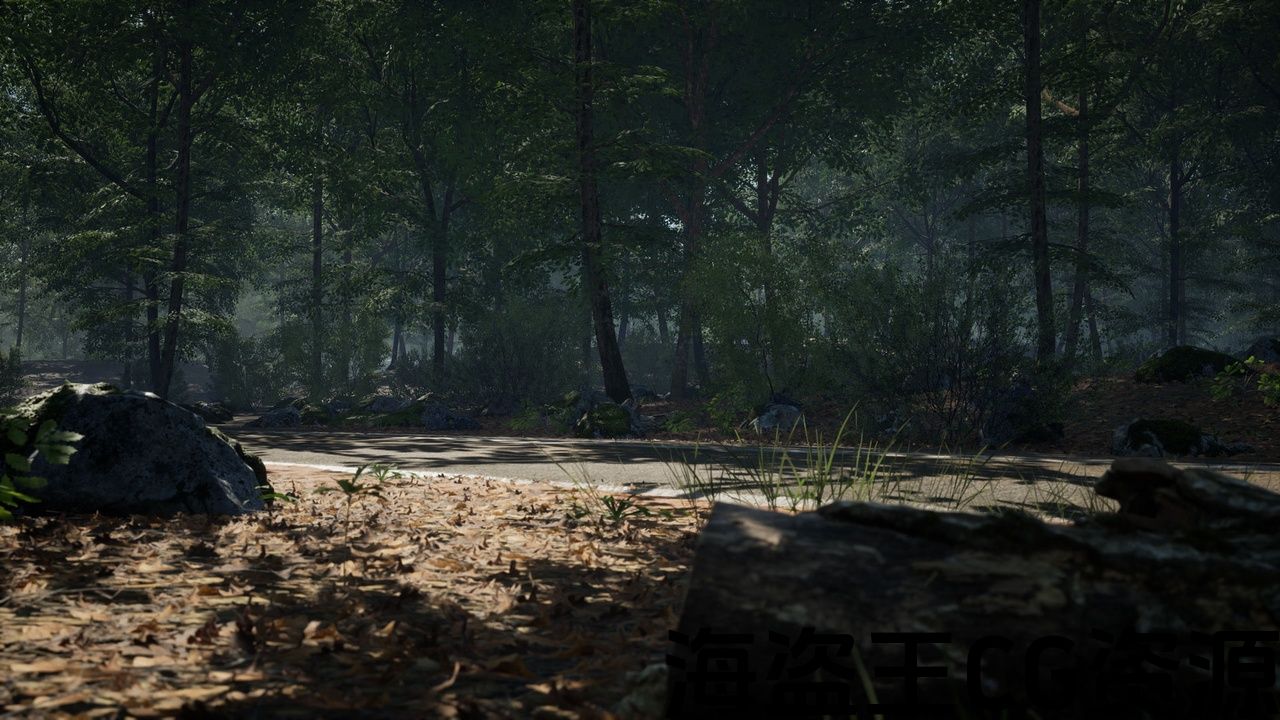
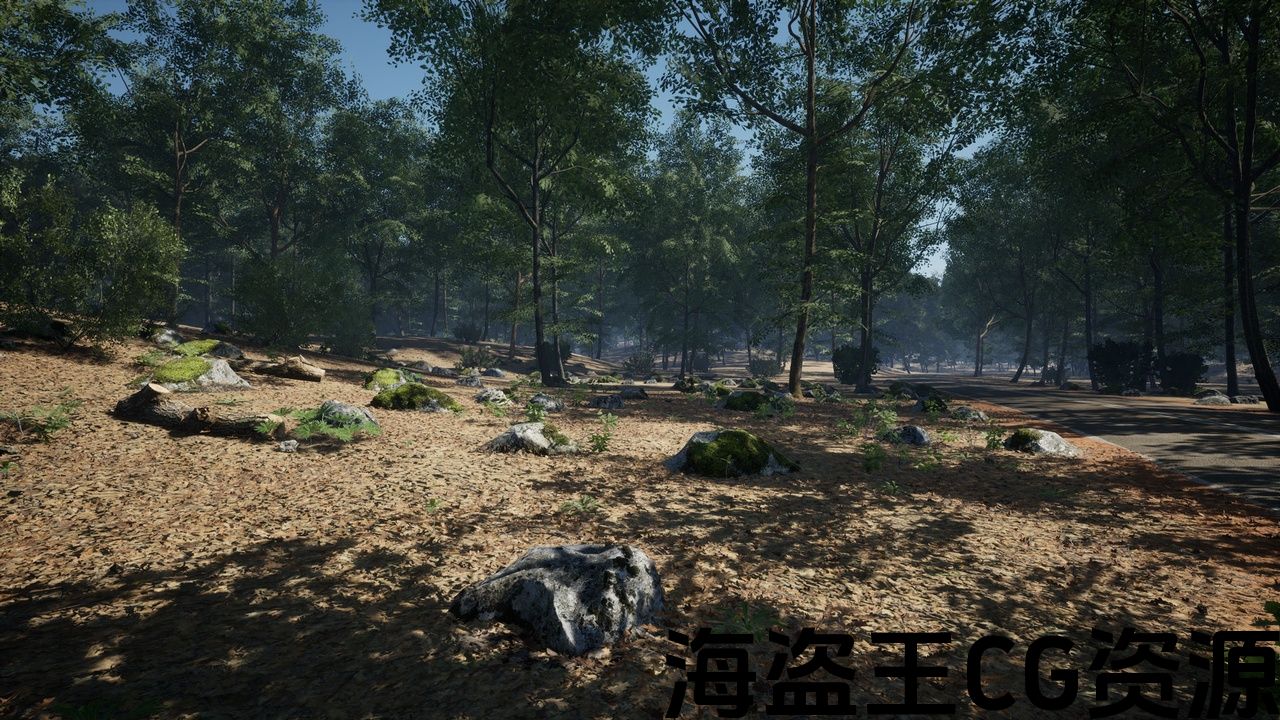
– HIGH QUALITY SCANNED MESHES –
This package made with photogrammetry and photometric foliage technics.
– OPTIMIZED –
All meshes have minimum 3 LODs and billboards (impostor)
High density forest comes with good optimization.
– SOFT BLENDING –
All 3d scanned meshes have soft-blending material setup with landscape and other 3d meshes.
Trailer: https://youtu.be/ADYR6Gntd-w
How to Create Your Oak Forest under 15 minutes!: https://youtu.be/VgV2Dj6MRuw
Tested on RTX 3080 2K Resolution:
- In Editor: Ultra Settings – 90 – 100FPS
- Standalone: Ultra Settings – 100 – 120FPS
Tested on RTX 3080 Full-HD Resolution:
- In Editor: Ultra Settings – 150FPS
- Standalone: Ultra Settings – 150 – 180FPS
Follow us on:
Features [v1.1]:
– AAA Quality Forest
– Procedural Foliage Generation
– Photogrammetry models and textures
– Automatic Slope Blending
– Blueprint Wind System
– 4×4 Example Map
– Showcase Map
– LODs + Billboards/Impostor
– Pixel-Depth-Offset Shadow Function
– Soft-Blending Setup for Landscape
ASSET LIST [v1.1]:
Oak Trees: 6
Oak Sapling: 2
Oak Seedling: 3
Oak Wood Stick: 1
Log: 4
Grass: 1
Common Plantago: 3
Downy Oak: 1
Green Hellebore: 2
Male Fern: 2
Groundcovers (leaf and twigs): 2
Bushes: 3
Road Meshes: 3
Medium Rocks: 9
Small Rocks: 8
IMPORTANT NOTES:
Don't forget to enable procedural foliage in the editor preferences.
- Edit > Editor Preferences > Search: Procedural – Check "Procedural Foliage".
Don't forget to enable Distance Field Shadows in the project settings.
- Edit > Project Settings > Search: distance fields > Check "Generate Mesh Distance Fields" > Restart your project and done.
-高质量扫描网格 –
这个包与摄影测量和光度叶技术。
-优化 –
所有网格至少有3个Lod和广告牌(冒名顶替者)
高密度森林具有良好的优化。
-软混合 –
所有3d扫描网格体都具有与地形和其他3d网格体的软混合材质设置。
拖车/拖车: https://youtu.be/ADYR6Gntd-w
如何在15分钟内创建您的橡树林!: https://youtu.be/VgV2Dj6MRuw
经过RTX3080 2k分辨率测试:
- 在编辑器中: 超设置-90-100FPS
- 独立的: 超设置-100-120FPS
经过RTX3080全高清分辨率测试:
- 在编辑器中: 超设置-150FPS
- 独立的: 超设置-150-180FPS
跟随我们:
功能[v1.1]:
-AAA级优质森林
-程序化叶子生成
-摄影测量模型和纹理
-自动斜坡混合
-蓝图风系统
-4×4示例地图
-展览图
-Lod+广告牌/冒名顶替者
-像素深度偏移阴影函数
-景观软混合设置
资产清单[v1.1]:
橡树:6
橡树苗:2
橡树苗:3
橡木木棒:1
日志:4
草:1
普通车前草:3
唐尼橡木:1
绿海葵:2
雄性蕨类植物:2
地面复盖物(叶子和树枝):2
灌木:3
道路网格:3
中等岩石:9
小岩石:8
重要事项:
不要忘记在编辑器首选项中启用程序化植物。
- 编辑>编辑器首选项>搜索:程序-检查”程序叶子”。
不要忘记在项目设置中启用距离场阴影。
- 编辑>项目设置>搜索:距离字段>选中”生成网格距离字段”>重新启动项目并完成。
评论(0)