
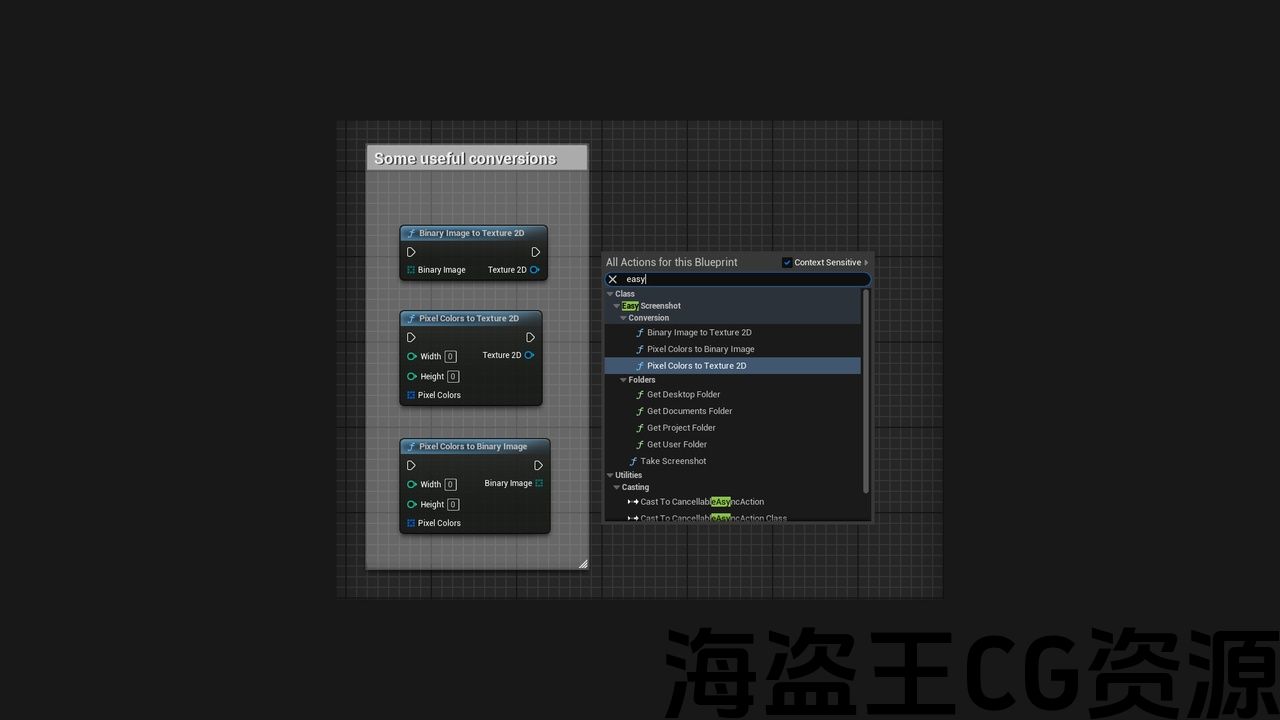
Features:
-
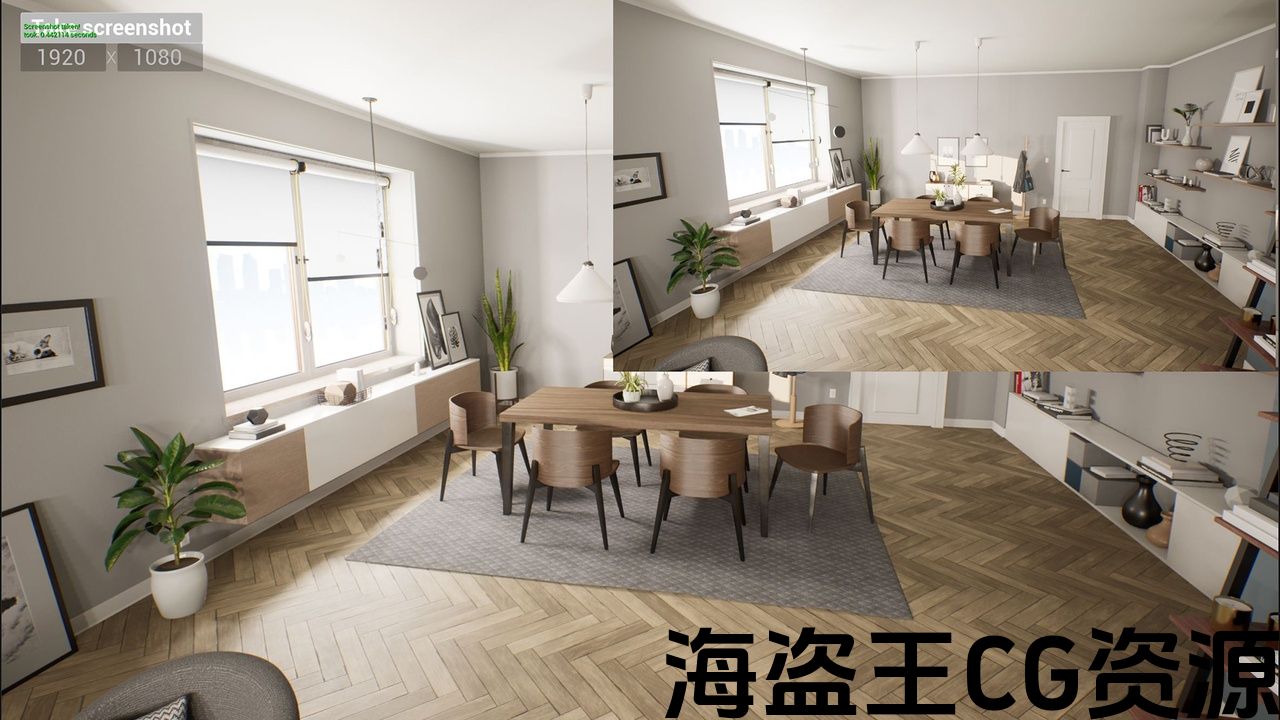
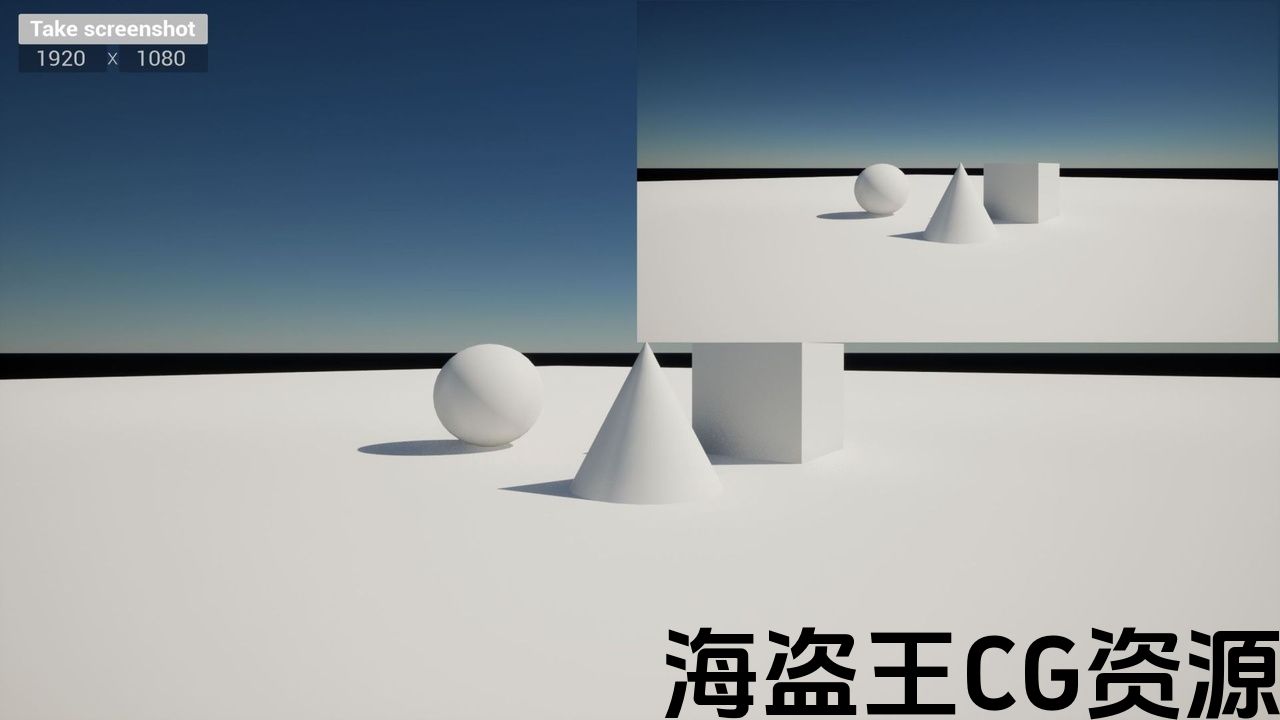
capturing screenshots at runtime
-
custom capture resolution
-
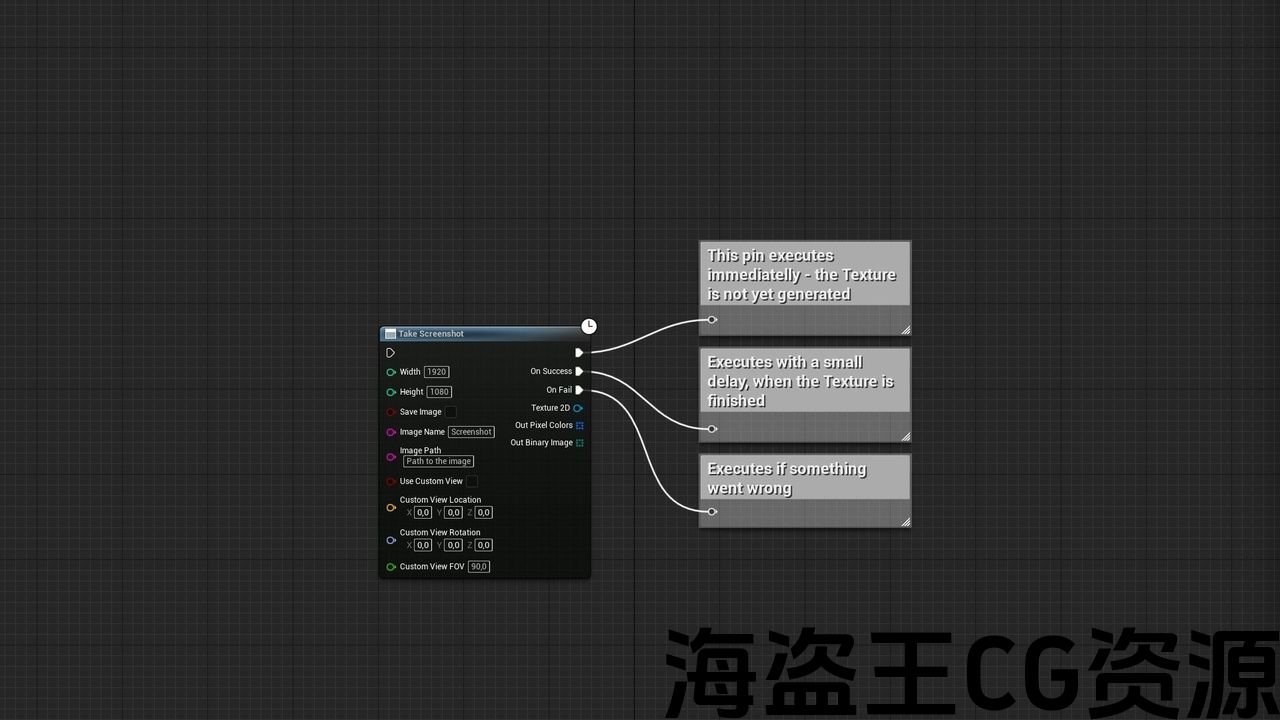
outputs: texture, pixel colors and binary array
-
option to save the image to disk as PNG
-
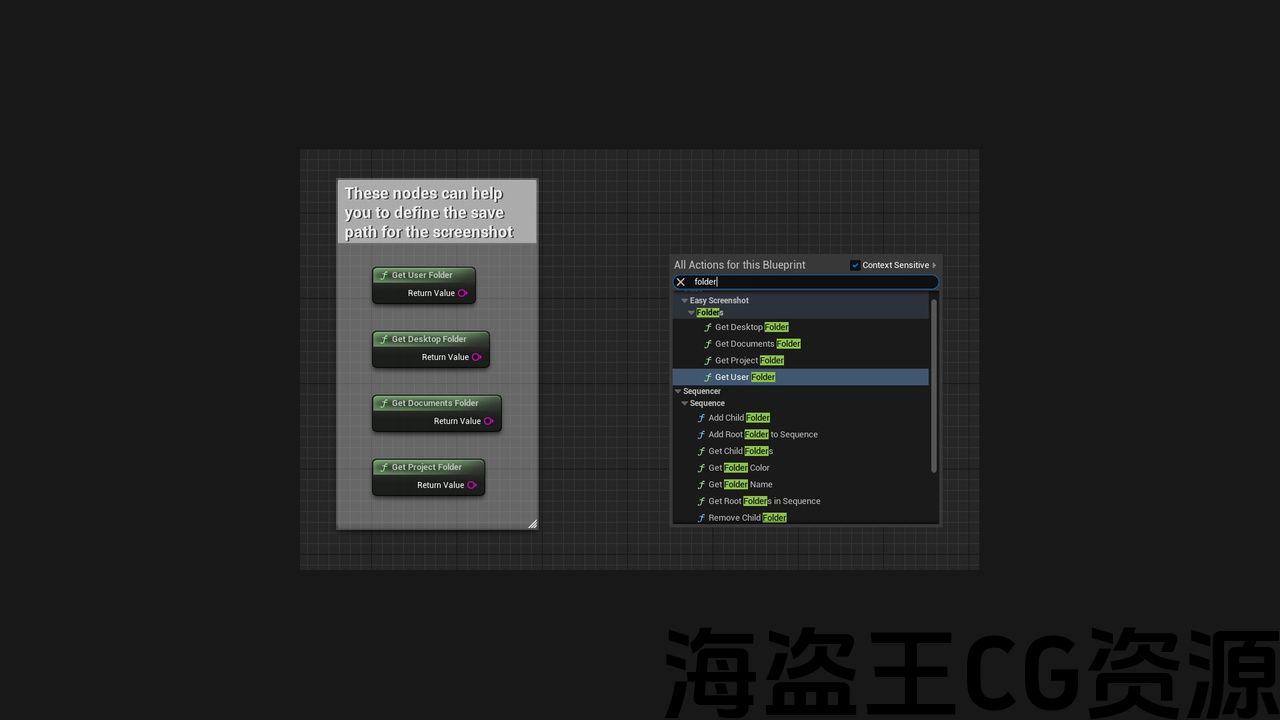
helper nodes to get system folder paths
-
asynchronous
-
can be called from anywhere
Code Modules:
-
EasyScreenshotPlugin – Runtime
Number of Blueprints: 1 (example widget blueprint)
Number of C++ Classes: 1
Network Replicated: No
Supported Development Platforms: Win64
Supported Target Build Platforms: Win64
特征:
-
在运行时捕获屏幕截图
-
自定义捕获分辨率
-
输出:纹理、像素颜色和二进制数组
-
将图像保存为PNG的选项
-
获取系统文件夹路径的辅助节点
-
异步
-
可以从任何地方调用
代码模块:
-
EasyScreenshotPlugin-运行时
蓝图数量:1(控件蓝图示例)
C++类数:1
网络复制:没有
支持的开发平台:Win64
支持的目标构建平台:Win64
Easily take screenshots at runtime.
Update#5 (5.0 and higher):
-
UI can be captured at any resolution
-
Texture generation is now optional to save memory resources in case you want only to save to HDD
-
code optimization
Update#4 (5.0 and higher):
-
3 new nodes for conversion between pixel colors, binary, and texture
-
fixed issue with game pause
-
fixed issue with on-screen messages not showing
Update#3 (5.0 and higher):
-
option to include UI in the screenshot
Update#2 (5.0 and higher):
-
4 new nodes to help with save image path
Update#1 (5.0 and higher):
-
take screenshots from a specified location
You can:
-
set custom resolution
-
set custom camera
-
save screenshot with UI
-
use the output texture immediately in your project.
-
save the image as PNG
-
use the binary format for ex. HTTP requests
在运行时轻松截取屏幕截图。
更新#5(5.0及更高版本):
-
UI可以在任何分辨率下捕获
-
纹理生成现在是可选的,以节省内存资源,以防您只想保存到硬盘
-
代码优化
更新#4(5.0及更高版本):
-
3个新节点,用于像素颜色、二进制和纹理之间的转换
-
修复了游戏暂停的问题
-
修正萤幕讯息未显示的问题
更新#3(5.0及更高版本):
-
在屏幕截图中包含UI的选项
更新#2(5.0及更高版本):
-
4个新节点,以帮助保存图像路径
更新#1(5.0及以上):
-
从指定位置截取屏幕截图
你可以:
-
设置自定义分辨率
-
设置自定义相机
-
使用UI保存屏幕截图
-
在项目中立即使用输出纹理。
-
将图像保存为PNG
-
使用ex的二进制格式。 HTTP请求
评论(0)