
System that makes blueprint communication faster to implement, unified and flexible.
使蓝图通信实现更快、统一、灵活的系统.
Blueprints: 36
Enums: 2
Macro libraries: 2
Function libraries: 1
Structures: 1
Textures: 5
UMG: 1
List of features:
• 5 components being core of Easy Interactions
• 13 example blueprints to show different aspects of Easy Interactions
• Sending and receiving various types of signals via wide range of functions
• Easy way to add new signal types
• Automatic traceing for interactive actors
• Automatic detection of player aiming at interactive actor
• Built in enabling/disabling direct interactions of interactive actor
• Automated handling of displaying messages on player’s hud
• 2D and 3D hud examples
• Only one ticking component, rest communicates via events
• Well commented, not cluttered graphs
Documentation Wiki: https://bitbucket.org/Xkonti/uem_easyinteractions/wiki/Home
Intended Platform: Every Platform
Tested Platform: Windows
蓝图:36
枚举:2
宏库:2
函数库:1
结构:1
纹理:5
UMG:1
功能一览表:
*5个组件是易于交互的核心
•13个示例蓝图,显示简单交互的不同方面
•通过广泛的功能发送和接收各种类型的信号
*简单的方法来添加新的信号类型
*交互式actor的自动跟踪
•自动检测玩家瞄准互动演员
*内置启用/禁用交互式actor的直接交互
*自动处理在播放器的hud上显示消息
•2D和3d hud示例
•只有一个滴答组件,rest通过事件进行通信
*很好的评论,而不是杂乱的图表
文档维基: https://bitbucket.org/Xkonti/uem_easyinteractions/wiki/Home
目标平台:每个平台
测试平台:Windows
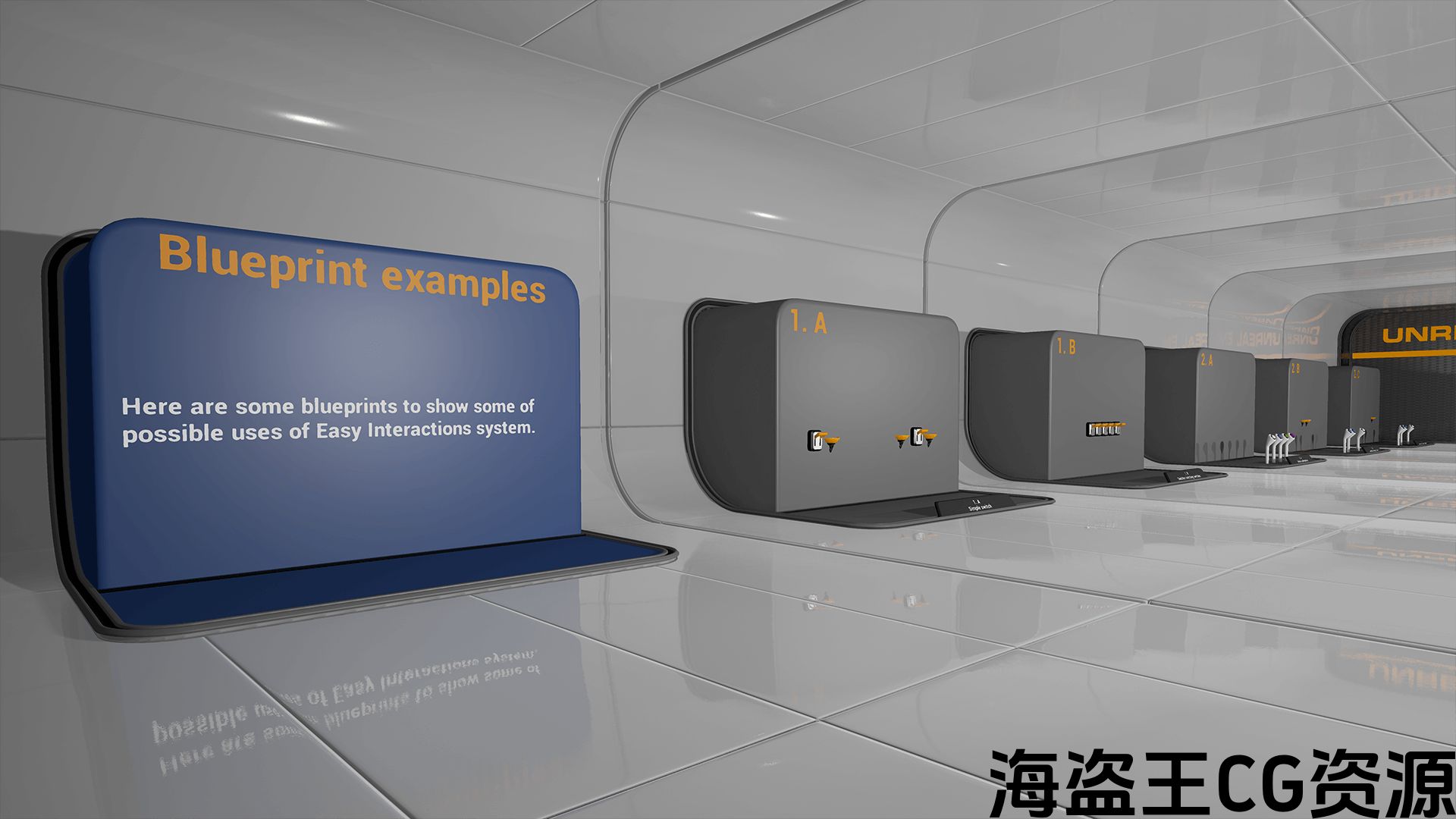
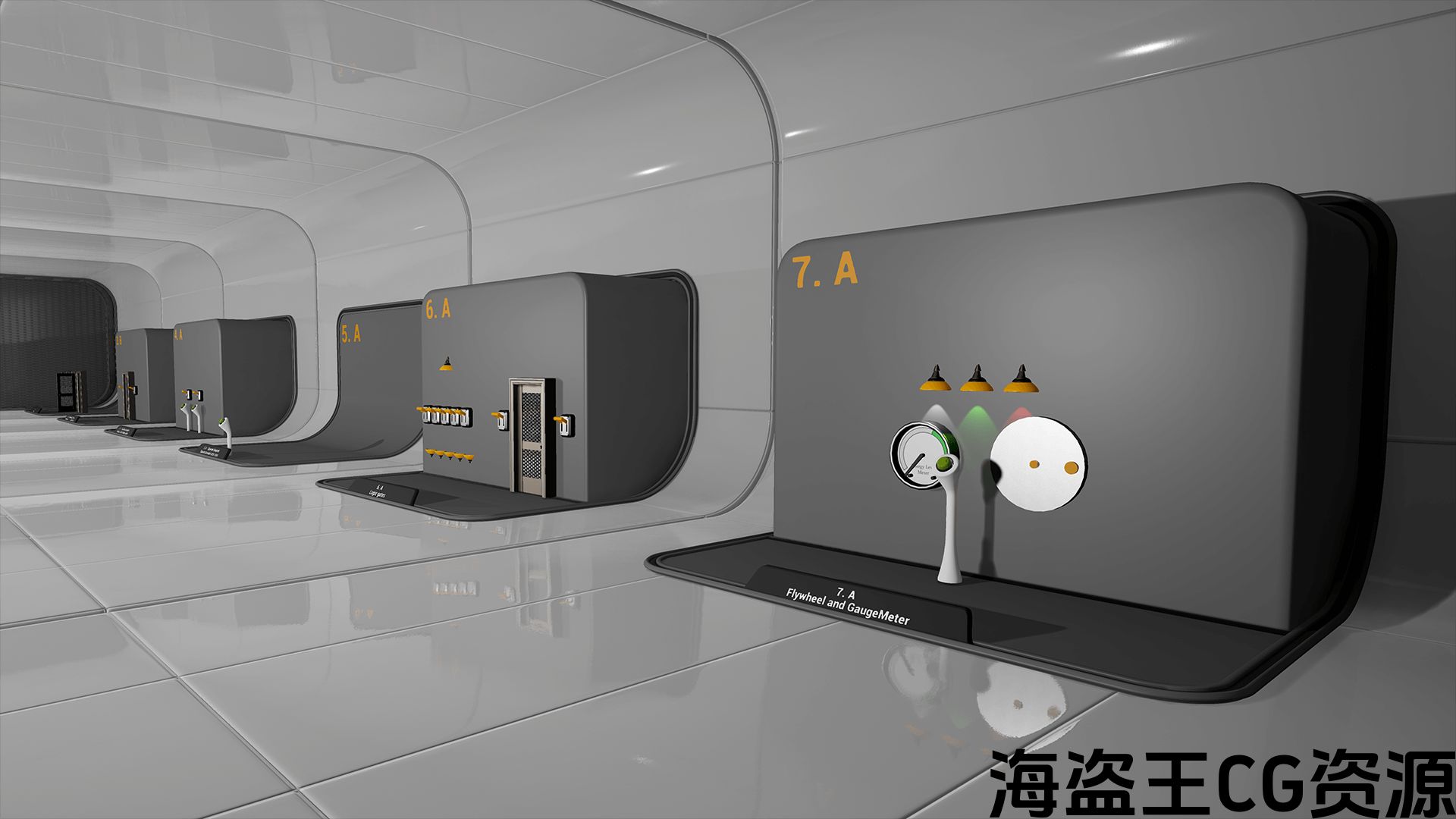
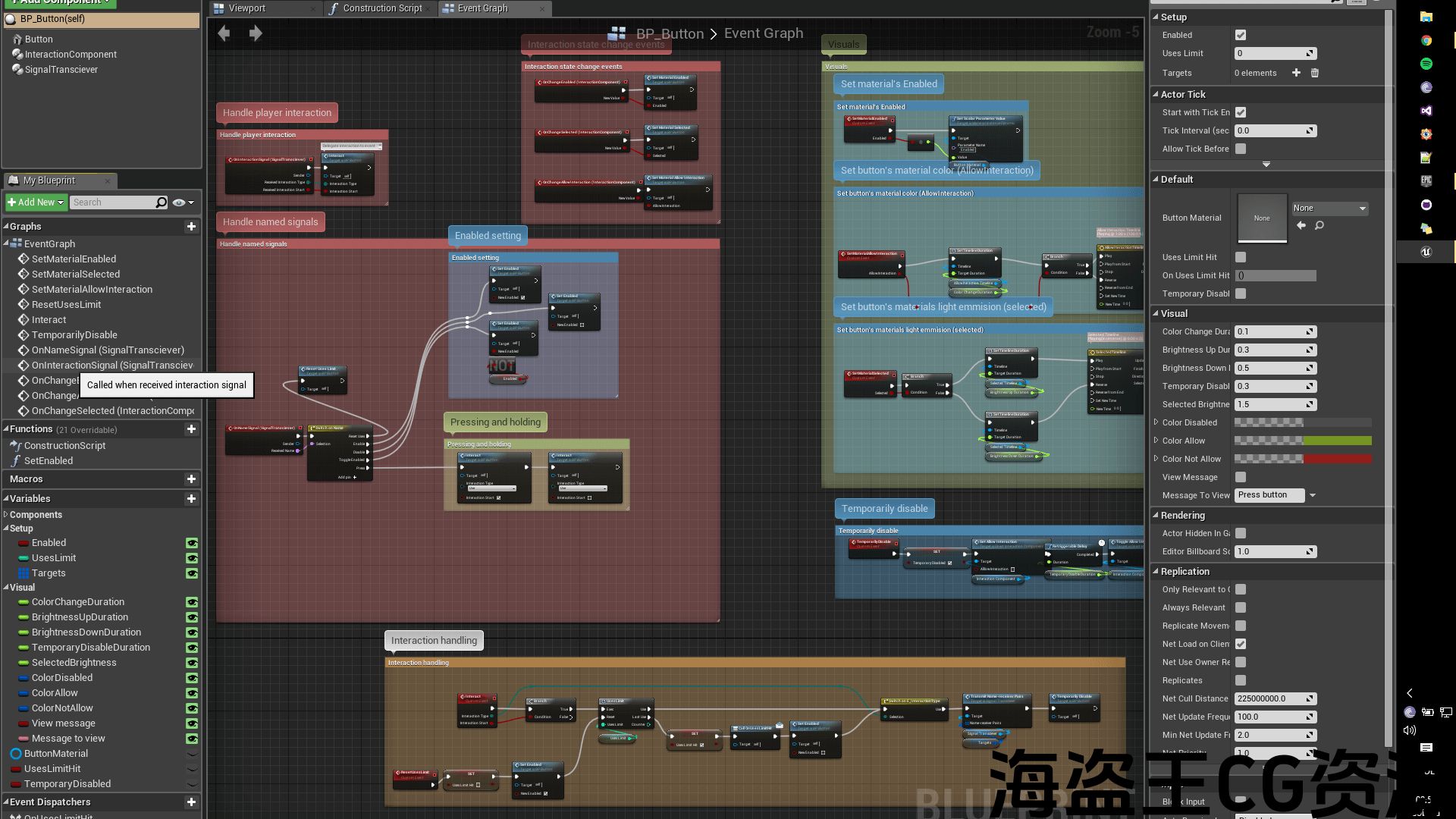
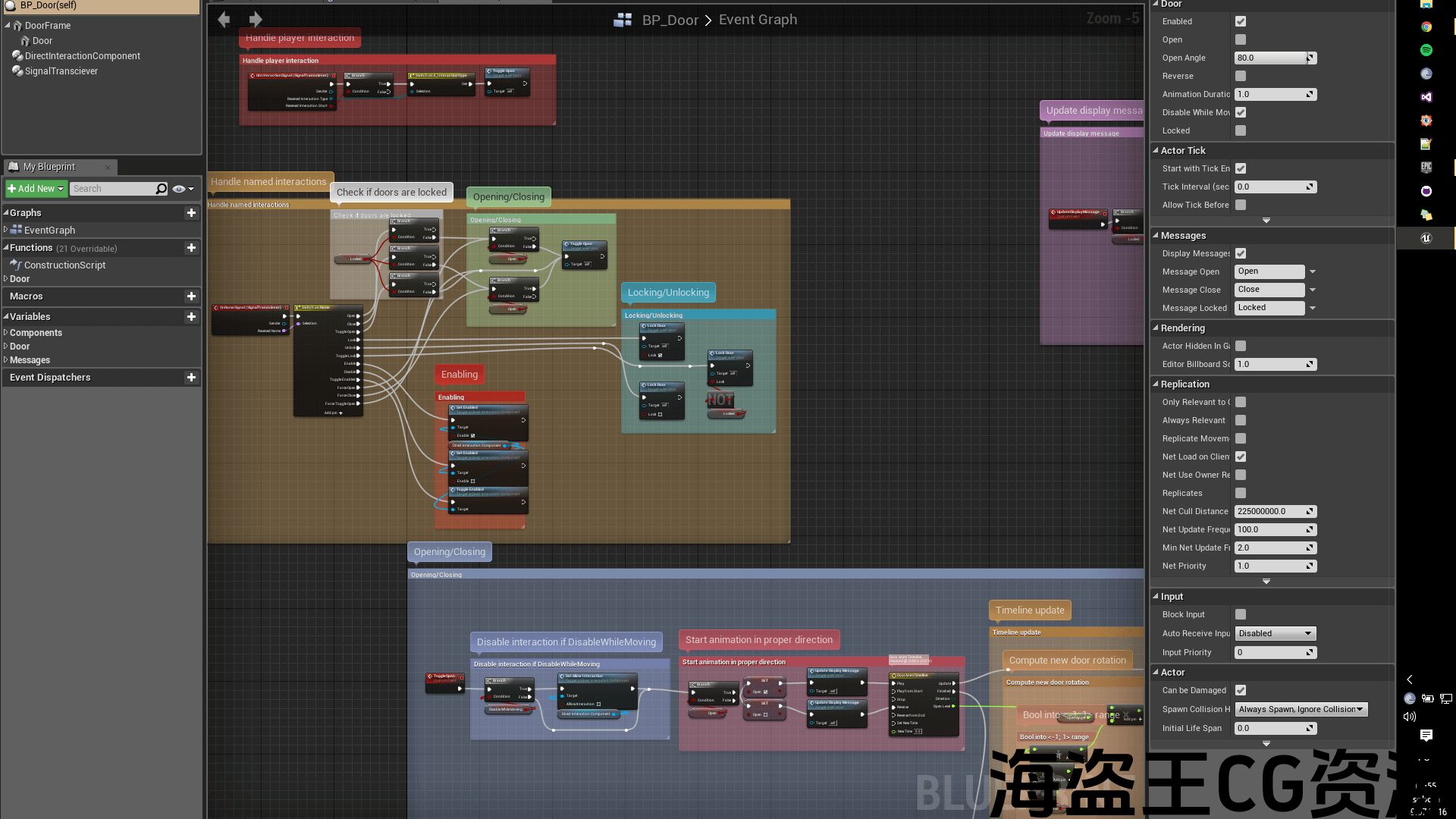
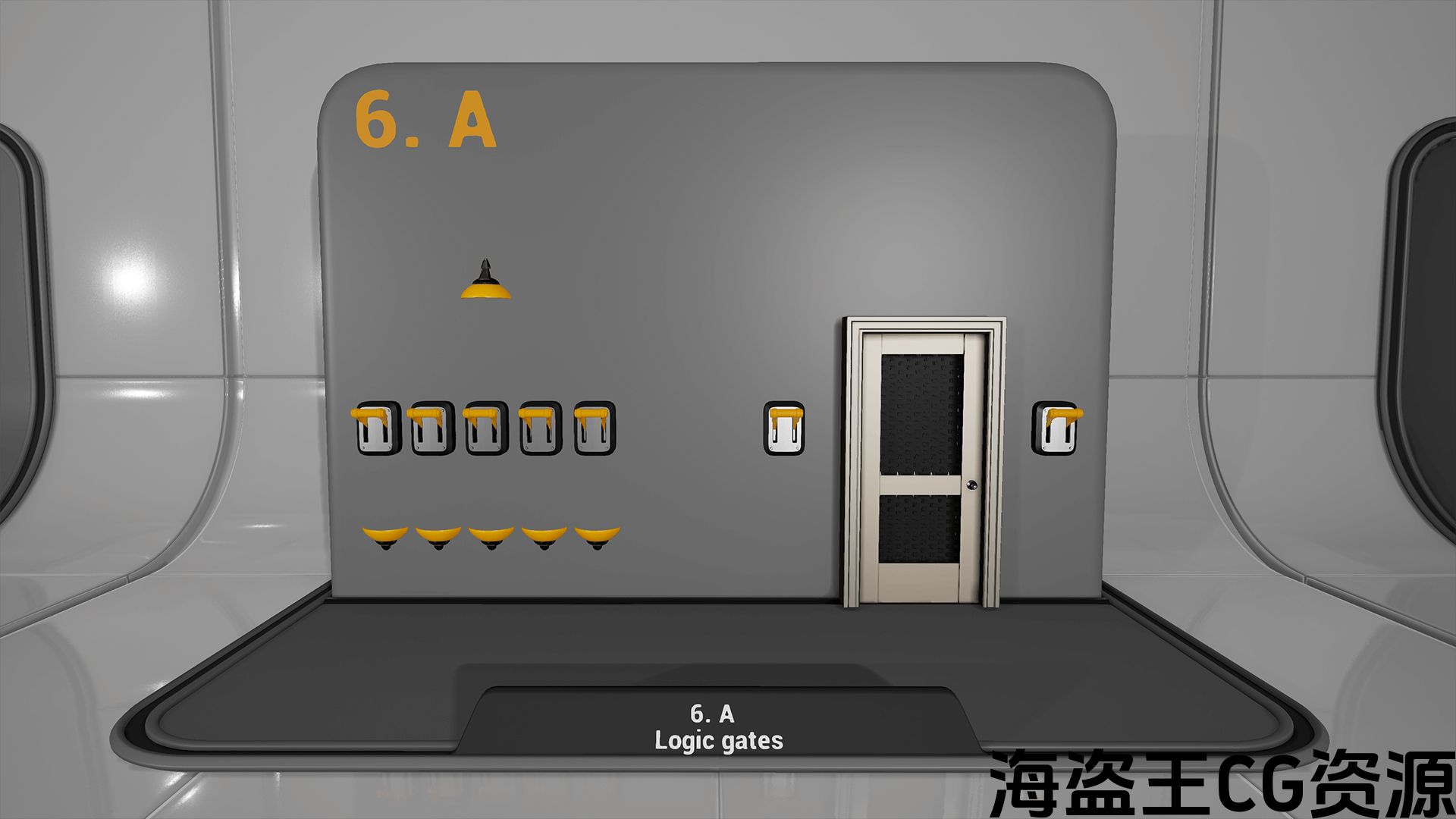
Easy Interactions Overview: youtube.com/watch?v=slTf2WUFnys
Project Migration and Getting Started: youtube.com/watch?v=uhBjpqyTT7g
Easy Interactions system makes blueprint communication faster and easier to implement, more unified and very flexible. It can be useful in small as well as in big and complex projects where changes are expensive. Using couple of components you can easily make objects that player can interact with and objects that can interact between each other. All that without interfaces.
The core element of Easy Interactions are Signals. They are chunks of information that can be sent and received by Signal Transceiver component. There are various prebuild signal types, each containing different data – Void, Bool, Integer, Float, Name, Interaction, Vector, Transform etc. You can also create your own signal type easily.
Signal Transceiver component makes sending and receiving signals between various blueprints a breeze. No more messing around with interfaces. Just add Signal Transceiver component and you’re ready to go.
In addition you have Direct Interaction Component that makes player able to interact with your blueprints. Trace Interactor component is core of player blueprint releasing you from tracing for interactive actors.
All components and examples are very customizable, well commented and fully described.
轻松交互概述: youtube.com/watch?v=slTf2WUFnys
项目迁移和入门: youtube.com/watch?v=uhBjpqyTT7g
简单的交互系统使蓝图通信更快更容易实现,更统一和非常灵活。 它可以在小型和大型和复杂的项目中有用,因为这些项目的变化是昂贵的。 使用几个组件,您可以轻松地制作玩家可以交互的对象和可以相互交互的对象。 所有这些都没有接口。
易交互的核心要素是信号。 它们是可以由信号收发器组件发送和接收的信息块。 有各种预构建信号类型,每种都包含不同的数据-Void,Bool,Integer,Float,Name,Interaction,Vector,Transform等。 您也可以轻松创建自己的信号类型。
信号收发组件使得在各种蓝图之间发送和接收信号变得轻而易举。 不要再乱用接口了。 只需添加信号收发器组件,即可开始使用。
此外,您还拥有直接交互组件,使player能够与蓝图进行交互。 Trace Interactor组件是player blueprint的核心,让您不再追踪交互式actor。
所有组件和示例都是非常可定制的,很好的注释和充分的描述。
评论(0)